If only there were a way to make this external hard drive go a bit faster
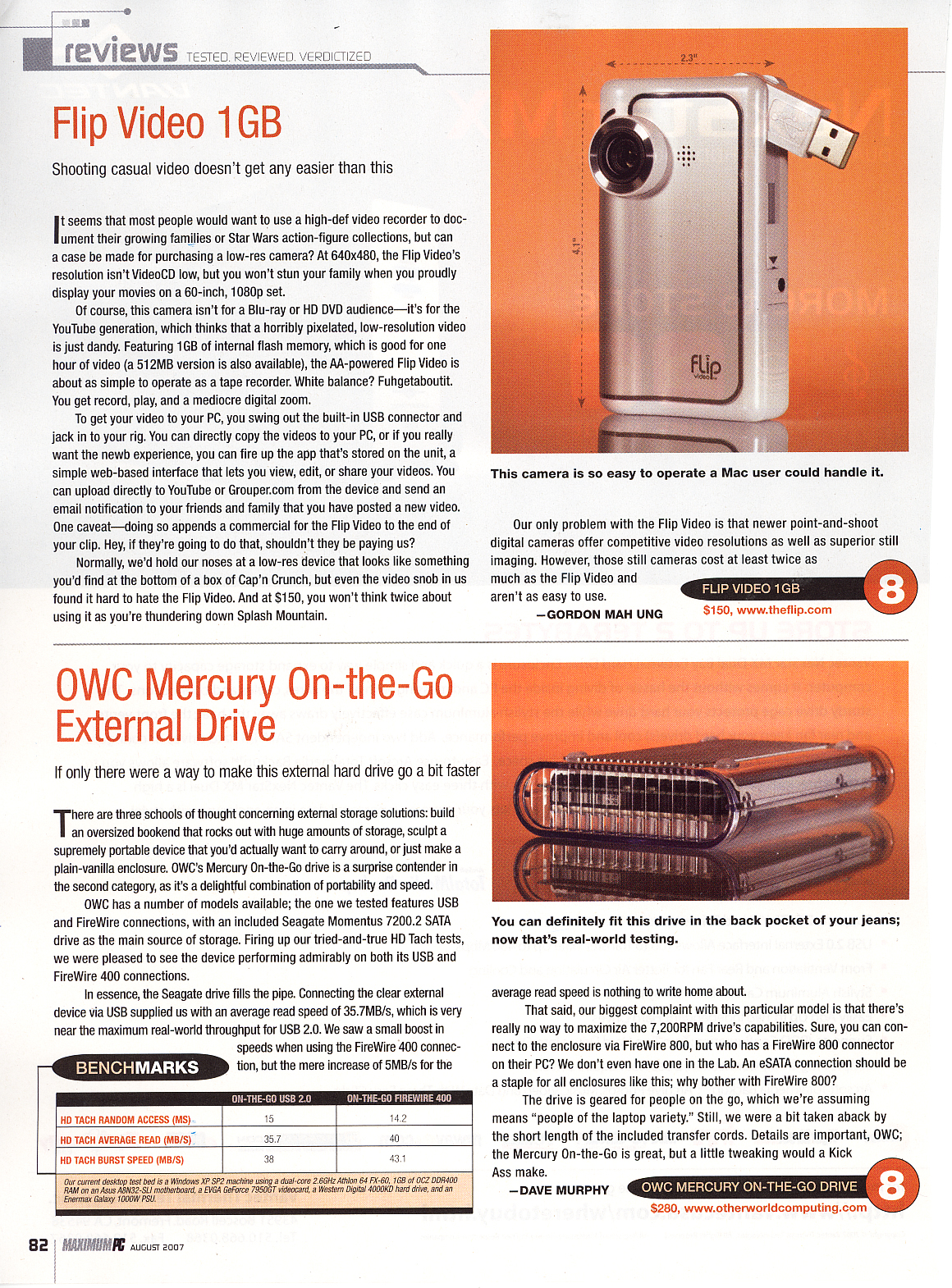
There are three schools of thought concerning external storage solutions: build an oversized bookend that rocks out with the amount of storage; sculpt a supremely portable device that you’d actually want to carry around; or just make a plain-vanilla enclosure. OWC’s Mercury On-The Go drive is a surprise contender in the second category, as it’s a delightful combination of portability and speed.
OWC has a number of models available; the one we tested features USB and FireWire connections, with an included Seagate Momentus 7200.2 SATA drive as the main source of storage. Firing up our tried-and-true HD Tach tests, we were pleased to see the device performing admirably on both its USB and FireWire 400 connections. In essence, the Seagate drive fills the pipe. Connecting the clear external device via USB supplied us with an average read speed of 35.7MB/s, which is very near the maximum real-world throughput for USB 2.0. We saw a small boost in speeds when using the FireWire 400 connection, but the mere increase of 5MB/s for the average read speed is nothing to write home about.
That said, our biggest complaint with this particular model is that there’s really no way to maximize the 7200 RPM drive’s capabilities. Sure, you can connect to the enclosure via FireWire 800, but who has a FireWire 800 connector on their PC? We don’t even have one in the Lab. And an eSATA connection should be a staple for all enclosure like this; why bother with FireWire 800?
The drive is geared for people on the go, which we’re assuming means “people of the laptop variety.” Still, we were a bit taken aback by the short length of the included transfer cords. Details are important, OWC -- the Mercury On-The Go is great, but a little tweaking would a Kick Ass Make.
You can definitely fit this drive in the back pocket of your jeans …
|