Experience local shipping options and optimized product inventory for your region.
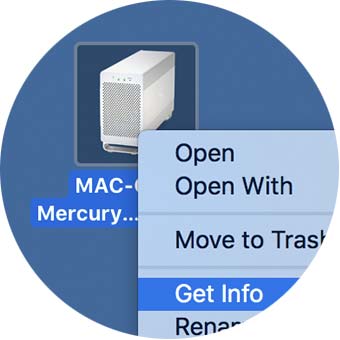
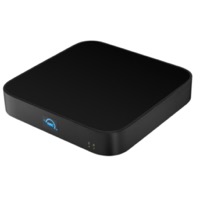
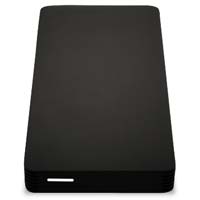
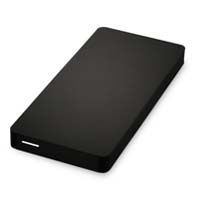
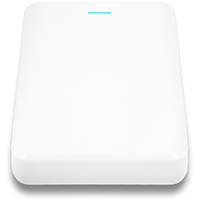
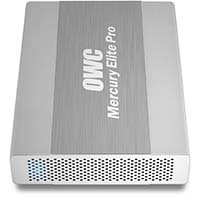
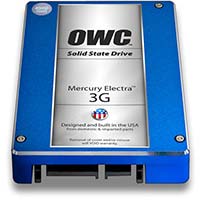
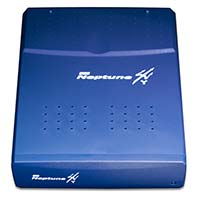
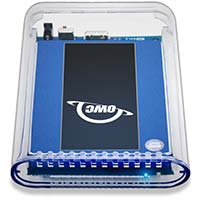
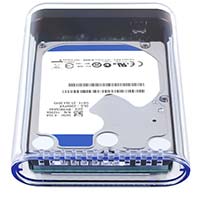
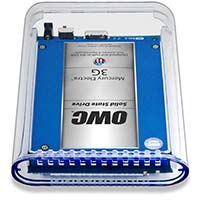
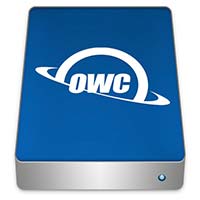
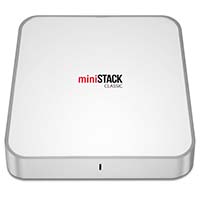
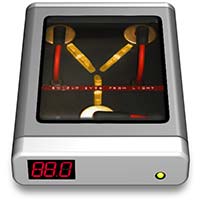
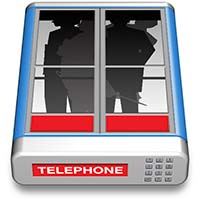
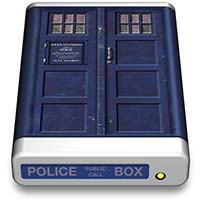
Click on the icon you want to use and type "Command-i," or right-click the icon and select "Get Info" from the menu.

In the info window that opens, click on the icon in the top left corner and the icon will highlight. Type "Command-c" to copy the icon.
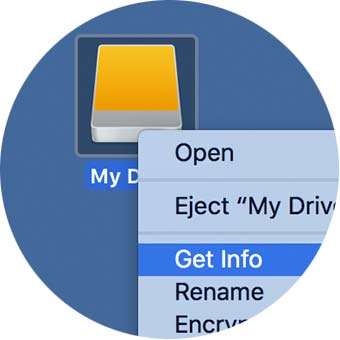
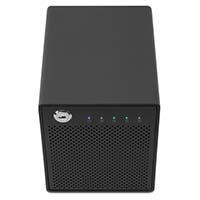
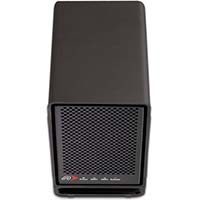
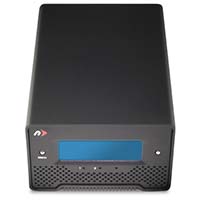
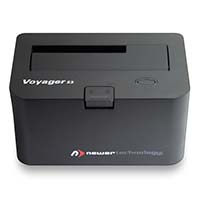
Click on the drive that you want to change the icon.
Type "Command-i," or right-click and select "Get Info" from the menu.

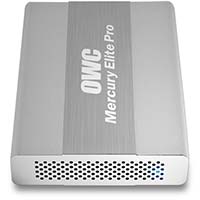
In the info window that opens, click on the icon in the top left corner and the icon will highlight. Type "Command-v" to paste the icon.

And you're all set. If the icon will not change on the desktop but changed in the info window, simply eject / reconnect the drive, or restart your Mac to fix that glitch.



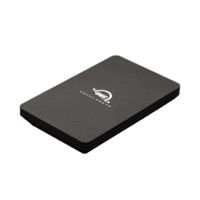


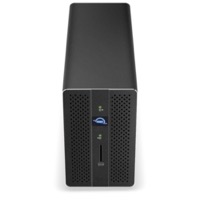
@2x.jpg)
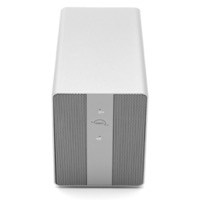
@2x.jpg)