Free shipping available on orders $99 & up!
  • Business Icon For Business & More icon arrow
    • Creative, Production & PostCreative, Production & Post
    • Corporate & EnterpriseCorporate & Enterprise
    • Higher EducationHigher Education
    • State, Local & K-12 EducationState, Local & K-12 Education
    • House of WorshipHouse of Worship
    • Systems IntegratorSystems Integrator
    • HealthcareHealthcare
    • Federal, State & Local GovernmentFederal, State & Local Government
    • Join Today!

      Already registered? Sign In

  • Region: US/Intl icon arrow
    • Select your preferredcountry / region:

    • USA RegionUSA + International
    • Canada RegionOWC Canada

    • Experience local shipping options and optimized product inventory for your region.

  • Phone Icon1-800-275-4576
  • Intl: 1-815-338-8685
MacSales.com Powered By OWC
  • Blog
  • Support
  • Account
    • Hello, Sign In
    • My Account
    • Order Status
    • Write A Review
    • Warranty & Returns
  • Cart
MacSales.com Powered By OWC
  • Support
  • Chat Contact
  • Account
    • Hello, Sign In
    • My Account
    • Order Status
    • Write A Review
    • Warranty & Returns
  • Cart
  • Specials & Featured
  • Rocket Yard Blog
  • Chat
  • Support
      • Shop All
        • Internal Drives
        • External Drives
        • Apple & Macs
        • Docks & Connectivity
        • Cards & Readers
        • Batteries
        • Software & Apps
        • Cables & Adapters
        • Memory
        • PCIe Expansion
        • Specials & Featured
        Home » Service Parts & Repair » Apple MacBook Pro

        We're sorry, but this item is no longer for sale. However, there may be more Service Parts & Repair » Apple MacBook Pro items available.

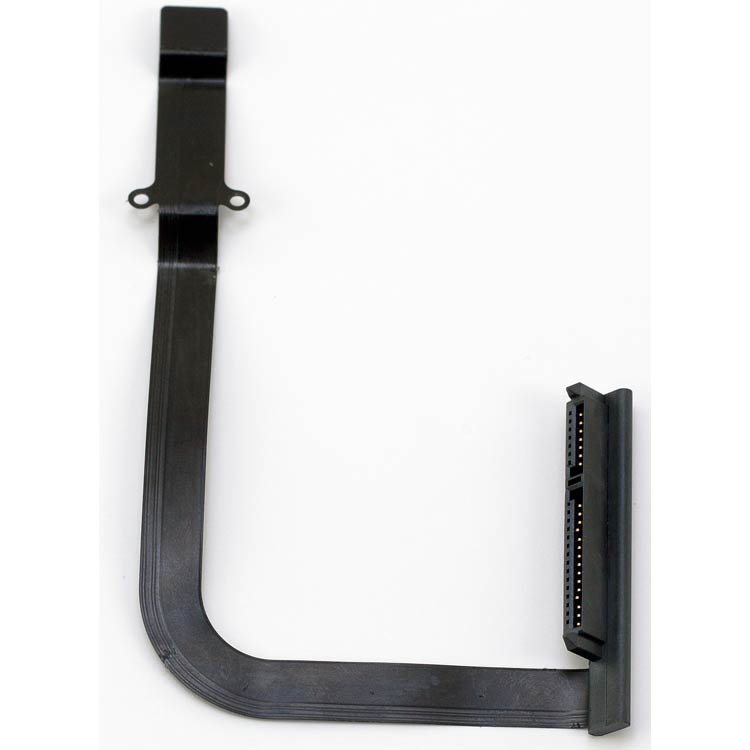
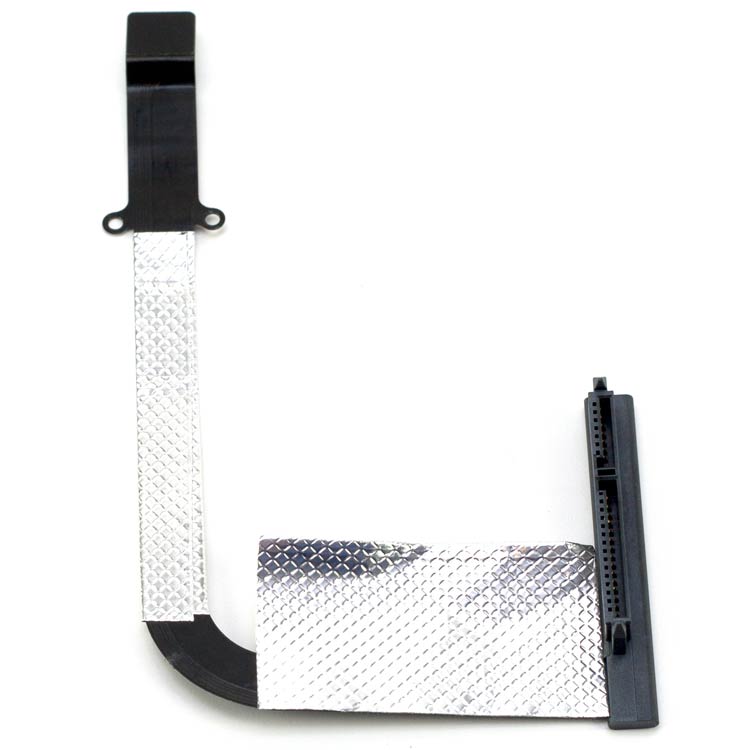
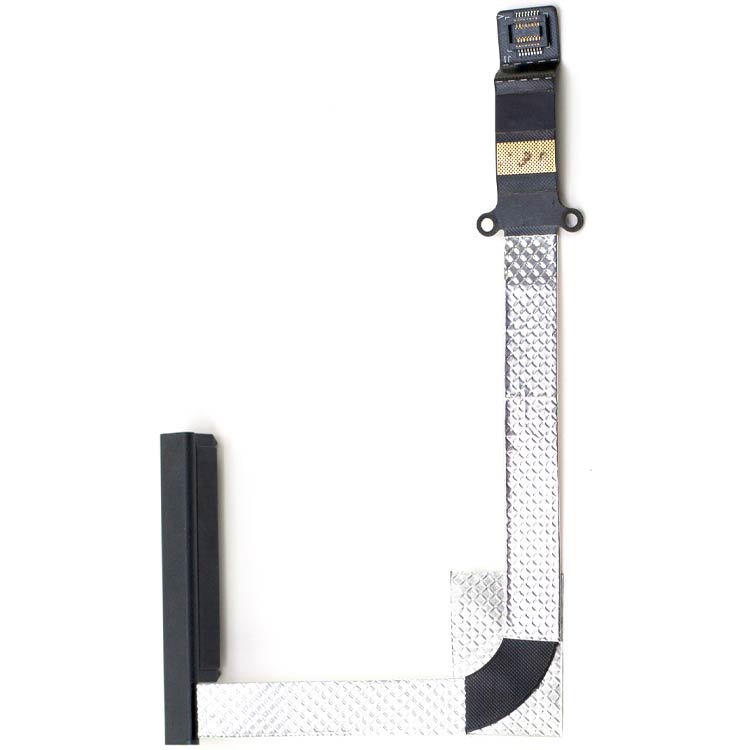
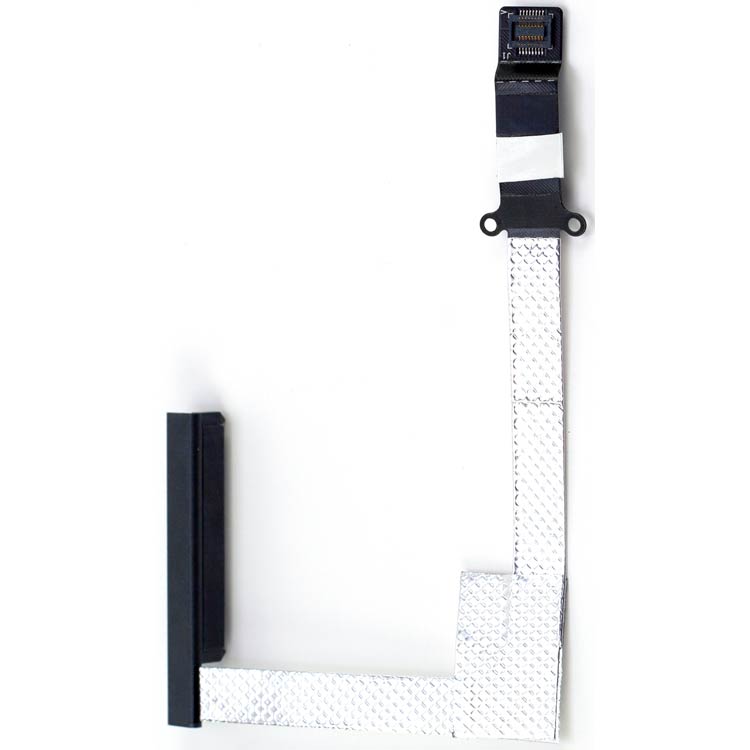
        OWC SATA Cable Shielding Kit

        for 17" MacBook Pro 2011 models

         
        In OWC lab testing we've found that, in some instances, shielding the SATA cable in the 17" MacBook Pro 2011 models when installing a 6Gb/s capable drive including but not limited to the OWC Mercury Extreme Pro 6G SSD is beneficial.

        While recommended for installation when using any 6Gb/s capable drive, there is no benefit when utilizing a standard 1.5Gb/s or 3Gb/s SATA hard drive or solid state drive.

        For full details about the 17" MacBook Pro SATA issues
        please read our blog post.
        SATA Cable Shielding Kit
        • INSTRUCTIONS

        Step 1
        Install Pic
        Begin by removing your hard drive from your MacBook Pro 17". Follow the SATA drive cable to the point where it disappears under a silver shield held in place by 2 very short Phillips 00 screws. Remove these two screws and the shield.
        Step 2
        Install Pic
        Remove the 2 Phillips screws that are fastening the cable into the chassis of the MacBook Pro 17". These are longer than the 2 screws you removed from the silver shield.
        Step 3
        Install Pic
        Remove the SATA cable from your MacBook Pro 17".
        Step 4
        Install Pic
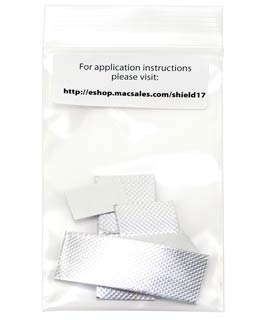
        Open the ziploc bag that you received your shielding components in. There are 2 full sets of shielding tape included. Sort the lengths of shielding tape - you will need 1 long, 1 medium, and 2 small as well as the one conductive adhesive block.
        Step 5
        Install Pic
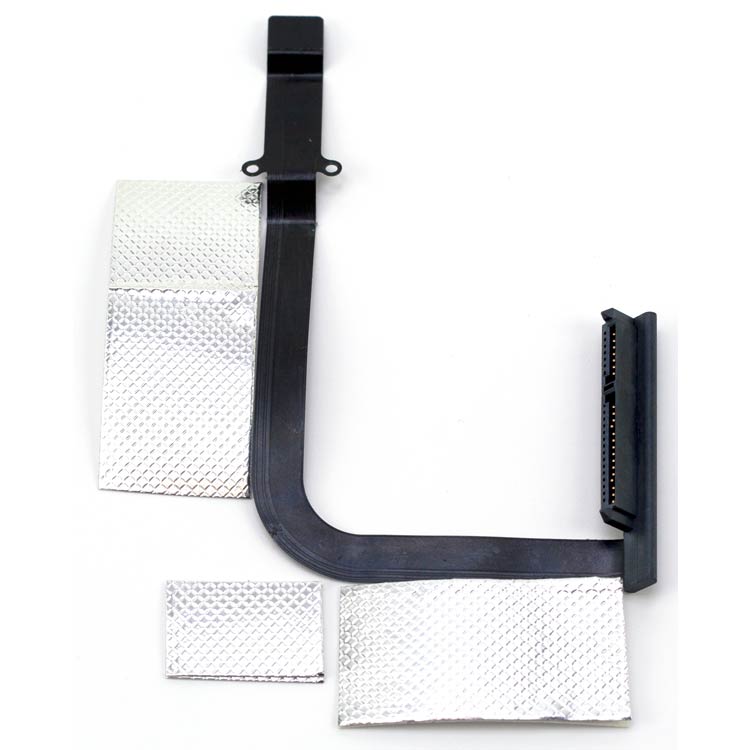
        Here you see the orientation of tape lengths and how they fit onto the cable.
        Step 6
        Install Pic
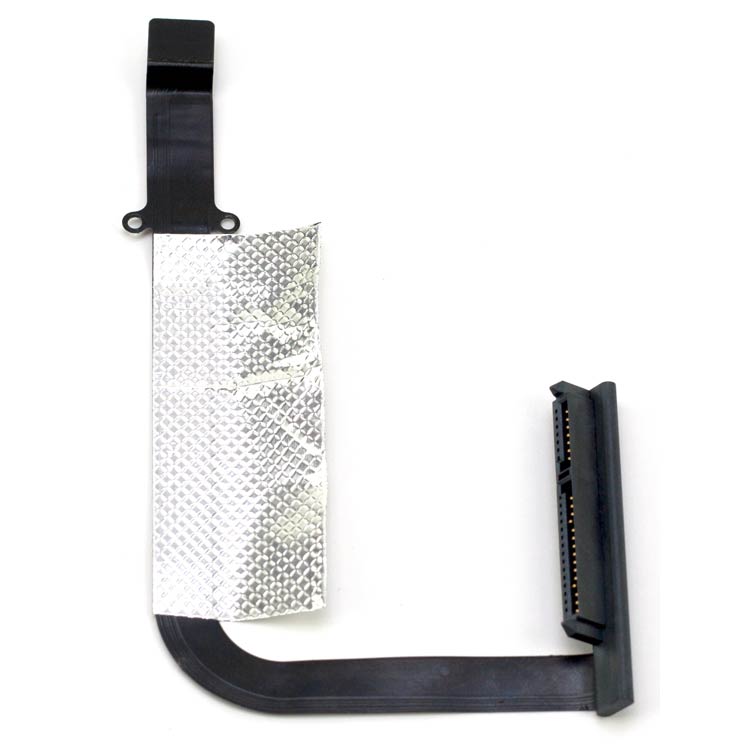
        Start with the long piece of shielding, and working from the end closest to the logic board connector, affix the shielding as straight as possible to the top of the cable.
        Step 7
        Install Pic
        Turn the cable over and complete wrapping the shielding tape around the cable fully. Make sure to keep everything as flat as possible.
        Step 8
        Install Pic
        Using the medium length of shielding tape, start at the hard drive connector end and affix the tape to one side of the cable as you did in step 6, keeping it as straight as possible.
        Step 9
        Install Pic
        Finish the medium length of shielding tape by wrapping it fully around the cable.
        Step 10
        Install Pic
        Place the small block of shielding material on the top of the cable, aligning the outside edges as shown in the picture. Flip the cable over so you can see the curve of the cable as shown in this picture.
        Step 11
        Install Pic
        Affix the last small shielding tape on top of the one you just installed, completing the shielding procedure.
        Step 12
        Install Pic
        Take the small white conductive adhesive block and remove one side of the backing tape. This is not easy to remove so be patient. Once removed, lightly affix it to the gold block on the SATA cable, it already has conductive adhesive on it but this makes sure that a good ground bond is being made. You can (optionally) use isopropyl alcohol to clean the gold ground block off before applying the new conductive adhesive.
        Step 13
        Install Pic
        Place the SATA cable back into the MacBook Pro 17" hard drive bay and attach the connector to the logic board. Make sure it is fully seated on the connector. Reinstall the 2 longer Phillips screws through the eyelets of the SATA cable and firmly tighten. Using your fingertip, press down repeatedly on the ground block between the Phillips screws you just installed and the logic board connector to create a good ground bond with the conductive adhesive.
        Step 14
        Install Pic
        Reinstall the silver shield using the 2 very short Phillips screws you removed from it in step #1.
        Step 15
        Install Pic
        You're all set! Enjoy your SATA 6G performance!
        OWC SATA Cable Shielding Kit for 17" MacBook Pro
        2011 models
        Mfr P/N: OWCCBLMB17SHLD OWC SKU: OWCCBLMB17SHLD Ships: In Stock
        Be the first
        only $9.99
        Sold OutSold OutOther World Computing OWCCBLMB17SHLD, Click to Buy Now
        Related Items:
        11-Piece Portable Toolkit Don't have a Phillips 00 screwdriver or the one you have is worn out? Check out our five piece toolkit for a one time use need or get our highest quality 11 piece set for years of use. only $9.50
        Helpful Links
        • About Us
        • DIY Install Videos
        • Join our Affiliate Network
        • Where to Buy
        • Accessibility Statement
        • Sustainability is Good Business
        • Join the OWC Team
        • Media+Newsroom
        • Privacy Promise
        • MacSales.com for Business
        Join the OWC Newsletter

        Join hundreds-of-thousands of tech enthusiasts across the planet and gain access to specials, clearance, and holiday savings on the OWC upgrades, drives, and docks everyone loves.

        • bbb
        © 2000-2026 Other World Computing, Inc., All Rights Reserved. Site Terms Guest ID:
        Your Privacy Choices
        This item has been added to your cart