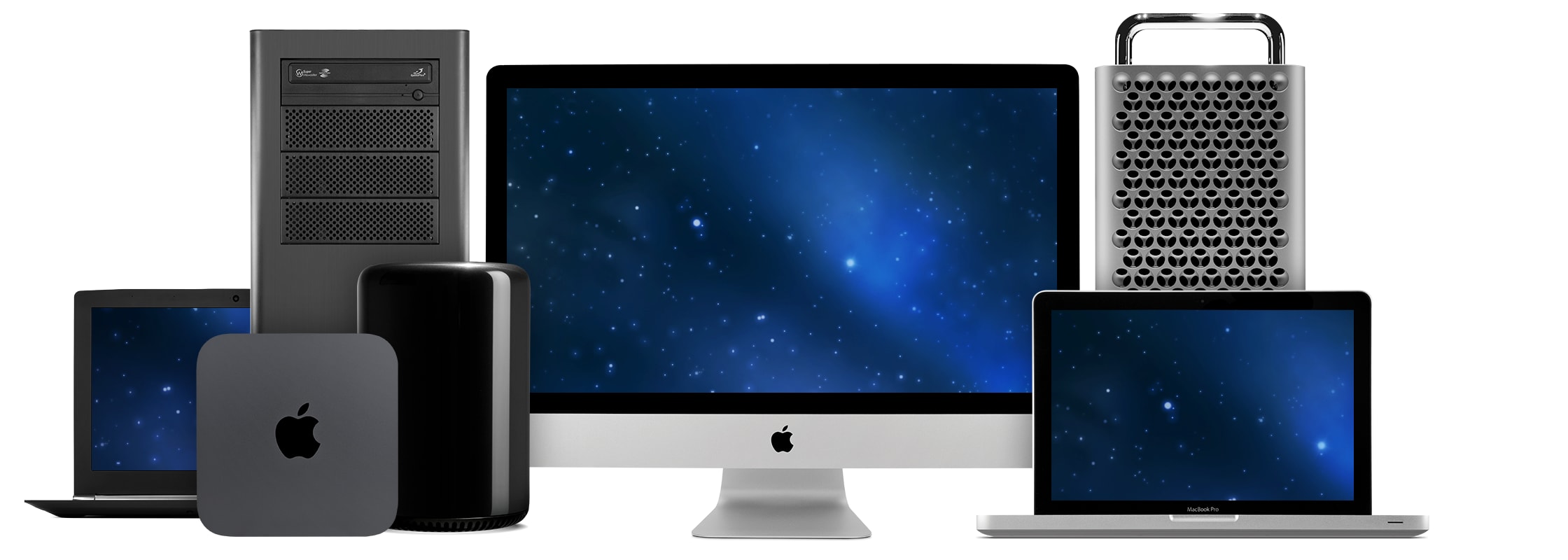
Experience your computer's true performance potential.
Improve System Speed
OWC Memory is the most cost effective and simple DIY upgrade you can install to unleash your Mac or PC's full potential, and speed up overall responsiveness.
More Apps. More Files
Become a multi-tasking maven when you upgrade your Mac or PC with OWC Memory. Open more apps. Open larger files. Plus, work with multiple files all at the same time.
Save $$ vs Factory
Save BIG vs factory memory options. Plus, select among options not offered by the factory. OWC makes it easy to find the perfect upgrade to fit your needs.
Lab Tested Compatibility
We test every OWC memory module at our in-house lab so you can upgrade with the confidence that your memory is built-to-last.
Lifetime Warranty
We built your OWC Memory upgrade to meet or exceed the toughest industry specs to provide years of worry-free service.
Step-by-Step Videos
Our detailed install videos guide your upgrade from start to finish. We provide all the steps to make your OWC Memory upgrade DIY easy.
Experience the OWC Difference
Rely on the trusted name for memory upgrades, drives and accessories for over 30 years. Your OWC Memory upgrade was built by Mac and PC people, for Mac and PC people. Our expert support team is always a call or click away. You can talk to an actual human who will kindly provide advice and guidance for any questions you may have.
Being helpful and treating others the way you would want to be treated is not just a novel idea. It’s how we do business. It's how we’re built. It's what we’ve been doing since 1988.


 1-800-275-4576