• My OWC
  • Specials
  • Mac Software
  • Memory - RAM, SD...
  • Internal Storage - 2.5/3.5 HDD/SDD
  • External Storage - FireWire / USB / eSATA
  • CD / DVD / Blu-ray
  • Laptop Center - Adapters, Batteries...
  • iPod / iPhone
  • Accessories
  • Audio
  • Video
  • OWC Live Chat Support
  • OWC Newsletter
  • OWC Blog
Upgrades for the MacBook "Unibody" (October 2009 & May 2010)
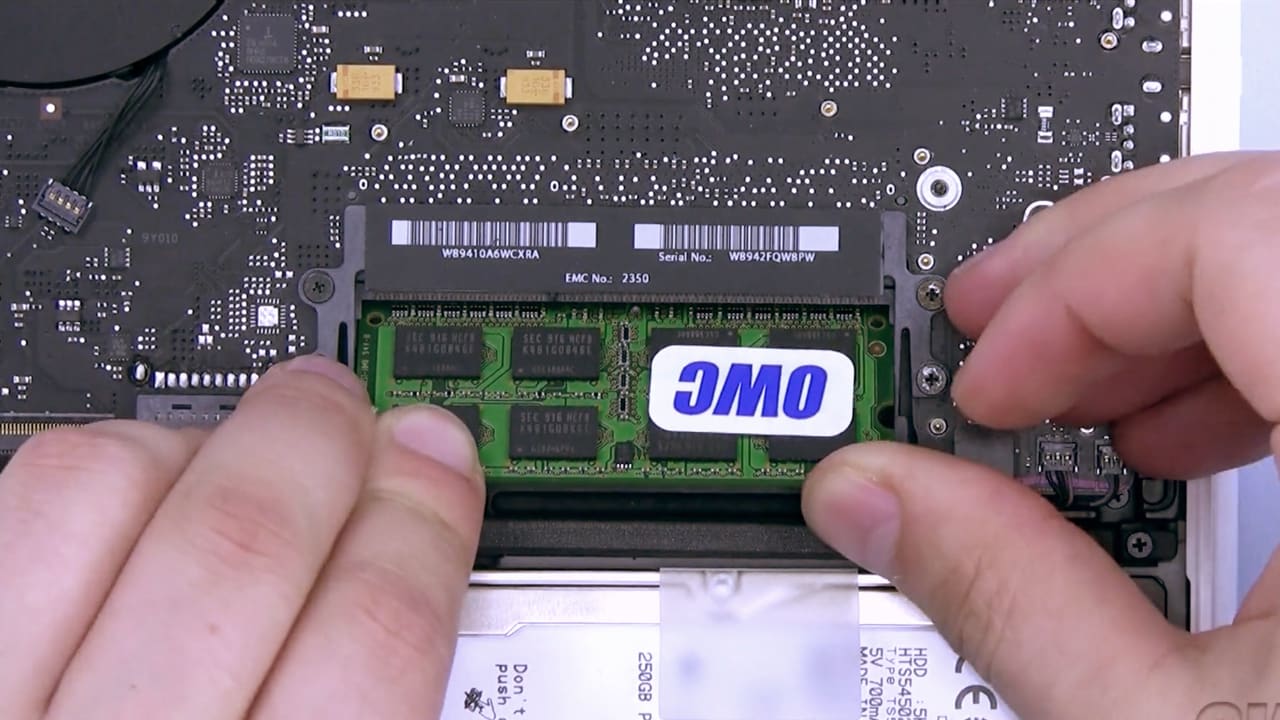
Why do I need more RAM?   Warranty Safe Upgrade
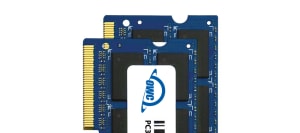
Recommended Memory Upgrades
4.0GB Upgrade Kit
4.0GB Upgrade Kit
(2.0GB Modules x 2 Set)

$25.79
add to cart
8.0GB Module
8.0GB Upgrade Kit
(4.0GB Modules x 2 Set)

$45.99
add to cart

View the latest Memory Performance Tests HERE!

Upgrade options for
    MacBook "Unibody"
    OWC tested to support Maximum Memory of 8.0GB:
  • MacBook "Unibody" (May 2010) 13.3" 2.4GHz
  • MacBook "Unibody" (October 2009) 13.3" 2.26GHz

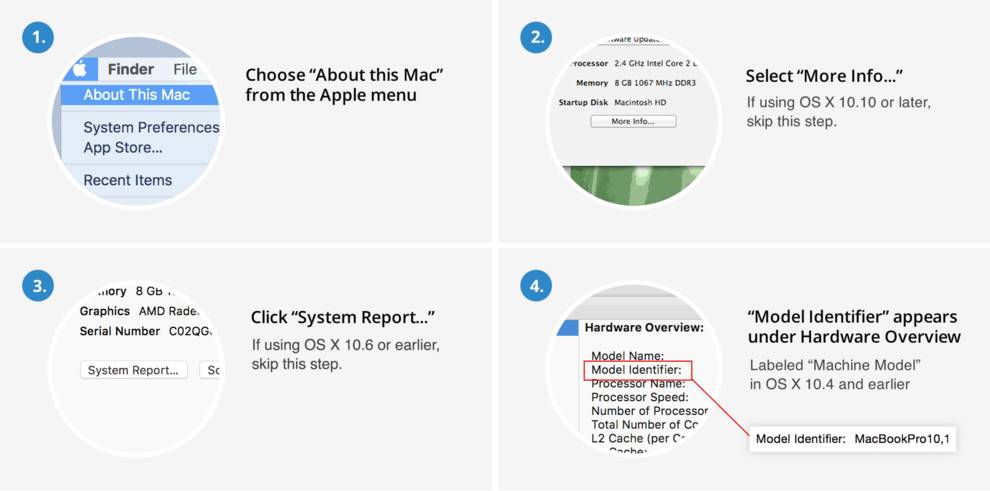
Works with Model Identifiers: MacBook6,1; MacBook7,1;
Where do I find this? | Your Model ID not listed? Click Here!

owc Other World Computing™
Shipping
Price
2.0GB PC8500 DDR3 1066MHz SO-DIMM 204 Pin
Same Day
4.0GB PC8500 DDR3 1066MHz SO-DIMM 204 Pin
Same Day
6.0GB PC8500 DDR3 1066MHz SO-DIMM 204 Pin
Same Day
samsung Samsung®
Shipping
Price
2.0GB Samsung Original PC8500 DDR3 1066MHz SO-DIMM 204 Pin
Same Day
4.0GB Samsung Original PC8500 DDR3 1066MHz SO-DIMM 204 Pin
Same Day
Memory Trade-in Rebate

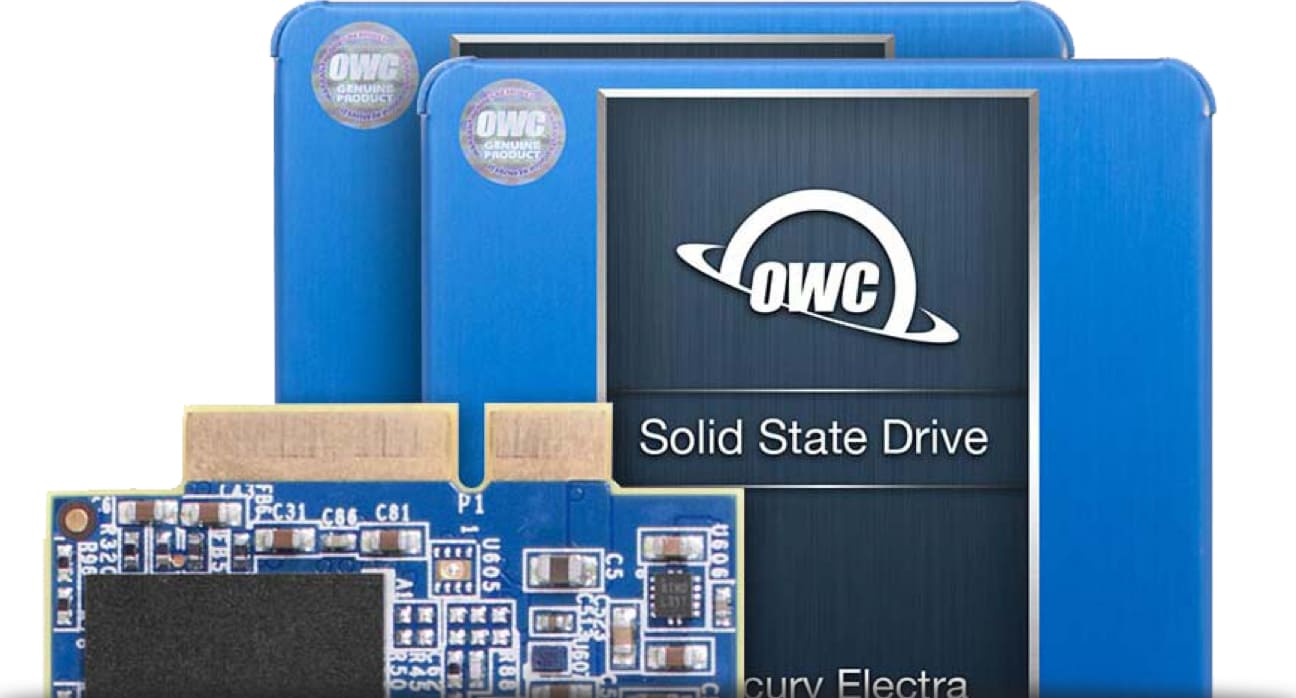
Featured Hard Drive & SSD Upgrades
for MacBook & MacBook Pro

OWC DIY Kits
All "DIY Kits" include - Drive, Bus-Powered Portable Enclosure and Tool Kit. The tool kit enables easy installation of the new drive and data transfer from the original drive. Continue using that drive for additional storage and backup. View All DIY Kits
Add Even More Internal Storage
OWC Data Doubler - Replace your SuperDrive with a Hard Drive or Solid State Drive. Up to 1.0TB drive included - from $67.99
Shop Data Doubler  |  View Installation Videos
cap
Load Time: 0 seconds, Guest ID: 208326999