


OWC Memory Upgrades For 27" & 21.5" iMac (Late 2009)
32GB
Up to 32GB memory1
Works with the following Model IDs
- iMac11,1
- iMac10,1
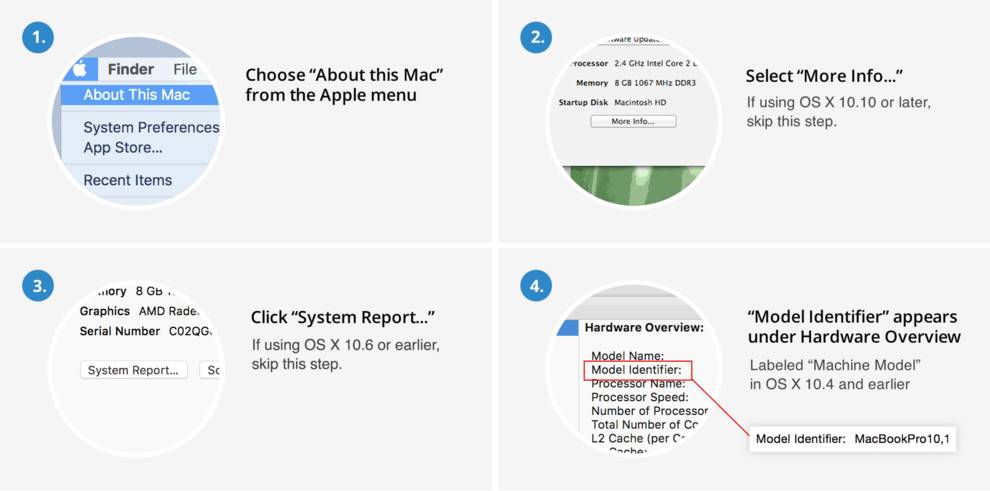


Works with the following Model IDs
- iMac11,1
- iMac10,1
OWC Memory
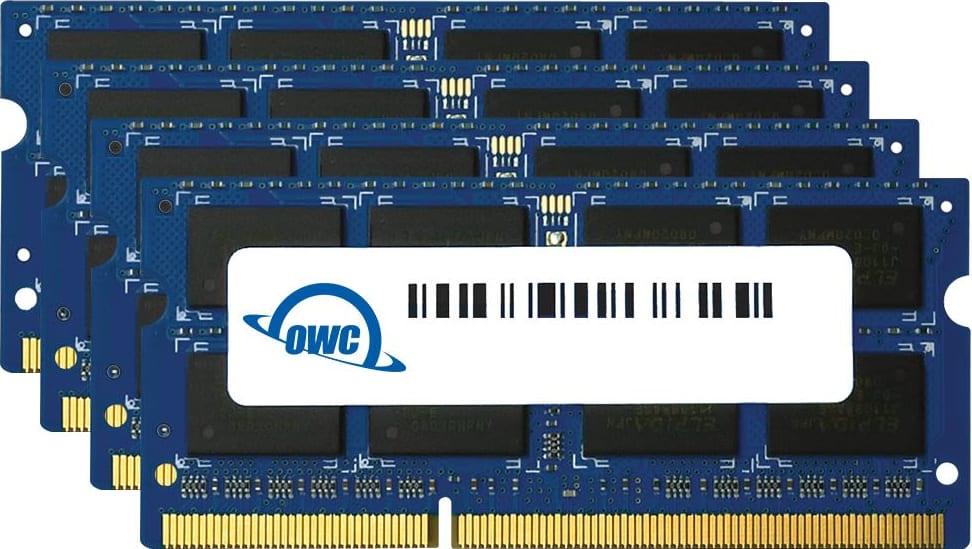
- This Mac has four available memory slots.
- Install in pairs for best performance.
- All installed memory should be the same speed for best performance.
- Backed by an OWC Limited Lifetime Warranty.
Buying Options
1066MHz DDR3 PC3-8500 -- Maximum 32GB supported1
Install Videos
Our step-by-step installation videos guide you through upgrading your Mac, iPhone, iPad or iPod.
View all Install Videos »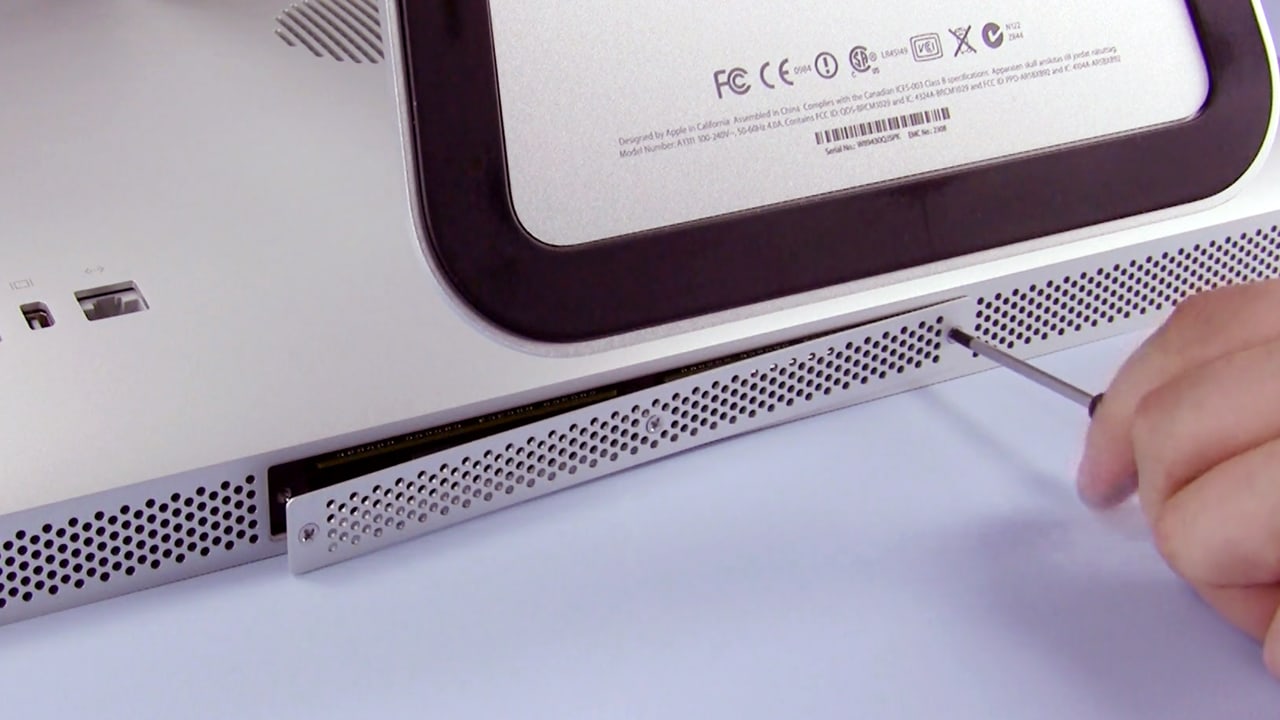
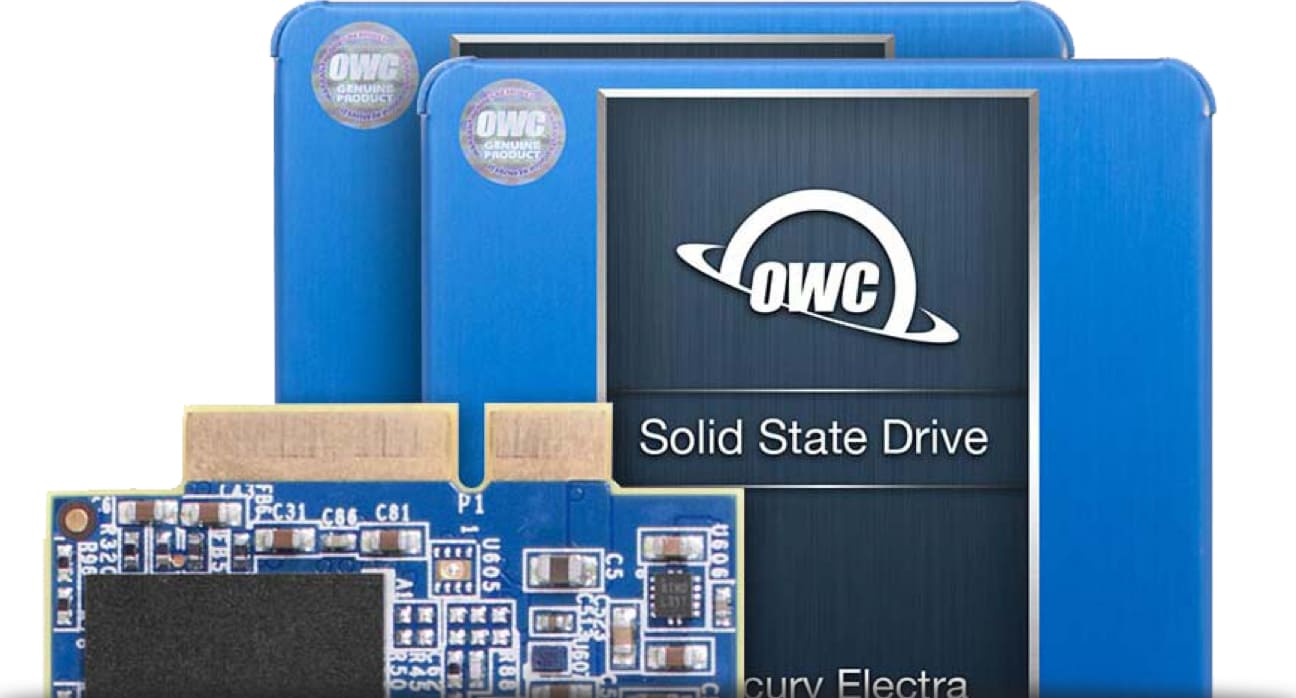
OWC General Servicing Kit for iMac
Includes all installation tools to service all Apple iMac models released since 2008.
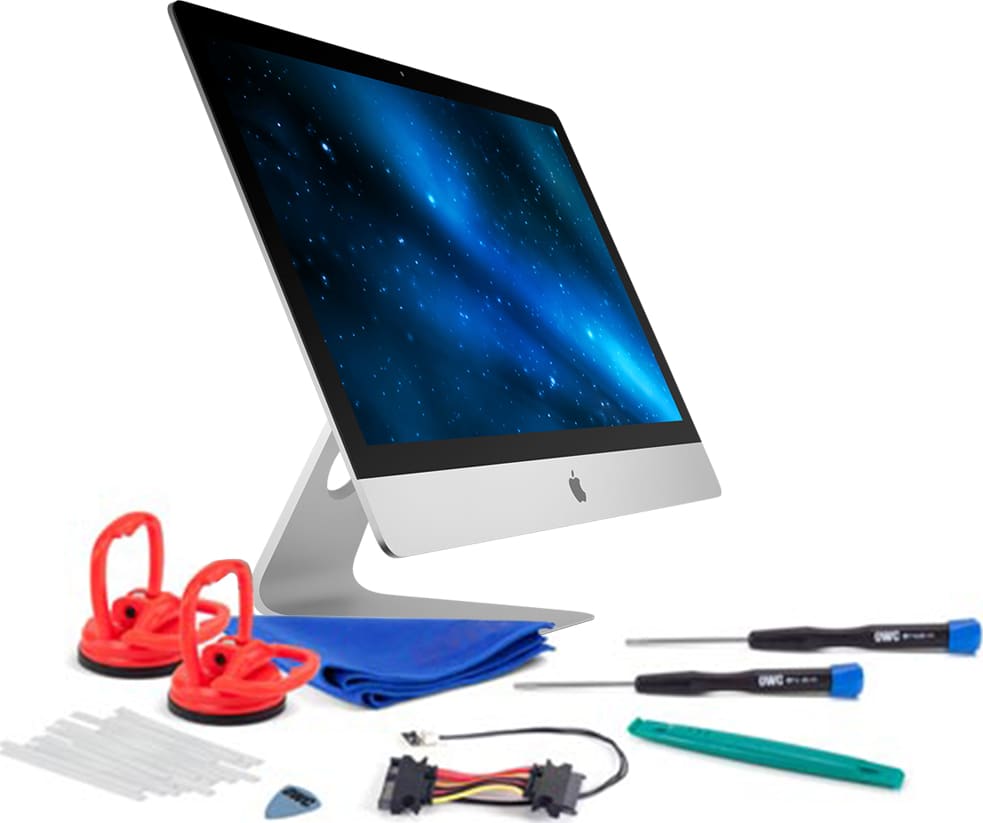
HDD to SSD Upgrade Kit for iMac
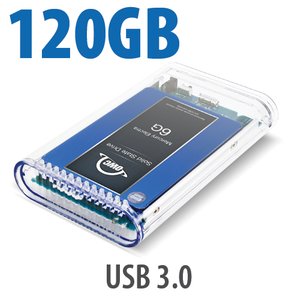
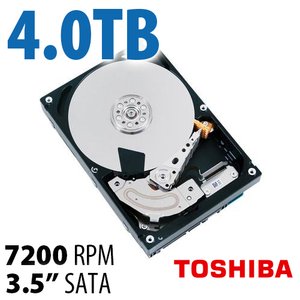
Close to maxing out your factory-installed hard drive? With the OWC Internal HDD DIY Kit you can replace your old hard drive on your own with up to a 10TB drive for more storage and backup capacity!
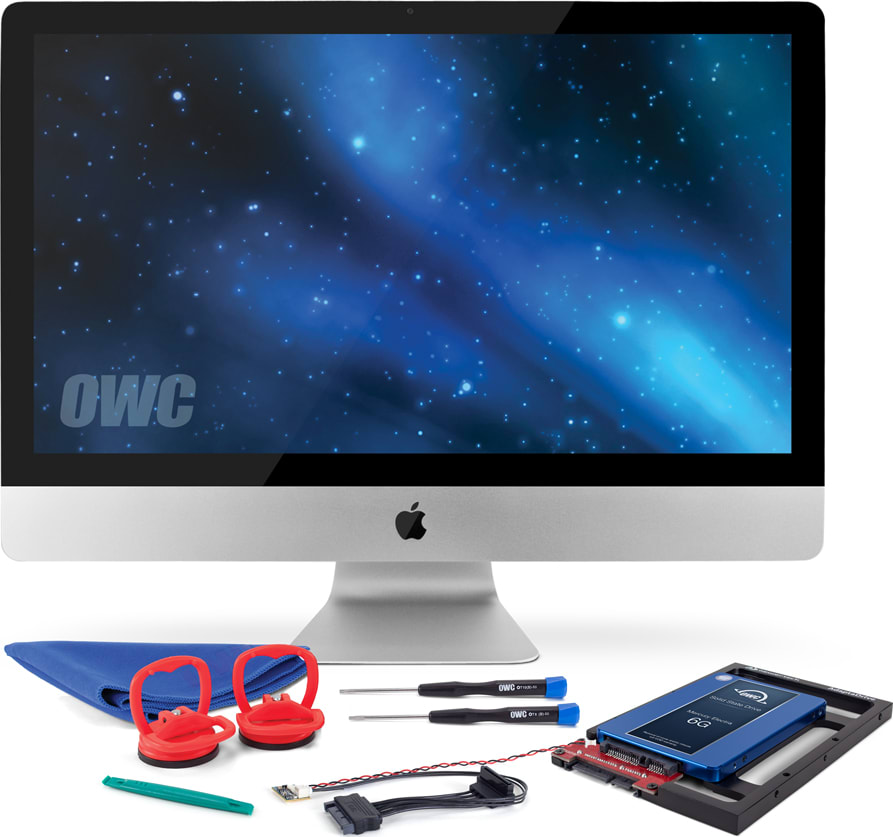
- 27-inch iMac models with i5 and i7 processors (iMac11,1) support up to 32GB total memory (maximum 8GB per slot). 21.5-inch iMac models and 27-inch iMac models with Core 2 Duo processors (iMac10,1) only support up to 16GB total memory (maximum 4GB per slot).