X

Send us a Topic or Tip

Have a suggestion for the blog? Perhaps a topic you'd like us to write about? If so, we'd love to hear from you! Fancy yourself a writer and have a tech tip, handy computer trick, or "how to" to share? Let us know what you'd like to contribute!

Thanks for reaching out!

Rocket Yard

Tech Tips

Tech tips and how to’s. All the great, timeless reference articles we have.

Eye with accessibility logo

How to Control your Mac with Head Gestures

The Mac platform has always been one of the best computing environments for accessibility, and a recent macOS update added a feature that points the way to a possible future where the mouse, trackpad, and even finger taps may not be needed to control your Mac. macOS 10.15.4 brought a new alternative control method to the Mac – using your head and facial gestures.

Managing Apps That Automatically Open When You Log In

You can have apps, documents, folders, or server connections open automatically whenever you log into macOS. To add or remove automatic items... Look at the top left of your Mac screen and choose "Apple menu > System Preferences."Click "Users & Groups."Select your...

Eject Icons on trying to eject message

Protecting Your Data: How to Safely Eject a Disk or Drive

“I just wait a couple of seconds before unplugging a disk..." “I never safely eject a disk, and I’ve never had a problem...” “I waited for the light to go off before I pulled the plug, and everything looks fine...” There’s a lot of different ideas about disconnecting disks, and different ideas about why (and if) it’s necessary. In reality, unplugging a drive without telling the OS is always risky.

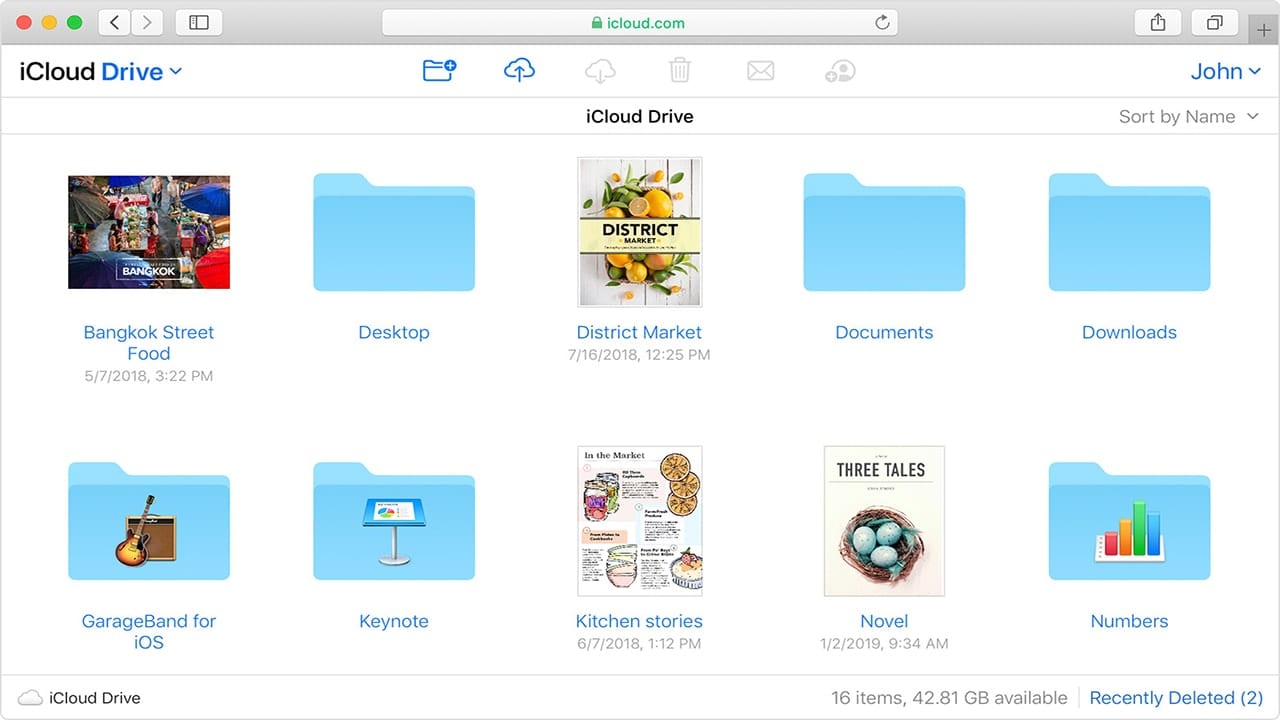
How to Store and Access Your Files in iCloud Drive

iCloud is a cloud storage and cloud computing service that Apple debuted on October 12, 2011. There are here a lot of components to it, including iCloud Drive, which allows you to securely access all of your documents from your Mac,...

screenshot of dock downloads folder menu

How to Use Dock Stacks in macOS Catalina

The Dock is the bar of icons that sits at the bottom or side of your screen. It provides easy access to many of the apps that come with your Mac. And the Stacks feature of the Dock in macOS...

How to Set the Default Wireless (Wi-Fi) Network in macOS

By default, macOS attempts to join the wireless network it was most recently connected to. However, if you’re like me, you have a Wi-Fi network you use most often. This guide will show how you can set it as the...

1 133 134 135 318
Page 134 of 318