X

Send us a Topic or Tip

Have a suggestion for the blog? Perhaps a topic you'd like us to write about? If so, we'd love to hear from you! Fancy yourself a writer and have a tech tip, handy computer trick, or "how to" to share? Let us know what you'd like to contribute!

Thanks for reaching out!

Rocket Yard

Tech Tips

Tech tips and how to’s. All the great, timeless reference articles we have.

safari autofill icon

How to Use AutoFill for Credit Cards, Contacts, Passwords in macOS Safari

Are you tired of having to reenter all your data (name, address, credit card, etc.) when using the Safari web browser? Thanks to its AutoFill feature, Safari can save you some time by automatically filling in your credit card information, contact information, passwords, and more. It can automatically fill in information from any contact in Contacts. It can also generate...

OBS (Open Broadcaster Software) Logo

OBS Chapter 4: Recordings and Streams

Welcome back to our continuing series on Open Broadcaster Software (OBS). If you missed the first three chapters in this online tutorial series about the free, open-source video production application, you can catch up by following these links: Video Production with...

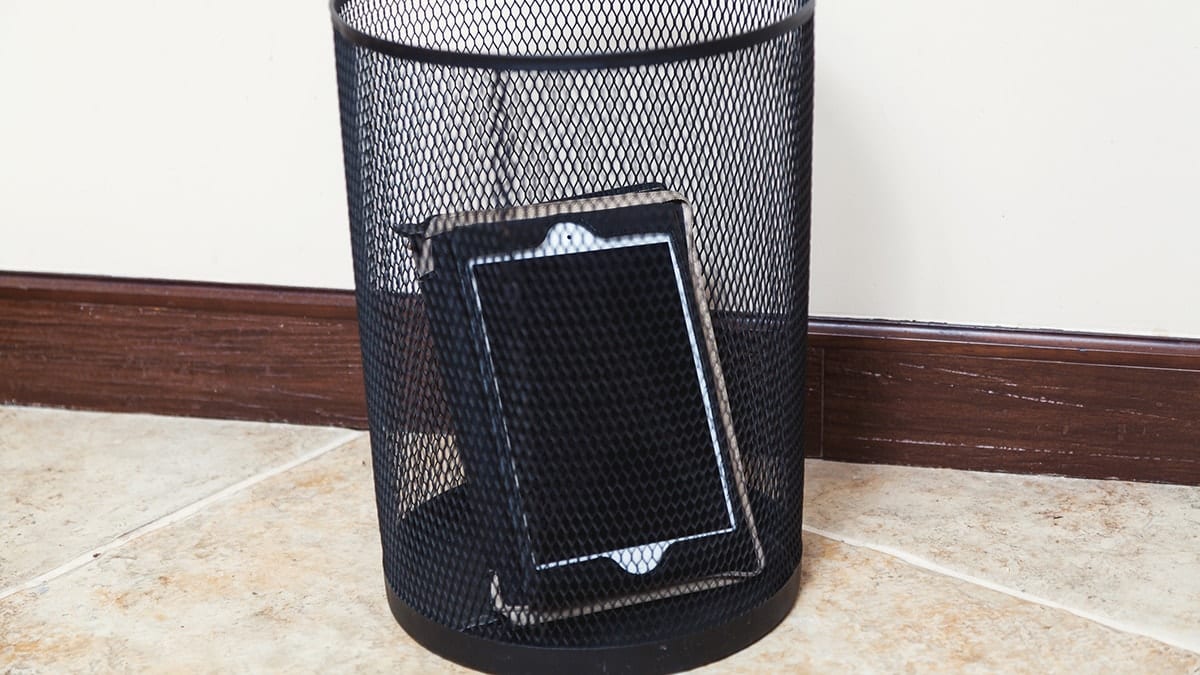
iPad in a wastebasket

10 Ways to Reuse an Old iPad

So, you've upgraded your iPad, and your old one isn't selling. You don't want to toss it in the trash, but it doesn't seem like it's good for much anymore. What good could a spare iPad, do you? Let's look at the 10 most popular ways to reuse an old iPad.

How to Store Old Photos and Preserve Precious Memories

Everyone looks back fondly on the past and the memories they have made with friends, family, and others. While memories are great, there are some things we might eventually forget or might become a little cloudy in our minds. As a result, many of us cherish the pictures from our childhood or the ones taken as we were growing up.

space gray macbook pro and printer icon with a dotted arrow between

How to Connect a USB Printer in macOS

The default printer in macOS is the one selected when the Print dialog opens. If there’s “No printer selected” in the Print dialog, you’ll need to add a new printer. For most USB printers, you just need to update macOS...

1 138 139 140 318
Page 139 of 318