X

Send us a Topic or Tip

Have a suggestion for the blog? Perhaps a topic you'd like us to write about? If so, we'd love to hear from you! Fancy yourself a writer and have a tech tip, handy computer trick, or "how to" to share? Let us know what you'd like to contribute!

Thanks for reaching out!

Rocket Yard

Tech Tips

Tech tips and how to’s. All the great, timeless reference articles we have.

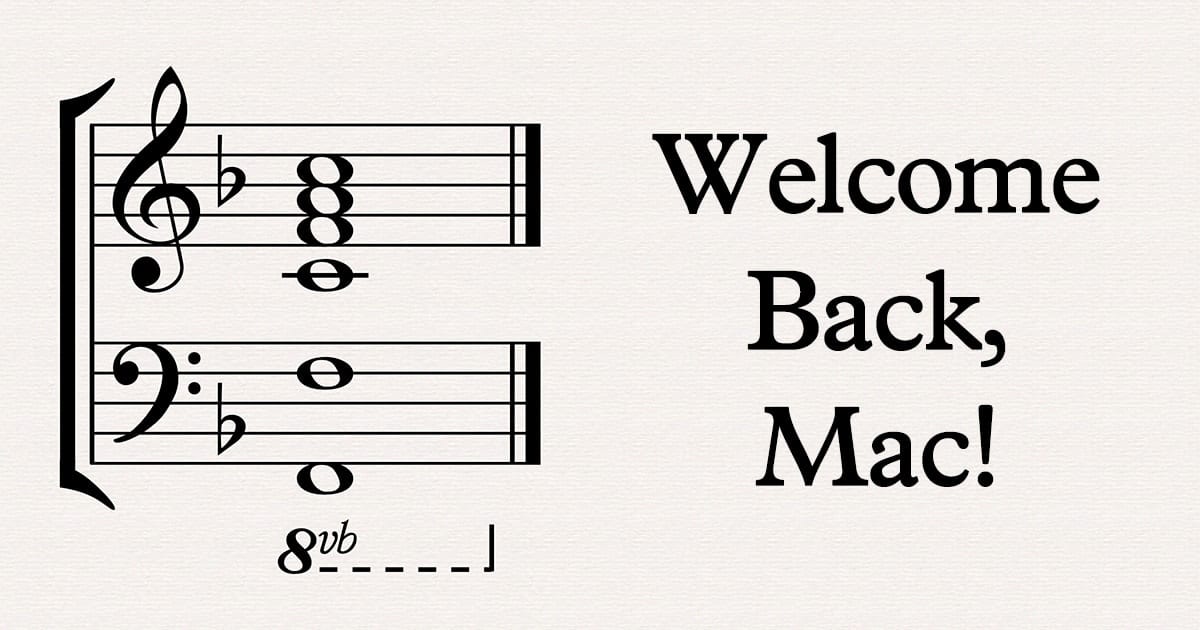
Mac startup chime sound notes chords on staff

Bring Back the Mac Startup Chime With This Terminal Command

Recent Macs have been missing something that has been part of the Macintosh experience since 1984 -- the startup chime. For example, the 2019 16-inch MacBook Pro is silent during startup, along with other new Mac models. Fortunately, a few Twitter users showed that a simple Terminal command can bring back the chime.

Can of spam crossed out with a red circle and text saying "say no to spam"

Spam Control: Chapter 4 – Taming Spam Email on Macs

Today we'll be looking at ways to tame the spam beast on Macs. So far in this series, we've delved into what spam is and why it's bad, how to reduce spam text messages, and how to reduce the quantities...

Finder Tag menu on a mac

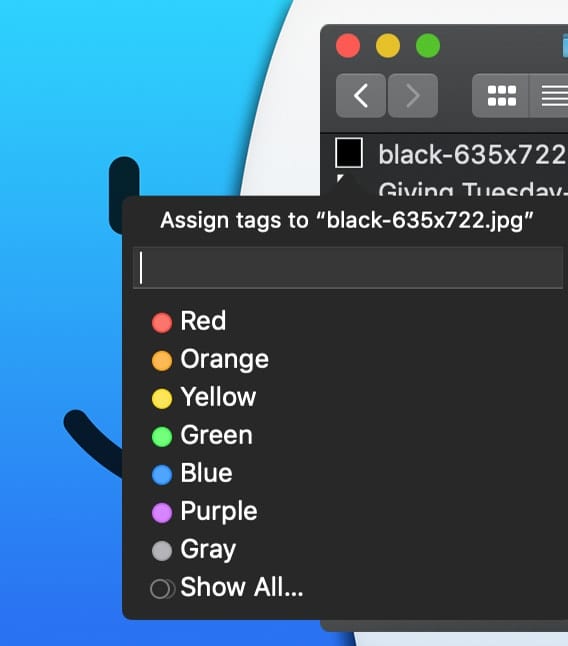
How to Use Finder Tags in macOS Catalina

macOS includes a "Tags" feature that offers a convenient way to organize your files. Whether they are on your Mac or in iCloud, you can find them with a click. This is how you create them...

apple magic mouse doing a two-finger swipe

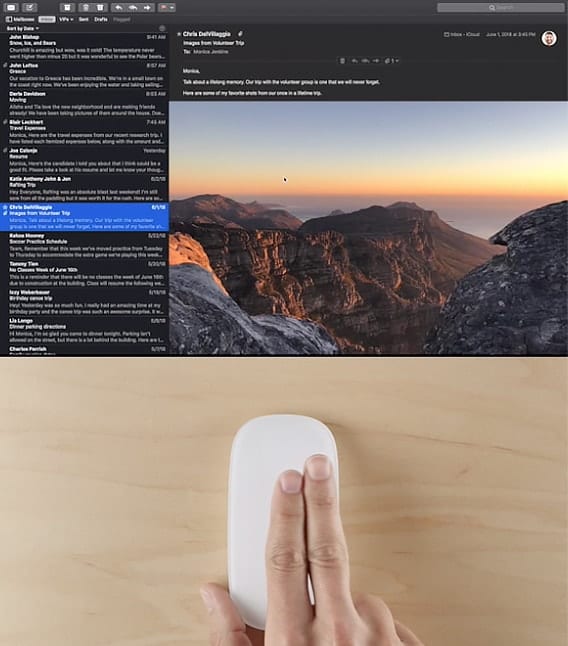
How to Use Gestures in Mail in macOS Catalina

Starting with Mac OS X El Capitan, the Mail app added support for more gesture controls than before. Add your accounts to Mail and you’ll be able to access all your email from one place, then use swipe gestures to...

CR 2032

What to Do When Your Mac Tells You the Date and Time Are Incorrect

As a longtime tech writer, I'm sometimes asked how I get ideas for articles. Some of them come from readers who ask questions that intrigue me. The other day, an email arrived asking “I have an iMac running 10.13.6 and somehow when I start my Mac it tells me that my date and time is incorrect, but it’s not so I was wondering would you be able to explain to me in an easy way that I can understand: what’s going on?” Here's what the problem is, along with a solution.

Purple mac smart folder icon with yellow lightbulb on light purple background

Smarter Smart Folders

Smart Folders have been around in one form or another since OS X Tiger. For a while, the Finder’s sidebar included a dedicated Search For section, with predefined Smart Folders that displayed apps and documents you used "Today," "Yesterday," or "Past Week." There were also Search For entries for "All Images," "All Movies," and "All Documents." These smart searches were a popular feature and served as an introduction to what Smart Folders could do. Now it's time to dig a little deeper and discover some of our favorite saved searches.

1 151 152 153 318
Page 152 of 318