X

Send us a Topic or Tip

Have a suggestion for the blog? Perhaps a topic you'd like us to write about? If so, we'd love to hear from you! Fancy yourself a writer and have a tech tip, handy computer trick, or "how to" to share? Let us know what you'd like to contribute!

Thanks for reaching out!

Rocket Yard

Tech Tips

Tech tips and how to’s. All the great, timeless reference articles we have.

Mac Safe Mode Startup Screen with text saying "Safe Mode"

How to Use Safe Mode in macOS Catalina

Your Mac has a "Safe Mode" designed to help when you run into trouble with your computer. It's a diagnostic mode of macOS that boots up your desktop or laptop without any other apps running. Here's how it works.

Messy macOS Desktop

Managing The Desktop: Tips for New Mac Users and Old Hands

The Mac has so many features that it’s not uncommon for new Mac users to overlook helpful tricks, as well as for old hands to simply forget about them. In this New Year, the Rocket Yard takes a look at often overlooked but surprisingly helpful tips for managing Mac's desktop.

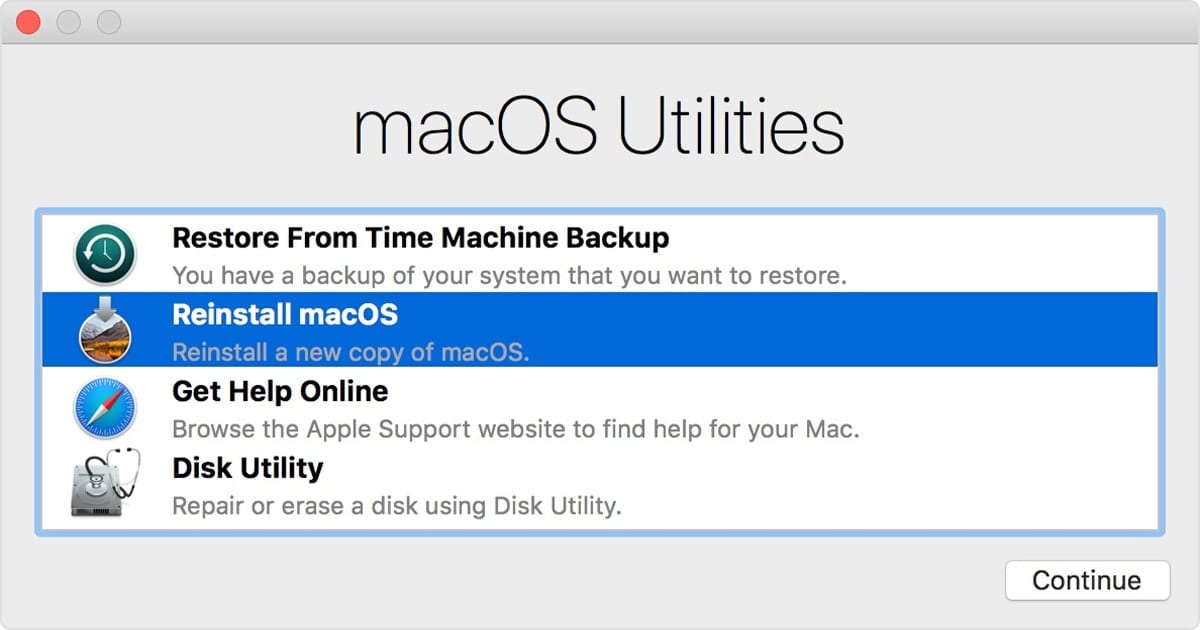
macOS Utilities Window

How to Use macOS Recovery in macOS Catalina

macOS Recovery is part of the built-in recovery system of your Mac. It can help you restore data from Time Machine, reinstall the operating system, get online help online, repair or erase a hard disk, and much more. You can start up from macOS Recovery and use its utilities to recover from many types of software issues or take other actions on your Mac such as...

handoff baton

Tech Tip: Using Handoff to Transfer Files Between Devices

Handoff is a tool that was designed into Apple’s operating systems to make it easy to copy and paste things like text and images between devices or answer a call coming into your iPhone on your Mac. It’s part of an overall scheme called Continuity that was developed by Apple to let users start work on one device, then continue on another. Did you know that Handoff also works well to transfer files? In this tech tip, we’ll show you how to transfer files from one Apple device to another easily.

Mac Reminders App icon

How to Use the Redesigned Reminders App in macOS Catalina

Apple’s Reminders app for the Mac has been completely revamped for macOS Catalina with a new user interface and several new features. One of my favorite features is the new Messages integration. You can tag someone in a reminder, so that the next time you’re chatting with the person in Messages, you’ll be reminded that, for instance, now might be a good time to talk.

Mac Family Sharing Icon - A Rocket Yard Guide

Guide to Family Sharing: Managing Sharing Options

In part one of our Guide to Family Sharing, we learned how to set up the service. In part two of our Guide to Family Sharing, we’ll take a look at how to share various purchases and subscriptions, and make use of shared Photos and iCloud storage!

1 156 157 158 318
Page 157 of 318