X

Send us a Topic or Tip

Have a suggestion for the blog? Perhaps a topic you'd like us to write about? If so, we'd love to hear from you! Fancy yourself a writer and have a tech tip, handy computer trick, or "how to" to share? Let us know what you'd like to contribute!

Thanks for reaching out!

Rocket Yard

Tech Tips

Tech tips and how to’s. All the great, timeless reference articles we have.

Padlock and keys

Generate a Memorable Password in macOS with Password Assitant

Are you tired of trying to come up with a unique and memorable password? Not entirely happy with Safari's auto-generated passwords? Well, you may not be aware of this, but your Mac has a potent password generator built right in called Password Assistant. Its location is not very obvious, and you need to dig a little bit to get to it, but it's well worth it!
iOS Files App icon with ConnectToIcon icon

How to Connect Your iPad to a Mac or File Server

With iPadOS, you can now connect your iPad to a local server. This allows you to mount your Mac or PC and access files from that device.  To do so, open the Files app on your iPad. Tap the circle...

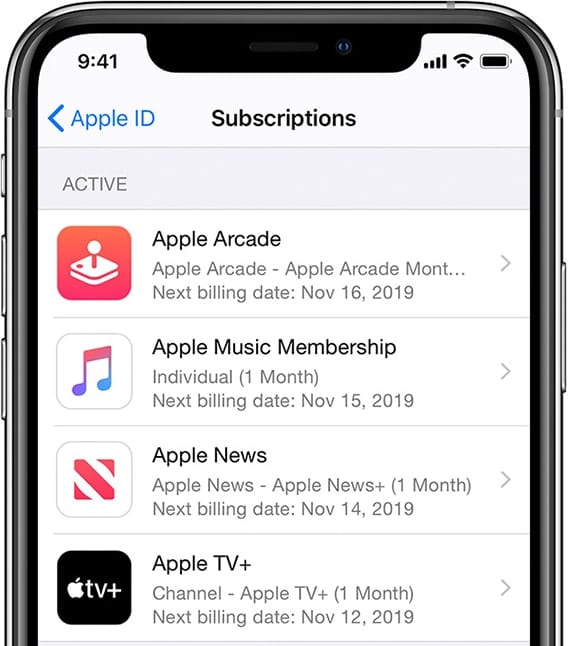
iPhone manage subscriptions screen

Master Your Apple Subscriptions

One of the biggest changes to Apple over the past ten years has been the move to subscription services. Whether you're a subscriber to Apple Music, iCloud Drive, Apple News+, Apple TV+, Apple Arcade, or have subscriptions that are related to individual apps, we'll show you where to go to keep those subscriptions under control from any of your devices.

macOS Snapshots

Working with macOS Snapshots

Snapshots are a feature of APFS (Apple File System) that has been part of the macOS since High Sierra. A snapshot captures the state of an APFS formatted drive, and preserves all the files on the drive, as they appeared when the snapshot was taken. If you ever need to, you can roll back the drive to its previous state. In this Rocket Yard guide, we're going to take a look at APFS snapshots, how they’re created, managed, and deleted, as well as the advantages and disadvantages of snapshots.

blue macOS Messages icon and green iOS Messages icon linked by orange sync icon

How to Sync Messages Across Your Mac, iPhone​, and iPad

Recently, after upgrading to a 16-inch MacBook Pro, I noticed that Messages sent from my iPhone didn’t appear on my Mac, and vice versa. It took me a while to figure out the problem. However, I did. If you're facing the same problem, here’s what you should do.

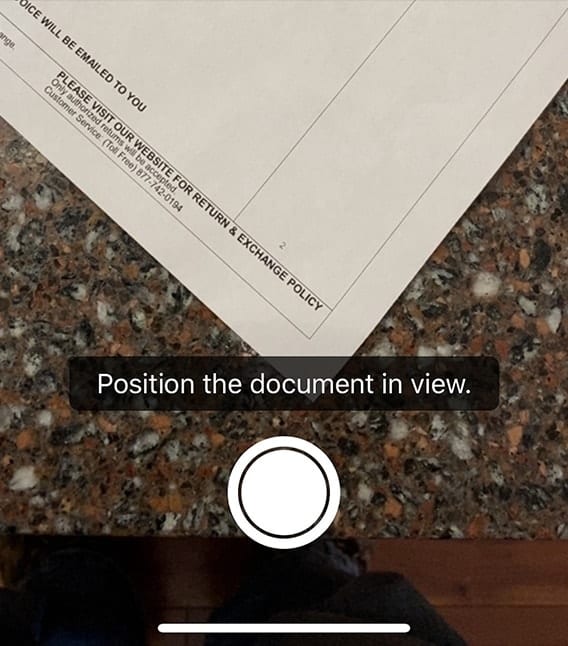
Scanning Documents with iOS 13 and iPadOS 13

You may have a printer with a built-in scanner, or perhaps even a dedicated scanner. But if you don’t — and you have an iPhone or iPad running the latest operating system versions — your Apple mobile devices can step in as a perfectly capable document scanner. We’ll show you how!

1 158 159 160 318
Page 159 of 318