

How to Add and Remove Devices From Your Apple ID On a Mac
You can add and remove your various devices from your Apple ID device list on your Mac. This comes in handy when you buy a new device, replace an old one, or sell a device.
Tech tips and how to’s. All the great, timeless reference articles we have.

You can add and remove your various devices from your Apple ID device list on your Mac. This comes in handy when you buy a new device, replace an old one, or sell a device.

Need to find specific file types like all the ProRes files on a particular media drive? The Finder's "Smart Folder" feature makes it easy. Here's how to set it up.
These keyboard shortcuts can help you navigate faster through tabs in macOS Safari.
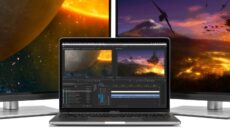
Need to add a second external display to your M2 MacBook? This is the easiest method.

Constantly running out of disk space for your media projects? Look into Network Attached Storage and whether NAS is the right storage solution for you.
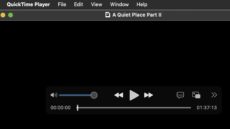
QuickTime player in macOS natively supports different playback speeds. Here's how to adjust it.

