

Tweaking OSX Screenshots
Tips on how to make OSX screenshots smarter than ever before. Shoot directly to mail, messages, or the clipboard!
Tech tips and how to’s. All the great, timeless reference articles we have.
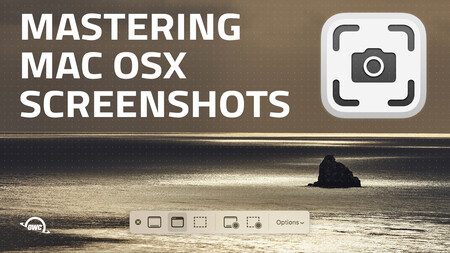
Tips on how to make OSX screenshots smarter than ever before. Shoot directly to mail, messages, or the clipboard!
SoftRAID 6.2.1 is now better than ever. This detailed list features the highlights of what was fixed in the latest release.

When Apple introduced the 24-inch iMac it also debuted a new, cool “Hello” screen saver. However, it may not be readily or apparently available to everyone. But we can fix that.
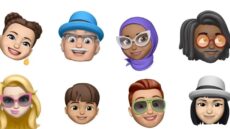
In macOS Monterey, you can use an animated Memoji — which I’ll explain in a minute — as your Mac user profile instead of a boring static image.

Look your best on social media with a compelling profile picture. We show you how to create a great profile picture in macOS Photos.
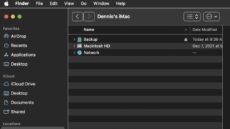
The macOS Finder is the default application for viewing and working with files on your Mac. However, a feature called Path Bar can also be useful.

