

12 Days of Backups: Day 2 – Third-Party Mac Backup Apps
There's more to backups than Time Machine. On Day 2 of our 12 Days of Backups, we take a look at five top third party Mac backup apps.
Tech tips and how to’s. All the great, timeless reference articles we have.
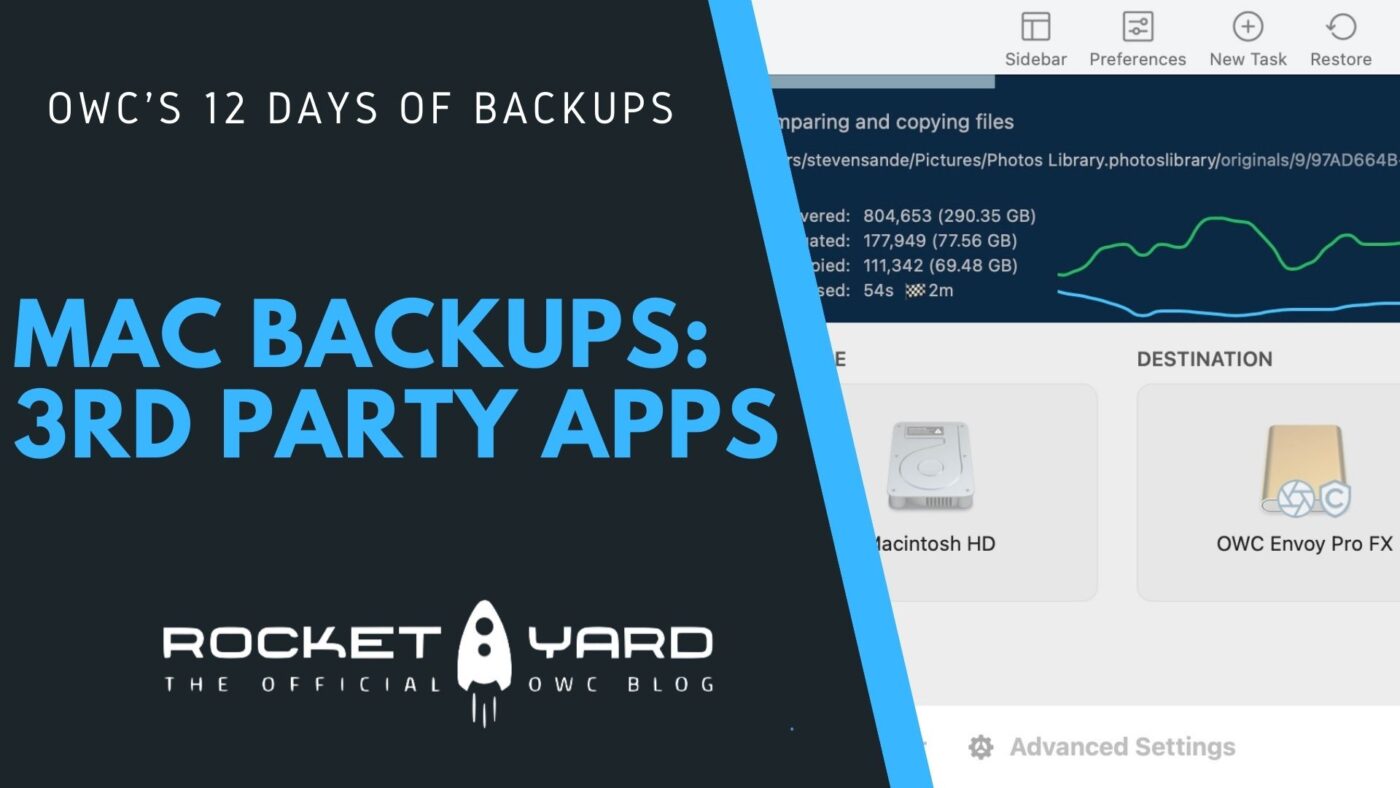
There's more to backups than Time Machine. On Day 2 of our 12 Days of Backups, we take a look at five top third party Mac backup apps.
List View may be the best way to view folders in the Finder. Here's a quick tutorial video about how to best use it.

Our 12 Days of Backups series teaches you how to back up your Apple devices. Day 1 highlights using Time Machine for the Mac

Safari and Siri have offered translation features previously, but macOS Monterey added a system-wide translation feature.
The Shortcuts app has finally come to the Mac with macOS Monterey. Here’s how to use it to automate complicated tasks.
A look at the new ability to tag notes in macOS Monterey's Notes app. Learn how to create, edit, and delete Smart Folders.

