X

Send us a Topic or Tip

Have a suggestion for the blog? Perhaps a topic you'd like us to write about? If so, we'd love to hear from you! Fancy yourself a writer and have a tech tip, handy computer trick, or "how to" to share? Let us know what you'd like to contribute!

Thanks for reaching out!

Year Archives: 2019

There’s Still Time to Take Advantage of the Section 179 Tax Break

The New Year is drawing closer, but there is still time for U.S. taxpayers to take advantage of the Section 179 depreciation deduction before 2019 comes to a close. To put it simply, Section 179 allows businesses to deduct the full purchase price of qualifying equipment and/or software purchased or financed during the tax year. That means that if you buy or lease qualifying equipment, you can deduct the full purchase price from your gross income. Taking this deduction isn’t mandatory, but if you don’t take it for the year the equipment is purchased, you don’t get another chance.
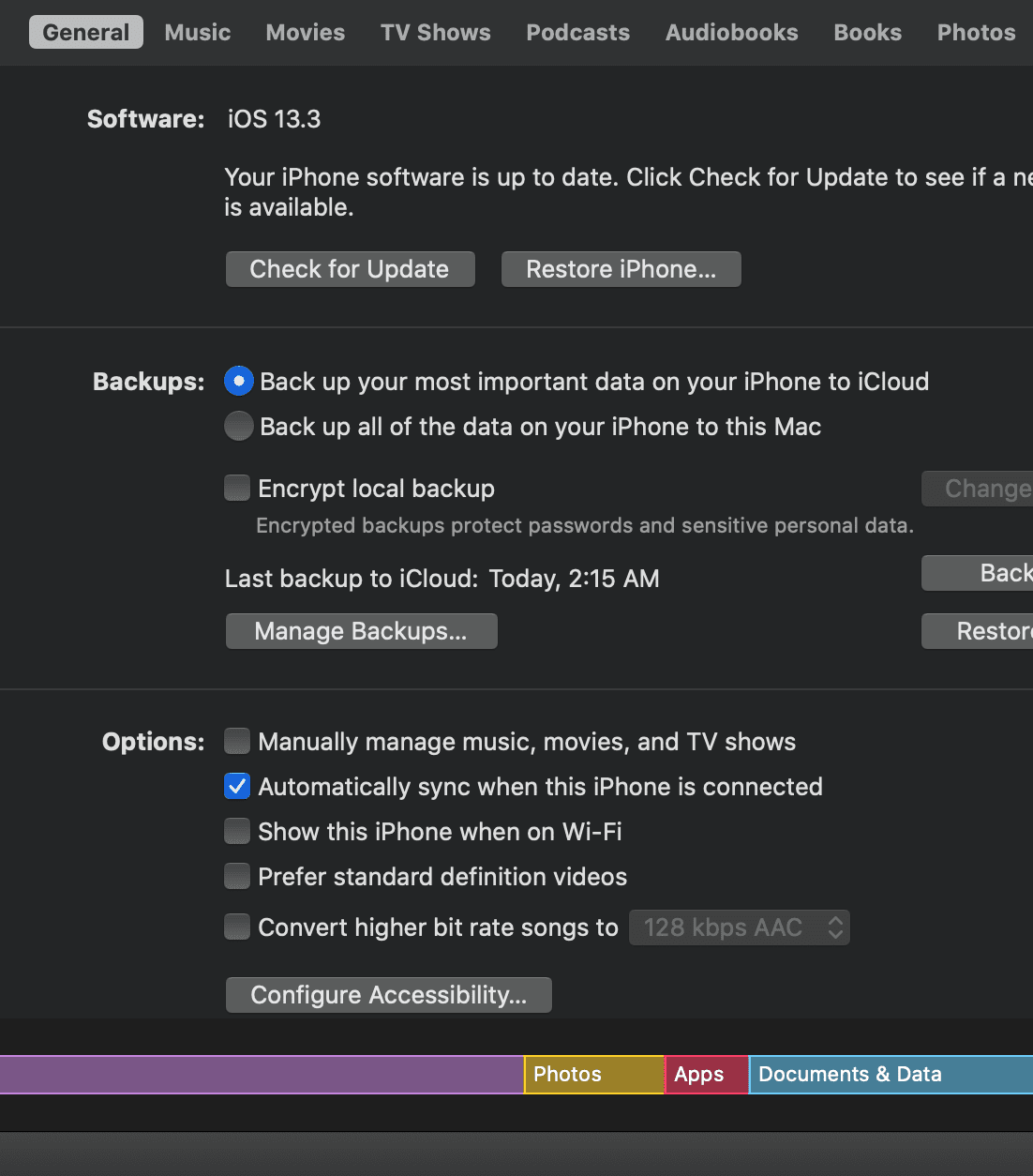
Screen shot of iPhone finder management in masOS Catalina

How to Make Your iPhone and iPad Appear in the macOS Catalina Finder

With macOS Catalina, Apple broke up the iTunes app into three separate apps: Apple Music, Apple TV, and Podcasts. Previously, you could connect iPhones, iPads, and iPod touches to your Mac and their icons would appear in iTunes. No longer. Now that — as well as syncing — is handled entirely in the Finder. To manage your iOS or iPad device in macOS Catalina, here's what you do...

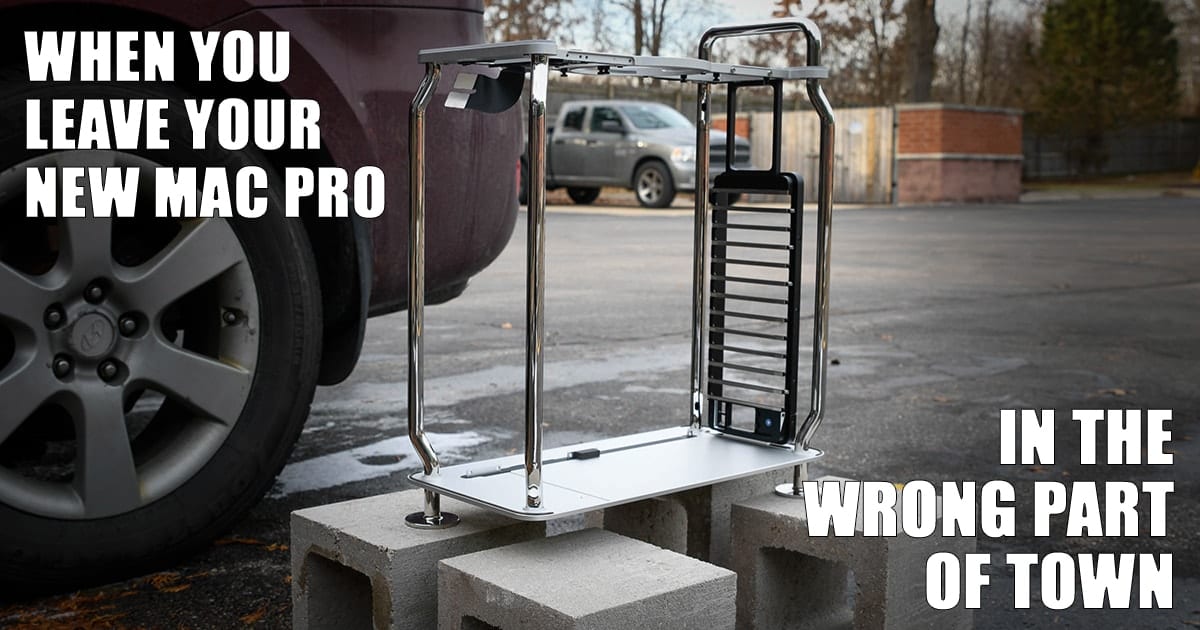
OWC Teardown of the 2019 Mac Pro

Have you ever wanted to gut a 2019 Mac Pro to see what's inside? Yes, it's a risky proposition. But, now you don't have to because our OWC friends Tom and Brady have done it for you! Watch as they take apart a 3.3 GHz, 12-core 2019 Mac Pro with an Afterburner card. Just make sure you don't leave it in the wrong part of town.

iMovie icon on a blue snowy background

Creating Holiday Videos with iMovie on a Mac

Want to share some holiday cheer? There’s nothing better than posting a holiday movie you’ve created in iMovie to Facebook or sharing it with friends and relatives in other ways. In this quick tutorial, I’ll show you how to create a holiday video with iMovie — even if you’ve never launched the app on your Mac before. In a forthcoming article, we’ll show the differences between the Mac and iOS/iPadOS versions of iMovie. Here we go!

Kirstie Tostevin on OWC RADiO

OWC RADiO: Kirstie Tostevin – FXhome and Star Wars SFX Secrets

"Star Wars: The Rise of Skywalker," launches December 20th and FXhome has a lead on SFX secrets! Head of Marketing, Kirstie Tostevin, talks to OWC Host, Cirina Catania, about the company’s new updates to HitFilm Pro, including additional support for...

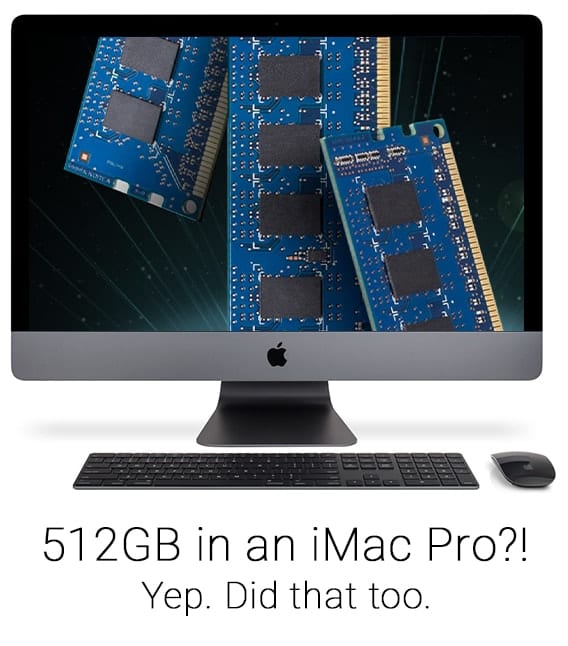
iMac Pro with memory stick on the screen and caption, "512GB in an iMac Pro? Yep. Did that too."

Another Industry First for OWC Memory – Maxing Out the iMac Pro

Larry O'Connor, Founder and CEO of OWC, is pleased to announce yet another industry first for the company. Maxing out iMac Pro memory. “Recently, we confirmed and began offering up to 1TB of memory for the 8, 12, and 16-Core 2019 Mac Pro models. A first in the industry as factory options are only available up to 768GB. Today, we’re announcing another industry first – OWC is doubling the maximum factory installed memory for the Apple iMac Pro."

1 2 3 75
Page 2 of 75