

How to Use Finder Tags in macOS Catalina
macOS includes a "Tags" feature that offers a convenient way to organize your files. Whether they are on your Mac or in iCloud, you can find them with a click. This is how you create them...
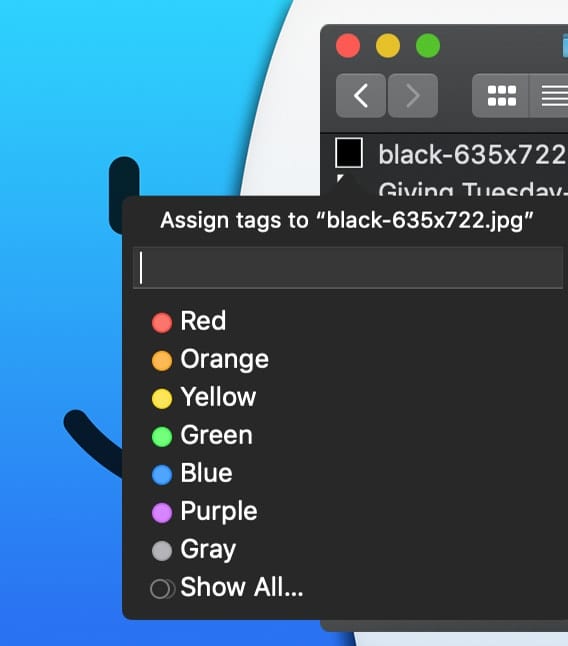
macOS includes a "Tags" feature that offers a convenient way to organize your files. Whether they are on your Mac or in iCloud, you can find them with a click. This is how you create them...

In this Pro Audio Series article, I'll introduce you to a few popular hardware compressors along with my favorite plugin emulations. Almost every plugin in this post is available as a demo, so don't just take my word for it. I'd recommend that you download them all and compare them to see if one stands out for you. Whether you're an experienced engineer or just getting started, this is all about personal taste. There's a lot to digest here, so let's dive right in.

Smartphones may never be the same. Alpesh H. Patel, CEO of ZmBIZI, is an award-winning global entrepreneur with yet another ground-breaking idea. His latest revolutionary project is an Android-based smartphone that pays you when you use it and comes with...
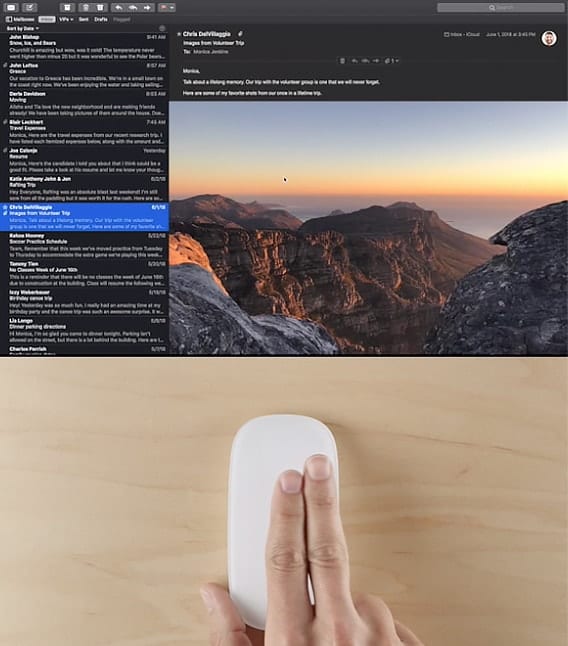
Starting with Mac OS X El Capitan, the Mail app added support for more gesture controls than before. Add your accounts to Mail and you’ll be able to access all your email from one place, then use swipe gestures to...

As a longtime tech writer, I'm sometimes asked how I get ideas for articles. Some of them come from readers who ask questions that intrigue me. The other day, an email arrived asking “I have an iMac running 10.13.6 and somehow when I start my Mac it tells me that my date and time is incorrect, but it’s not so I was wondering would you be able to explain to me in an easy way that I can understand: what’s going on?” Here's what the problem is, along with a solution.

Smart Folders have been around in one form or another since OS X Tiger. For a while, the Finder’s sidebar included a dedicated Search For section, with predefined Smart Folders that displayed apps and documents you used "Today," "Yesterday," or "Past Week." There were also Search For entries for "All Images," "All Movies," and "All Documents." These smart searches were a popular feature and served as an introduction to what Smart Folders could do. Now it's time to dig a little deeper and discover some of our favorite saved searches.

