X

Send us a Topic or Tip

Have a suggestion for the blog? Perhaps a topic you'd like us to write about? If so, we'd love to hear from you! Fancy yourself a writer and have a tech tip, handy computer trick, or "how to" to share? Let us know what you'd like to contribute!

Thanks for reaching out!

Year Archives: 2020

iPad Pro with Finder and Time machine Icons

Use the Finder in macOS Catalina to Back Up an iPhone or iPad

Recently I've noticed a number of software developers taking advantage of macOS Catalina users who previously used iTunes to back up their iPhones and iPads. How are they taking advantage of these folks? By charging up to $100 for apps that essentially perform a function that is built into Catalina. In this article, I'll show you just how easy it is to use the Finder in macOS Catalina to back up an iPhone.

Green eye icon and red eye icon with a line through it

Quick Tip: How to Show & Hide the Menu Bar on a Mac

When Mac OS X El Capitan debuted in 2015, it was the first time with a Mac operating system that you could hide the menu bar. This continues in macOS Catalina. I’m not sure why you would want to, but if you do, here’s how to hide the menu bar on a Mac...

Mac option key glyph with text saying "It's an option"

It’s an Option: Hidden Mac Features

If you enjoy discovering hidden features of your Mac, then it’s a good idea to get acquainted with the Option key. The Option key is like that special book in a library that, when moved, causes a secret door to swing open. In this case, the secret that is revealed is a Mac feature that is hidden from most users.

Mac startup chime sound notes chords on staff

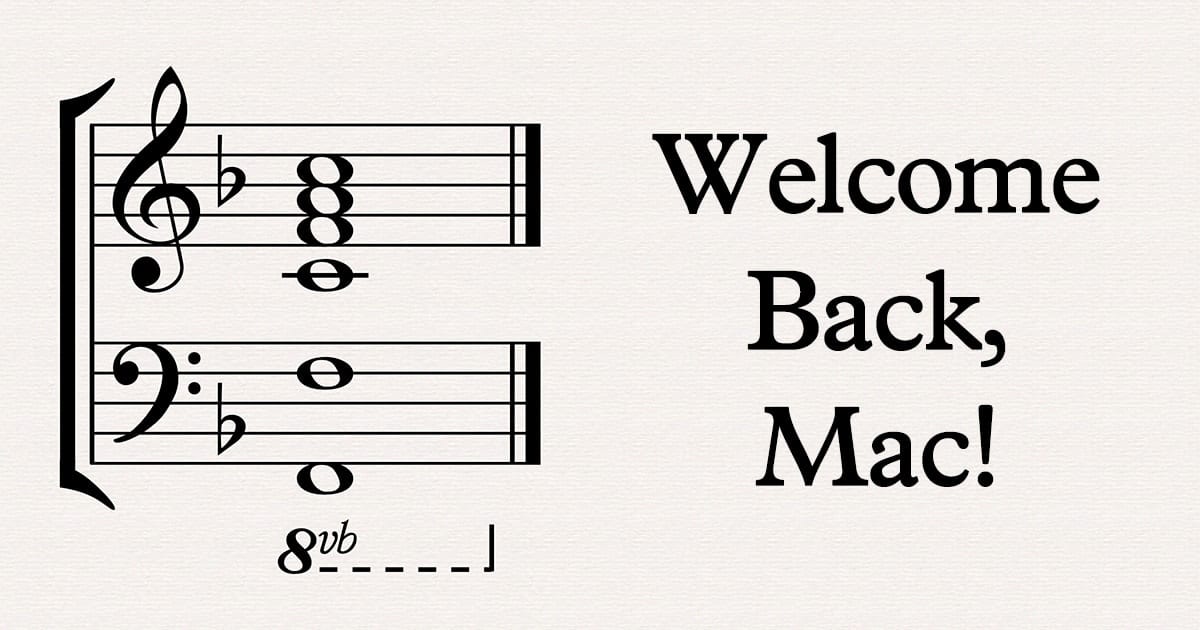
Bring Back the Mac Startup Chime With This Terminal Command

Recent Macs have been missing something that has been part of the Macintosh experience since 1984 -- the startup chime. For example, the 2019 16-inch MacBook Pro is silent during startup, along with other new Mac models. Fortunately, a few Twitter users showed that a simple Terminal command can bring back the chime.

Can of spam crossed out with a red circle and text saying "say no to spam"

Spam Control: Chapter 4 – Taming Spam Email on Macs

Today we'll be looking at ways to tame the spam beast on Macs. So far in this series, we've delved into what spam is and why it's bad, how to reduce spam text messages, and how to reduce the quantities...

1 66 67 68 78
Page 67 of 78