X

Send us a Topic or Tip

Have a suggestion for the blog? Perhaps a topic you'd like us to write about? If so, we'd love to hear from you! Fancy yourself a writer and have a tech tip, handy computer trick, or "how to" to share? Let us know what you'd like to contribute!

Thanks for reaching out!

Search Results for: ios 11

AirDrop icon with a Catalina background

How to Share Files Using AirDrop in macOS Catalina

Apple’s AirDrop feature is a great way to share files with macOS Catalina. It lets you send documents, photos, webpages, map locations, and more to anyone near you, wirelessly. You can send and receive items between Macs and iOS devices...
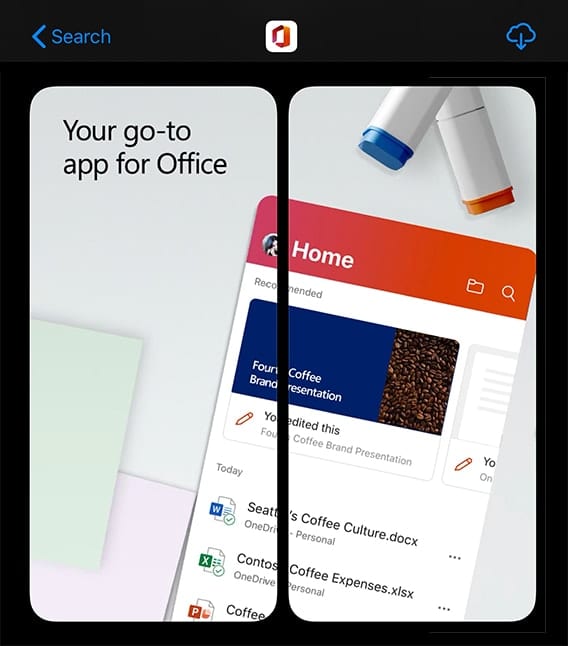

Microsoft Office for iPhone

A Quick Look at the New Microsoft Office for iPhone

Microsoft Office has been around for years on Mac, and the software company created separate iPhone apps for Word (word processing), Excel (spreadsheet), and PowerPoint (presentation). Last month, Microsoft released a totally new Microsoft Office for iPhone that includes new...

After Auschwitz LAPPG OWC Exploring Biographical Documentaries

Exploring Biographical Documentaries with LAPPG and OWC

Exploring Biographical Documentaries The Los Angeles Post Production Group (LAPPG) is set to explore the making of biographical documentaries as well as the latest solutions from OWC at it’s March meeting on Wednesday, March 11, 2020. Jon Kean & Anne Stein, the...

A carton of eggs showing small images of owc products with text saying "One dozen essential accessories."

A Dozen Essential Mac Accessories

Whether your Mac has just been unboxed or you’ve had it for years, there are some accessories that every Mac owner should consider indispensable. Today we’ll take a look at a dozen of these accessories and how they can assist you in your daily work.

iPad Pro with Finder and Time machine Icons

Use the Finder in macOS Catalina to Back Up an iPhone or iPad

Recently I've noticed a number of software developers taking advantage of macOS Catalina users who previously used iTunes to back up their iPhones and iPads. How are they taking advantage of these folks? By charging up to $100 for apps that essentially perform a function that is built into Catalina. In this article, I'll show you just how easy it is to use the Finder in macOS Catalina to back up an iPhone.

Green eye icon and red eye icon with a line through it

Quick Tip: How to Show & Hide the Menu Bar on a Mac

When Mac OS X El Capitan debuted in 2015, it was the first time with a Mac operating system that you could hide the menu bar. This continues in macOS Catalina. I’m not sure why you would want to, but if you do, here’s how to hide the menu bar on a Mac...

Pro Audio: The Best Plugins – Compression

Pro Audio: The Best Compressor Plugins

In this Pro Audio Series article, I'll introduce you to a few popular hardware compressors along with my favorite plugin emulations. Almost every plugin in this post is available as a demo, so don't just take my word for it. I'd recommend that you download them all and compare them to see if one stands out for you. Whether you're an experienced engineer or just getting started, this is all about personal taste. There's a lot to digest here, so let's dive right in.

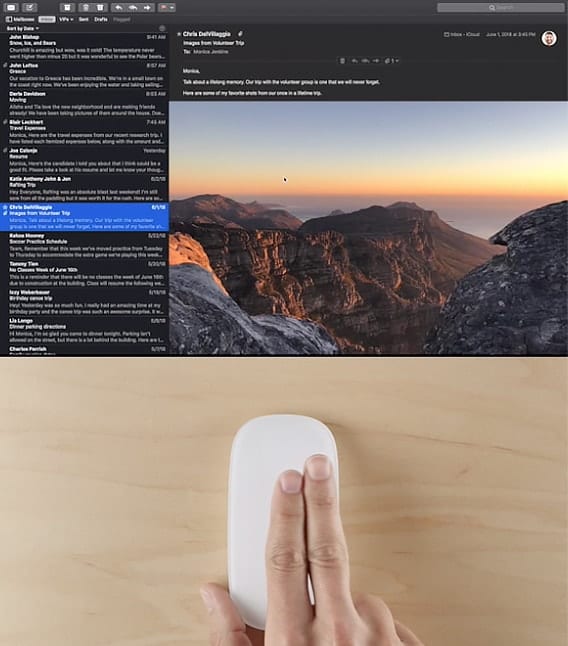
apple magic mouse doing a two-finger swipe

How to Use Gestures in Mail in macOS Catalina

Starting with Mac OS X El Capitan, the Mail app added support for more gesture controls than before. Add your accounts to Mail and you’ll be able to access all your email from one place, then use swipe gestures to...

1 37 38 39 67
Page 38 of 67