


 1-800-275-4576

OWC Install Videos


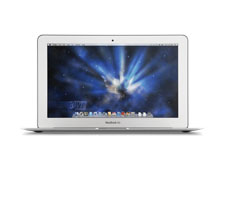
11-inch MacBook Air (Mid 2012)
Model ID:
- MacBookAir5,1



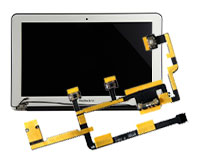
Apple SSD Install Video
OWC Skill Level: "Easy"
Duration: 2:02
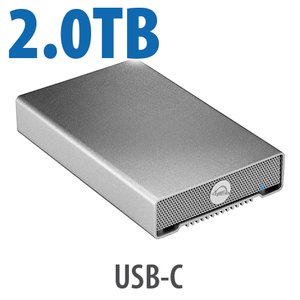
OWC's step-by-step video of how to install an Apple SATA SSD from a MacBook Air (2010 - 2012) into an OWC Envoy SATA SSD Enclosure.
Interested in using these videos on your site view our video usage policy.


DISCLAIMER: Although every effort is made to provide the most accurate and useful information in OWC Videos, no warranty, expressed or implied, is made regarding accuracy, completeness, reliability, or usefulness of any information. Models used for demonstration on Videos may vary from that used by you. You use the Videos at your own risk, and you agree OWC shall not be held liable for any use of the information contained in OWC Videos. Your use of OWC Videos is expressly subject to the complete Site Terms and Conditions available at: http://eshop.macsales.com/service/terms