D-Link
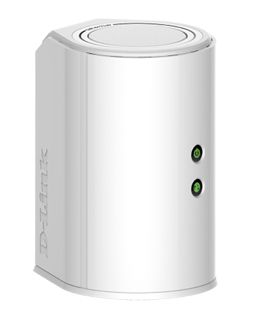
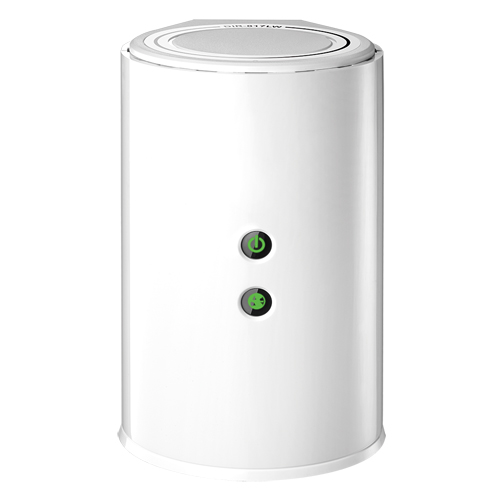
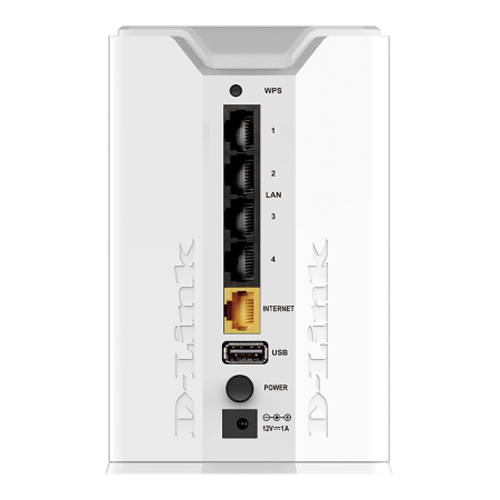
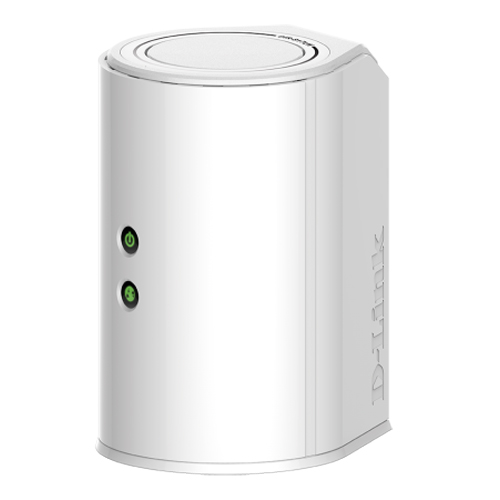
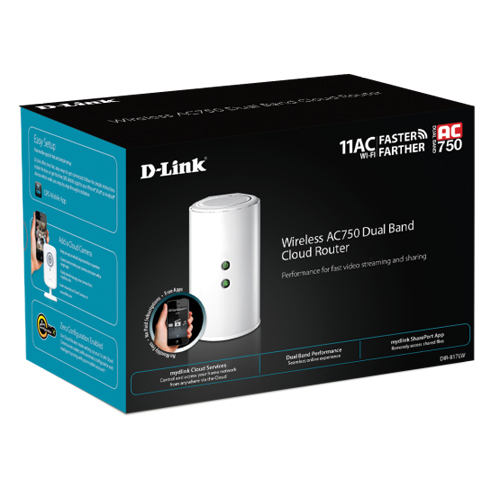
Wireless AC750 Dual Band Cloud Router
New Condition | Open Box
Mac / PC / 802.11ac
Next Generation Wireless Speeds with an Edge
The DIR-817LW Wireless AC750 Dual Band Cloud Router is an affordable yet powerful wireless networking solution which combines the latest high-speed 802.11ac Wi-Fi specification with dual band technology and fast Ethernet ports to deliver a seamless networking experience. The increased range and reliability of wireless AC technology reaches farther into your home and advanced security features keep your network and data safe from intruders.
Dual Band Wireless AC for Optimal Performance
The DIR-817LW Wireless AC750 Dual Band Cloud Router gives you fast Wi-Fi speeds of up to 750 Mbps and increased range. It also uses dual band wireless, allowing you to operate two concurrent, high-speed Wi-Fi bands for ultimate wireless performance. Surf the web, chat, and play online games on the 2.4 GHz band, while simultaneously streaming digital media on the 5 GHz band. What's more, each band can operate as a separate Wi-Fi network, giving you the ability to customize your network according to your connectivity needs. You can even configure a guest zone to give visitors Internet access without giving them access to the rest of your network.
Your Own Personal Cloud Storage
With mydlink SharePort™, you can connect a USB storage drive to the DIR-817LW to instantly create a personal, private storage space to access your documents, movies, pictures and music, no matter where you are. Save space on your mobile device with the mydlink SharePort app by streaming your favorite shows and music, or download specific episodes or songs to your device for offline playback
Monitor Your Network Anytime
The DIR-817L is mydlink Cloud-enabled, so you can access and view your network wherever you are. See who is connected to your router, change settings, or block someone from using your network connection, all from any Internet connected PC, or mobile device. Parents can monitor what sites their children are visiting and can stay informed and in control while they are away.
Sharing your Internet connection doesn't have to be a complicated process – just open a web browser to access the setup wizard and follow the easy step-by-step instructions to get started. Implement WPA/WPA2 wireless security in minutes with the wireless network setup wizard or use Wi-Fi Protected Setup (WPS), which establishes a secure connection to new devices without the need to enter settings or create passwords. In addition, the built-in firewall protects against malicious attacks from the Internet, and access control features allow you to restrict access to your network, making your connection safe and secure.






 1-800-275-4576