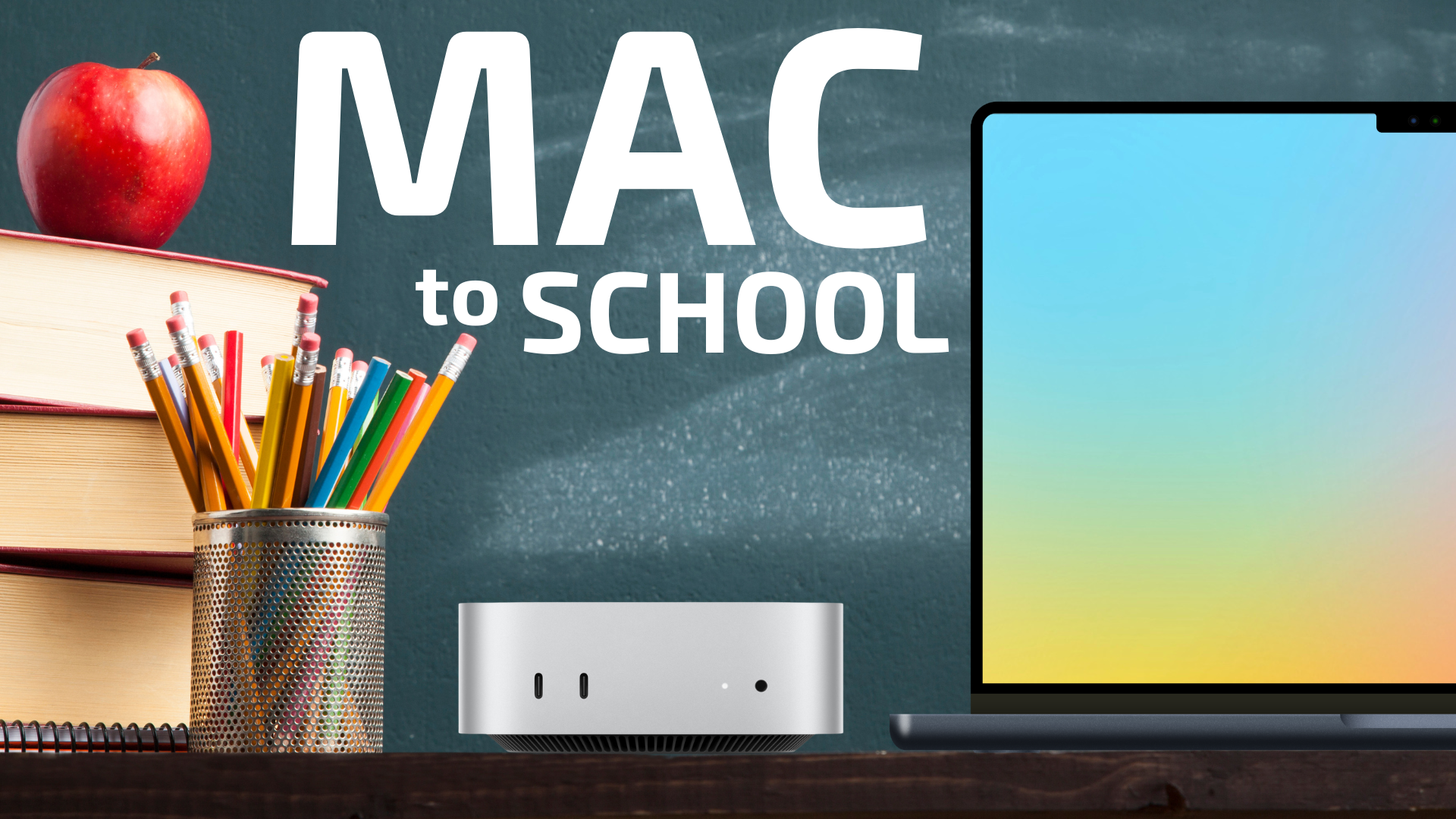
The new school year is just around the corner, and for many students, that means it’s time to upgrade their tech. A reliable Mac can be an invaluable tool for everything from writing papers and doing research to collaborating on projects and staying entertained. But with so many options, how do you choose the right one?
We’re here to help you navigate the world of Macs and find the perfect fit for your academic journey. This guide will walk you through top recommendations for various student needs and budgets, including how to make the most of buying a used Mac from MacSales.com.
For Everyday Tasks & Budget-Conscious Students: MacBook Air & Mac mini
Not every student needs a powerhouse machine. For daily tasks like web browsing, email, word processing, presentations, and light media consumption, the MacBook Air and Mac mini offer excellent performance, portability (for the Air), and value. And with the new M4 chip, both of these Macs now punch well above their weight in more intensive tasks like photo and video editing as well.
MacBook Air (Latest M4 Chip): Your Portable Powerhouse

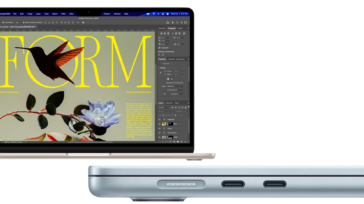
The MacBook Air is the quintessential student laptop, renowned for its incredible portability, long battery life, and fanless design, making it silent even during intense study sessions. With the latest M4 chip, it’s more capable than ever. In fact, students who need applications like Photoshop, or Final Cut Pro will find that in most light to medium cases the MacBook Air is more than up to task.
- Recommended Configuration for Everyday Use:
- 13-inch MacBook Air with M4 chip: The 13-inch model is incredibly light and easy to carry between classes.
- 10-core CPU, 10-core GPU: This provides ample power for all typical student tasks.
- 16GB Unified Memory: Sufficient for multitasking with productivity apps and web Browse.
- 512GB SSD Storage: Enough for essential documents and applications, with cloud storage or external drives handling larger files.
- Price: $1099 with Apple Education discount.
- Why this config? It strikes the best balance between performance and price for the average student. You get the latest M4 chip for future-proofing without overspending on features you might not use.
- Be sure to pair it with:
- The OWC Envoy Pro Elektron. The Envoy Pro Elektron is the perfect storage companion for the M4 MacBook Air. It’ light, compact, and ultra durable with an IP67 rating and a design that is crushproof, dustproof, and waterproof.
- The OWC Travel Dock E. The OWC USB-C Travel Dock E reduces the hassle of adapter and dongle heft, while expanding your connectivity options with six essential ports: USB 3 Type-A, HDMI 2.0, SD card reader, Gigabit Ethernet, and USB-C power pass through.
Mac mini (Latest M4 Chip): The Budget-Friendly Desktop Workhorse

If portability isn’t a primary concern and you prefer a desktop setup, the Mac mini is an incredibly powerful and cost-effective option. Just add your own display, keyboard, and mouse!
- Recommended Configuration for Budget & Desktop Use:
- Mac mini with M4 chip: Offers desktop-class performance in a compact footprint.
- 10-core CPU, 10-core GPU: Perfect for general academic work, research, and entertainment.
- 16GB Unified Memory: Handles everyday tasks with ease.
- 256GB SSD Storage: Provides fast boot times and app loading.
- Price: $499 with Apple Education discount.
- Why this config? For a student who primarily works at a desk, the Mac mini offers fantastic performance at a lower entry price than a laptop. We recommend the 256GB storage tier since you can easily connect an OWC Envoy Pro Elektron or an OWC Express 1M2 to quickly—and GREATLY—expand your storage to up to 8TB. And at only $499, the savings can be put towards one of those drives, in addition to a quality monitor or other peripherals.
For Note-taking and Everyday Tasks: iPad Pro

While Macs are fantastic for traditional computing, the iPad Pro offers a unique and incredibly powerful alternative that can fit particularly well into a student workflow. The iPad can be a much more versatile note-taking device than a Mac, especially if you prefer to hand-write your notes or if you include a lot of sketches with your notes. When paired with an Apple Pencil and a Magic Keyboard, the iPad Pro can be whatever you need it to be: both a touch-first tablet for extreme portability, or a docked computer that can connect to external displays for longer work sessions.
Why the iPad Pro instead of a Mac for Students?
- Unrivaled Note-Taking: This is where the iPad Pro truly shines. With the Apple Pencil, you can take handwritten notes directly on digital documents, lecture slides, or blank canvases with incredible precision and responsiveness. Apps like GoodNotes, Notability, and Microsoft OneNote offer robust features for organizing, searching, and even recording audio alongside your notes. It’s like having an infinite notebook that never runs out of paper.
- Intuitive Annotation: Reading textbooks or research papers in PDF format? The iPad Pro allows you to highlight, draw, and add sticky notes directly onto the document, making active reading and studying a breeze.
- Creative Freedom: For visual learners, art students, or anyone who enjoys doodling to process information, the iPad Pro and Apple Pencil are a dream come true. Sketch diagrams, brainstorm ideas on an infinite canvas, or create stunning digital art.
- Extreme Portability: The M4 iPad Pro is incredibly thin and light, making it effortless to carry from class to the library, coffee shop, or anywhere inspiration strikes.
- Versatile for Everyday Tasks: With iPadOS and the Magic Keyboard, the iPad Pro can handle email, web browsing, word processing, presentations, and even light photo editing with ease. It’s a fantastic companion for all your daily academic needs. And thanks to the new M4 chip, the iPad Pro can even handle photo editing and 4K video editing with ease.
- Long Battery Life: Like its Mac counterparts, the iPad Pro boasts impressive battery life, ensuring it lasts through long study sessions and back-to-back classes.
Recommended iPad Pro Configuration for Students
- iPad Pro (Latest M4 Chip): The M4 chip provides incredible performance, future-proofing your investment. But more importantly, the M4 makes the iPad Pro more versatile than ever before, capable of handling just about anything you would want to throw at it.
- Screen size and display coating: The 11-inch model offers the perfect balance of portability and screen real estate for comfortable note-taking and content consumption. However, if you plan on using your iPad apart from an external display most of the time, the upgrade to the 13-inch display may be worth it to you. And if you plan on using your iPad outside a lot, you might want to opt for the nano-texture glass display, which greatly reduces screen glare.
- 256GB Storage: For note-taking, app storage, and some media, 256GB is a good starting point. If you plan to store many large files, high-resolution media, or a vast digital library, grab an OWC Envoy Pro Elektron or OWC Express 1M2 to add fast storage on the go.
- Price: $899 with Apple Education discount.
Must-Have Accessories:
- Apple Pencil Pro: Essential for handwritten notes, drawing, and precise interaction. Its advanced features, like squeeze and barrel roll, further enhance the experience.
- Magic Keyboard for iPad Pro: Transforms the iPad Pro into a powerful laptop replacement with a comfortable typing experience and a trackpad, perfect for writing papers and more traditional computing tasks.
- OWC Thunderbolt Hub: Keeping an OWC Thunderbolt Hub on your desk makes docking your iPad Pro into external USB-C or Thunderbolt displays and drives as simple as plugging in a cable.
- OWC Envoy Pro Elektron: The Envoy Pro Elektron is the easiest way to expand your iPad Pro’s internal storage. With Elektron you can carry up to 4TB in a crushproof, waterproof, dustproof package that is smaller than a deck of cards.
While a MacBook Air is still king for traditional laptop users, the iPad Pro offers a compelling and highly interactive alternative for students who value digital note-taking, creative expression, and ultimate portability for their everyday academic workflow.
For Demanding Work: MacBook Pro & Mac Studio
For students pursuing degrees in graphics, design, engineering, film, music production, or any field requiring intensive creative applications, a more powerful Mac is a worthwhile investment. These machines are built to handle complex tasks like 3D rendering, high-resolution video editing, and large-scale photo manipulation.
MacBook Pro (Latest M4 Pro/Max Chip): Uncompromised Portable Performance

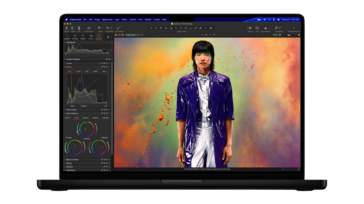
The MacBook Pro is designed for professionals and serious creators who need desktop-level performance on the go. Its Liquid Retina XDR display, advanced cooling, and powerful M4 Pro or M4 Max chips make it a true workhorse.
- Recommended Configuration for Creative Professionals:
- 14-inch MacBook Pro with M4 Pro chip: The 14-inch offers a great balance of screen real estate and portability.
- 14-core CPU, 20-core GPU (M4 Pro): Provides significant processing and graphics power for demanding creative applications.
- 24GB Unified Memory: Crucial for smooth performance when working with large files and multiple professional applications simultaneously. Opt for 48GB if your budget allows, especially for video editing or large graphic design projects.
- 1TB SSD Storage: Fast storage is essential for creative workflows. 1TB is highly recommended for storing project files and media libraries.
- Price: $2199 with Apple Education discount.
- Why this config? This setup provides the raw power needed for intensive creative work, coupled with the portability to work from anywhere. The M4 Pro chip is a significant leap for these types of tasks.
- Be sure to pair it with:
- The OWC Thunderbolt 5 Dock. Take full advantage of your MacBook Pro’s Thunderbolt 5 support with the ultimate in desktop expansion. Expand one Thunderbolt 5 port on your MacBook Pro to 11, maximizing the highest bandwidth available with three additional Thunderbolt 5 ports, while using your existing gear whether they are Thunderbolt 5/4/3, USB4, or USB-C.
Mac Studio (Latest M4 Max/Ultra Chip): The Ultimate Creative Desktop

For students who have a dedicated workspace and require the absolute maximum performance for their creative endeavors, the Mac Studio is an unparalleled option. It packs incredible power into a remarkably compact design.
- Recommended Configuration for High-End Creative Work:
- Mac Studio with M4 Max chip: Even the base M4 Max in the Mac Studio is incredibly powerful.
- 14-core CPU, 32-core GPU (M4 Max): This configuration is a beast for video editing, 3D rendering, and complex design projects.
- 36GB Unified Memory: More memory is always better for demanding creative tasks.
- 1TB or 2TB SSD Storage: Generous internal storage is essential for large project files and media libraries. Consider external OWC Thunderbolt storage solutions like the Express 1M2 or the Thunderbolt 5 Envoy Ultra for even more blazing fast capacity.
- Why this config? The Mac Studio with the M4 Max chip offers unparalleled desktop performance for creative professionals. It’s ideal for students who will be spending many hours on processor-intensive tasks and can benefit from a dedicated, powerful workstation.
Smart Savings: Buying a Custom Used Mac from MacSales.com
For many students, budget is a significant factor. That’s where purchasing a used Mac can be an incredibly smart decision. Here at MacSales.com, we offer a wide selection of thoroughly inspected and warrantied used Macs that deliver exceptional value.
Why Buy Used from OWC MacSales.com?

- Significant Savings: Get a powerful Mac at a fraction of the cost of a new one.
- Reliability & Warranty: All used Macs from MacSales.com are rigorously tested and come with a warranty, giving you peace of mind.
- Eco-Friendly: Buying used is a great way to reduce your environmental footprint by extending the life of existing electronics.
- Configure Your Own Used Mac: One of the biggest advantages of buying a used Mac from MacSales.com is the ability to configure it just how you like it! Need more RAM? A larger SSD? We can customize many of our used Macs with OWC-exclusive upgrades to meet your specific needs and budget.
Recommended Previous Generation Used Mac and iPad Models for Students:
Even older M-series Macs offer incredible performance for students. Look for these models when browsing our used selection:
- Used MacBook Air (M2 Chip): The M2 MacBook Air (released mid-2022) is still a fantastic choice for everyday use and lighter tasks. The M2 Air offers excellent battery life and silent operation. Look for MacBook Air models on MacSales with 16GB of unified memory to make the most of your investment, along with 512GB SSD storage. These are perfect for general productivity and will handle most student workloads with ease.
- Used iPad Pro (M4 or M2 Chip): If you want the larger 13″ display or more storage for your iPad Pro, you can save quite a bit of dough off of retail with a used iPad Pro on MacSales.com. We’ve got M2 and M4 models to choose from. Take a look.
- Used Mac mini (M2 Chip): Similar to the MacBook Air, the M2 Mac mini models are powerful and efficient desktop solutions. An M2 Mac mini with 8GB of unified memory and a 256GB SSD can be had for as little as $329 on MacSales and would make an excellent, budget-friendly desktop for any student.
- Used MacBook Pro (M1 Pro, M1 Max, M2 Pro, or M2 Max Chip): For students needing more power for creative tasks, previous generation MacBook Pros with M1 Pro/Max or M2 Pro/Max chips are incredible values on the used market. These machines still offer exceptional performance for video editing, graphic design, and other demanding applications. Aim for at least 32-36GB of unified memory (64GB or more if your budget allows) and 1TB of SSD storage.
- Used Mac Studio (M1 Max or M2 Max Chip): The original Mac Studio models with M1 Max or M2 Max chips are still incredibly capable for high-end creative workflows. If you find one with ample unified memory (32GB or more) and at least 1TB of SSD storage, it can be a powerful and cost-effective workstation for a student in a demanding creative field.
No matter your field of study or your budget, there’s a perfect Mac waiting to help you succeed this back-to-school season. Explore all of the ways you can save on your perfect Mac at our used Mac configurator, here at MacSales.com, and get ready for a productive academic year!
Other Topics You Might Like: