X

Send us a Topic or Tip

Have a suggestion for the blog? Perhaps a topic you'd like us to write about? If so, we'd love to hear from you! Fancy yourself a writer and have a tech tip, handy computer trick, or "how to" to share? Let us know what you'd like to contribute!

Thanks for reaching out!

Rocket Yard

Tech Tips

Tech tips and how to’s. All the great, timeless reference articles we have.

macOS Big Sur Siri Preferences

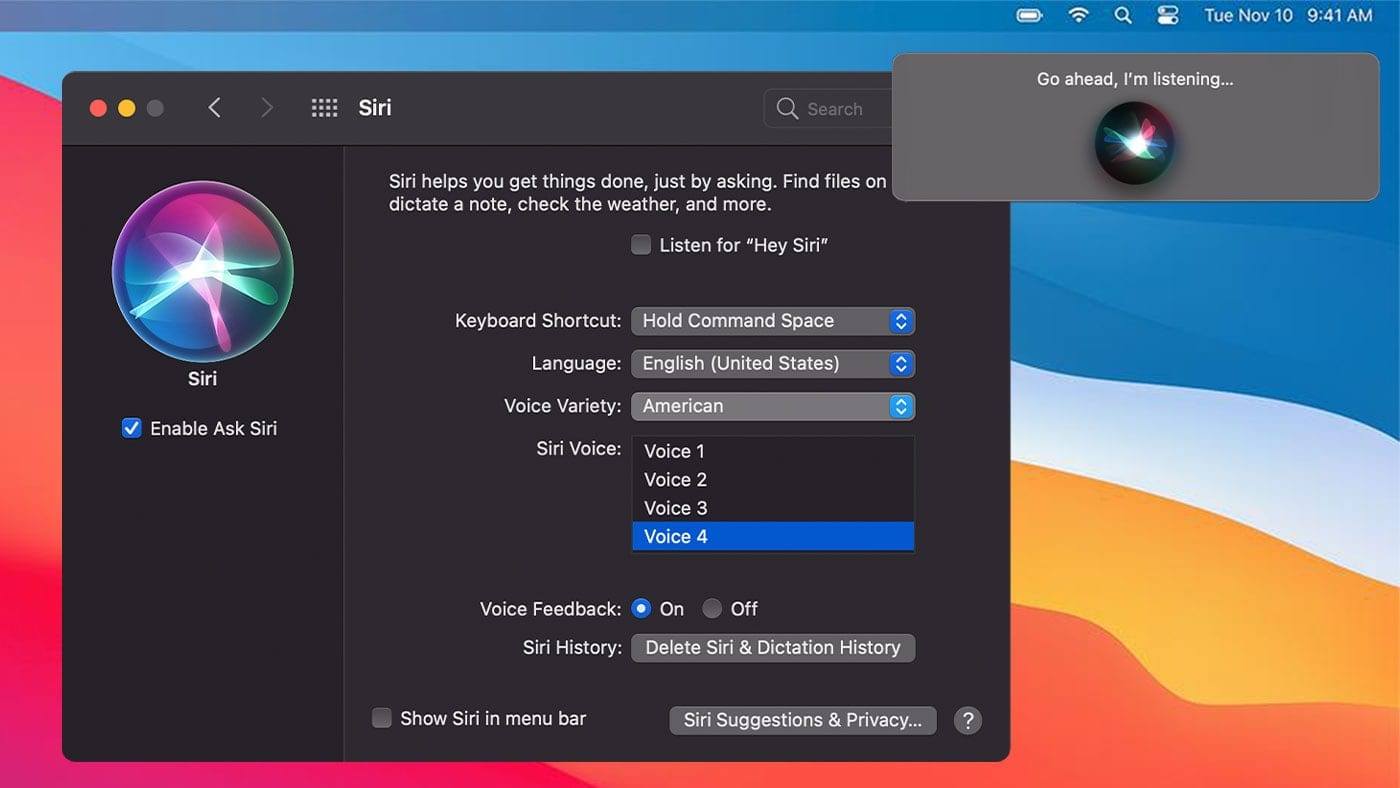
How to Change Siri’s Voice in macOS (And Adjust Other Settings)

Siri, Apple’s “personal digital assistant,” is pretty handy. But what if you don’t like the default voice of the "personal digital assistant”? No problem, you can change it on a Mac running macOS Sierra or later, as well as tweak other settings. Here's how...
macOS Accessibility Keyboard

How to Enable the Accessibility Keyboard in macOS

The Accessibility Keyboard is an on-screen keyboard that lets you type and perform other actions on macOS without using your Mac's hardware keyboard. And it can be very useful for some folks, especially anyone who has trouble using a physical...

Multiple Mac Monitors

How to Move the Dock from One Monitor to Another on a Mac

I’ve recently started using multiple monitors. Again.And I’ve completely forgotten how to move the dock from one monitor to another. Again.So now I am aggravated with myself and highly embarrassed. Again.Not to mention that I’m going to have to look...

Apple Music app on a Mac

How to Create, Edit, and Delete an Apple Music Playlist in macOS Big Sur

Starting with macOS Catalina, iTunes was broken up into separate apps: Apple Music (where your iTunes media library is located), Apple TV (the app, not the set-top box or streaming service — yes, it’s confusing), Apple Books app, and Apple Podcasts app. The result was some tweaks to the way playlists were handled. But, not to worry, it’s still relatively easy.

1 111 112 113 318
Page 112 of 318