

How to Enable Your Mac to Send and Receive SMS & MMS Text Messages
SMS is a message that contains only text. MMS can send pictures, video, or audio content to another device. Both can be sent from your Mac, and we'll show you how.
Tech tips and how to’s. All the great, timeless reference articles we have.
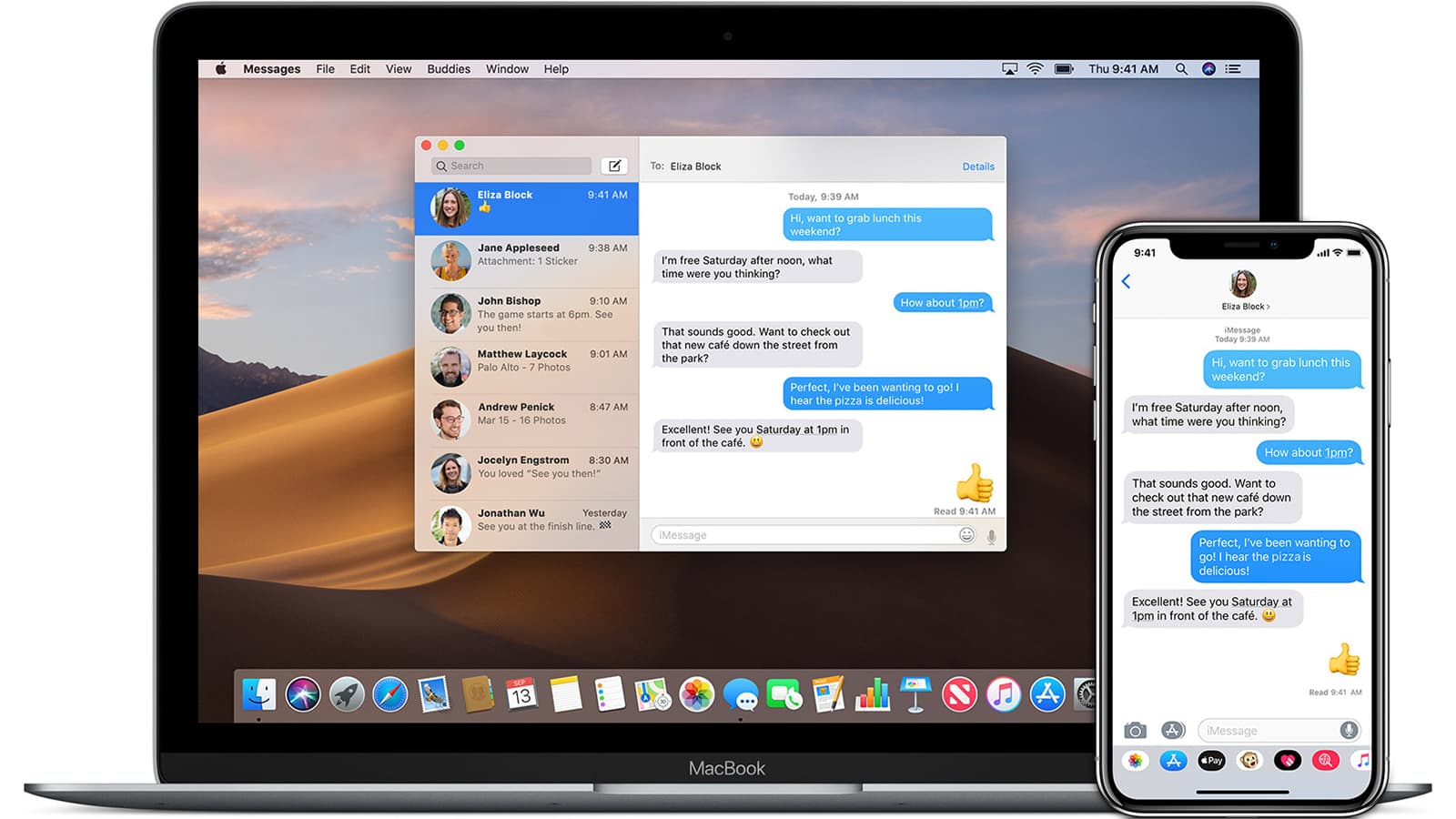
SMS is a message that contains only text. MMS can send pictures, video, or audio content to another device. Both can be sent from your Mac, and we'll show you how.

I was so fascinated with the watchOS 7 handwashing timer when it first appeared last week that I neglected to look deeper into the app. You can read all about how to set up this useful and — in the time of COVID-19 — important app in this post, but today I’ll show you how to get more out of the app.
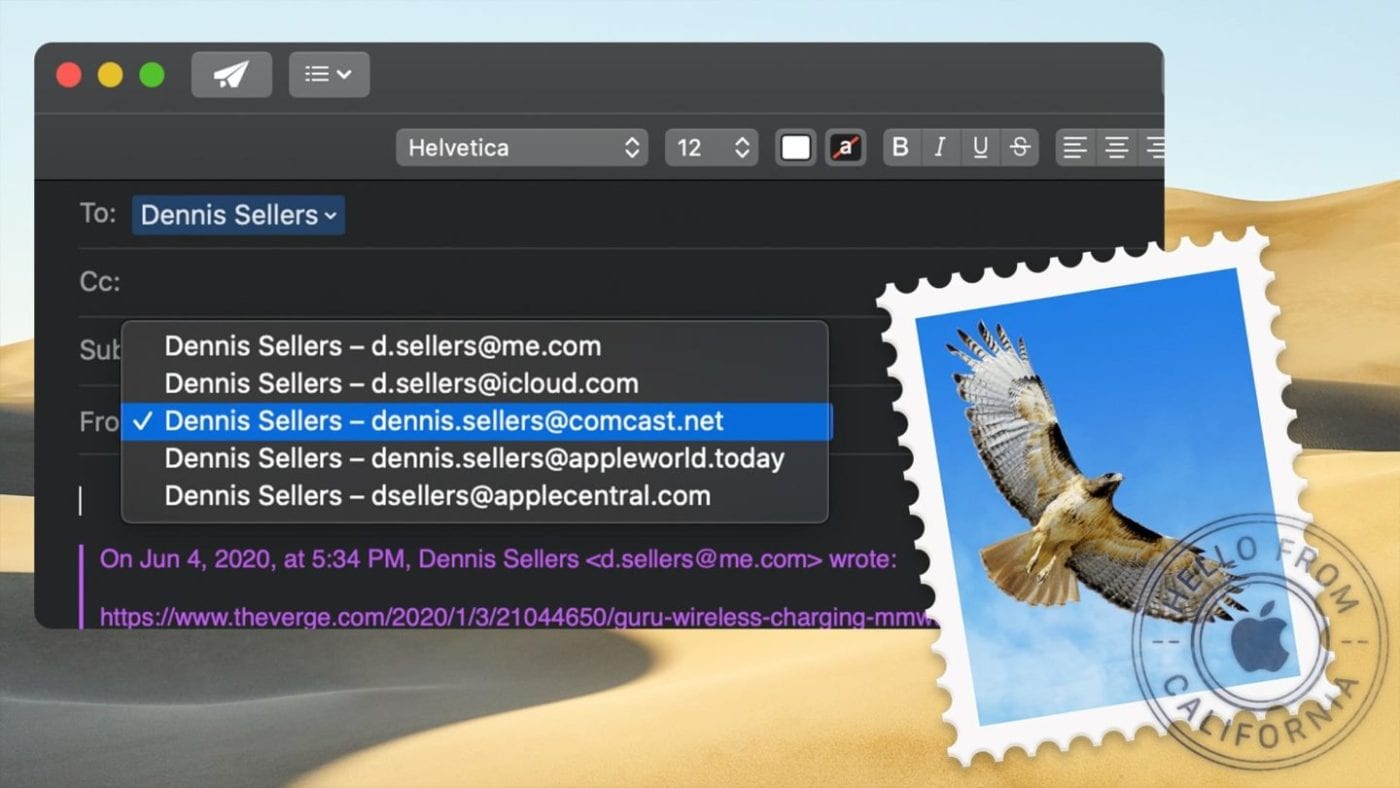
The Mac Mail app is pretty smart and is pretty much reliable at associating an email address with a particular account, so I don’t set up a specific return address in Mail. However, when you reply to an email, you can choose a different return email address than the one associated with it.
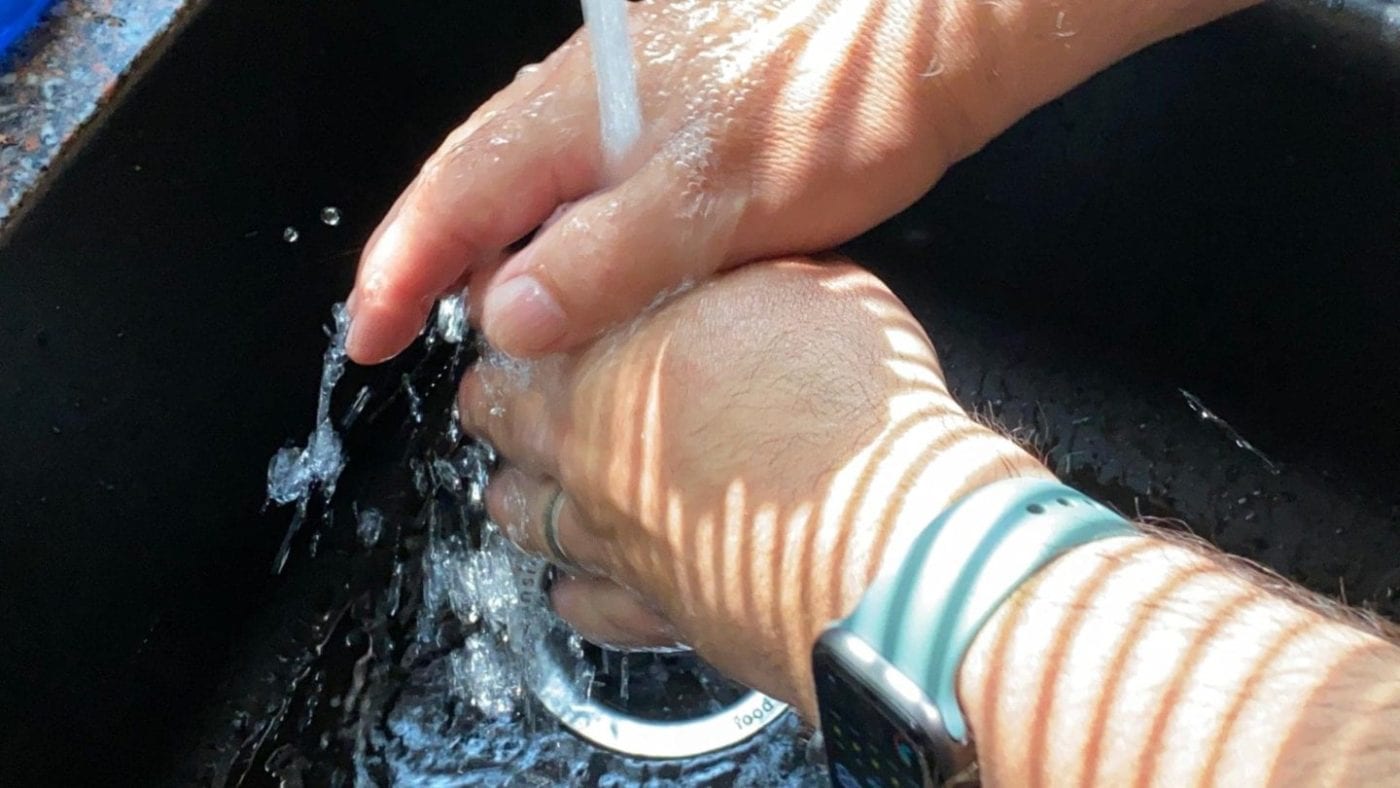
Since the beginning of the COVID-19 pandemic, we've continuously been admonished to wash our hands with soap and hot water for at least 20 seconds after touching any surface that might harbor the virus. watchOS 7 includes a helpful handwashing timer and reminder app that tells you how long to keep washing your hands. It can even tell you to wash your hands when you get home.
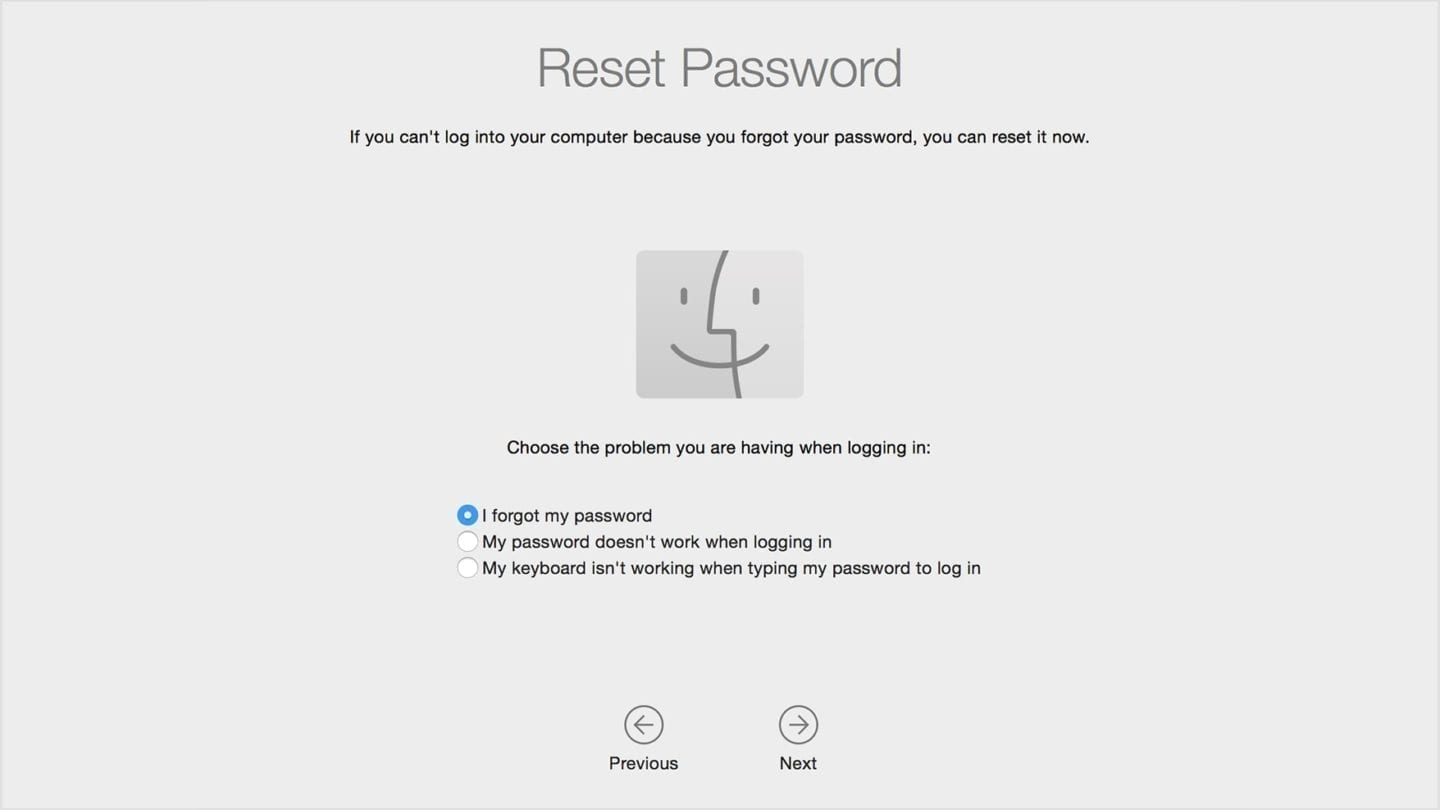
The password of your user account in macOS is known as your login password. It's the password you use to log in to your Mac and make certain changes, such as installing software. But have you ever forgotten it? If so, you can often reset it – this article shows several different ways. Hopefully, one of them will work for you!

With Mail on macOS, it’s easy to reply to or forward messages (and it may get even easier with macOS Big Sur this fall – stay tuned). What’s more, if a message contains attachments, you can include them if you wish. Here’s how...

