X

Send us a Topic or Tip

Have a suggestion for the blog? Perhaps a topic you'd like us to write about? If so, we'd love to hear from you! Fancy yourself a writer and have a tech tip, handy computer trick, or "how to" to share? Let us know what you'd like to contribute!

Thanks for reaching out!

Search Results for: NAB Show

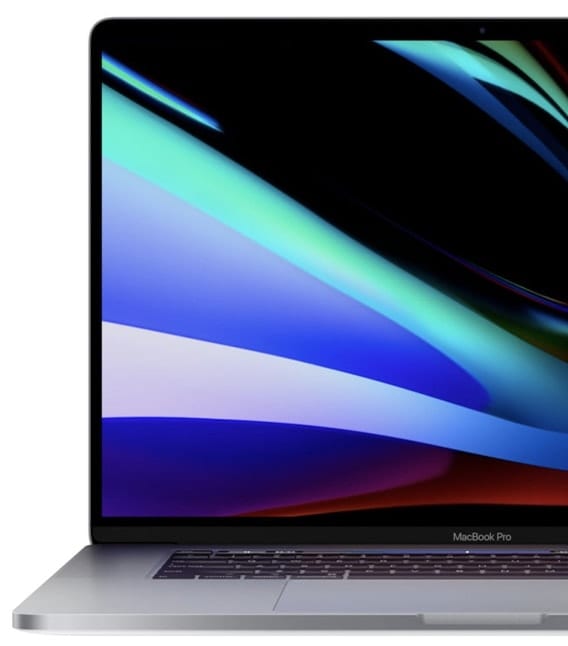
2019 16-inch MacBook Pro: First Impressions and Benchmarks

After years of trying to make an iPad or iPad Pro work as a viable MacBook substitute, I finally decided this year that my next work computer would be a MacBook Pro rather than an iMac. Knowing about the keyboard issues with previous MacBook Pros, I also decided that I'd wait until the 16-inch MacBook Pro was released before making the switch from desktop to laptop. I had my order in to Apple for a "fairly loaded" MacBook Pro within minutes after hearing that it was available, and now I've been using the computer for about a week. In this First Impressions post, I'll provide my opinions on the newest MacBook Pro and also provide a few benchmarks showing just how powerful this portable workstation is.
Move or Manage the Music, Apple TV, and Podcasts Libraries

macOS Catalina’s new media apps - Music, Apple TV, and Podcasts - are the replacement for the older iTunes app, which handled most of these media types in a single application. And while iTunes may have a reputation with some users as being a poor performer, the Music, Apple TV, and Podcasts apps may not be off to a stellar beginning, either, at least as indicated by the comments received on our various articles.

Mac Security Preferences Icon with Catalina backdrop

How macOS Catalina Improves Mac Security

Mac owners who have upgraded to macOS Catalina have probably noticed a lot of new features and changes to existing functionality. But they may not have really been aware of how much Apple has improved Mac security. Today we’ll look at some of the changes and how they keep your Mac safe from intrusion.

Transparent icon of an iMac and a Rocket

Speed Up macOS Catalina with These Tips

Did you recently upgrade to macOS Catalina? After the initial thrill of seeing a new desktop and exploring new features, did you notice that your Mac isn’t as fast as it used to be? While it isn't normal for the Mac to slow down after a system upgrade, it has been known to happen.

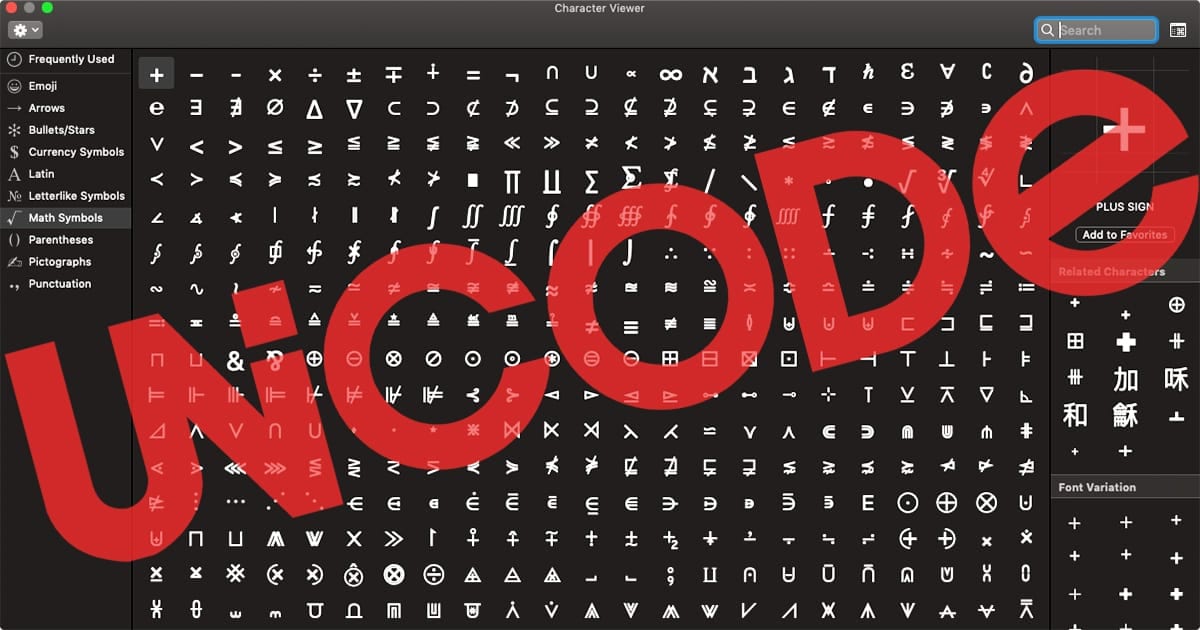
Unicode: Adding Thousands of Characters to Your Mac

Our Mac keyboards have a limited number of characters on them, primarily letters, numbers, punctuation marks, and a few special characters like the Apple logo mark () that can be typed using keyboard combinations like Option-Shift-K. Through the use of a computer industry standard called Unicode, it's possible to type any of 137,994 characters! Today we'll show you how that's done using Unicode and the Option key.

Screen Time

Catalina Quick Tip: How to Use Screen Time

macOS Catalina brings Screen Time, a previous iOS-only feature, to the Mac. It creates usage reports that show you how much time is being spent on your computer, which apps are used most, and how many notifications are received.  With...

1 38 39 40 74
Page 39 of 74