Free shipping available on orders $99 & up!
  • Business Icon For Business & More icon arrow
    • Creative, Production & PostCreative, Production & Post
    • Corporate & EnterpriseCorporate & Enterprise
    • Higher EducationHigher Education
    • State, Local & K-12 EducationState, Local & K-12 Education
    • House of WorshipHouse of Worship
    • Systems IntegratorSystems Integrator
    • HealthcareHealthcare
    • Federal, State & Local GovernmentFederal, State & Local Government
    • Join Today!

      Already registered? Sign In

  • Region: US/Intl icon arrow
    • Select your preferredcountry / region:

    • USA RegionUSA + International
    • Canada RegionOWC Canada

    • Experience local shipping options and optimized product inventory for your region.

  • Phone Icon1-800-275-4576
  • Intl: 1-815-338-8685
MacSales.com Powered By OWC
  • Blog
  • Support
  • Account
    • Hello, Sign In
    • My Account
    • Order Status
    • Write A Review
    • Warranty & Returns
  • Cart
MacSales.com Powered By OWC
  • Support
  • Chat Contact
  • Account
    • Hello, Sign In
    • My Account
    • Order Status
    • Write A Review
    • Warranty & Returns
  • Cart
  • Specials & Featured
  • Rocket Yard Blog
  • Chat
  • Support
      • Shop All
        • Internal Drives
        • External Drives
        • Apple & Macs
        • Docks & Connectivity
        • Cards & Readers
        • Batteries
        • Software & Apps
        • Cables & Adapters
        • Memory
        • PCIe Expansion
        • Specials & Featured

        Optical Drives

        The latest optical drive solutions for physical content sharing, archiving,
        backup and long-term data storage.


        External Drives

        Add an optical drive to any workflow, with multiple interface and power options to suit your preferred workflow.

        Shop all External Drives
        external-optical-drive

        Internal Drives

        Upgrade your Mac to the latest internal optical, or add a new drive using our simple 3-step process.

        1. 1 Select Your Mac
        2. 2 Specify Model
        3. 3 Choose Upgrade
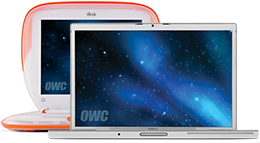
        Notebooks
        Notebooks
        • MacBook
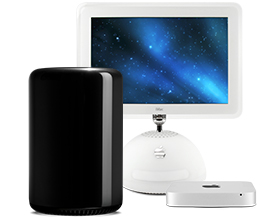
        Desktops
        Desktops
        • Mac mini
        • iMac
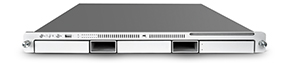
        Servers
        Servers
        • Apple Xserve
        Notebooks

        MacBook

        Icon Search Find Your Model ID
        Desktops

        Mac mini

        Icon Search Find Your Model ID
        Desktops

        iMac

        Icon Search Find Your Model ID
        Servers

        Apple Xserve

        Icon Search Find Your Model ID
        Close

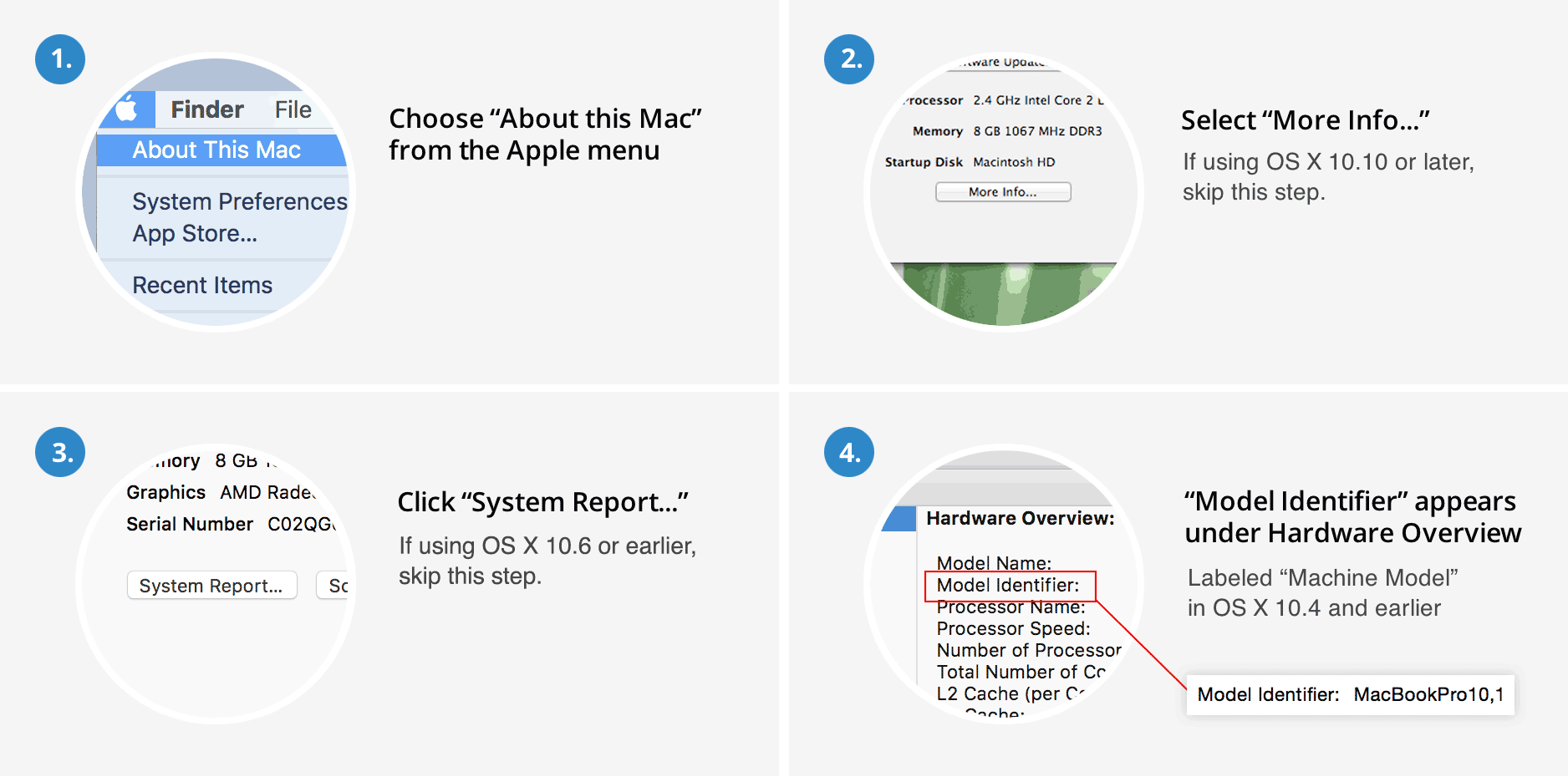
        Find your Mac Model ID in OS X

        Click here for a Bookmarkable Web Page handy for future reference and with more information too.

        Find Model ID
        Helpful Links
        • About Us
        • DIY Install Videos
        • Join our Affiliate Network
        • Where to Buy
        • Accessibility Statement
        • Sustainability is Good Business
        • Join the OWC Team
        • Media+Newsroom
        • Privacy Promise
        • MacSales.com for Business
        Join the OWC Newsletter

        Join hundreds-of-thousands of tech enthusiasts across the planet and gain access to specials, clearance, and holiday savings on the OWC upgrades, drives, and docks everyone loves.

        • bbb
        © 2000-2026 Other World Computing, Inc., All Rights Reserved. Site Terms Guest ID:
        Your Privacy Choices
        This item has been added to your cart