Apple’s M1, M2, M3, and M4 chips are incredibly powerful, but they come with one surprising restriction—many base models only support one external display. For users who multitask or work professionally, this limitation can be frustrating, especially since older Intel Macs allowed multiple displays.
Mac users rely on a streamlined interface for creative, technical, and professional tasks. Being limited to just one external screen forces constant window switching and reduces productivity. Whether you’re editing video in Final Cut Pro, coding in Xcode, or managing spreadsheets and Zoom calls simultaneously, more screens mean more efficiency.
Meet the Game-Changing OWC USB-C HDMI Adapters for Mac
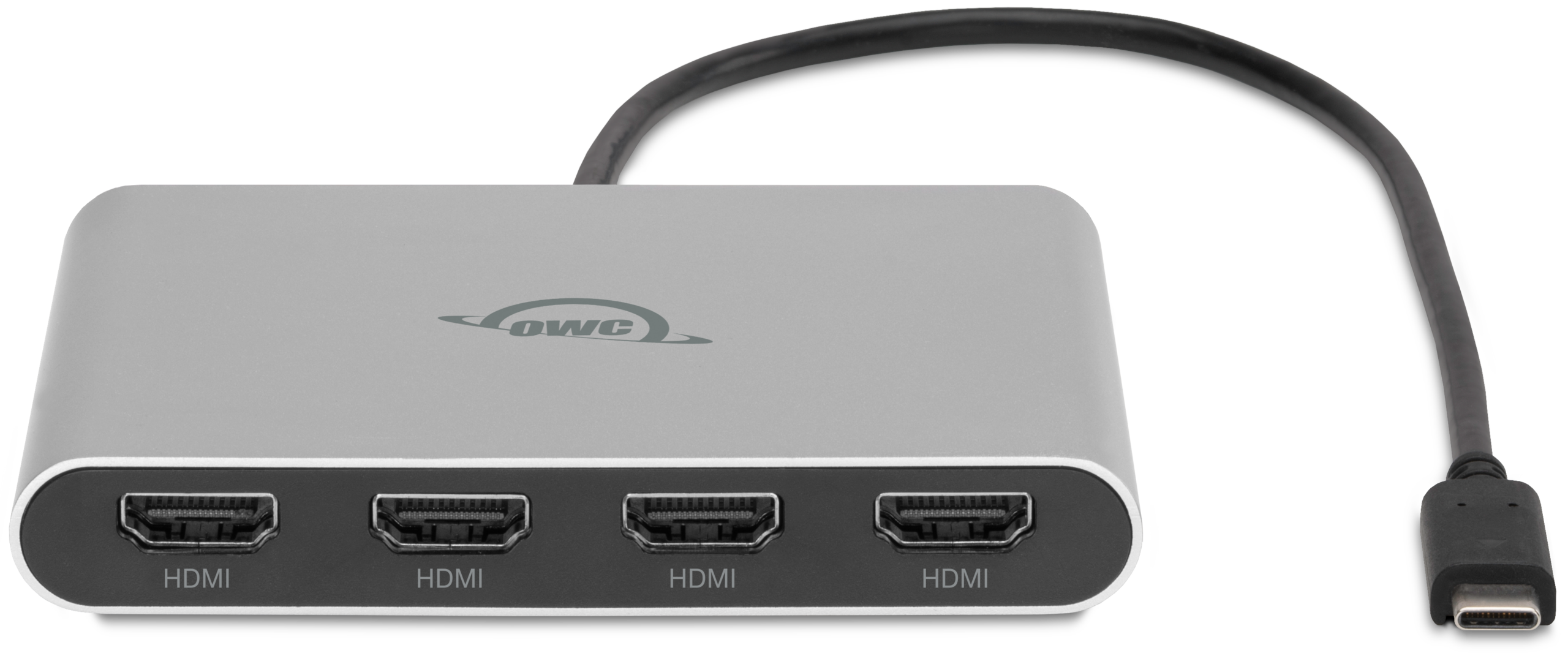
The OWC USB-C Quad HDMI 4K Adapter transforms a single USB-C or Thunderbolt port into four HDMI ports—each capable of supporting 4K UHD resolution. It’s a dream come true for Mac users needing a powerhouse setup for creative or analytical tasks.
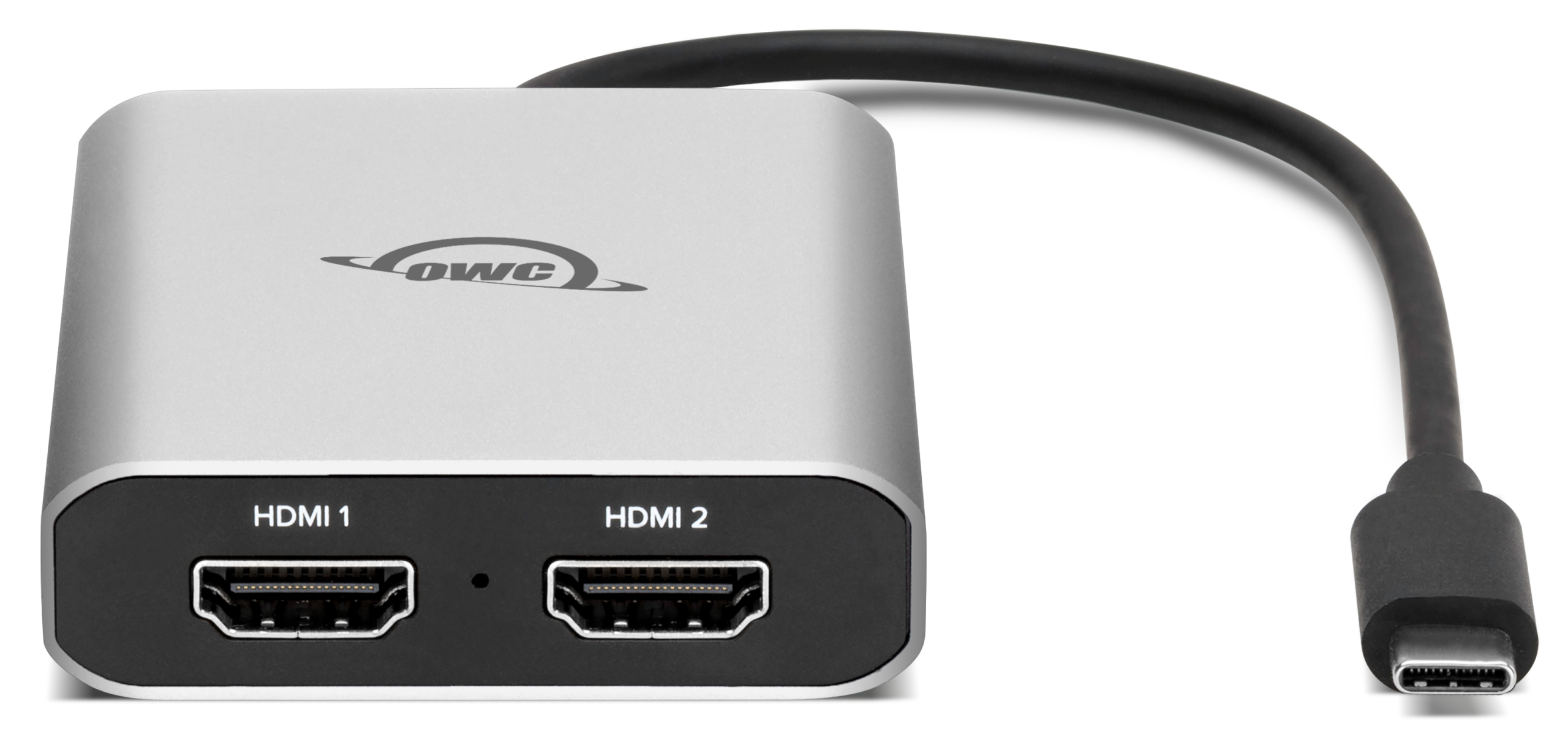
For those who only need two external monitors, the OWC USB-C Dual HDMI 4K Adapter provides a lightweight, palm-sized solution. It’s ideal for students, educators, and mobile workers using a base M-Series MacBook.
Overcoming M-Series Display Restrictions
OWC’s adapters utilize DisplayLink technology, which works around the native display limit of M-series chips. With these adapters, your MacBook Air or MacBook Pro can finally power two or even four external monitors simultaneously.
Compatible with All M-Series Macs
Whether you’re using an M1 MacBook Air, M2 Mac mini, or the latest M4-Series MacBook Pro, both adapters are fully compatible. All you need is a USB-C port and macOS, and you’re ready to expand.
Easy Setup with DisplayLink Manager
OWC has made setup seamless—just download the free DisplayLink Manager, plug in the adapter, and enjoy your expanded workspace. No rebooting or firmware tweaks needed.
Seamless Integration with macOS Ventura and Sonoma
The adapters are tested and proven to work smoothly with macOS Ventura, Sonoma, and beyond, so you can update your OS without worrying about compatibility.
Power and Portability for MacBook Users
Both adapters are bus-powered and built with integrated cables, making them perfect for road warriors and mobile professionals. No bulky power bricks or extra accessories required.
Pass-Through Charging (Quad Adapter Only)
Need to stay charged while working on four displays? The Quad Adapter supports up to 90W pass-through power, allowing you to connect a USB-C power adapter and keep your Mac running strong.
Workflows Enhanced by Multiple Displays
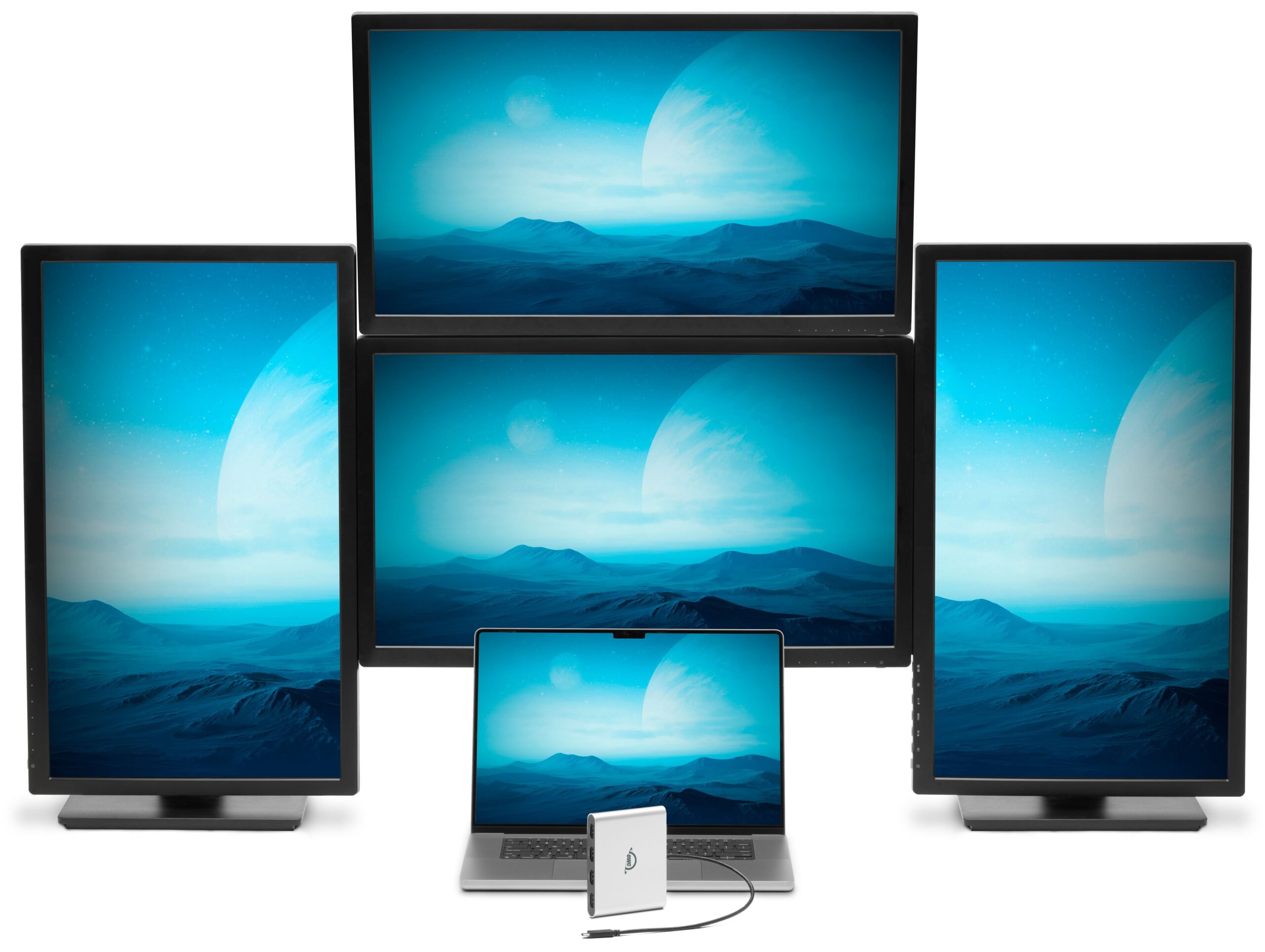
Creative Professionals
Graphic designers, video editors, and photographers can dedicate separate displays to timelines, palettes, preview windows, and asset libraries—without minimizing or rearranging constantly.
Developers and Engineers
Write code on one screen, monitor a debugger on another, and keep reference docs or API pages open on a third. These adapters give developers the ultimate workflow control.
Students and Remote Workers
Running multiple apps for research, writing, and video conferencing? The Dual Adapter is perfect for school or remote jobs—and keeps your setup light and portable.
Cost-Saving Benefits for Mac Owners
Avoid Upgrading Just for Display Support
Many Mac users consider purchasing a newer model solely to gain better multi-display support. With the OWC USB-C Quad or Dual HDMI 4K Adapters, that’s no longer necessary. You can extend your display capabilities without replacing your trusted Mac, saving hundreds—or even thousands—of dollars.
Get More Out of a Used or Entry-Level Mac
Thinking about buying a refurbished MacBook Air or an entry-level M1 Mac mini? Now you can make that budget-friendly choice without sacrificing display flexibility. These adapters allow you to turn even the most basic Mac into a multi-monitor workstation. And we’ve got a ton of great used Mac options right here on MacSales.com to take the savings even further.
Quad vs. Dual: Which OWC Adapter is Right for Your Mac?

Decision Guide Based on Mac Use Case
MacBook Pro power users? Choose the Quad Adapter.
MacBook Air or Mac mini base model? The Dual Adapter is perfect.
Want future flexibility or plan to expand? Go for the Quad.
Need something compact and portable? The Dual Adapter wins.
Mac Compatibility and Warranty
These adapters are compatible with virtually every modern Mac, including:
- MacBook Pro (Intel, M1, M2, M3, M4)
- MacBook Air (M1, M2, M3, M4)
- Mac mini (M1, M2, M3, M4)
- iMacs with Thunderbolt/USB-C
- Mac Studio and Mac Pro with USB-C/Thunderbolt ports
One-Year Warranty and Support
Both adapters come with OWC’s 1-Year Limited Warranty, offering excellent support and peace of mind.
FAQs for Mac Users
Will this work with my M1 MacBook Pro?
Yes. Both adapters are designed to work with M1, M2, M3, and M4 Macs that typically support only one external display natively.
Do I need to install any software?
Yes. macOS users need to install DisplayLink Manager to enable multi-display functionality. It’s free and easy to install.
Is performance affected on older Macs?
No, DisplayLink offloads processing to ensure minimal CPU impact—even on older Macs.
Are these compatible with Studio Display?
Yes, these adapters work beautifully alongside Apple Studio Displays, adding even more visual workspace.
What’s the best use case for each adapter?
Quad Adapter: For creative professionals, multitaskers, traders.
Dual Adapter: For students, educators, everyday Mac users.
Unlock the Full Power of Your Mac with OWC
Apple’s M-series Macs are powerful, but display limitations can be a major roadblock. With OWC’s USB-C Quad and Dual HDMI 4K Adapters, that challenge is solved—easily, affordably, and without replacing your Mac.
Whether you’re a creative pro seeking more screen real estate or a student needing a dual-monitor setup, these adapters are the ultimate display expansion tools for Mac users.
🔗 Shop Now:
Other Topics You Might Like: