For the past several years, new macOS releases have been met with part excitement and part anxiety. And this year, with macOS Tahoe, things aren’t any different.
Undoubtedly, there are many Mac users who are excited about macOS Tahoe’s new features and visual refresh. And there are those who take a more skeptical or pragmatic look towards the new OS.
I’m the latter camp.
As a Mac user since the System 7 days, I have a lot of opinions on Apple’s latest macOS iteration. While macOS Tahoe was in beta testing this summer, I resisted writing about the new OS. I did, however, follow the chatter from both users and developers on social media. I’ve also watched various public beta summaries from notable YouTubers and read a few articles on the subject from established Mac journalists.
Personally, I felt it would be best to examine macOS Tahoe after spending some time with the first official public release. Now that I’ve been living with it for a week, I want to share my observations.
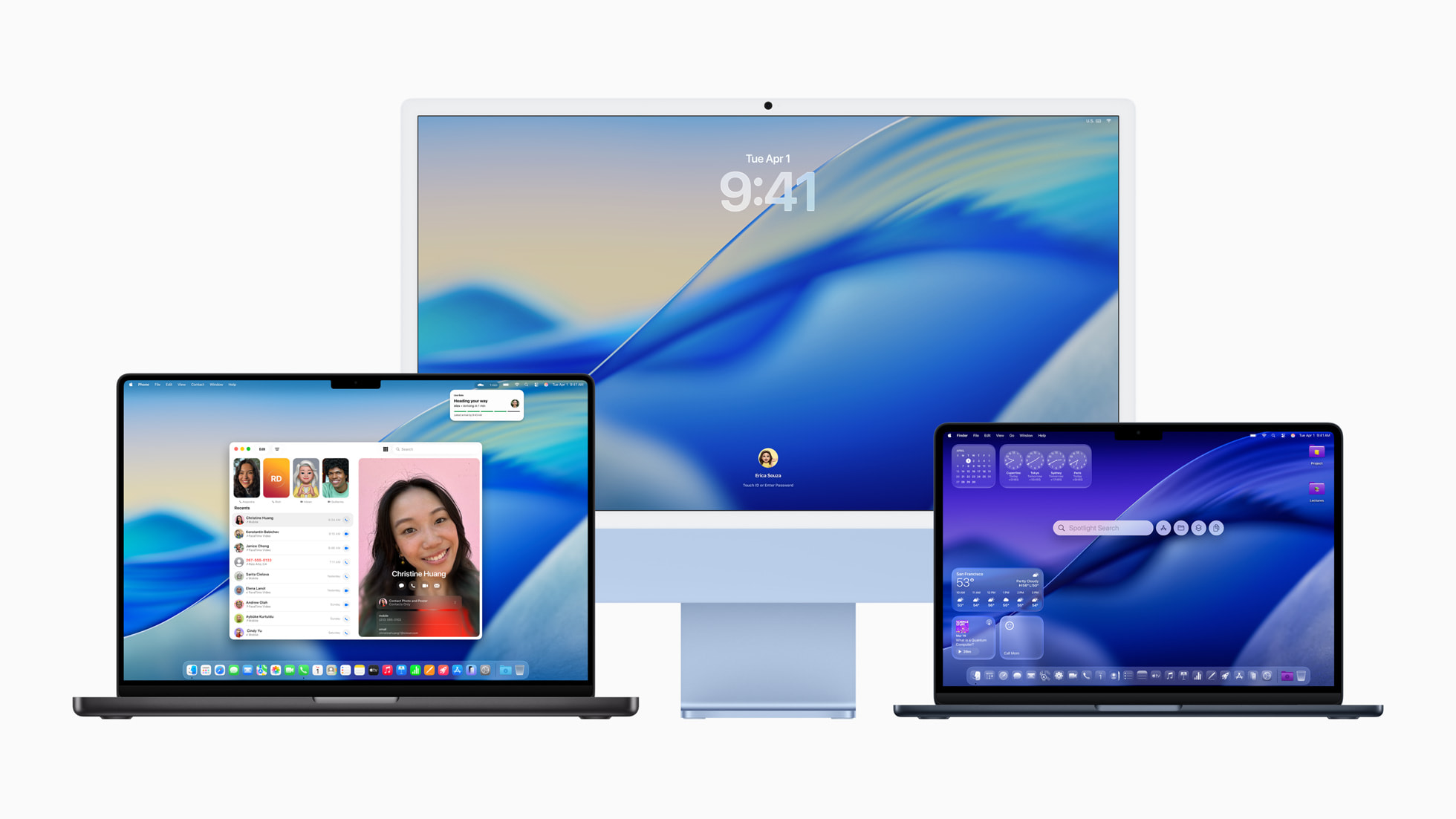
Let’s start with Liquid Glass, which is perhaps the most polarizing aspect of macOS Tahoe. As a long-time Mac head, the new look is a regression. It seems as though the developers and designers of macOS are catering their platform to those with younger and better eyes than yours truly.
Out of the box, there are contrast issues between various user interface elements that make it difficult for me to read text against a transparent background. Similar concerns were voiced by many users during the early stages of the beta. While Apple has made some concessions to Liquid Glass in successive beta releases, I feel that it’s not enough.
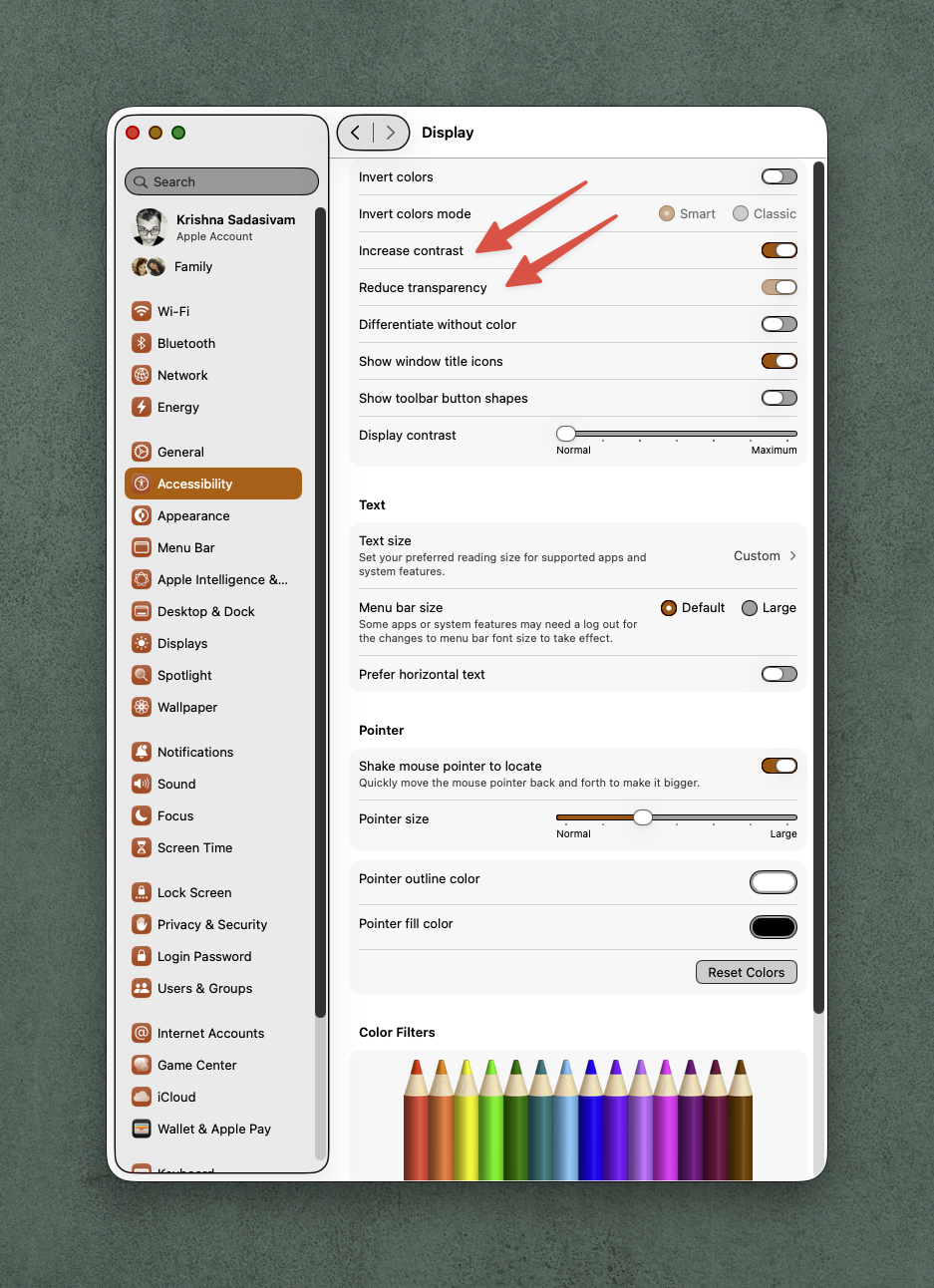
My opinion is that any OS should be accessible by default. While I was able to improve contrast by visiting the Accessibility > Display settings, I strongly believe that Apple should be designing their OS with proper accessibile options from the start.
Nevertheless, after selecting Increase Contrast and Reduce Transparency, I feel that Tahoe is much easier for me to look at. I won’t go into detail about macOS Tahoe’s graphical inconsistencies, alignment issues or wasted screen real estate, but others have, and I echo many of their statements. While these aren’t deal breakers for most users, my hope is that Apple will fix these issues in future point releases. Interestingly enough, many of Apple’s own first party apps have yet to embrace the Liquid Glass aesthetic. Third party software developers, such as Microsoft and Adobe, have yet to release updates.
Anecdotally, on my M1 MacBook Pro, Liquid Glass effects felt slightly less smooth, especially when compared to macOS Sequoia. (I’m contemplating a Clean Install for this Mac in the near future, to see if years of installation cruft and detritis may be the issue.)
Many of my gripes about macOS still remain in macOS Tahoe. For example, System Settings still feels just as cumbersome as it did in macOS Sequoia. The Finder is still… the Finder.

But, hey, at least now you can customize folders. And speaking of customization options, icons and widgets can be thematically styled to dark, light, clear, or tinted. Finder menu items now include small glyphs next to each menu item, which I quite like. The transparent menu bar is a nice novelty, but I’m glad Apple includes the option to have its background fully visible.
Spotlight, with its new Clipboard history and file browsing capabilities, are welcome (and long overdue) additions. Spotlight searching is much faster now. It won’t change my Alfred or Raycast usage, but I’m glad the option is available for all Mac users.
The greatly expanded new Control Center is much better, allowing for the opportunity to better organize your panels. Some of my former menu bar items now live inside Control Center.
In using macOS Tahoe over the past week, I didn’t run into any show stoppers. All of my applications worked. Some were updated shortly after Tahoe was released. There were no crashes, freezes, or other unexpected behavior. I subsequently installed macOS Tahoe on my M4 Mac mini, and it runs just fine.
Apple’s latest macOS has some welcome new features, but they come at the expense of Liquid Glass. There’s no compelling need to upgrade if you don’t have to. Many Mac users will simply upgrade to Tahoe directly from Sequoia. Your mileage may vary.
As with all new macOS releases, my advice is to wait for at least 26.2 before installing the new OS. And before you install the new OS, make sure you have a proper (and tested) bootable backup.