It is an exciting time to be a Mac user. Following years of the platform wandering in the wilderness as Apple’s partnership with Intel slowly drew to a close, the release of Apple Silicon ushered in a new golden age for the Mac. Today, the M4 family and the brand-new M5 MacBook Pro have pushed the boundaries of what portable computers can do even further, delivering speed and efficiency that was unimaginable just a few years ago.
For many users, having the latest and greatest is the right move. But if you are working within a specific budget—or if you simply want to maximize the bang for your buck—looking closely at deals on high-end used Macs is a strategy that can get you incredible performance for significantly less investment.
Here at MacSales, we want to help you find the machine that fits your workflow and your wallet. That’s why we take extra care in our refurbishment process: all of our used Macs are put through the wringer in the lab and they’re tested by our Apple Certified technicians. And we offer an easy-to-use configurator tool so that you can quickly dial in the perfect used Mac for your needs.
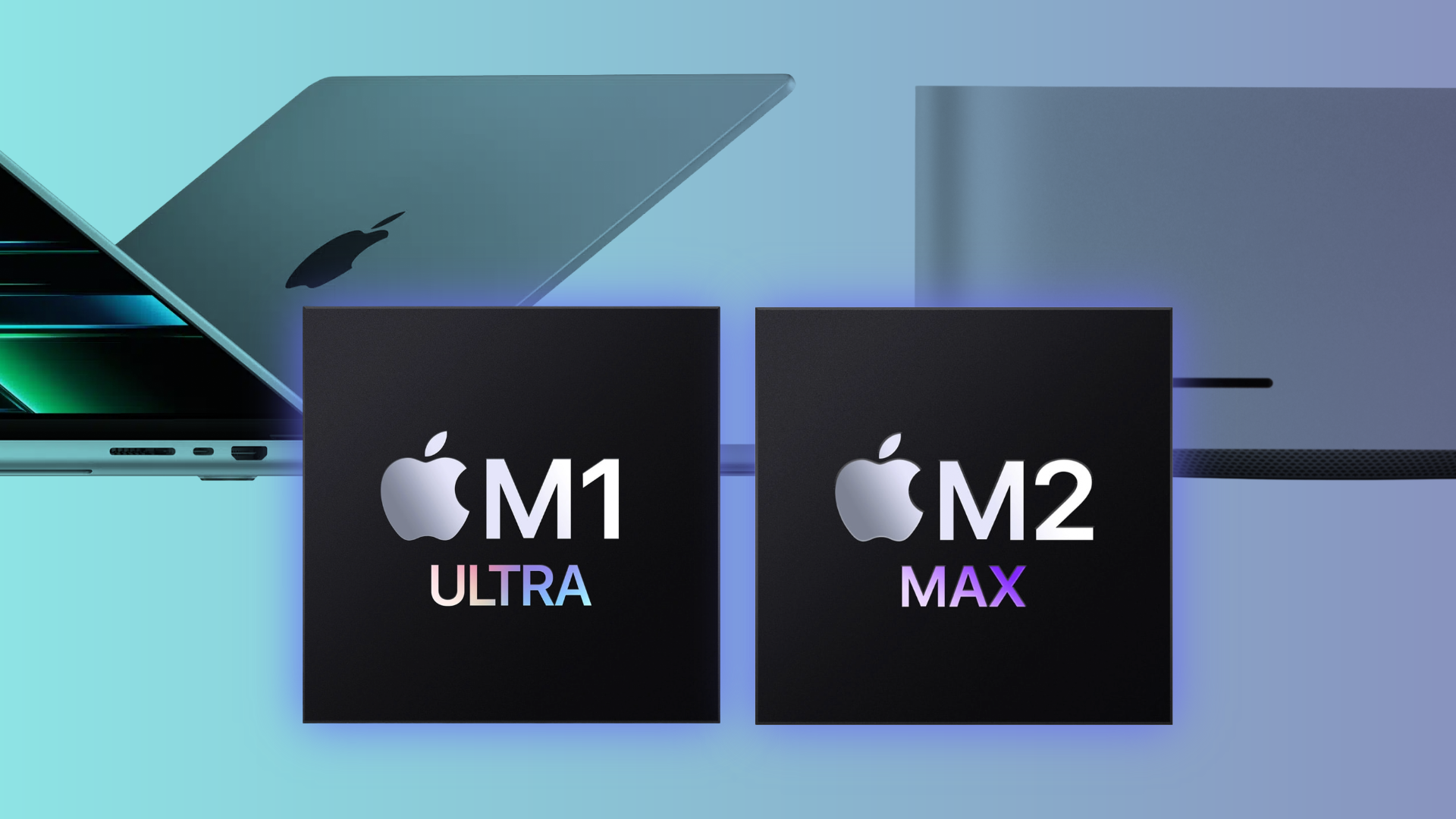
Here is a look at how the powerhouse chips of the recent past—the M1 and M2 Max and Ultra—stack up against Apple’s newest releases in the real world.
Understanding Speed: Single-Core vs. Multi-Core
When comparing a used Mac to a new one, it helps to understand the two different ways computers deliver speed.
1. Single-Core Performance (The “Snappy” Feel)
This is where Apple’s newest chips truly shine. The new M5 MacBook Pro and M4 family have incredibly fast individual cores. In benchmarks, a base model M5 can score around ~4,200 in single-core tests, whereas a used M1 Max sits around ~2,400.
What does this mean for you? If your daily routine involves launching lots of apps, browsing heavy websites, or doing general administrative work, the new M5 may feel slightly snappier and more responsive.
2. Multi-Core Performance (The Heavy Lifting)
However, if you are a video editor, 3D designer, or music producer, your software relies on all the cores working together. This is where high-end used Macs remain incredibly competitive.
Despite being older, the “Ultra” and “Max” chips were designed with massive core counts. A used M1 Ultra Mac Studio, for example, delivers a multi-core score of around ~18,500, putting it within striking distance (roughly 80-85%) of a brand-new M4 Pro (~22,000).
By choosing a used high-end model, you get a machine that can still handle heavy professional workloads with ease, often for a much lower price than buying a new Mac with equivalent specs.
The “Pro” Difference: Bandwidth and Graphics
One area where high-tier used Macs often maintain an edge over new base model Macs is in the architecture designed for pros: Memory Bandwidth and GPU Cores.
- Memory Bandwidth: The M4 Pro delivers ~270 GB/s of memory bandwidth while the new base M5 chip offers about ~150 GB/s. This is plenty for most users. But a used M1/M2 Max offers 400 GB/s, and an M1/M2 Ultra offers a staggering 800 GB/s.
- Why it matters: If you work with large 4K or 8K video files, that extra bandwidth acts like a wider highway, allowing data to move much faster between your processor and memory, preventing bottlenecks during complex tasks.
- Graphics Power: Similarly, a used M1 Max often outperforms a new base M5 in graphical tasks (Metal scores), simply because the Max chip has significantly more GPU cores dedicated to rendering images and video.
But Isn’t the New M5 MacBook Pro a Great Deal?
We are big fans of the new M5 MacBook Pro. It offers industry-leading battery life, a stunning display, and that incredible single-core speed we mentioned earlier. For many students, writers, and business professionals, it is arguably the best laptop on the market.
However, if you are a creative professional on a budget, you might find that a used M1/M2 Max MacBook Pro is a more practical fit for your specific needs.
- More Displays: An M1 Max can natively drive up to four external displays, whereas the base model M5 MacBook Pro is limited to two.
- More RAM per Dollar: finding a used Mac with 32GB or 64GB of RAM is often much more affordable than configuring a new machine with those same specs.
- More Horsepower for Pro Tasks: While the M5 MacBook Pro offers a great display and some Pro-level niceties, it still can’t match the heavyweight performance of the M1 and M2 Max/Ultra chips when it comes to demanding tasks where those chips’ higher memory bandwidth and graphics power come into play.
Finding Your Perfect Balance
There is no “wrong” choice when buying a Mac—only the choice that best fits your needs.
If you prioritize having the newest screen technology, the longest possible software support window, and the fastest single-core speeds, a new Mac is a great investment.
But if your goal is to secure a high-performance workstation with massive bandwidth, plenty of RAM, and strong multi-core capabilities—all while keeping your spending in check—configuring a used Mac from MacSales is a powerful alternative. We stand behind each of our used Macs with a 30-day hassle free return window and many of our used Macs come with a 90-day limited warranty with extended warranties available.