






As I sit down to write this article, the holidays are fast approaching. For many, it’s a time of gratitude and festivity. And, for some of us, it’s also a time to reflect on the year that will soon come to a close.
Each year brings many new and notable Mac apps, and 2025 is no exception. Below are my favorite Mac apps for 2025. Some of the apps on my list are brand new to the Mac, while other apps are updates that bring new features while improving upon their earlier foundation.

- Bloom has all but replaced the Finder for my day to day computing tasks. Bloom is a robust file manager for the Mac that includes multi-pane layouts, the ability to view archives without extracting them, customization options and much, much more. Bloom makes using the Finder feel like operating a relic from the past.
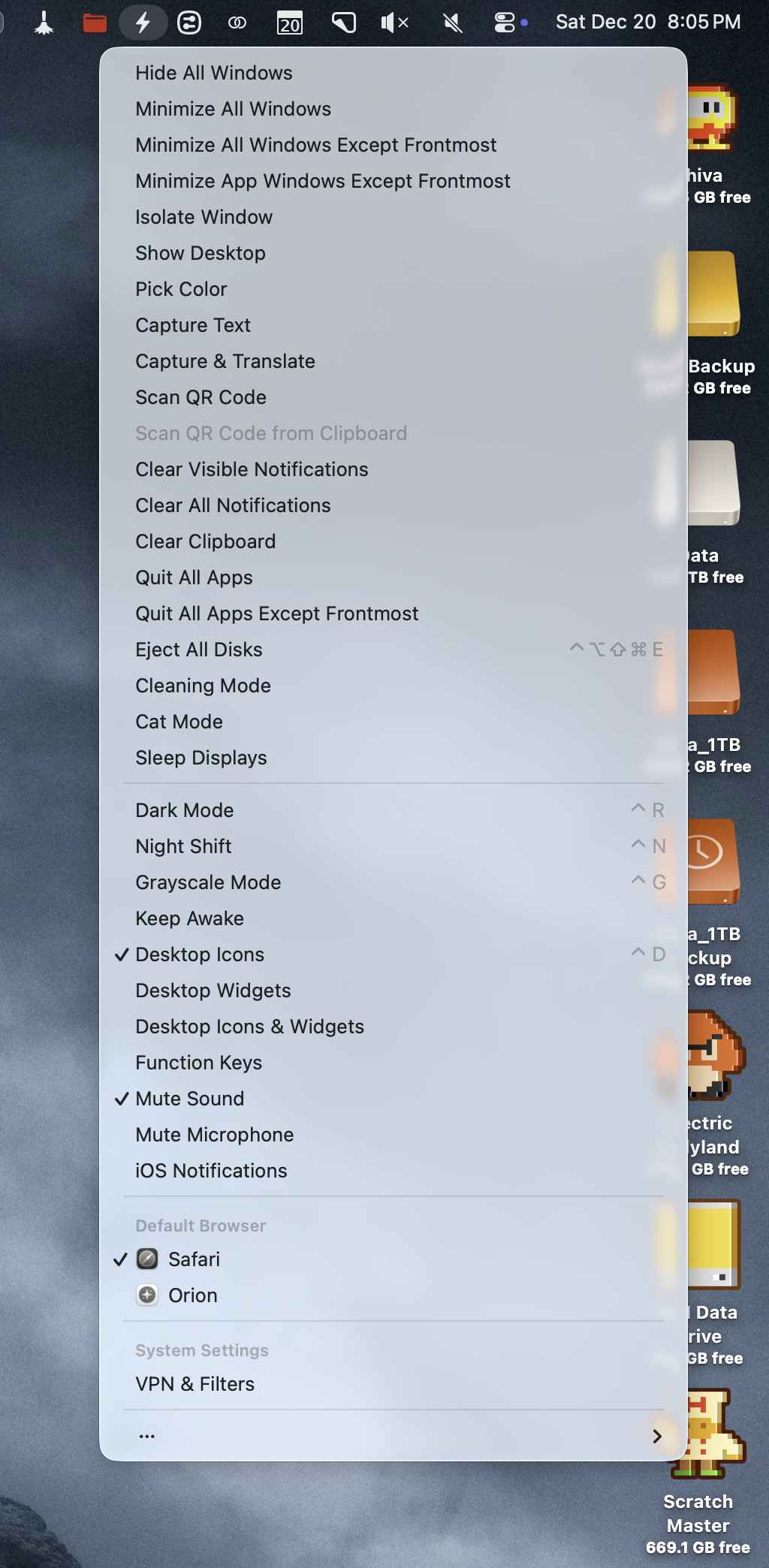
2. SuperCharge. Like Bloom, SuperCharge brings power tools to the Finder, Mission Control, and the Dock to elevate your Mac using experience. Some the conveniences that SuperCharge brings are features that I wish Apple had already included. For example, SuperCharge lets me quickly Airdrop files by right-clicking on any file or folder, it keeps my Mac awake indefinitely, it quickly toggles my displays to Grayscale mode (useful for checking values in my design work), quickly toggle a default browser, and much more. Best of all, I can keep the features I want, and hide the ones I don’t need.
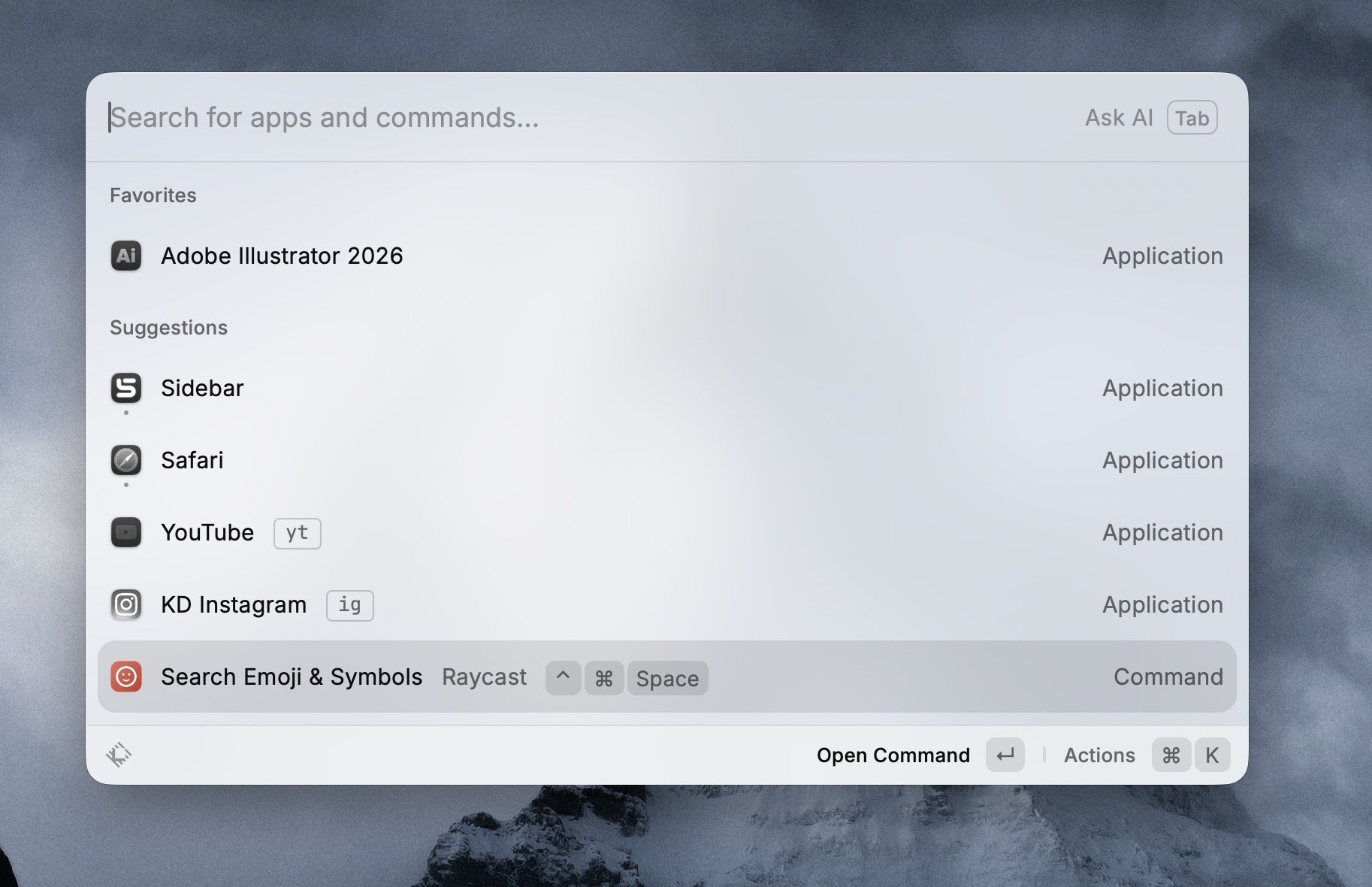
3. Raycast. To call Raycast a launcher would be an oversimplification of the power this tool brings. Yes, like Spotlight, it can launch your apps and manage your clipboard, but Raycast can do so much more. I use Raycast for window management. Using a set of custom keyboard shortcuts mapped to the number pad of my Mac’s keyboard, I’m able to move windows within and across my multi-display setup. The free version is more than enough for most people, and it’s what I use.

4. Paste is a visual clipboard manager that synchs across all of your Apple devices. You can search, tag, save and organize your clipboard history with total ease. Paste makes sharing clipboards between my Macs and iPhone a breeze.
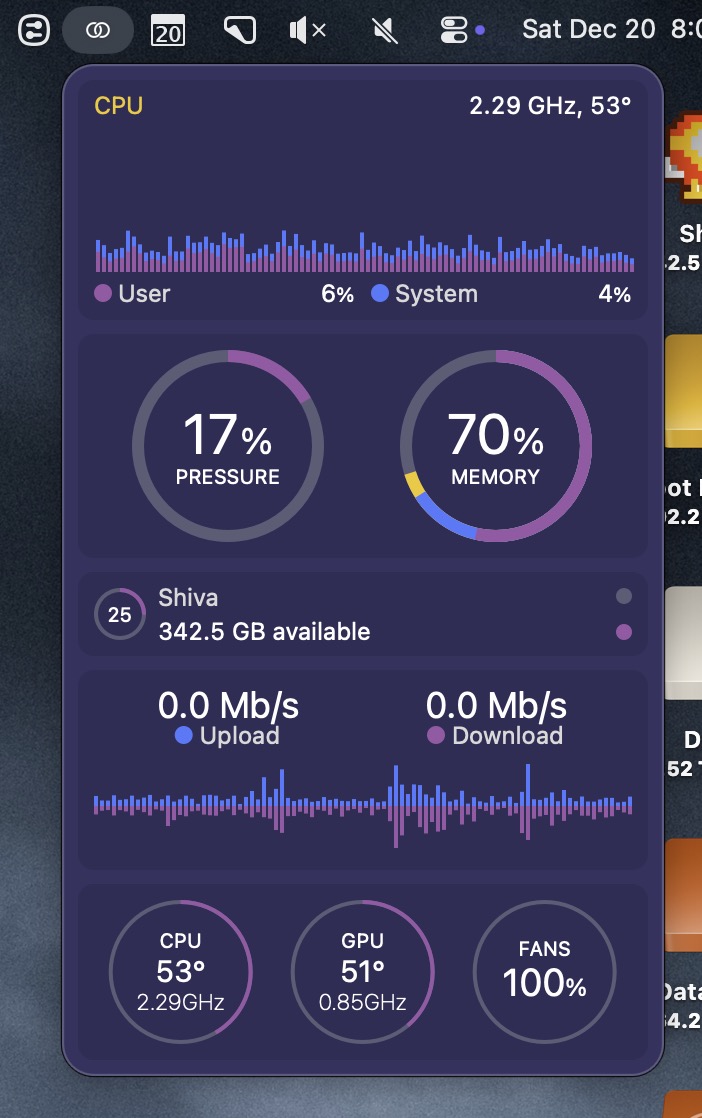
5. iStat menus received a major upgrade to version 7 this year. iStat presents your Mac’s system data with style. At a glance, either via the menu bar or by launching the iStat app, I can track my Mac’s system usage, CPU load, memory pressure, network traffic, and more – in a way that’s both visually appealing and easy on the eyes.
I am grateful for each of the above Mac apps. In my opinion, they are each incredily useful and perform their intended tasks with aplomb. What are some of your favorite Mac apps for 2025? Please share them in the comments below.









Bloom is great and I’m still learning it. But does have short comings. Today tried to eject an SSD; Bloom couldn’t do it and couldn’t explain—Finder told me what the “offending” app was. But it’s being constantly updated and developer is responsive.
Thanks, Greg. The developer is really good about adding updates to Bloom. It wouldn’t surprise me if the issue you experienced gets fixed soon.