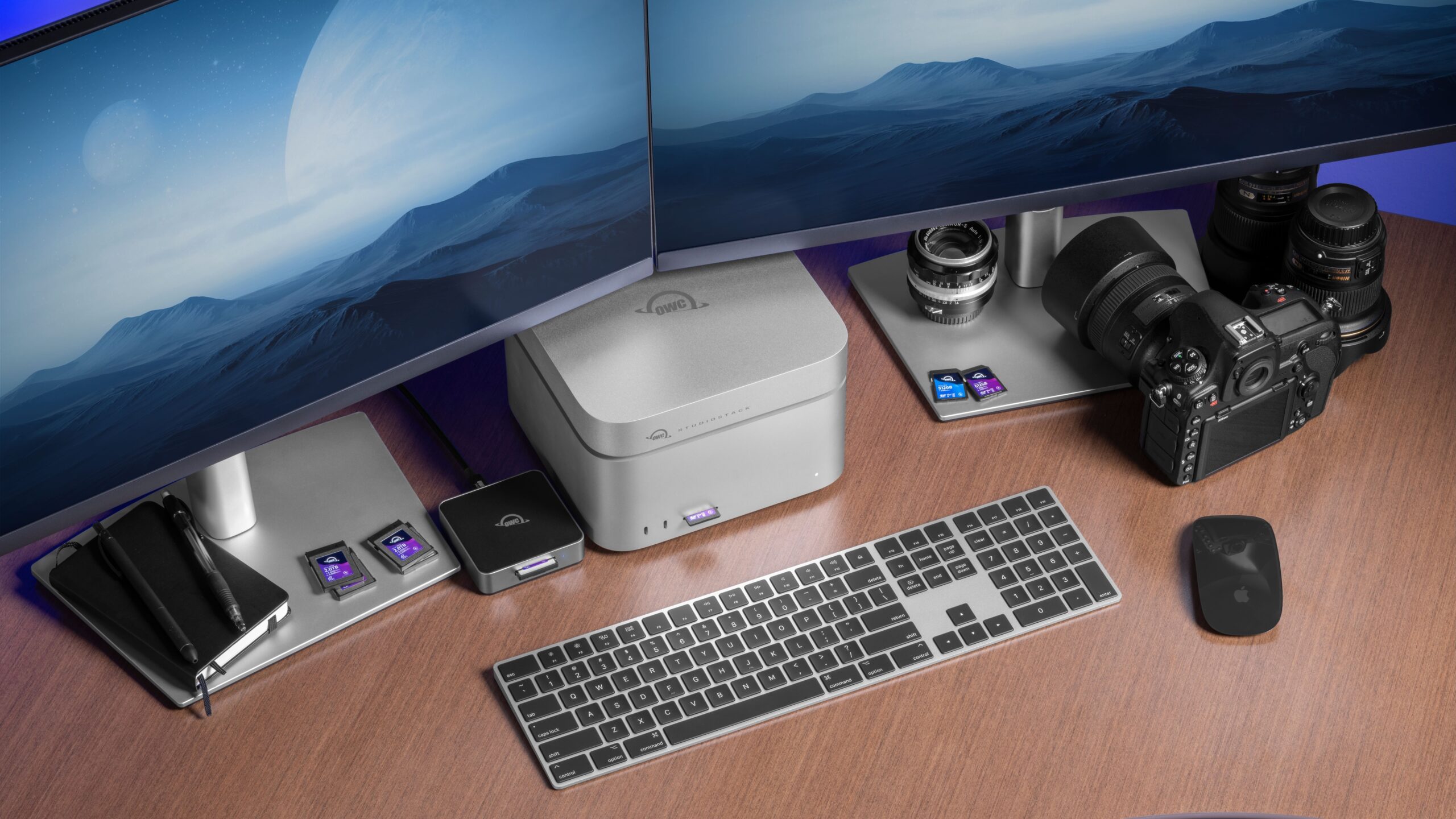
Here at OWC, we love the Mac Studio so much that we built the Studio Stack, a tailor-made dock for it aimed at providing the creative professionals that depend on this machine with tons of expansion capability without adding further clutter or confusion to their workspaces.
Not only does Studio Stack offer extra Thunderbolt 5 and USB ports, it can also pack up to 24TB of HDD storage and/or 8TB of SSD storage. You can also install both storage types for a combined 32TB of capacity. And it does it all in a package that perfectly conforms to the Mac Studio’s footprint.
You can order Studio Stack packed with storage or as an empty enclosure. And we made adding and upgrading storage super easy with Studio Stack. Unscrew a few screws, drop in your storage, and voila. Check out our video below to get a better look at the OWC Studio Stack and just how easy it is to add tons of storage and extra ports to your Mac Studio setup while keeping your desk nice and tidy. Learn more about OWC Studio Stack here.