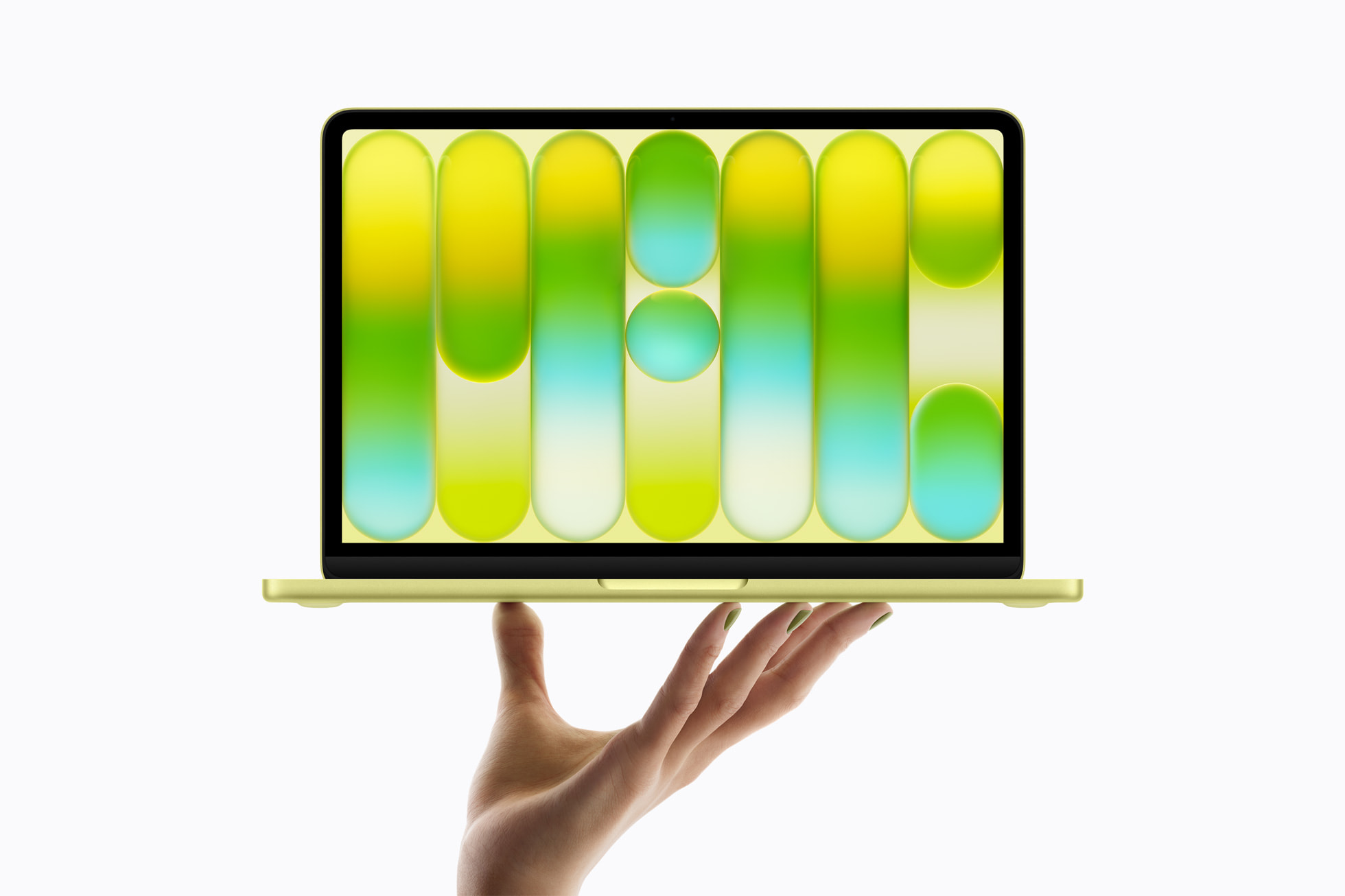
Apple capped its big week of product announcements today with a long-rumored, long sought out device: a truly afffordable Mac. Apple calls it MacBook Neo, and it starts at just $599. That makes it Apple’s most affordable Mac laptop ever and the first Mac to be powered by a chip originally designed for iPhone.
What is the MacBook Neo?
The MacBook Neo is not a repurposed MacBook Air, though there are definitely similarities in the overall design of Neo. For all intents and purposes, MacBook Neo is a wholly new product positioned below the Air, designed specifically for students, first-time Mac buyers, families, and anyone who has found the MacBook Air’s $1,099 (previously $999) entry price to be a barrier. At only $599—and $499 for education—it slots neatly into the same price range as the iPad Air while delivering the full Mac desktop experience.
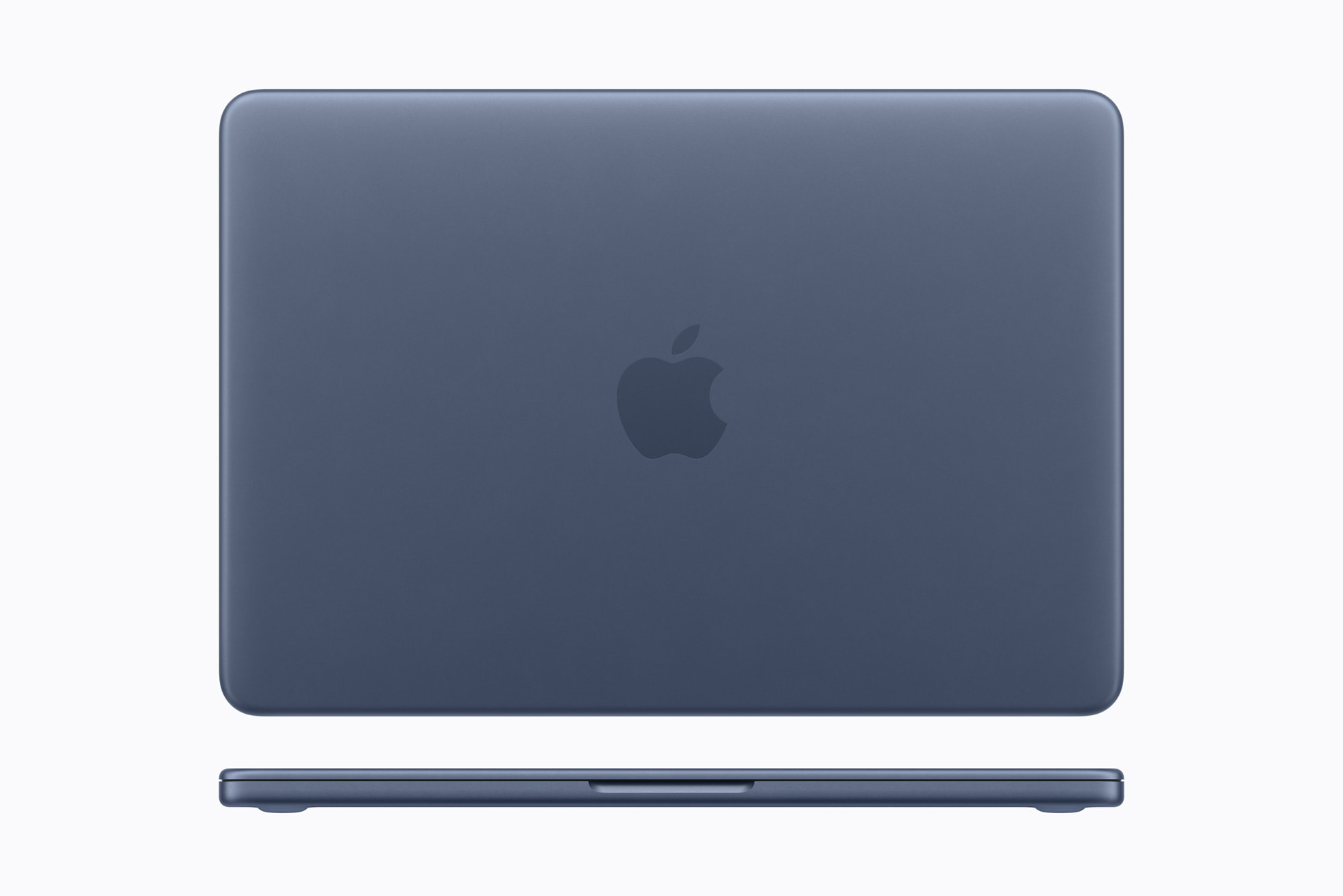
The design is all-aluminum, with soft rounded corners. In terms of thickness, it’s not quite as svelte as a MacBook Air, coming in at half an inch in thickness compared to the Air’s 0.44 inch thickness.
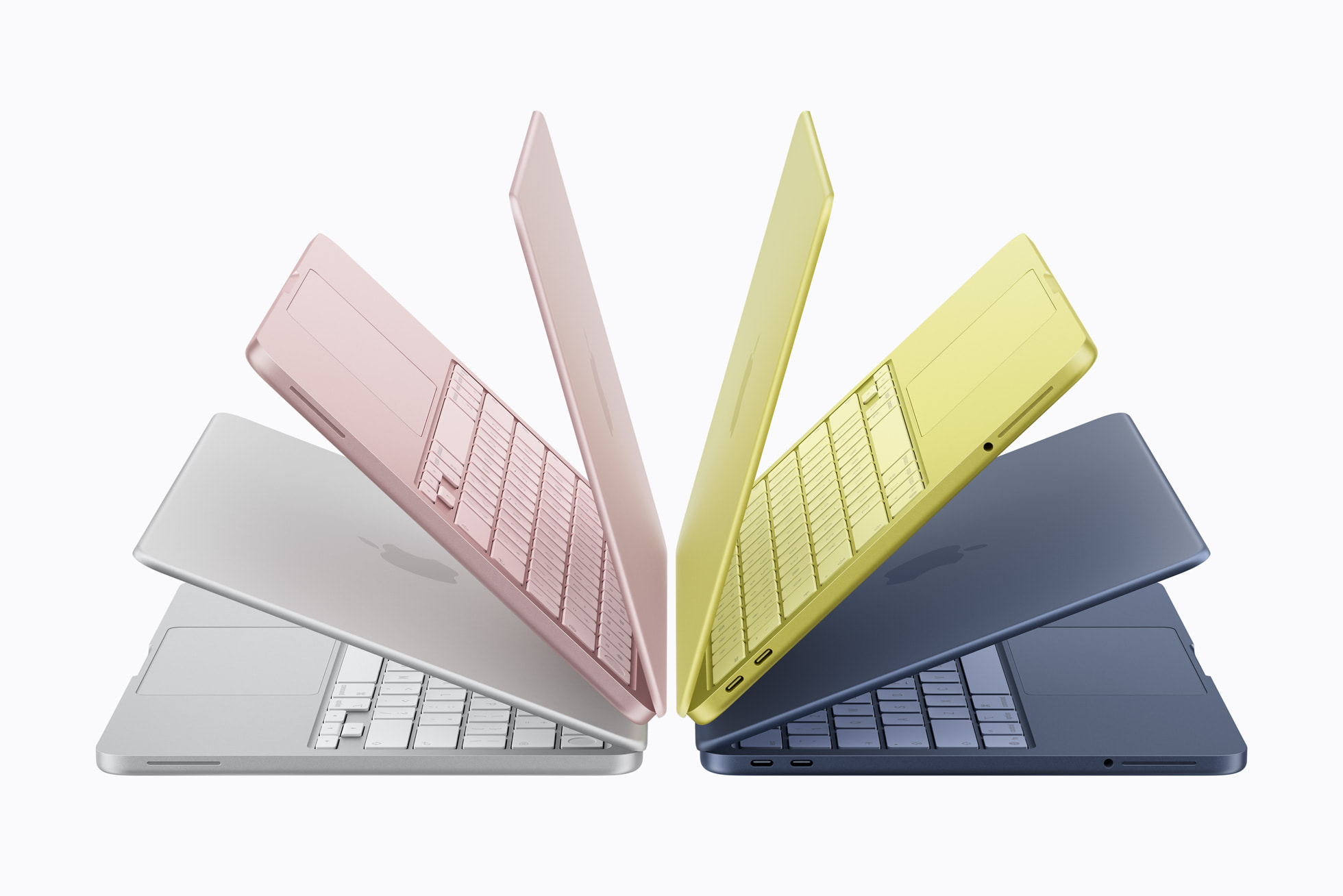
The Neo comes in four colors: blush (pink), indigo (dark blue), silver, and a new shade called citrus (yellow). The color extends to the Magic Keyboard in lighter matched tones, along with new matching wallpapers. At 2.7 pounds—the same weight as a 13-inch MacBook Air—remains a very portable machine. And like the MacBook Air, it is completely fanless.
Simple Configurations
When it comes to specing out your MacBook Neo, there are only two options: the base model with 256GB of storage or the $699 model with 512GB of storage. Apart from the storage, MacBook Neo features the A18 Pro and 8GB of RAM with no upgrade path on those specs.
If you need more storage, OWC has got you covered with the very affordable and very fast Envoy Pro Elektron. For only $129, you can instantly expand your MacBook Neo’s storage with an extra 480GB of space. Check it out here.

The A18 Pro: An iPhone Chip Comes to Mac—and It’s No Slouch
This is the most interesting aspect of the MacBook Neo from a technical standpoint. The chip inside is the A18 Pro, the same chip that powered the iPhone 16 Pro lineup. This marks the first time Apple has taken a chip from the iPhone and deployed it in a MacBook, and a quick look at the benchmarks show why Apple was confident enough to do it.
The A18 Pro features a 6-core CPU (2 performance cores and 4 efficiency cores), a 5-core GPU, and a 16-core Neural Engine built on TSMC’s 3-nanometer process. In Geekbench 6 testing on iPhone 16 Pro hardware, the A18 Pro scores in the range of 3,400–3,500 single-core and 8,500–8,900 multi-core.
To put those numbers in context: the M1 MacBook Air—which was and still is considered an exceptional laptop even though it first launched all the way back in 2020—scores approximately 2,300–2,400 single-core and 8,300–8,500 multi-core in the same benchmark. That means the A18 Pro is roughly 40–50 percent faster than the M1 in single-threaded tasks, the kind of performance that governs everyday responsiveness: app launches, web page rendering, UI interactions, and general snappiness. Multi-core performance, which reflects heavier parallel workloads, is roughly on par with the M1 — the A18 Pro’s 6 cores compete closely with the M1’s 8, with the M1 holding a modest edge in sustained, heavily threaded work.

On the GPU side, Geekbench 6 Metal scores for the A18 Pro land around 32,000–33,000, which is comparable but not quite up to the M1’s GPU performance. The M1 does benefit from higher memory bandwidth (68GB/s versus the A18 Pro’s 60GB/s), which can give it an edge in memory-intensive GPU workloads, but for the everyday creative tasks the MacBook Neo is designed for, the A18 Pro’s GPU is very competitive.
Where the A18 Pro pulls clearly ahead of the M1 is AI performance. The 16-core Neural Engine delivers 38 TOPS of AI compute, compared to the M1’s 11 TOPS, giving the MacBook Neo a significant advantage for Apple Intelligence features, on-device AI workloads, and machine learning tasks that the M1 MacBook Air simply cannot match at the same speed. Apple says the MacBook Neo is up to 50 percent faster for everyday tasks like web browsing than the best-selling PC with an Intel Core Ultra 5, and up to 3x faster for on-device AI workloads.
The bottom line is that the A18 Pro in the MacBook Neo is not a compromise chip dressed up in laptop clothes. It is a chip that outperforms the first-generation Apple silicon Mac in the most perceptible everyday performance metric, single-core speed, while matching it in multithreaded work and surpassing it considerably in AI compute. For a $599 laptop, that is a remarkable foundation.
The Display Holds Its Own

The 13-inch Liquid Retina display runs at 2408-by-1506 resolution with 500 nits of brightness, support for 1 billion colors, and an anti-reflective coating. Apple notes it is both brighter and higher in resolution than most PC laptops in this price range, which is a credible claim given where Windows laptops tend to land at $599. It is not the ProMotion 120Hz display you get in a MacBook Pro, and it does not reach the brightness of the MacBook Air, but for a $599 laptop it should be a pretty good screen.
Compared to the MacBook Air’s display, which is arguably the weakest aspect of that laptop, the Neo’s display has slightly less resolution. Another notable aspect from early hands-on reactions with the Neo is that the display is surrounded by a uniform bezel that looks to be slightly wider than the one present on the Air. There’s also no camera notch.
Camera, Audio, and the Everyday Stuff
The MacBook Neo features a 1080p FaceTime HD camera with dual microphones and directional beamforming to reduce background noise on calls, a notable step up from the 720p cameras still found on many Windows laptops at this price. Dual side-firing speakers support Spatial Audio and Dolby Atmos.
The Magic Keyboard is the same comfortable keyboard Apple uses across the MacBook lineup, and the large Multi-Touch trackpad supports the full range of macOS gestures. The trackpad itself is the older mechanical or “diving board” type of trackpad, meaning that it actually clicks and moves when you press it as opposed to the modern haptic trackpads in other Apple laptops that simulate a click with vibrations.
Touch ID is available on the MacBook Neo, though not included on the base model. You’ll have to upgrade to the $699 model with 512GB of storage to get it.
Connectivity: Focused but Functional
One way the MacBook Neo cuts down on costs is its port selection. The new laptop only features two USB-C ports and a headphone jack.
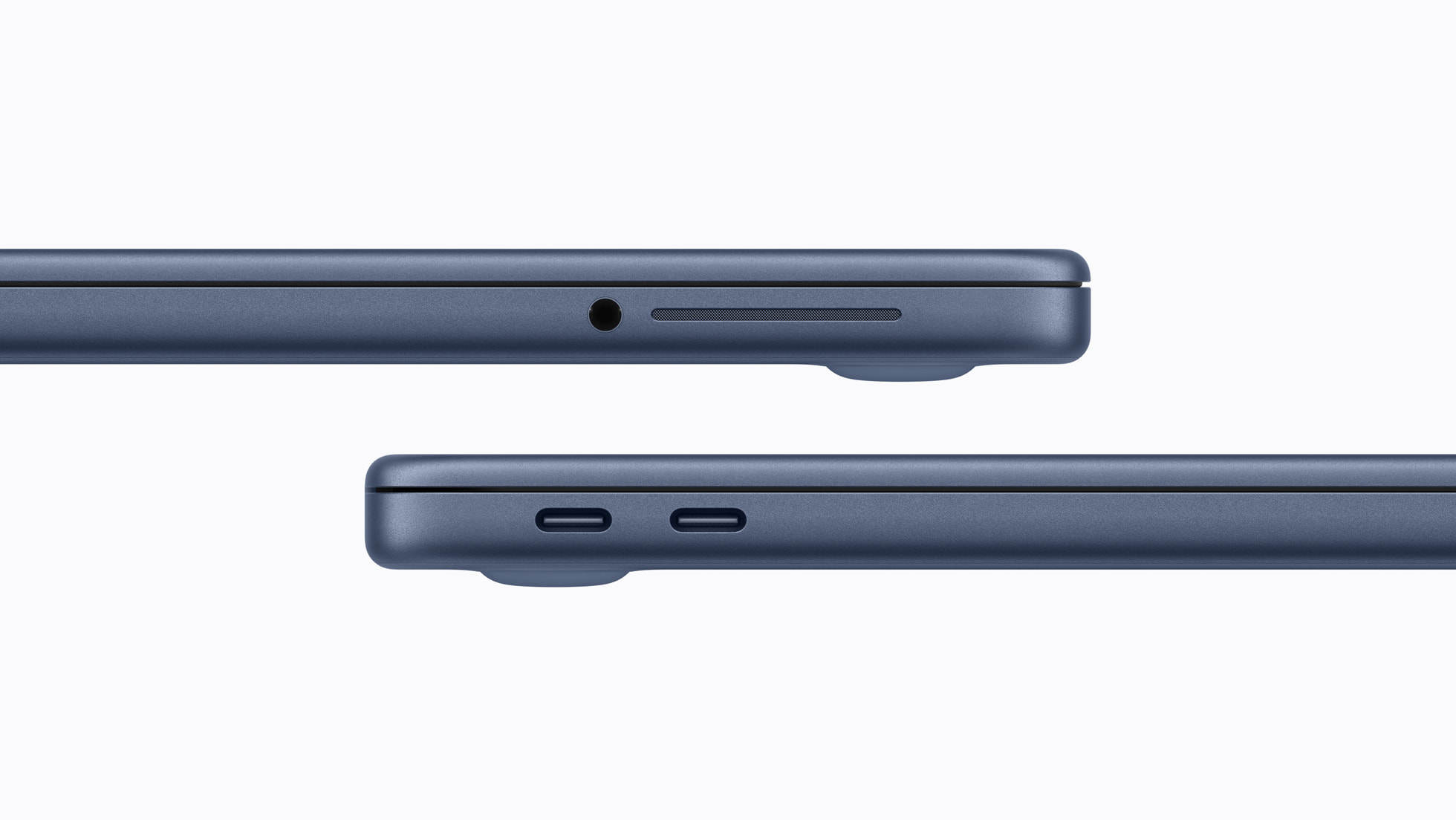
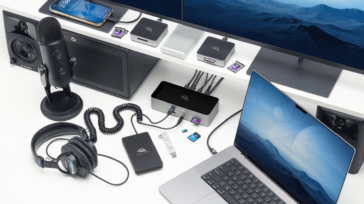
It is worth noting that the Neo’s two USB-C ports are not equal: the left port is USB 3 and supports external display output, while the right port is USB 2. Both can be used for charging. But this is definitely a laptop that you’ll want a dock for and the OWC USB-C Travel Dock E would be the perfect companion to make sure you’ve got the ports you need at all times.
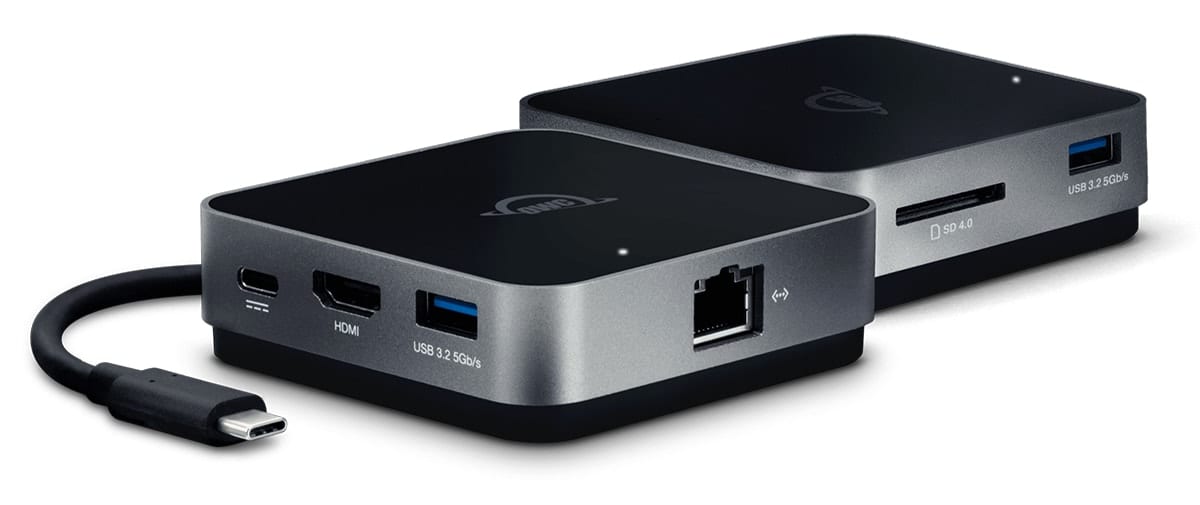
The Travel Dock E is a bus-powered USB-C dock that packs USB-A, HDMI, and Ethernet ports along with an SD-card reader and 100W of pass through charging capability all into a compact, puck-sized package. Check it out here.
Wi-Fi 6E and Bluetooth 6 handle wireless. There is no MagSafe charging port, no Thunderbolt, and no SD card slot, all expected trade-offs at this price point and even more reason to pick up a Travel Dock E.
Battery Life
Apple rates the MacBook Neo at up to 16 hours of battery life, which is strong for any laptop and exceptional for one at this price. The power efficiency of A18 Pro—engineered above all else to sip power since it was originally intended for an iPhone—makes this possible.
Pricing, Availability, and the Mac Lineup Picture
MacBook Neo pre-orders are open today, with availability beginning March 11 in Apple Stores and Apple Authorized Resellers. Pricing is $599 for the standard model and $499 for education.
With the MacBook Neo now in place, Apple’s laptop lineup has a clear and very affordable entry point that does not require huge compromise on build quality or the core Mac experience. The question will be whether the A18 Pro’s performance ceiling feels limiting over a multi-year ownership period for users who grow into more demanding workflows. But for the audience this machine is designed for, that ceiling could be well above where they will ever push it.
Other Topics You Might Like:
 Apple Refreshes the MacBook Air with M5: The World’s Most Popular Laptop Gets Even Better
 Apple Announces the iPhone 17e. This Time, It’s a Real Value.
 Apple Announces New iPad Air with M4: A Solid Spec Bump with Some Surprises Under the Hood
 OWC’s Definitive Guide to Making Most of Retina MacBook Pro