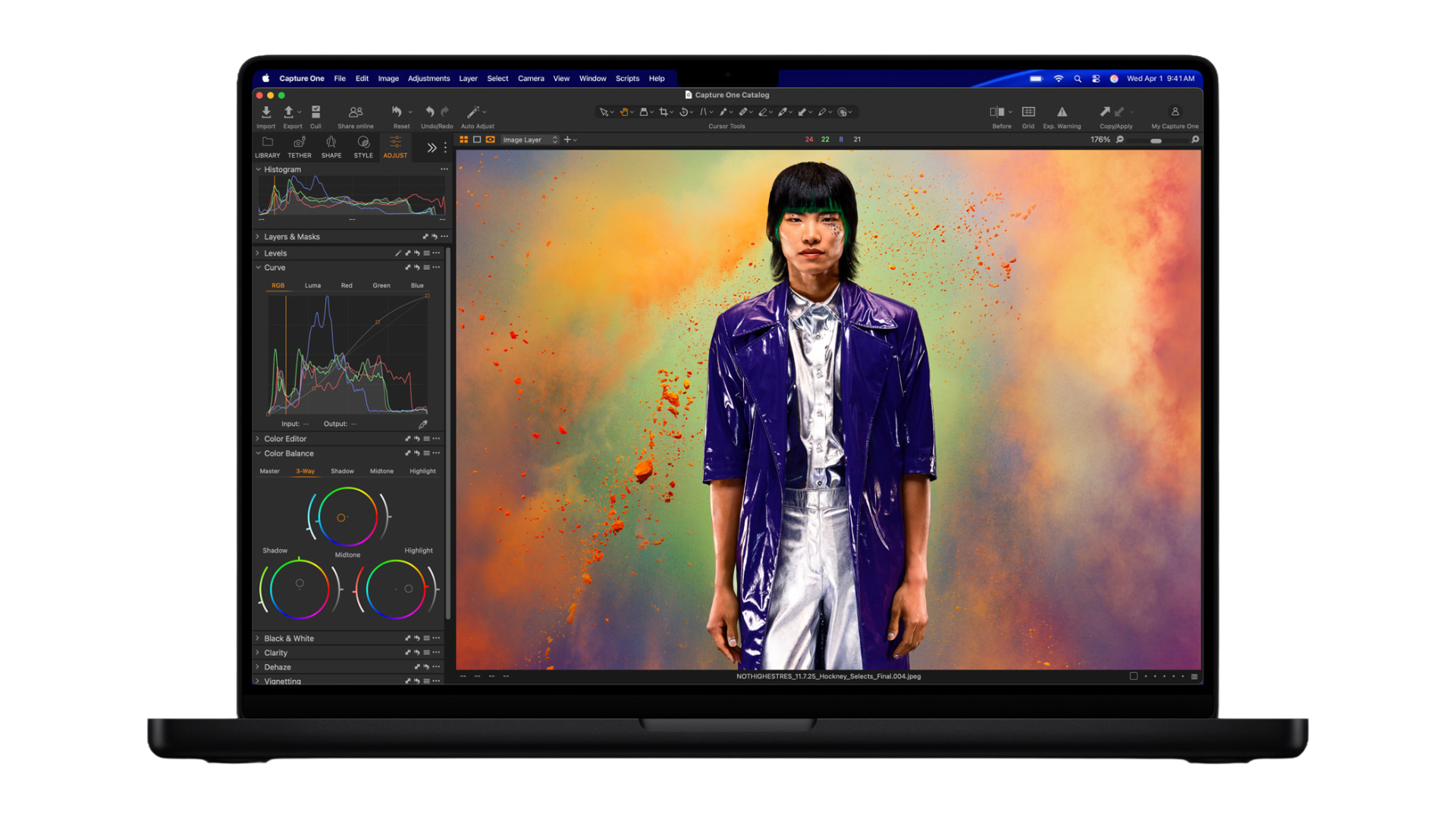
The new M5 Pro and M5 Max MacBook Pro are machines that reward the right setup. There’s simply a huge amount of performance and capability here: Fusion Architecture chips with 18-core CPUs, up to 40 GPU cores with Neural Accelerators in every one, SSD speeds up to 14.5GB/s, and up to 128GB of unified memory at 614GB/s of bandwidth. These are the kinds of machines you build a workflow around rather than fitting into one.
In other words, you can’t tap into the full capabilities of these machines without putting the right gear around them.
And Thunderbolt 5—which ships on every M5 Pro and M5 Max MacBook Pro—is what makes tapping into that capability and flexibility possible. It doubles the bandwidth of Thunderbolt 4 to 80Gb/s, with a burst mode that scales to 120Gb/s for display-heavy workloads. It can carry multiple 8K displays, sustain 6GB/s storage transfers, and handle high-speed networking simultaneously without throttling any of them.
Here at OWC, we’re the Thunderbolt experts. We spend our time creating gear perfectly matched to the best Apple has to offer through storage and connectivity solutions that are consistently fast, thoroughly tested, and engineered with reliability as a top priority. Here’s the gear that rises to the new standard set by the new M5 Pro and M5 Max MacBook Pro.
Connect Everything: Three Thunderbolt 5 Docking Solutions
The right first move for any new MacBook Pro owner is to reject the tangle of cables that quickly overwhelms the desk of a laptop owner and instead pair your laptop with a Thunderbolt 5 dock or hub. OWC offers three, each targeting a different kind of pro workflow and each allowing you to avoid cable chaos, connect to your heart’s content, and all while only using a single port of your MacBook Pro.
OWC Thunderbolt 5 Dock: The Full Workstation Hub
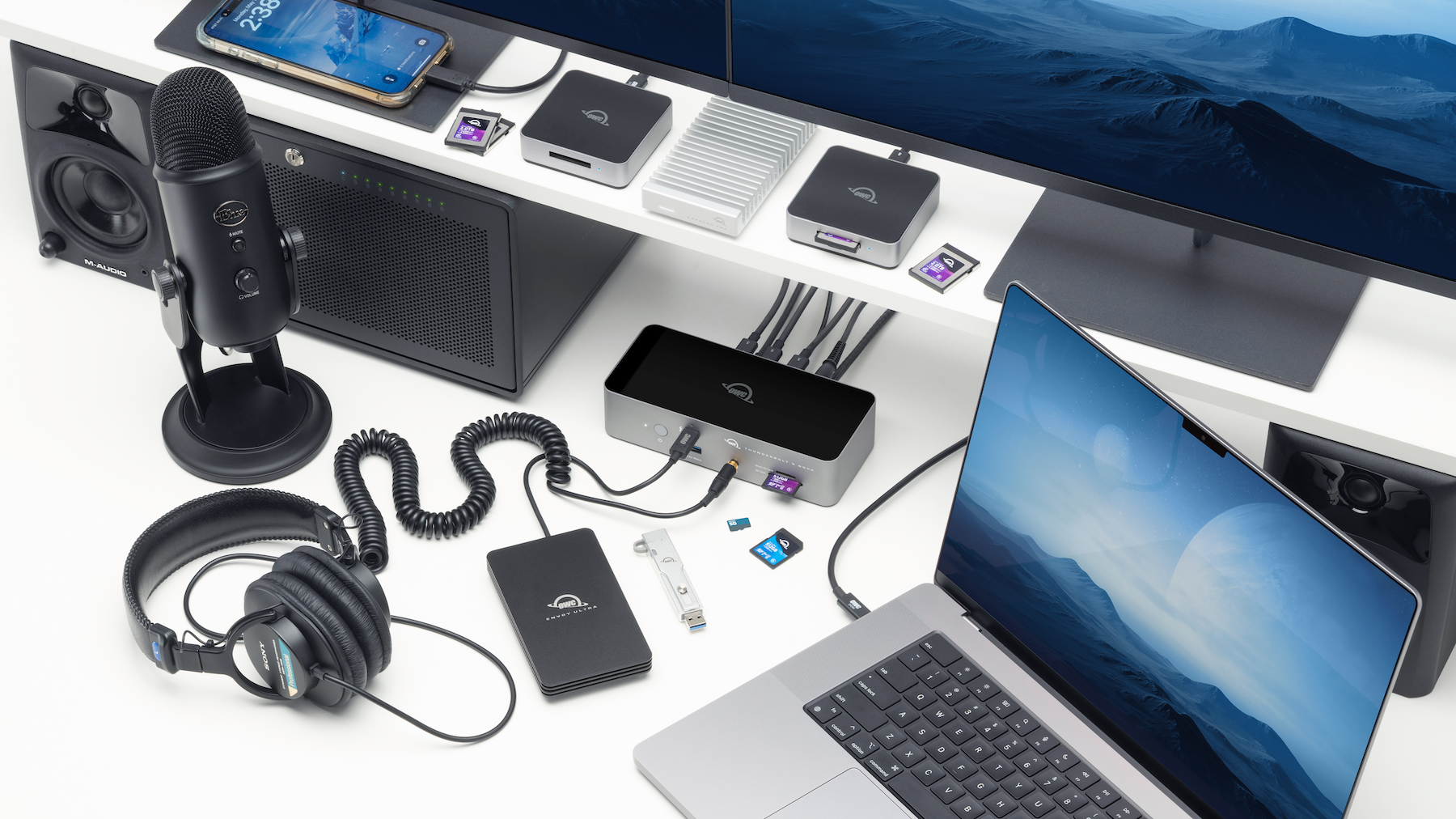
The OWC Thunderbolt 5 Dock is the broadest solution in the lineup: 11 ports through a single Thunderbolt 5 cable, including three Thunderbolt 5 downstream ports, two USB-A 10Gb/s ports, one USB-A 5Gb/s port, 2.5GbE Ethernet, microSD and SD UHS-II slots, and a 3.5mm audio combo jack. It delivers up to 140W of charging power—enough to keep a 16-inch MacBook Pro fully charged during demanding work—and supports up to three 8K displays on Windows or dual 6K displays on Mac.
The fanless aluminum enclosure keeps it silent on a desk. Plus, this dock can support three independent Thunderbolt daisy chains, allowing you to expand the MacBook Pro’s connectivity further and disconnect a device from one chain without interrupting the others. For an M5 Pro or M5 Max MacBook Pro owner who wants to arrive at a desk, plug in one cable, and have everything—displays, storage, networking, audio, card readers, and power—ready to go, this is the ultimate dock.
OWC Thunderbolt 5 Hub: Pure Port Expansion
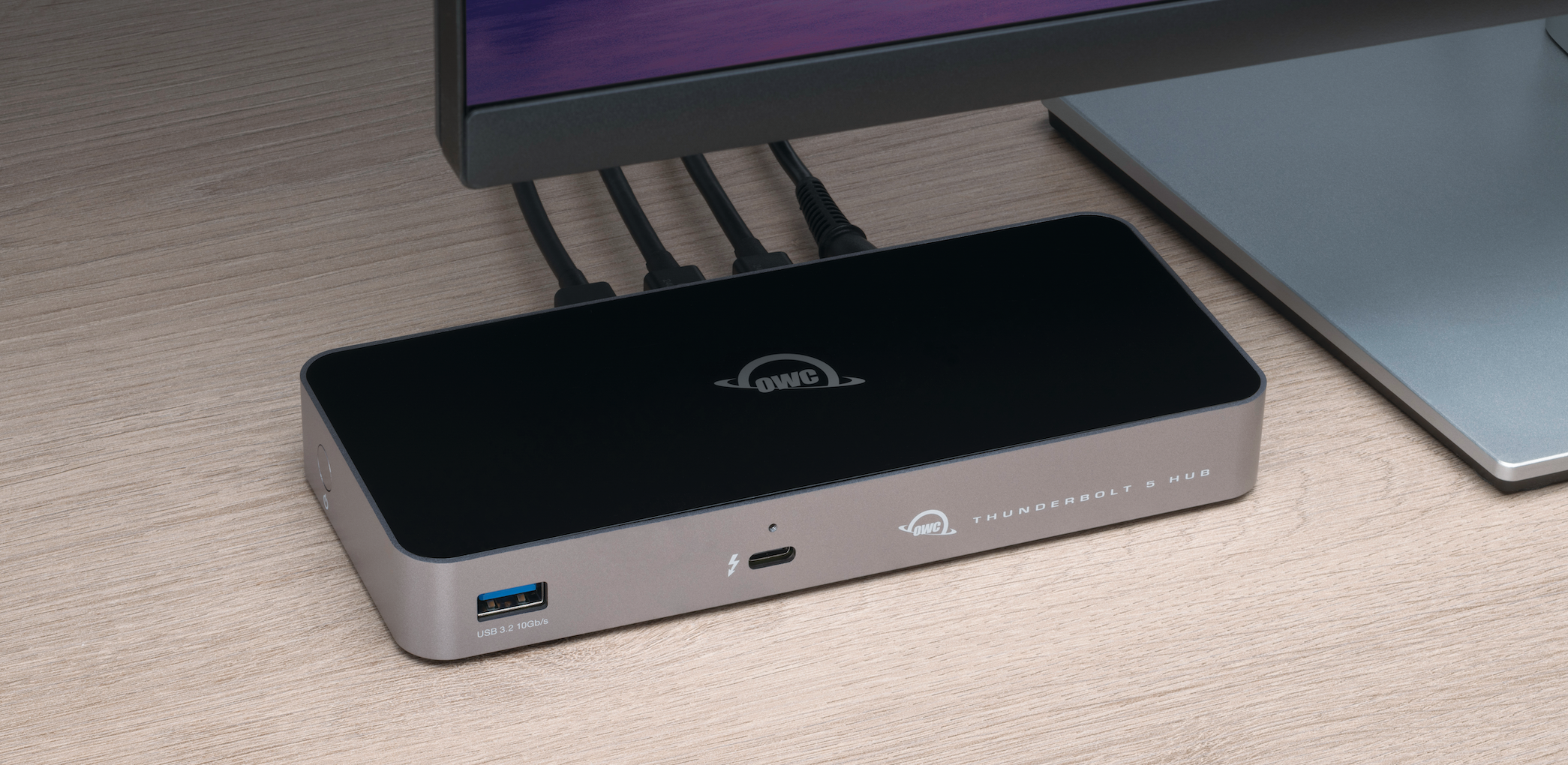
Where the Dock is a full workstation replacement, the OWC Thunderbolt 5 Hub is focused: take one Thunderbolt 5 port and turn it into three, plus a USB-A port, with up to 80Gb/s of bi-directional data speed and 140W of power delivery. It’s compact, fanless, and built for users who already have some of their setup in place and simply need more Thunderbolt 5 ports without the footprint or price of a full dock.
A key detail for M5 Pro and M5 Max MacBook Pro owners: these machines ship with three Thunderbolt 5 ports. The Hub lets you multiply those ports without consuming all of them, preserving bandwidth for devices that genuinely need Thunderbolt 5 throughput while keeping your chain organized. Three independent daisy chains with support for up to three 8K displays make it a capable choice for multi-monitor editing setups.
OWC Thunderbolt 5 Dual 10GbE Network Dock: For Network-Intensive Workflows
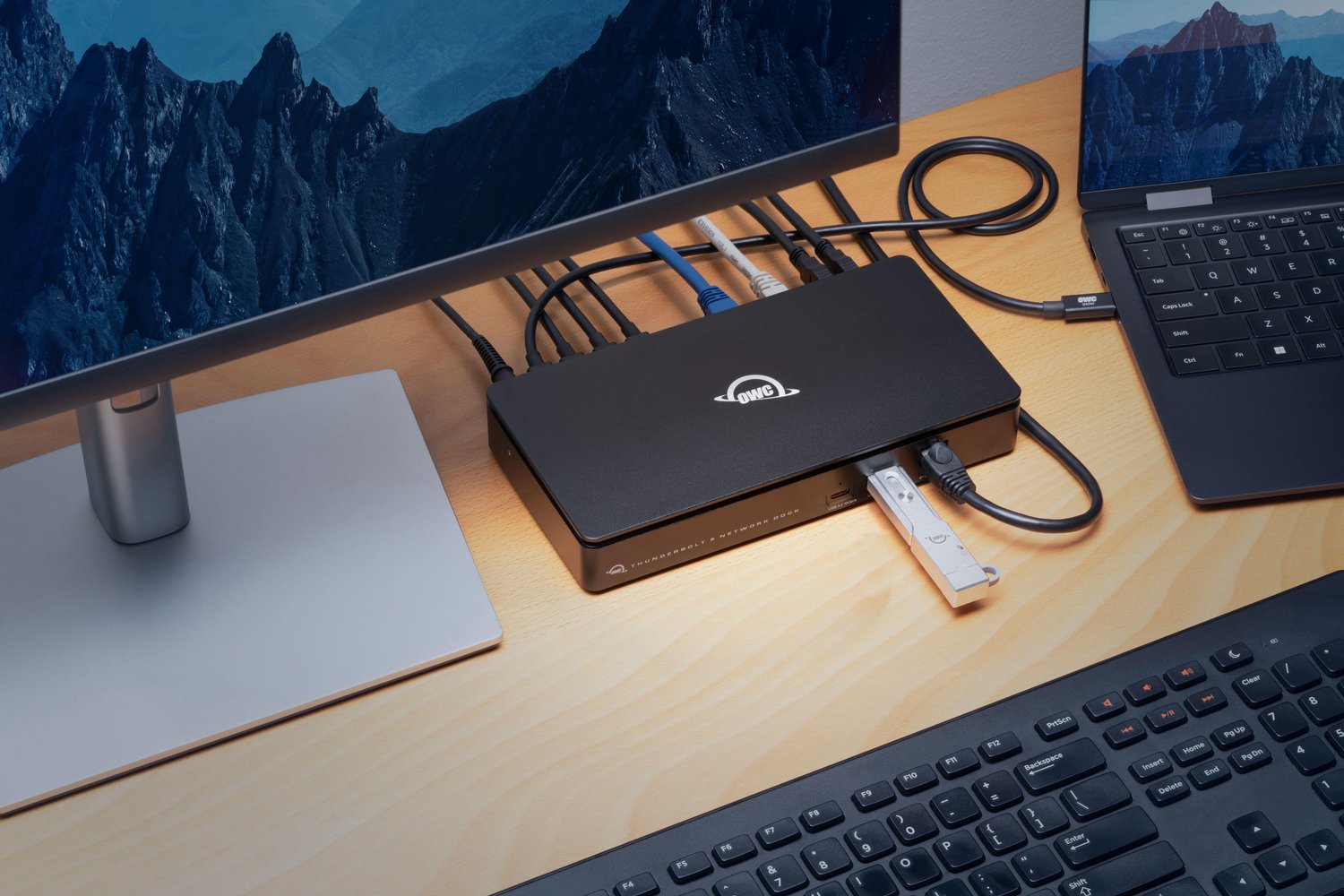
The OWC Thunderbolt 5 Dual 10GbE Network Dock is the most specialized of our three Thunderbolt 5 docks, and the most significant for a specific type of professional: anyone whose work involves high-speed shared storage, multi-network routing, or live production environments.
It’s the first dock of its kind with three fully independent Ethernet ports (dual 10GbE rear ports plus a front 2.5GbE), four Thunderbolt 5 downstream ports, and four USB 10Gb/s ports, all through one Thunderbolt 5 cable. The dual 10GbE ports can be bonded via link aggregation for up to 20Gb/s NAS access, a bandwidth level that was previously the domain of expensive enterprise setups. A video production consultant who worked with OWC on the product described running a live show with 11 cameras on an isolated NDI network, pulling footage through a second 10GbE connection to a NAS, with a second Thunderbolt display connected, all from a single cable. That kind of workflow consolidation is only possible because Thunderbolt 5 has the headroom to carry it.
For editors working directly off OWC Jellyfish shared storage, broadcast teams managing Dante audio and NDI video on separate networks, or IT professionals who need true multi-network mobility from a notebook, the Dual 10GbE Network Dock unlocks workflows that were previously cumbersome or genuinely impossible from a laptop.
Storage That Matches the Machine: Four OWC Drives for Every Workflow Scale
The M5 Pro and M5 Max MacBook Pro ship with internal SSDs capable of up to 14.5GB/s. External storage that can’t approach that figure is, simply put, a bottleneck waiting to happen. These four OWC drives are built to give you peace of mind that no matter what you throw at these drives, they will keep up the pace.
OWC Envoy Ultra: The Thunderbolt 5 Portable SSD

The OWC Envoy Ultra is the portable SSD built specifically for Thunderbolt 5. It’s the fastest bus-powered external SSD OWC makes, delivering over 6,000MB/s in real-world testing. That’s up to twice the speed of Thunderbolt 4 and USB4 drives, and it’s fast enough to serve as a genuine extension of the MacBook Pro’s internal storage rather than a slower overflow drive.
The design is built around an integrated Thunderbolt cable and the encapsulated design is what allows it to be waterproof, dustproof, and crushproof at IP67. It’s fanless, completely silent, bus-powered, and available in capacities up to 8TB. For a DIT on set, a video editor working from a client location, or any professional who needs their entire project library accessible at internal-class speeds wherever they work, the Envoy Ultra is the portable drive the M5 MacBook Pro was made for.
OWC Express 1M2 80G: Thunderbolt 5 Speed, DIY Versatility

The OWC Express 1M2 80G hits over 6,000MB/s real-world performance over USB4 80Gb/s — the same performance tier as the Envoy Ultra, but with broader compatibility across Thunderbolt and USB-C devices. Plus, it’s available as a ready-to-run solution or as a DIY enclosure, letting you install the NVMe M.2 blade you already own or choose a new one. The rugged, passively cooled aluminum design keeps it silent and reliable in the field.
The Express 1M2 80G is the right choice for M5 Pro and M5 Max owners whose workflows span multiple platforms or devices—Thunderbolt Macs, USB4 PCs, or anything in between—and who want to bring their own storage investment forward rather than starting over. It’s the performance tier these MacBook Pros deserve, without locking you into a single ecosystem.
OWC ThunderBlade X12: On-Set RAID for Production Professionals

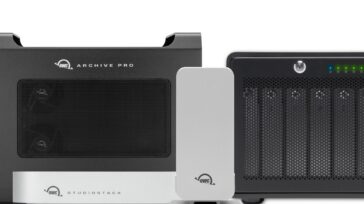
The OWC ThunderBlade X12 is in a different category from any other drive on this list. It’s a Thunderbolt 5 portable production RAID SSD with twelve NVMe drives in a single compact enclosure. ThunderBlade X12 delivers up to 6,600MB/s peak performance and 5,990MB/s sustained write speeds over the entire volume. Capacities run from 12TB to 96TB, with RAID 0, 1, 4, 5, and 10 configurations managed by SoftRAID Premium.
The sustained performance is what separates the ThunderBlade X12 from other fast drives. Peak speeds matter but sustained speeds are what determine whether a drive can keep up with continuous 8K RAW ingest, multi-cam timelines, or VFX pipelines that never stop moving data. The ThunderBlade X12 was designed specifically for that environment with on-set shuttle reliability, the RAID 5 data protection that major studio delivery requirements mandate, and enough capacity to carry an entire production in a single grab-and-go unit. For filmmakers, DITs, and editors working at the level that an M5 Max MacBook Pro enables, this is the drive that matches the ambition.
OWC StudioStack: Desktop-Class Hybrid Storage for the MacBook Pro Desk Setup

For M5 Pro and M5 Max MacBook Pro owners who want high-capacity desktop storage that integrates cleanly into their workspace, the OWC StudioStack takes a different approach: it’s a hybrid storage solution that combines SSD and HDD in a single low-profile, aircraft-grade aluminum enclosure with support for up to 32TB at speeds up to 6,302MB/s via Thunderbolt 5.
Beyond storage, the StudioStack adds three Thunderbolt 5 ports and three USB-A 10Gb/s ports, making it a connectivity hub as well as a drive. For users with a MacBook Pro as their primary workstation, the StudioStack expands both the port count and the storage in a single footprint, with a design meant to sit cleanly alongside Apple hardware. Capacities scale with your needs—configure with NVMe SSD for maximum speed, HDD for maximum capacity, or a hybrid combination of both.
Expand Into PCIe: OWC Mercury Helios 5S
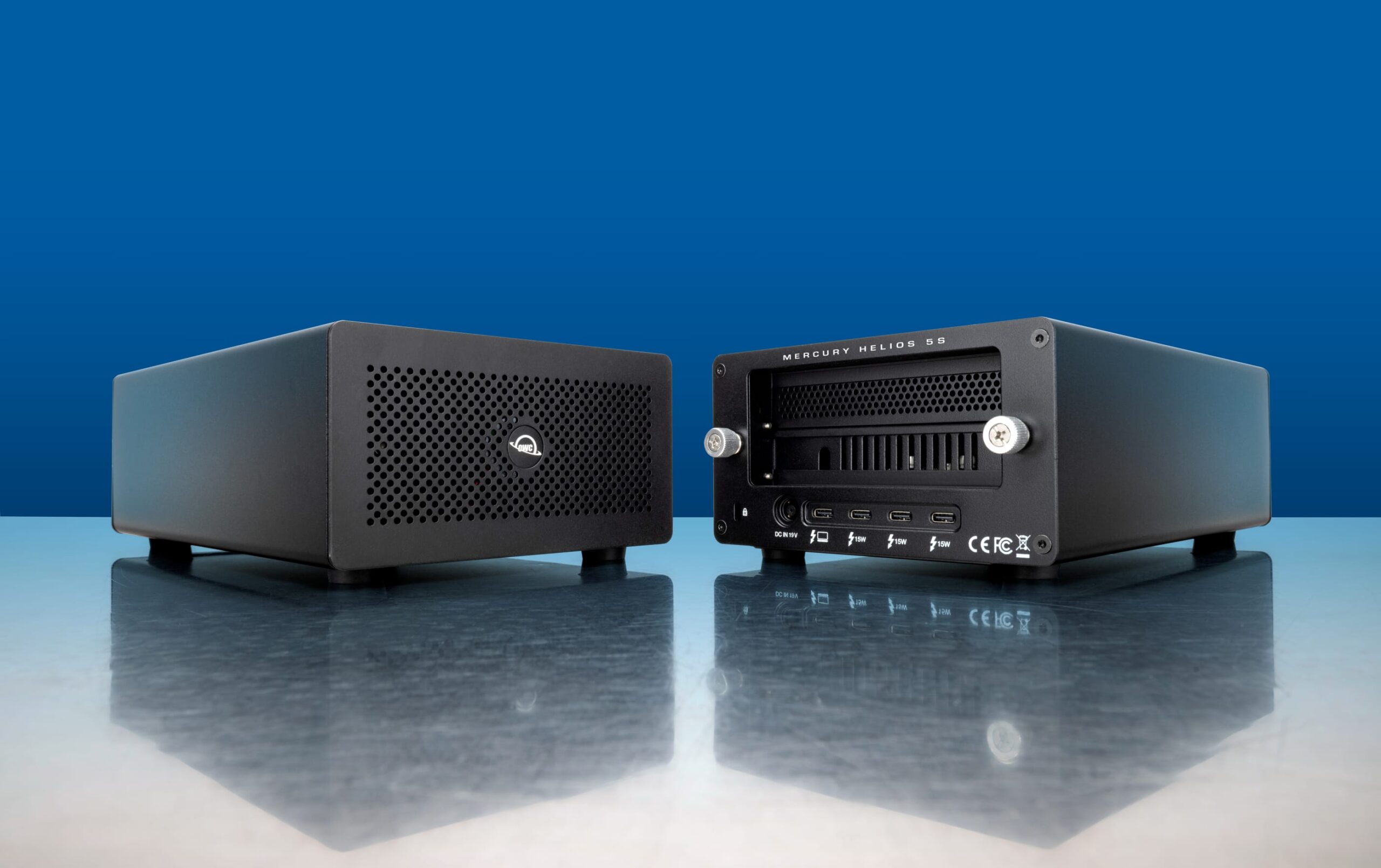
The OWC Mercury Helios 5S is the product on this list with the most unique capability: it adds an external PCIe 4.0 slot to any Thunderbolt 5, 4, or 3 Mac, including the MacBook Pro.
Apple’s laptops are architectural marvels, but they have no internal PCIe expansion. The Helios 5S changes that via a single Thunderbolt cable, supporting half-length, full-height, single- or double-width PCIe 4.0 cards from brands including AJA, Blackmagic Design, Universal Audio, ATTO, RME Audio, and Avid Pro Tools. Video capture cards, high-speed networking, NVMe RAID controllers, audio DSP hardware—any PCIe 4.0 card that fits the slot can operate at up to 6,000MB/s of bandwidth, fast enough that the Thunderbolt connection rather than the PCIe performance is no longer the limiting factor.
Three additional Thunderbolt 5 downstream ports on the Helios 5S mean it also expands your available connections while hosting the PCIe card. Plus, installation is tool-free with captive thumb screws, and no driver is required for most cards. For audio engineers running UAD DSP, editors using Blackmagic capture hardware, or anyone who needs a specific PCIe card in a compact, notebook-based setup, the Helios 5S is the solution that didn’t exist before Thunderbolt 5 had enough bandwidth to make it practical.
Don’t Overlook the Cable
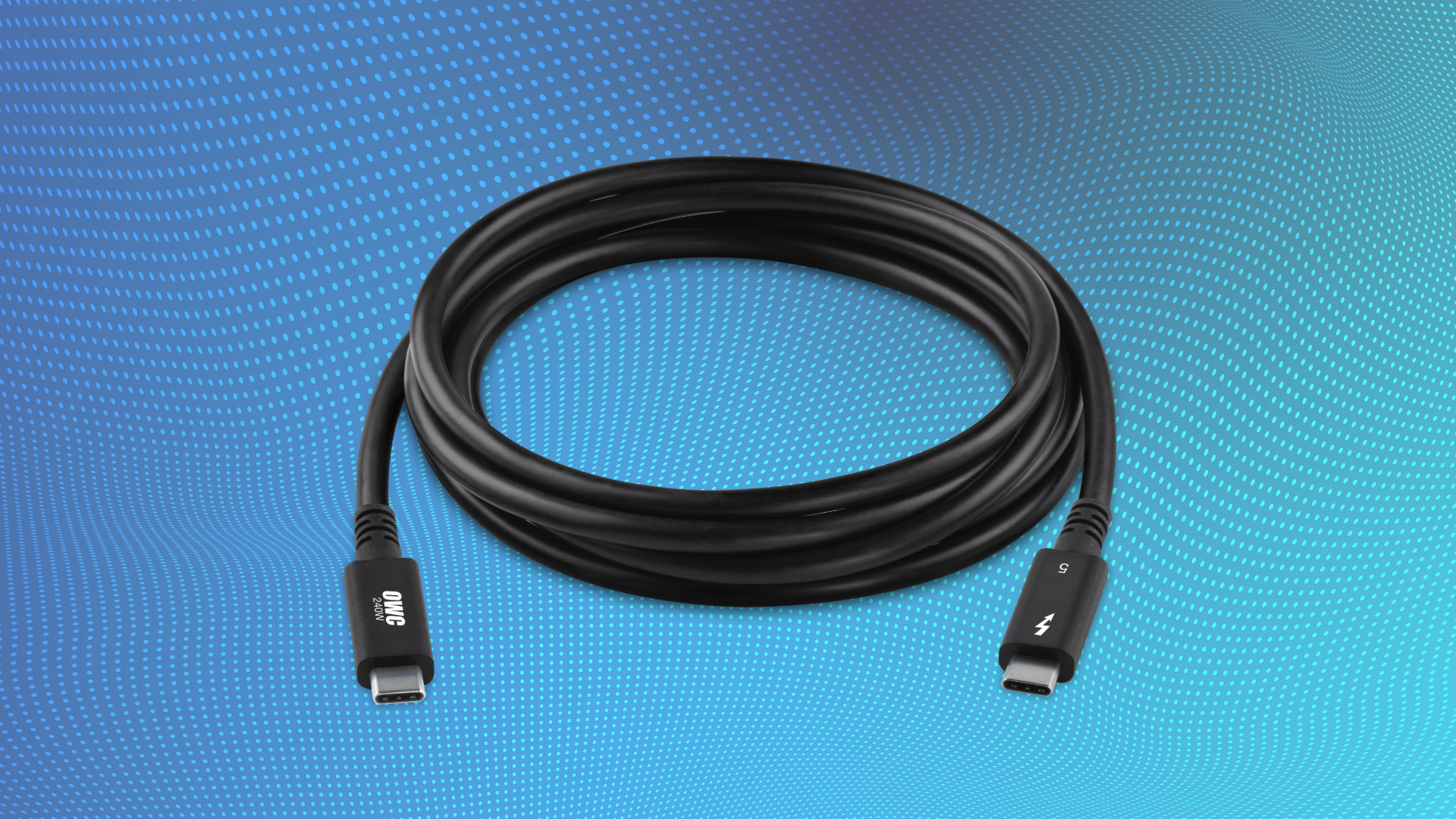
Every product on this list connects to a MacBook Pro via Thunderbolt 5, and those connections are only as good as the cable between them. OWC’s Thunderbolt 5 Cables are certified for the full 80Gb/s bi-directional spec — and the 120Gb/s bandwidth boost mode for display-heavy workloads — with backward compatibility across Thunderbolt 4, Thunderbolt 3, USB4, and USB-C devices. The new fully certified 2-meter Thunderbolt 5 cable extends reach for desk setups where display distances and port placement make shorter cables impractical.
An M5 Pro or M5 Max MacBook Pro is a multi-thousand-dollar investment in the most capable laptop Apple has ever built. It deserves cables that are certified to carry everything Thunderbolt 5 can deliver, not generic USB-C cables that leave performance on the table.