



How to Set an Animated Memoji as Your Mac User Profile
In macOS Monterey, you can use an animated Memoji — which I’ll explain in a minute — as your Mac user profile instead of a boring static image.




In macOS Monterey, you can use an animated Memoji — which I’ll explain in a minute — as your Mac user profile instead of a boring static image.
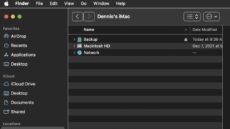
The macOS Finder is the default application for viewing and working with files on your Mac. However, a feature called Path Bar can also be useful.
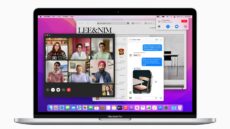
With macOS Monterey, Apple brought several enhancements to FaceTime, including the ability to blur your background on a call. It only works with M1, M1 Pro, or M1 Pro Max processors.
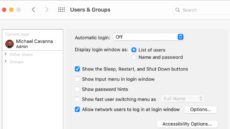
If your Mac happens to have multiple accounts, Fast User Switching can help you to switch between them quickly.

One way to help keep your desktop organized in macOS Monterey is to “tile” your open windows to the left or right side of your screen.
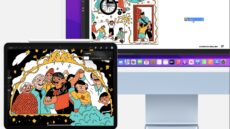
The Universal Clipboard feature in macOS, iOS, and iPadOS allows you to copy text, images, photos, and videos from one Apple device and paste it in another.

