Search Results for: 101

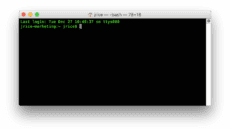
Tech 101: Introduction to the Mac’s Terminal App, Part One

Terminal may be one of the least used but most powerful apps included with a Mac. At first glance, Terminal seems to be the antithesis of the Mac's friendly GUI (Graphical User Interface), presenting instead a simple command line interface...

Tech 101: Zipping (Compressing) Files and Folders on the Mac

Back in the ancient days, hard drives were small, floppy disks were plentiful, and email systems choked on attachments larger than a few hundred kilobytes (KB). Fortunately, some geniuses figured out a way to compress the data in files into...

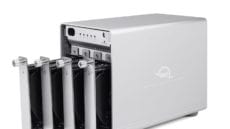
RAID 101: Discussing Benefits of Software RAID vs. Hardware RAID

While you might think the computer you are using is the most important part of your everyday and professional workflows, there is something even more important: your data. Computers are replaceable but once your intangible data is lost, it is...

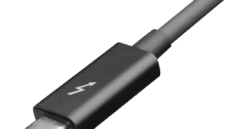
Tech 101: Thunderbolt 3 Speeds, Capabilities and Caveats

Thunderbolt is a registered trademark of Intel. This is the second in a series of articles on the Rocket Yard discussing Thunderbolt 3 technology. Last week, the first article gave readers a rundown on the history of Thunderbolt, a hardware...

Tech 101: A Brief History of Thunderbolt Technology

Thunderbolt 3 is the most recent iteration of Thunderbolt, a hardware interface designed to connect multiple external peripherals to a computer at high data rates. This is the first in a series of educational articles to acquaint readers with the...

Tech 101: Explaining the New Apple File System (APFS)

 iOS 10.3 Update with APFS Now Available to public Without a file system, your Mac, iPhone, iPad or even your Apple Watch would not work. A file system is used by an operating system like macOS and iOS to read from...

1 7 8 9 51
Page 8 of 51