

OWC Named As 2021 NAB Best in Market Award Honoree
Press Release for OWC named as 2021 NAB Best in Market Award Honoree

Press Release for OWC named as 2021 NAB Best in Market Award Honoree
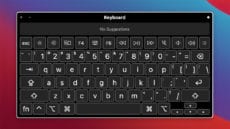
The Accessibility Keyboard is an on-screen keyboard that lets you type and perform other actions on macOS without using your Mac's hardware keyboard. And it can be very useful for some folks, especially anyone who has trouble using a physical...

At its core, OWC was founded on sustainability – extending the life of technology and expanding its usefulness. OWC empowers users to repair and upgrade their machines to get the most life...

Keychain Access is a macOS app that stores your passwords and account information. If you enable iCloud Keychain, you can share keychains with all your other Apple devices.
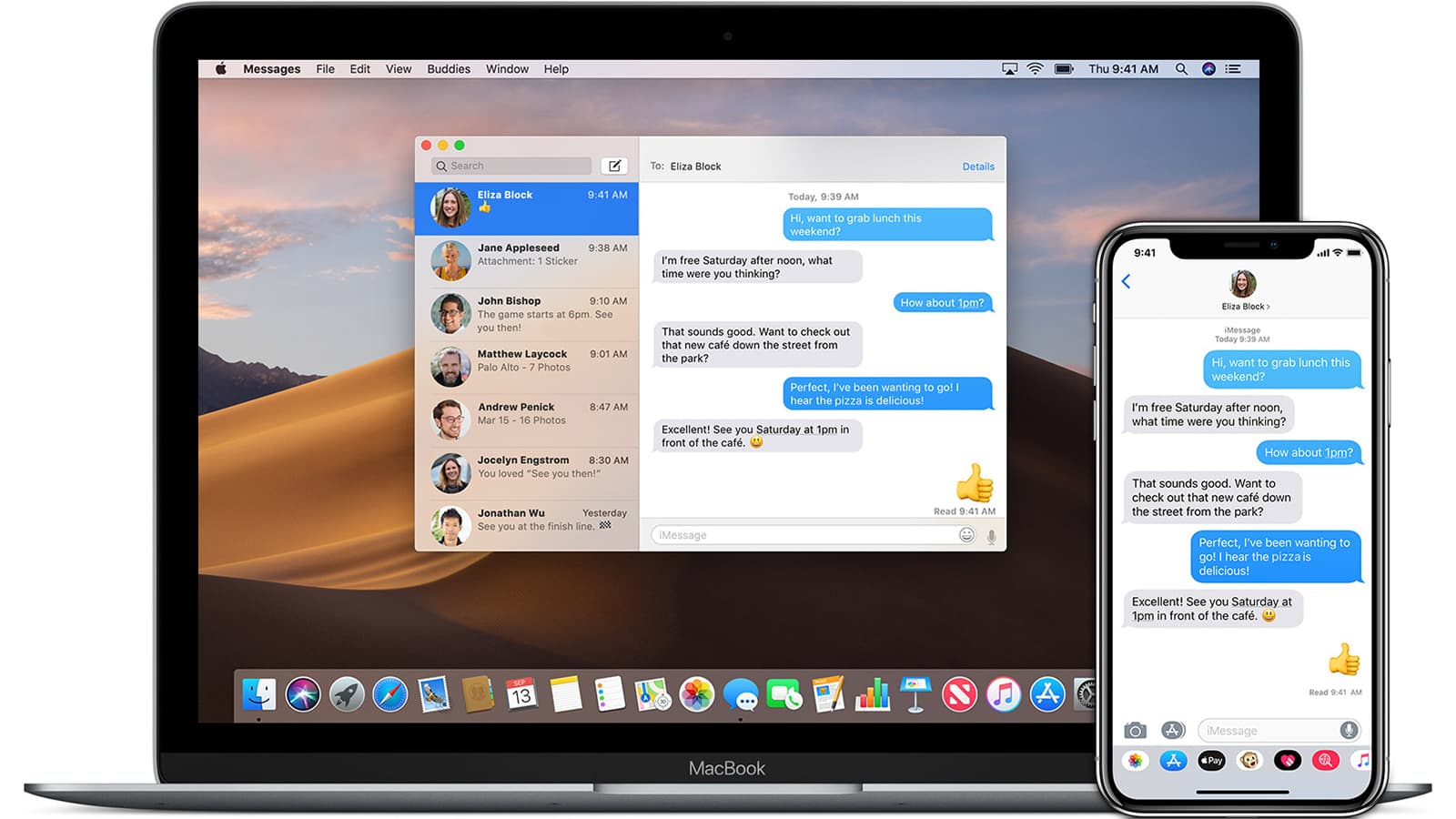
SMS is a message that contains only text. MMS can send pictures, video, or audio content to another device. Both can be sent from your Mac, and we'll show you how.

ProductionHUB's annual "live" NAB Show award program — like so many others — bit the dust this year due to COVID-19. However, they went virtual and just announced their recipients, including the OWC ThunderBay 8 professional-grade 8-Bay Thunderbolt 3 storage...

According to an article on Typography.Guru, Apple recently licensed a number of fonts from well-regarded type foundries and has made them available for free in macOS Catalina. In this article, we'll show you how to enable these new fonts on...

In the absence of a physical spring NAB Show this year, Future plc went virtual with their Best of Show Awards. And OWC has received this year's Video Edge honor for the ThunderBay FLEX 8. The Best of Show 2020 award recognizes outstanding products...

When Mac OS X El Capitan debuted in 2015, it was the first time with a Mac operating system that you could hide the menu bar. This continues in macOS Catalina. I’m not sure why you would want to, but if you do, here’s how to hide the menu bar on a Mac...

