Search Results for: macos mojave

Mac Family Sharing icon and Apple News icon

How to Enable Family Sharing for Apple News+ on macOS Catalina

With a subscription to Apple News+, you can access hundreds of magazines, newspapers, and digital publishers in the News app on your Mac, iPhone, iPad, or iPod touch. And if you use Family Sharing, everyone in your family automatically has access...

Collections of favicon images

How to Enable and Disable Favicons in macOS Catalina

With macOS Mojave, Apple has added support for favicons (short for "favorite icons”) in Safari tabs. Favicons are those little icons that let you quickly identify which of your open tabs is which website. A favicon is a file containing...

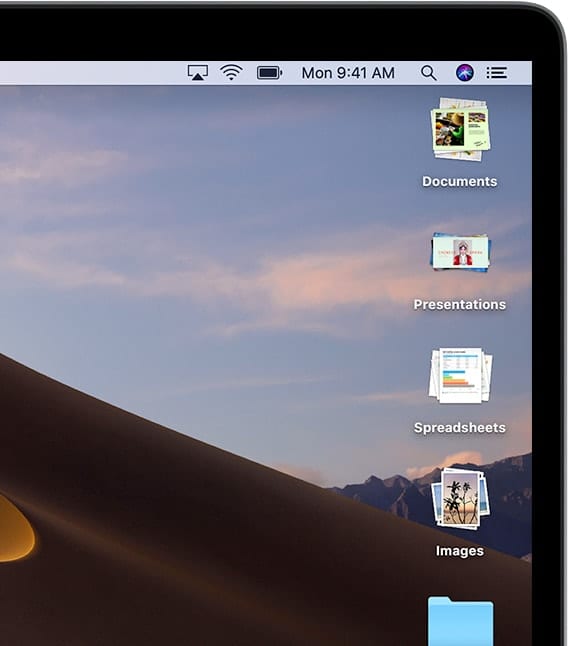
Screenshot of Mac Desktop with the word "Stacks"

How to Use Desktop Stacks in macOS Leopard Through Catalina

"Stacks" is a feature introduced in macOS Leopard (although the official name at the time was Mac OS X Leopard). It was available in the Dock, but nowhere else. The feature "Stacked" files into a small organized folder on the...

Padlock and keys

Generate a Memorable Password in macOS with Password Assitant

Are you tired of trying to come up with a unique and memorable password? Not entirely happy with Safari's auto-generated passwords? Well, you may not be aware of this, but your Mac has a potent password generator built right in called Password Assistant. Its location is not very obvious, and you need to dig a little bit to get to it, but it's well worth it!

Mac Security Preferences Icon with Catalina backdrop

How macOS Catalina Improves Mac Security

Mac owners who have upgraded to macOS Catalina have probably noticed a lot of new features and changes to existing functionality. But they may not have really been aware of how much Apple has improved Mac security. Today we’ll look at some of the changes and how they keep your Mac safe from intrusion.

Transparent icon of an iMac and a Rocket

Speed Up macOS Catalina with These Tips

Did you recently upgrade to macOS Catalina? After the initial thrill of seeing a new desktop and exploring new features, did you notice that your Mac isn’t as fast as it used to be? While it isn't normal for the Mac to slow down after a system upgrade, it has been known to happen.

Mac Migration Assistant

How to Use Migration Assistant with macOS Catalina

If you just upgraded to a new Mac, or used the clean install method to upgrade to macOS Catalina, chances are you’re going to need to copy information from your old Mac, or older Mac OS, to your upgraded Mac. There...

1 6 7 8 23
Page 7 of 23