






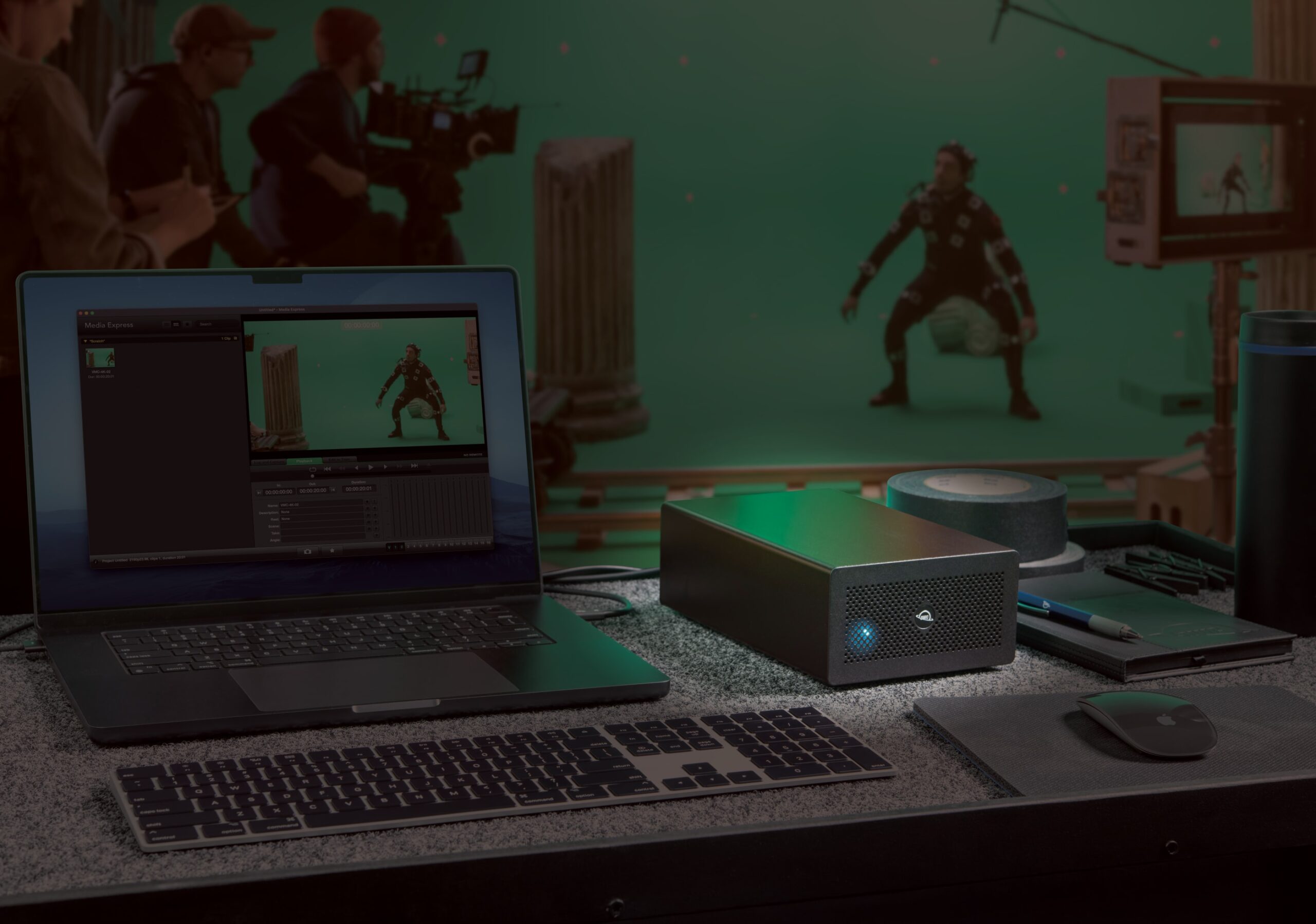
If you’ve ever wished your MacBook, Mac mini, or Mac Studio had “just one PCIe slot,” the new OWC Mercury Helios 5S is here to grant your wish.
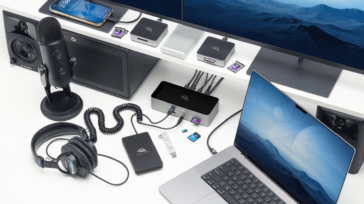
It’s a Thunderbolt 5 PCIe expansion chassis that lets you run a full-size workstation-class PCIe card over a single cable—then goes a step further by giving you three Thunderbolt 5 ports for more devices and displays.
In other words: with one simple connection, you gain pro-card capability and you grow your I/O at the same time. Mercury Helios 5S is the ultimate Mac expansion solution.
Which Mac users is Helios 5S for?
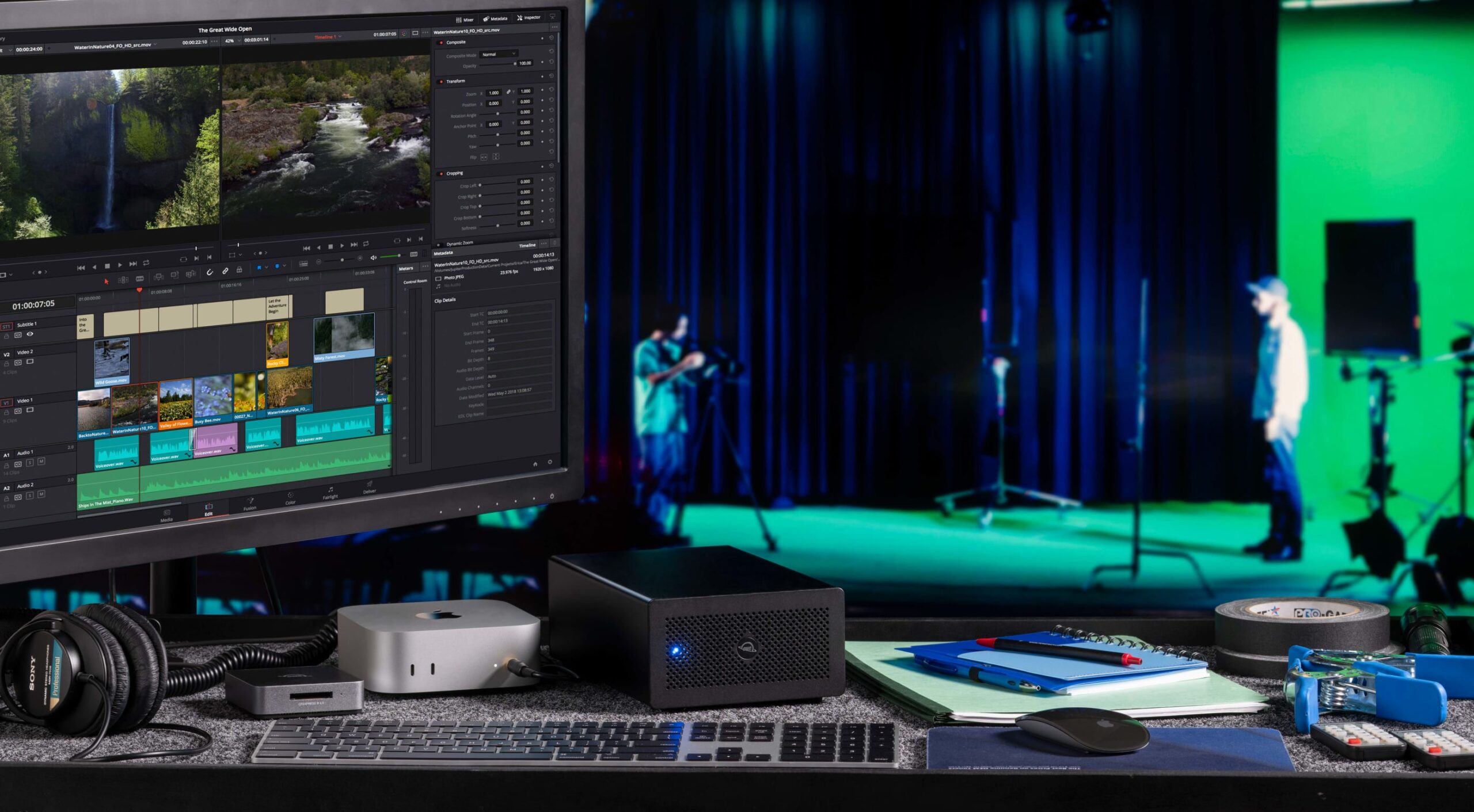
Modern Macs like the Mac Studio, Mac mini, MacBook Pro and even the iMac are crazy fast, whisper-quiet, and wonderfully compact—but internal PCIe slots didn’t make the cut for obvious reasons.
For Mac creators and power users who need speciality cards, Helios 5S fills that gap by providing a quick way to tap into video capture/IO, high-speed Ethernet or fiber, NVMe RAID, pro audio DSP, and more.
Plug Helios 5S into a Thunderbolt 5/4/USB4 Mac (or even a Thunderbolt 3 Mac) and you’ve effectively added a PCIe bay without cracking the case.
Cards install in seconds
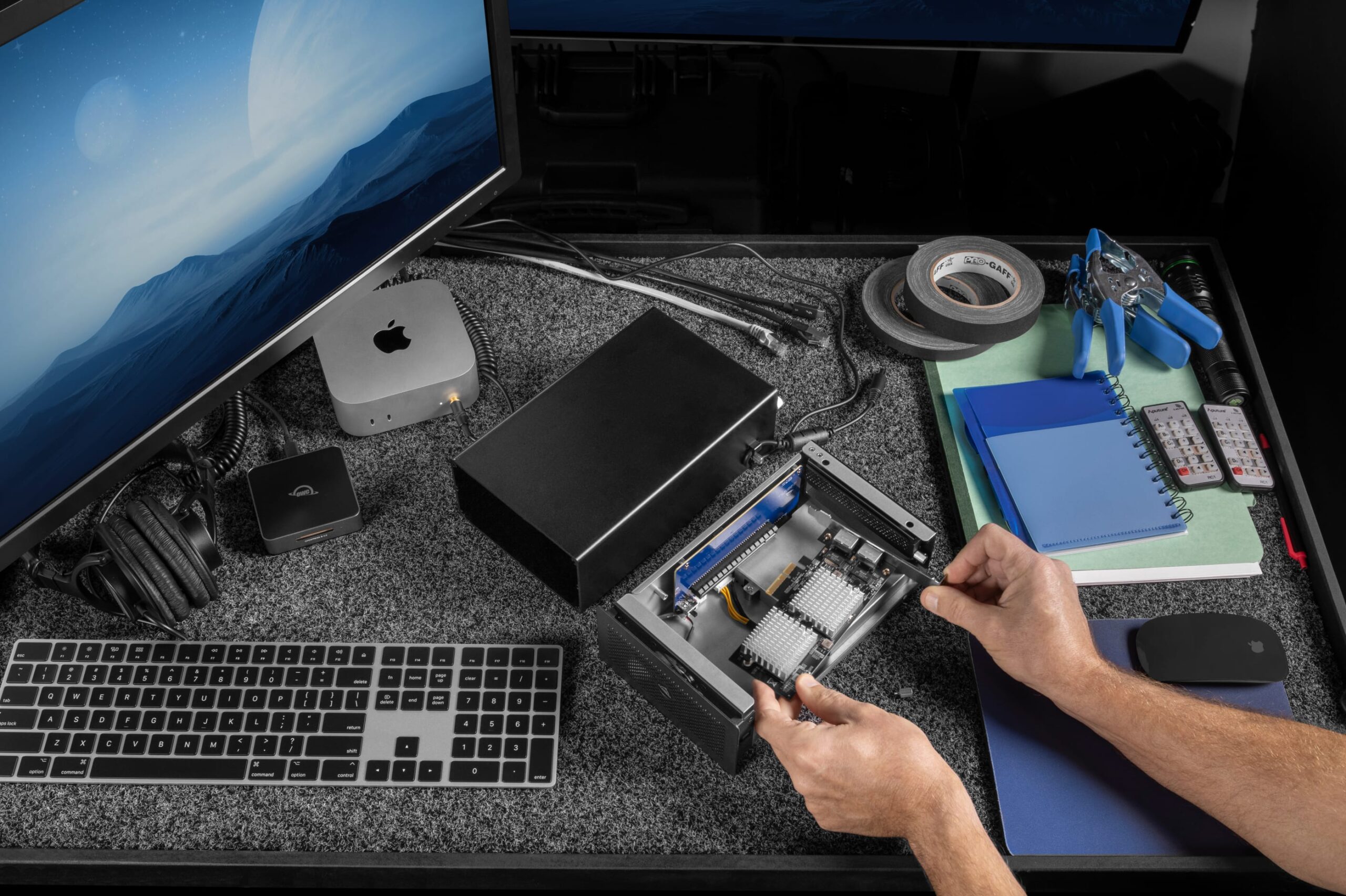
To get going with Helios 5S, you don’t have to be an IT professional thanks to this enclosure’s tool-free design. Helios 5S is compatible with half-length, full-height, single- or double-width pro-level PCIe cards from leading brands like AJA, Apogee, ATTO, AudioScience, Avid Pro Tools, Blackmagic Design, Intel, RME Audio, Solid State Logic, Universal Audio, and OWC.
And you can install a card in seconds:
- Disconnect the Thunderbolt cable and power cord from Mercury Helios 5S
- Loosen the two captive thumb screws and
- Reconnect the Thunderbolt cable and power cord to Mercury Helios 5S
What’s inside
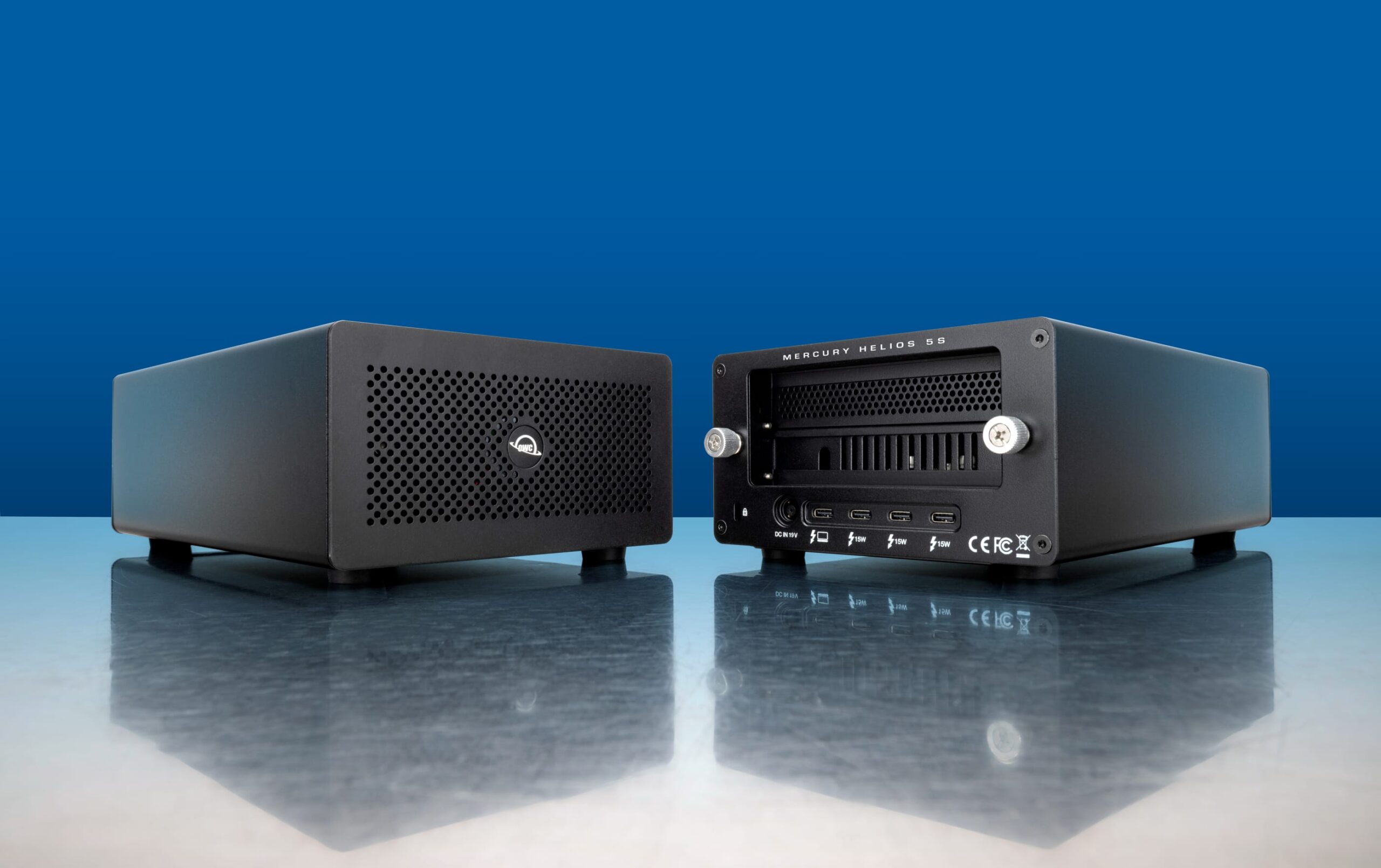
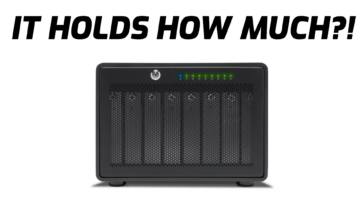
- One PCIe 4.0 x4 slot (x16 mechanical) for half-length, full-height, single or double-width cards—so you can run serious pro hardware.
- Up to 6000MB/s of available bandwidth for simultaneous read/write workloads—enough headroom for multi-stream capture, ultra-fast networking, or NVMe RAID cards.
- Three Thunderbolt 5 (USB-C) 80Gb/s ports downstream, each with 15W of power delivery—to hang more drives, docks, displays, or interfaces right off the chassis.
- Smart, quiet cooling and captive thumb screws for easy, tool-free card swaps.
- Includes a Thunderbolt 5 80Gb/s cable and a power-cord retainer for travel and tight racks.
Real-world Mac workflows it unlocks
- Editors/Colorists: Drop in a SDI/HDMI I/O card for broadcast-grade monitoring or live ingest while your three TB5 ports feed fast storage and reference displays.
- Audio pros: Run DSP or multi-channel audio I/O cards while keeping drives and MIDI/USB hubs hanging off the same box for a tidy desk.
- IT/Post supervisors: Add high-speed fiber/Ethernet to Mac mini/Mac Studio and keep your Jellyfish/NAS and shuttles cabled to the downstream TB5 ports.
Compatibility, price & availability
Helios 5S works with Thunderbolt 5/4 and USB4 Macs and PCs, plus Thunderbolt 3 Macs. It’s available now for $329.99. Get the full details and order on the product page.





(I left a comment yesterday that has not posted yet, but that’s just as well, as I have learned more in the meantime and can give a more balanced review now)
It sounded like a great plan: buy an Accelsior 4M2 and four NVMe drives, live with the constrained performance in an enclosure I had on hand until Thunderbolt 5 PCIe enclosures arrived, then unleash the full 6000MB/s performance! The only problem: I didnt’ have any understanding of PCIe lanes and the limited number of them available over Thunderbolt (all varieties). The Accelsior 4M2 is an x8 (that is, 8 lane) PCIe 3.0 card, but Thunderbolt only has 4 PCIe lanes. With Thunderbolt 3 and 4, cutting the lanes in half didn’t matter so much, as Thunderbolt 3 and 4 only offered ~2800MB/s of bandwidth for data (or less than the 3000MB/s you get by using four lanes for a card that can use 8 lanes). In a Thunderbolt 5 enclosure, you still only have four lanes – the lanes are potentially twice as fast as PCIe 3.0, but the PCIe 3.0 Accelsior 4M2 can’t use that extra bandwidth. Long story short(er): under Thunderbolt 5, the PCIe lanes are now the restriction, rather than Thunderbolt bandwidth. My Accelsior 4M2 tops out at ~3300MB/s – still very fast, but not what I was hoping for, especially since I have a single Thunderbolt 5 SSD that is considerably faster than my 4-drive RAID. The only issue I’m having with this enclosure, beyond the PCIe lanes limitation, is that the Thunderbolt 5 hub built into it needs some work, as it will not warm-mount any of my Thunderbolt 3 or 4 enclosures (all OWC, with OWC cables) – I have to shut my computer down completely for new drives to become available.
Hi Rick,
I’m so glad you wrote this (I was thinking along the exact same line as you), and that you have achieved 3300MB/s from your Accelsior 4M2.
I can’t get higher than around 1600MB/s from my Accelsior 4M2 in the Helios 5S. The 4M2 is loaded with 4 x 4TB Samsung 990 Pro NVMe blades in RAID0). It runs all day long at 2700MB/s inside my Thunderbolt 3 Sonnet SE1. Putting my Sonnet McFiver (loaded with 2 x 2TB 990 Pros in RAID0) in the Helios 5s was getting 3200MB/s read/write, so why can’t my 4M2 get the same? Connecting my 1m2 80G through the Helios hub read/writes at 6100MB/s so I know the connection from the Helios to my computer is good. Tested on an M4 Max MacBook Pro, and M3 Ultra Studio both running 15.7.1 Sequoia. Any ideas greatly appreciated. Thanks, Scott.