Today is World Backup Day and there’s no better time to take a hard look at whether your data is actually protected or just sitting on a single drive and hoping for the best.
The truth is, drives fail. SSDs can die without warning. Ransomware and social engineering attacks don’t care how much work or how precious the memories are on your laptop’s internal storage. A studio flood, a house fire, a dropped external drive: all very real threats, and they don’t wait for a convenient moment. World Backup Day is a reminder that the best time to build a solid backup strategy is before something goes wrong.
What Is World Backup Day?
World Backup Day started as a community-led effort to raise awareness about data loss and promote smarter digital habits. Held every March 31st—the day before April Fool’s Day—it’s a not-so-subtle reminder that losing your data is no joke.
The cornerstone of World Backup Day is the 3-2-1 Backup Rule, the industry-standard framework for data protection:
- Make 3 copies of your data.
- House them on at least 2 different types of storage media (e.g., a local drive and cloud storage).
- Make at least 1 offsite copy for disaster recovery.
Miss any leg of that strategy and you should consider yourself exposed. Let’s look at how OWC’s lineup of storage solutions helps Mac users from all walks of life check every box.
OWC StudioStack: Hybrid Storage and Thunderbolt 5 Expansion for Mac Studio and Mac mini
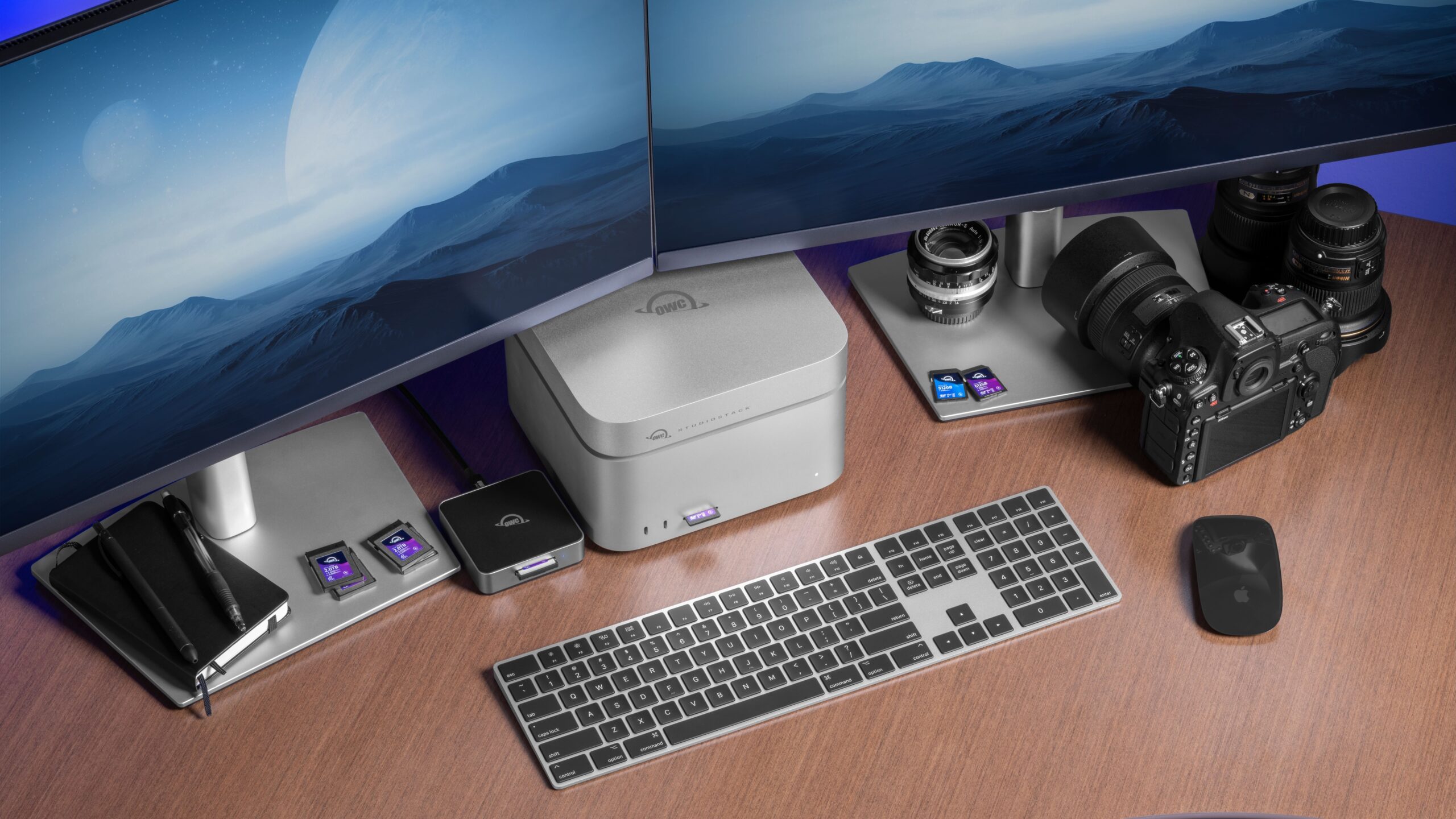
For Mac Studio and Mac mini users who want to expand their storage and connectivity in one elegant, space-saving solution, the OWC StudioStack is in a class of its own.
Designed to stack perfectly with the Mac Studio while blending in with any Mac mini desk setup, it adds up to 32TB of hybrid storage: a fast NVMe M.2 SSD paired with a high-capacity 3.5 inch SATA HDD bay. StudioStack delivers speeds up to 6,000 MB/s—on par with the internal SSD of a 2025 Mac Studio, allowing you to quickly expand your Mac’s internal storage for active projects, or backup whole projects in seconds.
But StudioStack isn’t just storage. It also provides a six-port Thunderbolt 5 and USB-A hub—three Thunderbolt and three USB-A—packaged in an aircraft-grade aluminum enclosure with a smart fan that activates only under load, keeping things quiet in recording environments and edit suites.
StudioStack also comes DIY ready. You can order it with our without storage and add your own drives or upgrade your capacity later on.
Whether you’re using the HDD bay as a Time Machine destination, a local backup mirror for your active NVME projects, or a high-capacity home for your archive, the StudioStack gives Mac Studio and Mac mini users a seamless way to put the local backup layer of a 3-2-1 strategy to practice.
OWC ThunderBay 4: The Four-Bay Thunderbolt RAID Workhorse

If you’re managing serious amounts of data — video projects, photo archives, large development environments — the OWC ThunderBay 4 is a natural fit for the local backup role in a 3-2-1 strategy.
The ThunderBay 4 connects via Thunderbolt and hits real-world transfer speeds up to 1,527 MB/s, with support for up to 96TB of raw capacity across its four drive bays. It’s fully compatible with SoftRAID for intelligent volume management, giving you options for RAID 0 performance, RAID 1 mirroring, or more advanced configurations depending on how you weigh speed against redundancy.
Daisy-chaining support means you can keep it in your Thunderbolt chain right alongside your dock, display, or other OWC storage—no additional hub required.
OWC ThunderBay 8: When You Need to Go Bigger

The OWC ThunderBay 8 takes everything the ThunderBay 4 does and doubles it. Eight drive bays. Up to 160TB of capacity. Transfer speeds up to 2,586 MB/s. If you’re running a studio, managing broadcast-quality media libraries, or simply have years of project data that needs a permanent home, the ThunderBay 8 is the kind of solution you buy once and build around.
RAID configuration options range from pure performance to deep redundancy, and the enclosure is designed to grow with you as your storage demands increase over time. For Mac Studio users or anyone running a serious workstation setup, this is OWC’s most capable desktop storage tower and a formidable anchor for the local tier of any multi-location backup strategy.
OWC Express 4M2: NVMe RAID Backup at USB4 Speed
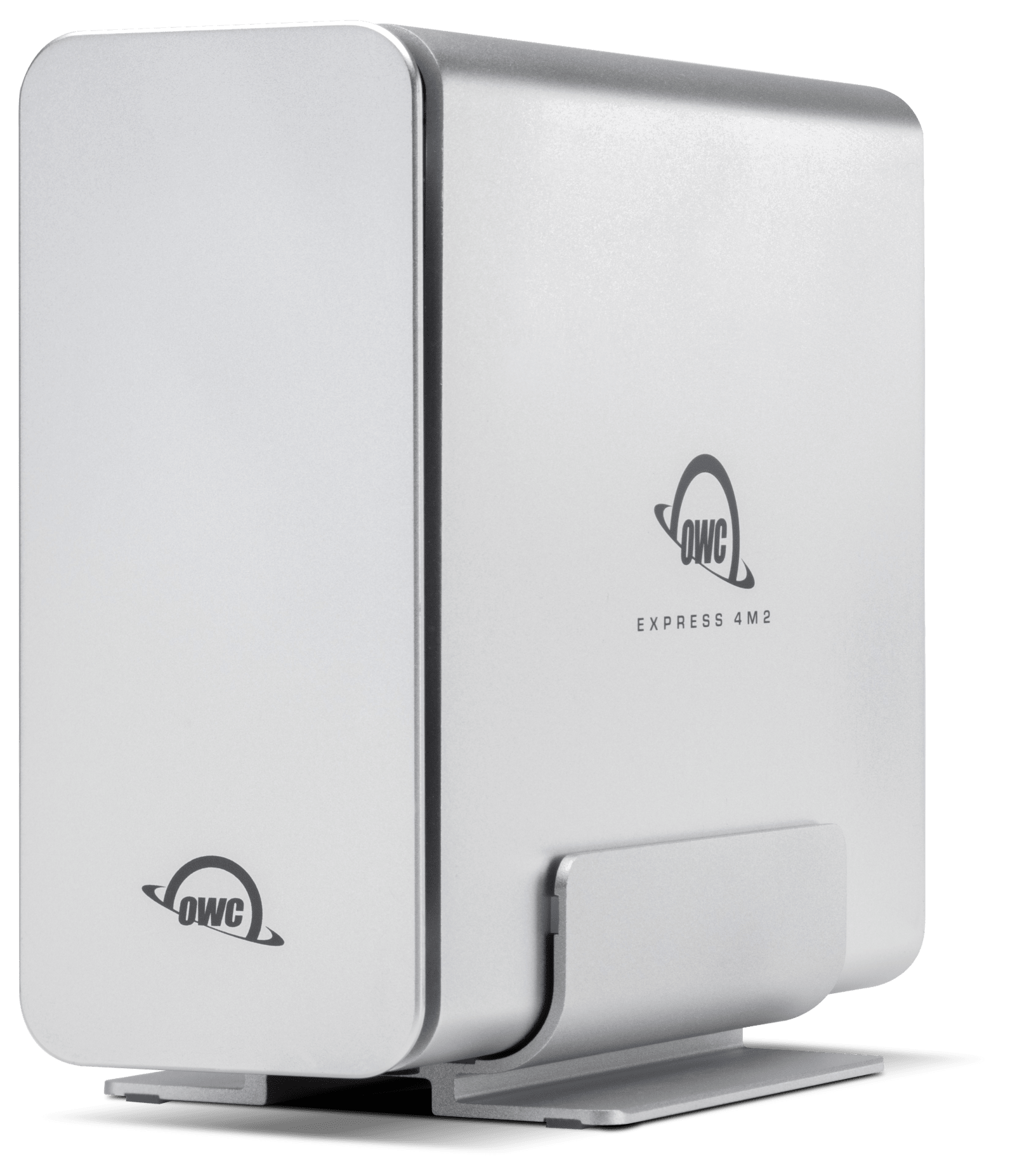
If the ThunderBay solutions are OWC’s heavy-duty workhorses, the OWC Express 4M2 is the compact speedster. This is a four-slot NVMe M.2 enclosure that delivers up to 3,200 MB/s of real-world performance over USB4 (40Gb/s), with full compatibility across USB4, Thunderbolt, and USB-C Macs and PCs.
Plus, it’s a DIY-friendly solution. Pop in up to four NVMe M.2 SSDs of your choice (2230, 2242, or 2280 form factor), configure your RAID, and you’ve got a compact blazing-fast local backup drive that can actually keep up with high-resolution video workflows. OWC Aura SSDs are available in capacities up to 8TB each, so the ceiling is high — and when larger drives come along, the Express 4M2 is ready for them.
RAID options cover the full range—0, 1, 4, 5, and 10—via SoftRAID (included with select models). Smart adaptive fans kick in only when the drives need cooling, which means near-silent operation for most day-to-day use. The aircraft-grade aluminum shell handles heat dissipation for the rest.
For Mac users who live in high-throughput creative workflows like DITs, video editors, and photographers dealing in massive RAW files, the Express 4M2 fills the gap between a portable drive and a full Thunderbolt tower. It’s compact enough to travel, fast enough to work on set, and capable enough to anchor the local backup layer of a serious 3-2-1 strategy.
OWC Mercury Elite Pro Dual and Elite Pro Quad: Flexible Backup for Every Desk
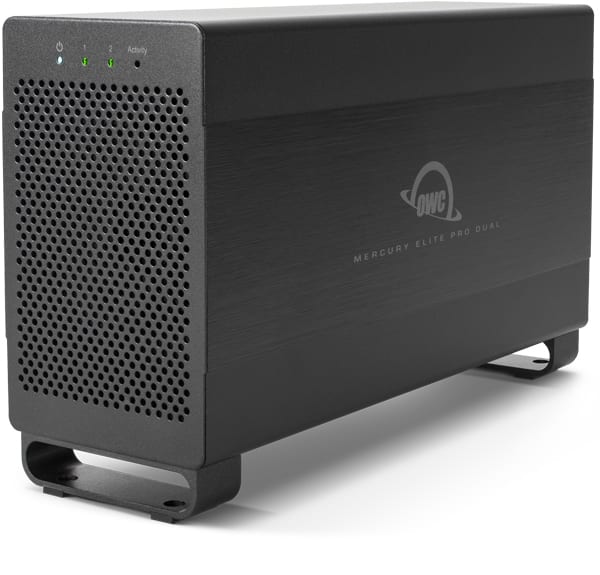
Not everyone needs a full Thunderbolt tower. The OWC Mercury Elite Pro Dual and Mercury Elite Pro Quad offer a more accessible entry point into multi-drive storage and RAID protection and they work with virtually any Mac or PC. Both are excellent choices for anyone building out the local backup layer of a 3-2-1 plan without going all-in on a full Thunderbolt tower.
Step up to the Mercury Elite Pro Quad and you get four drive bays, up to 96TB of capacity, and SoftRAID included out of the box. That means predictive health monitoring, APFS and HFS+ volume support, and intelligent RAID management across Mac and Windows, all in a whisper-quiet aluminum enclosure with a front-panel lock to keep your drives safe.
The Mercury Elite Pro Dual is a compact two-bay USB enclosure with a built-in three-port hub, up to 32TB of storage, and real-world speeds exceeding 400 MB/s. RAID 0, 1, and JBOD modes give you the flexibility to prioritize speed or redundancy depending on your use case. No drivers, no fuss — just plug in and go.
OWC Archive Pro: The Long Game
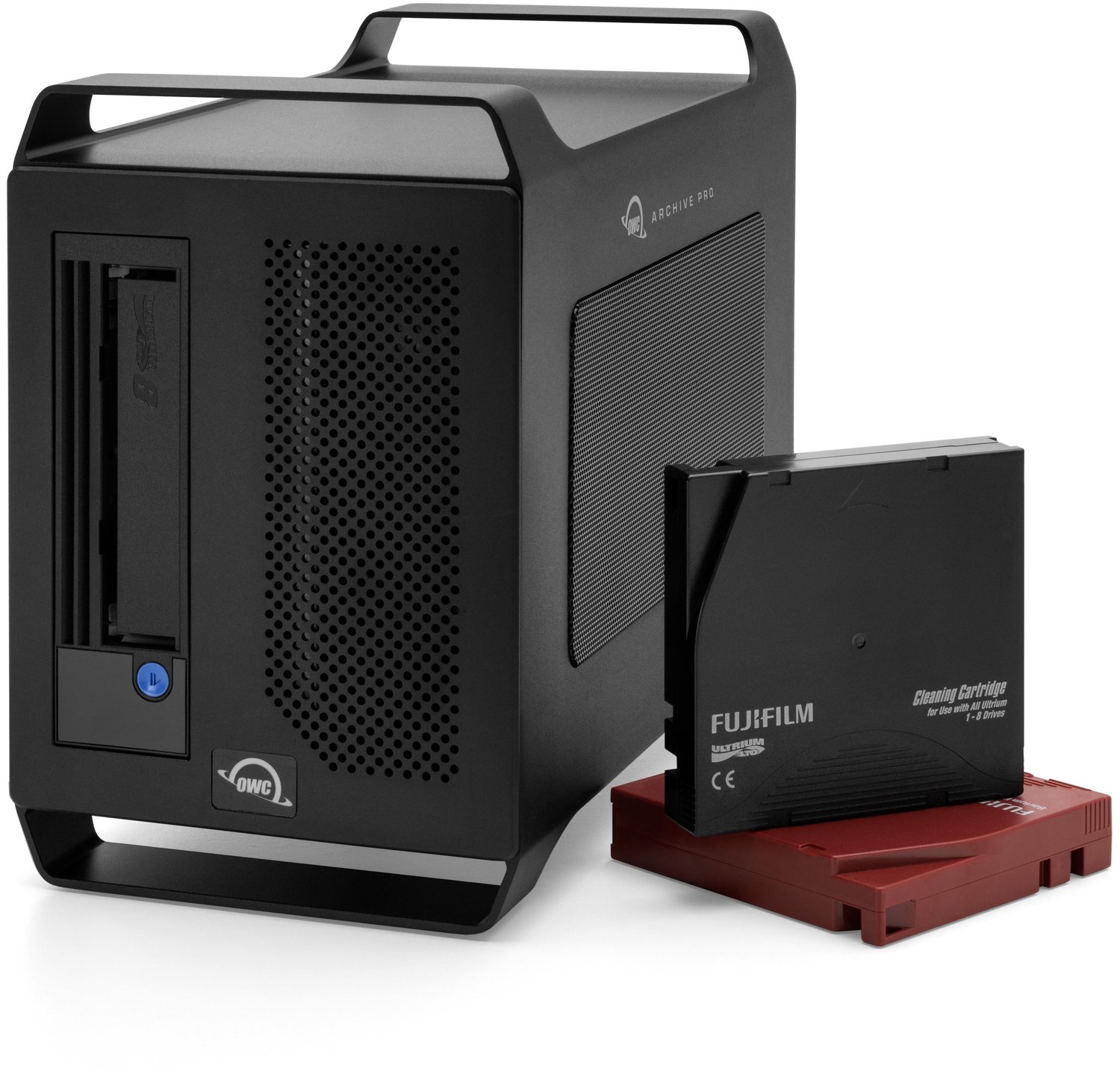
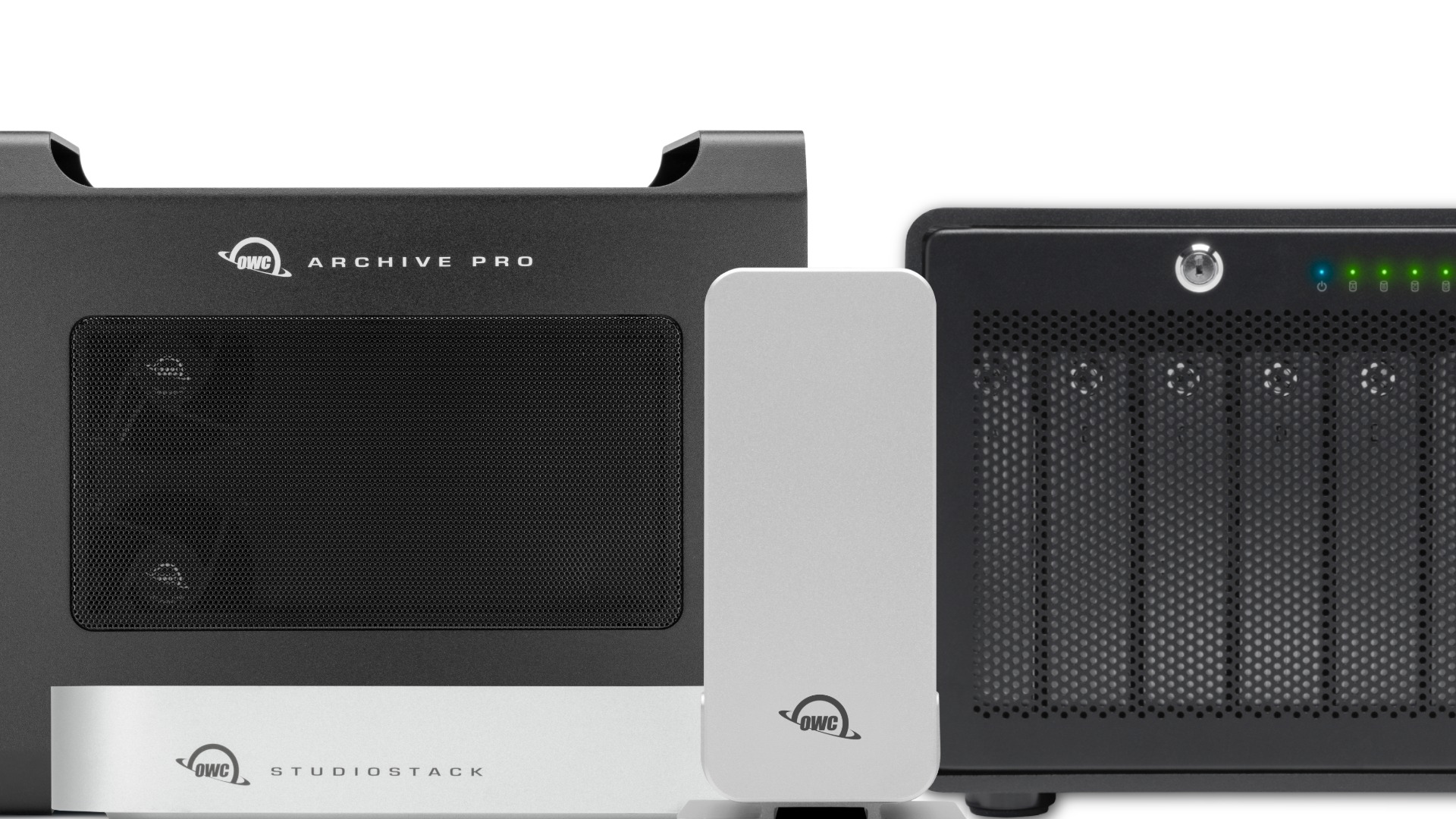
For photographers, filmmakers, and anyone else sitting on years of irreplaceable raw files, the OWC Archive Pro represents a different kind of backup philosophy. Rather than spinning disks, it uses LTO tape, the same technology that studios and data centers have relied on for decades for deep, long-term archiving.
LTO tape lasts up to 30 years, compared to roughly 7 years for an unpowered hard drive. Per-tape capacity reaches up to 18TB native (45TB compressed) with transfer speeds up to 400 MB/s native (up to 1,000 MB/s compressed). The cost savings are significant too — OWC estimates LTO archiving can run up to 76% less expensive per gigabyte than HDD-based archiving.
And despite the enterprise-grade pedigree, the Archive Pro is surprisingly approachable: files show up in folders like any other drive, and moving data to and from tape is as simple as drag-and-drop.
Available in LTO-7, LTO-8, and LTO-9 configurations, the Archive Pro is the ideal offsite or cold-storage leg of a 3-2-1 backup plan and the kind of investment that pays off over the lifetime of your creative career.
Make the Most of World Backup Day
It’s easy to let today pass like any other Tuesday. Don’t. Here are four concrete things you can do right now to improve your data protection posture:
- Check your backups. When did you last verify you have a full-system backup or your Mac and your most important assets? Confirm it’s current, intact, and restorable.
- Apply the 3-2-1 Rule. Map out where your critical data lives. If there aren’t three copies on two media types with one offsite, fix it ASAP.
- Upgrade your hardware. If you’re relying on a single aging drive, any of the flexible solutions above can help you build a more resilient setup.
- Tell someone. Your family, your collaborators, your clients: they’re all at risk too. World Backup Day is more meaningful when you help spread the word.
Bottom line: your data is worth protecting. OWC has the storage solutions to help you do it right. Explore the full lineup right here at Macsales.com and back up your world today.
Other Topics You Might Like: