Rocket Yard

Tech Tips

Tech tips and how to’s. All the great, timeless reference articles we have.

Eject Icons on trying to eject message

Protecting Your Data: How to Safely Eject a Disk or Drive

“I just wait a couple of seconds before unplugging a disk..." “I never safely eject a disk, and I’ve never had a problem...” “I waited for the light to go off before I pulled the plug, and everything looks fine...” There’s a lot of different ideas about disconnecting disks, and different ideas about why (and if) it’s necessary. In reality, unplugging a drive without telling the OS is always risky.
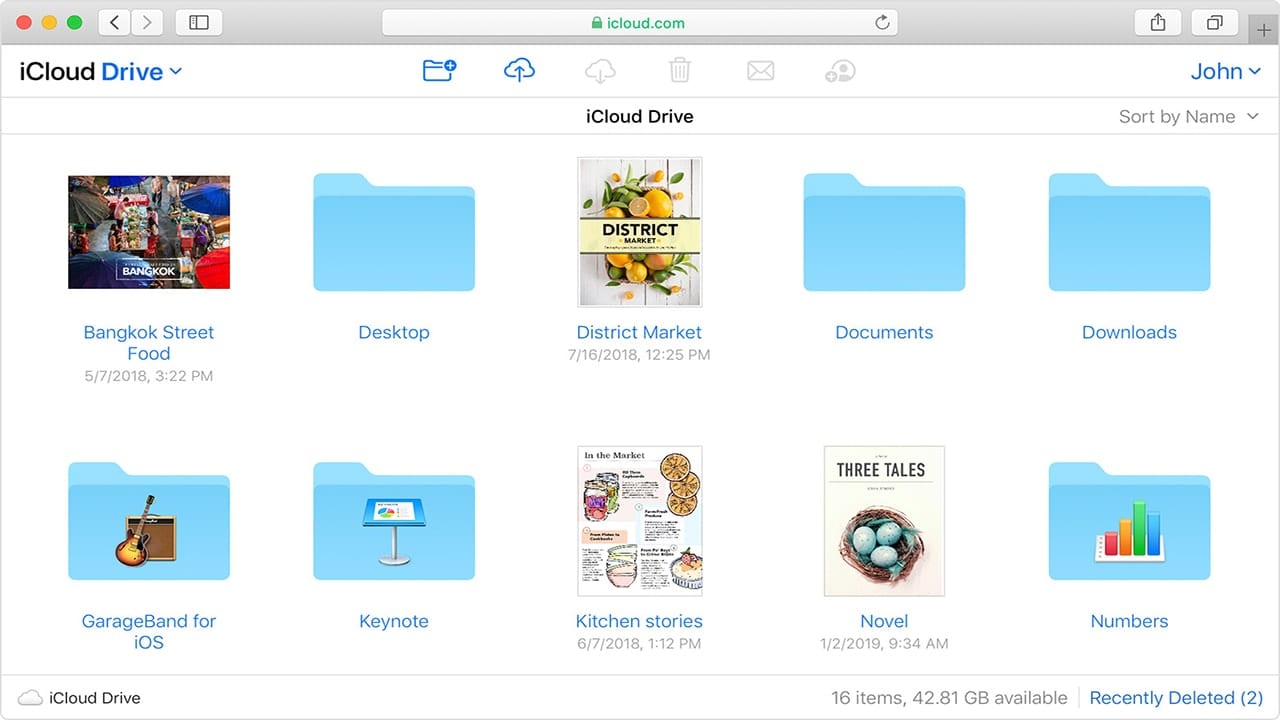
How to Store and Access Your Files in iCloud Drive

iCloud is a cloud storage and cloud computing service that Apple debuted on October 12, 2011. There are here a lot of components to it, including iCloud Drive, which allows you to securely access all of your documents from your Mac,...

screenshot of dock downloads folder menu

How to Use Dock Stacks in macOS Catalina

The Dock is the bar of icons that sits at the bottom or side of your screen. It provides easy access to many of the apps that come with your Mac. And the Stacks feature of the Dock in macOS...

How to Set the Default Wireless (Wi-Fi) Network in macOS

By default, macOS attempts to join the wireless network it was most recently connected to. However, if you’re like me, you have a Wi-Fi network you use most often. This guide will show how you can set it as the...

microsoft word and macos pages logos on photo collage

How to Export Your Images From macOS Pages & Microsoft Word

Every now and then, I find it necessary to grab an image from a Pages or Word document. You might be lead to think that the process is similar for both applications, but they are not. In fact, this is one of the few cases where it’s in some ways easier to do with Microsoft’s product than Apple’s. Why? I have no idea. But with Word, it is stupid-easy. With Pages, it’s just plain stupid.

How to Set a Default Folder for a New macOS Finder Window

If you often work with files in a specific folder, then it's worth designating the folder as the default folder with which every new macOS window automatically opens.  But first, a reminder not to confuse the Finder with the Desktop. The...

1 … 146 147 148 … 331
Page 147 of 331