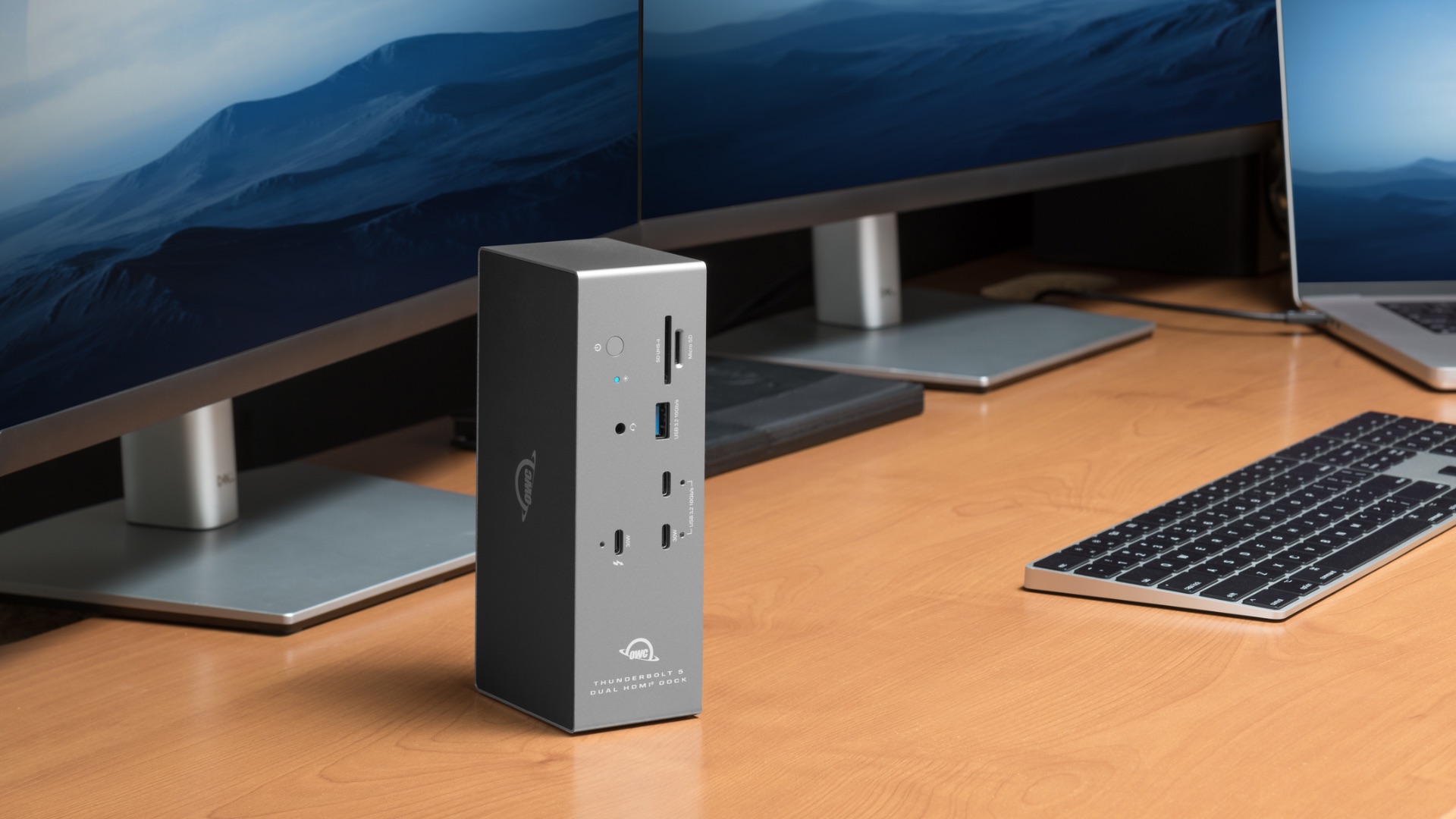
Thunderbolt 5 gives modern laptops enormous connectivity potential. In fact, here at OWC, we’re still finding new ways to harness all the extra bandwidth Thunderbolt 5 provides to create new solutions that give you more flexibility and more focus in how you keep your laptop connected to the things your workflow depends on.
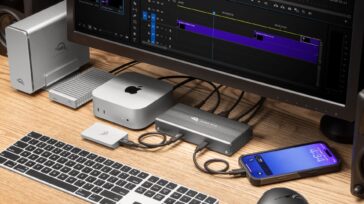
The new OWC Thunderbolt 5 Dock with Dual HDMI is a perfect example. This dock is designed to put all that extra Thunderbolt 5 bandwidth to work to create a complete desktop setup built around high-resolution displays, fast storage, wired networking, media cards, and high-power charging.
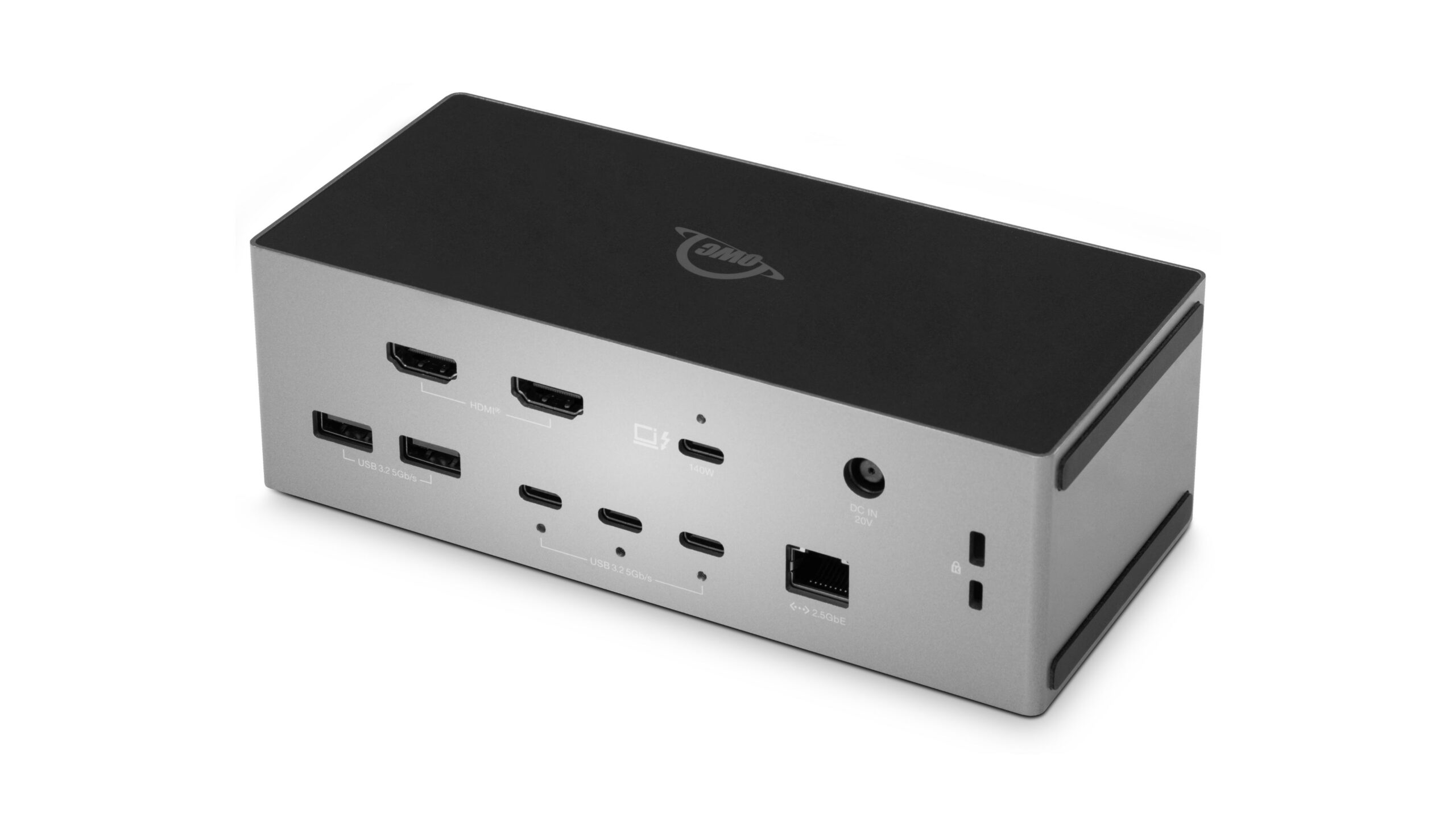
And because two HDMI 2.1 ports are built directly into the dock, connecting a professional display setup doesn’t require adding another layer of display adapters.
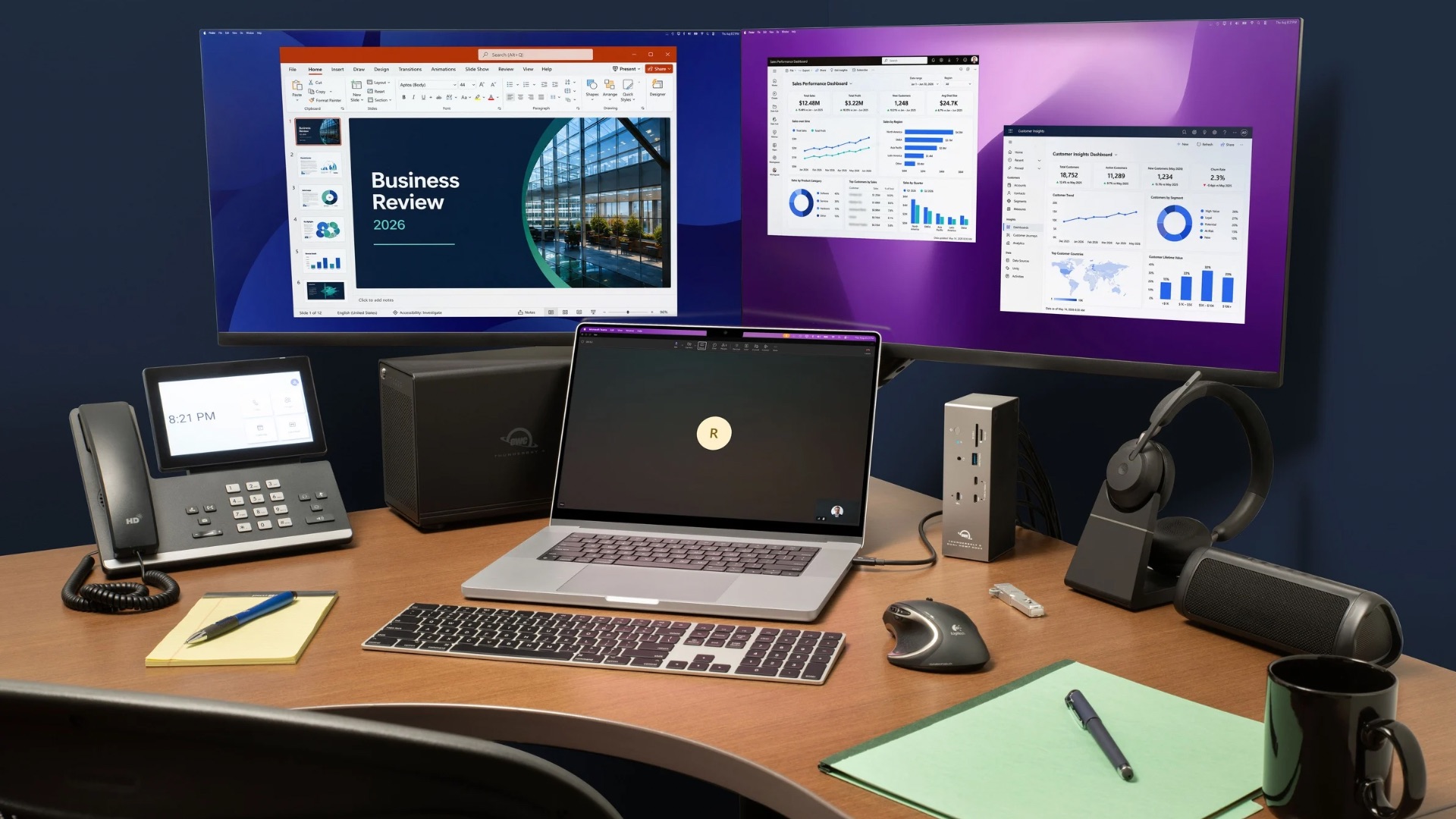
Two HDMI Displays, Zero Adapters
The OWC Thunderbolt 5 Dock with Dual HDMI includes two HDMI 2.1 ports, allowing compatible HDMI monitors to connect directly to the dock. On supported Thunderbolt 5 hosts, the dock can drive dual HDMI displays at up to 4K 240Hz or dual 8K 60Hz with DSC. A third display can also be connected through Thunderbolt or USB-C, though actual display support depends on the host system and operating system.
That makes the dock particularly useful for editing suites, graphics workstations, data analysis, and other environments where multi-display setups are central to the workflow.
Built for High-Performance Storage and Networking
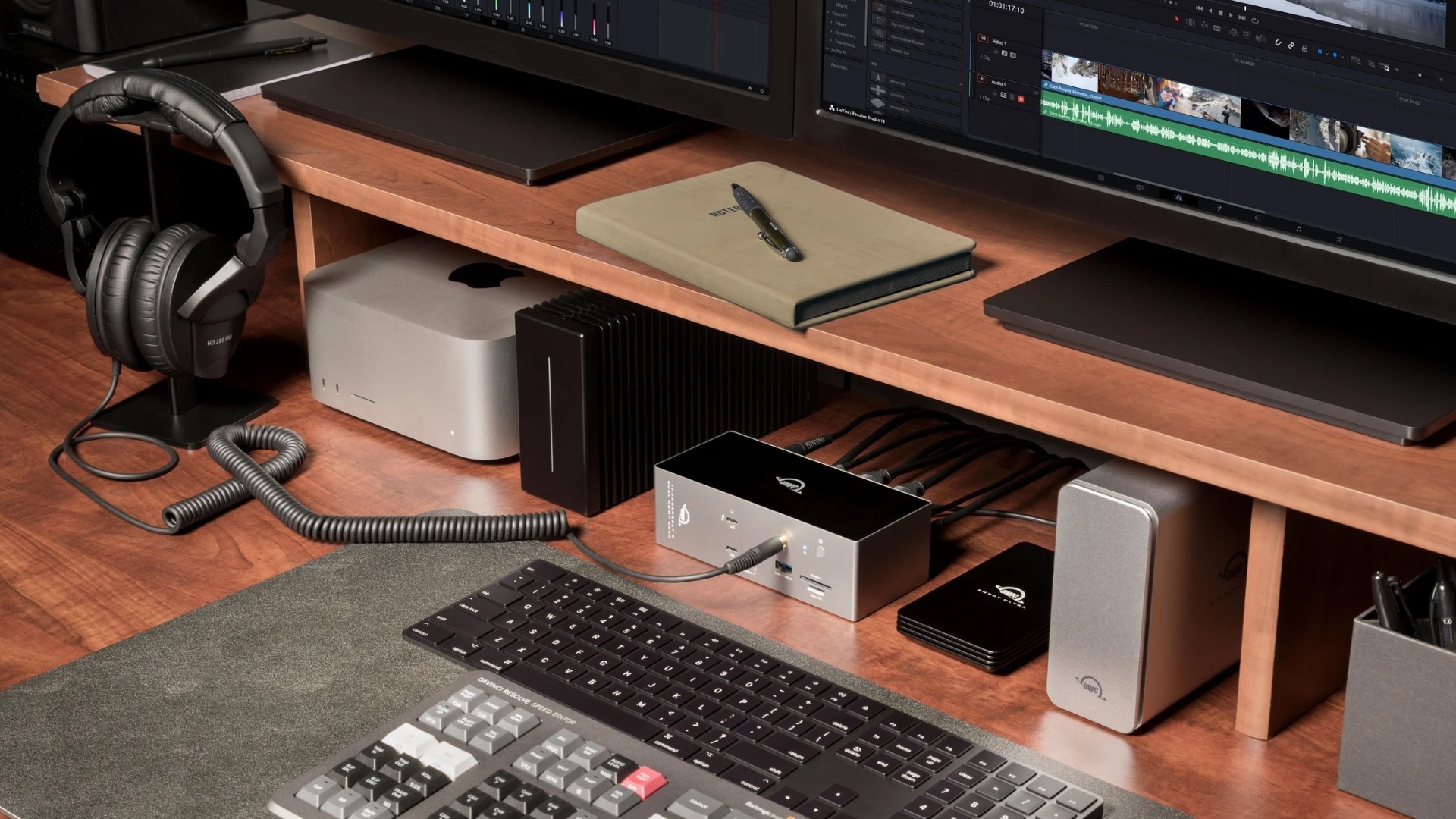
And though the dual HDMI ports are this dock’s defining feature, because it’s a Thunderbolt 5 dock, it also provides a ton of connectivity expansion, including a downstream Thunderbolt 5 port. That means in addition to connecting your displays, you can also connect fast external SSDs and RAID systems that will operate at their full rated performance.
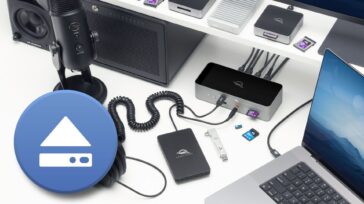
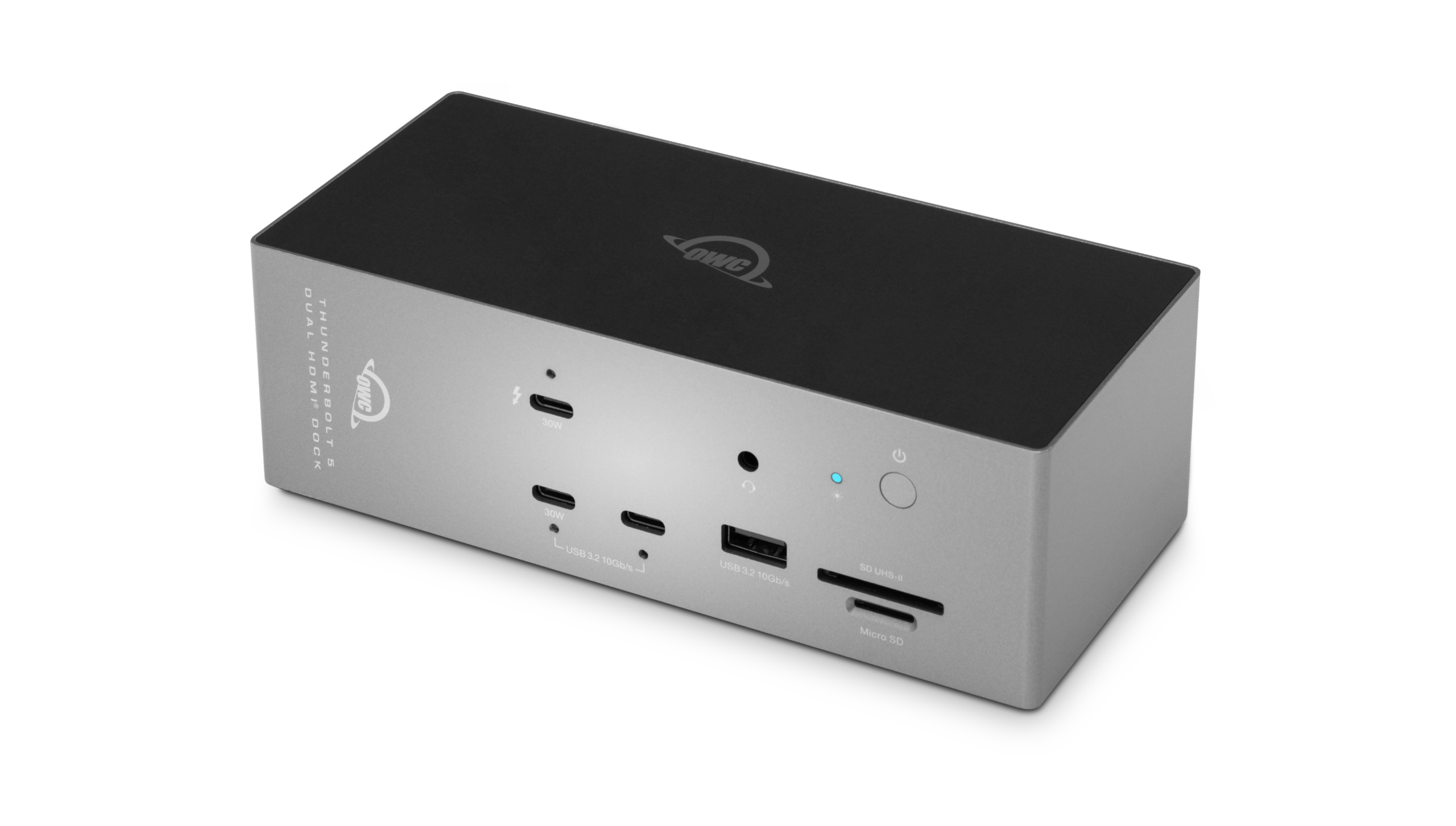
The dock also includes five USB-C ports (two USB 3.2 10Gbps and three USB 3.2 5Gbps), three USB-A ports (one USB 3.2 10Gbps and two USB 3.2 5 Gbps), and a 2.5Gb Ethernet jack for NAS workflows, large file transfers, and environments where a fast, consistent wired network connection is preferable to Wi-Fi.
There’s also an audio jack around front and photographers and video professionals can offload media directly through built-in UHS-II SD and microSD card slots. And when OWC Atlas SD cards are used with the dock’s SD reader, support for OWC Innergize provides access to card health, performance, and field firmware update management.
Fast Charging For Your Laptop and Your Mobile Devices
The dock can deliver up to 140W of Power Delivery to a connected laptop, giving high-performance MacBook Pro and Windows notebook users enough power to run a demanding desktop setup without relying on a separate laptop charger.
And one of the dock’s front USB-C ports provides up to another 30W for charging a phone, tablet, or other device.
The dock is designed to work either horizontally or vertically, providing more flexibility when desk space is at a premium. OWC Dock Ejector can safely unmount connected drives with one click, and an included macOS driver enables Apple SuperDrive support through the dock.
Compatibility, Pricing, and Availability
While the dock is built to take advantage of Thunderbolt 5, it also supports Thunderbolt 4, USB4, USB-C, and Thunderbolt 3 Mac hosts, making it suitable for mixed Mac and Windows environments and giving users a path to retain the dock as their computers change. Note: connecting the dock to a Thunderbolt 4 or Thunderbolt 3 host device will limit the dock’s bandwidth to that of the host.
The OWC Thunderbolt 5 Dock with Dual HDMI is expected to start shipping in early November for $349.99.