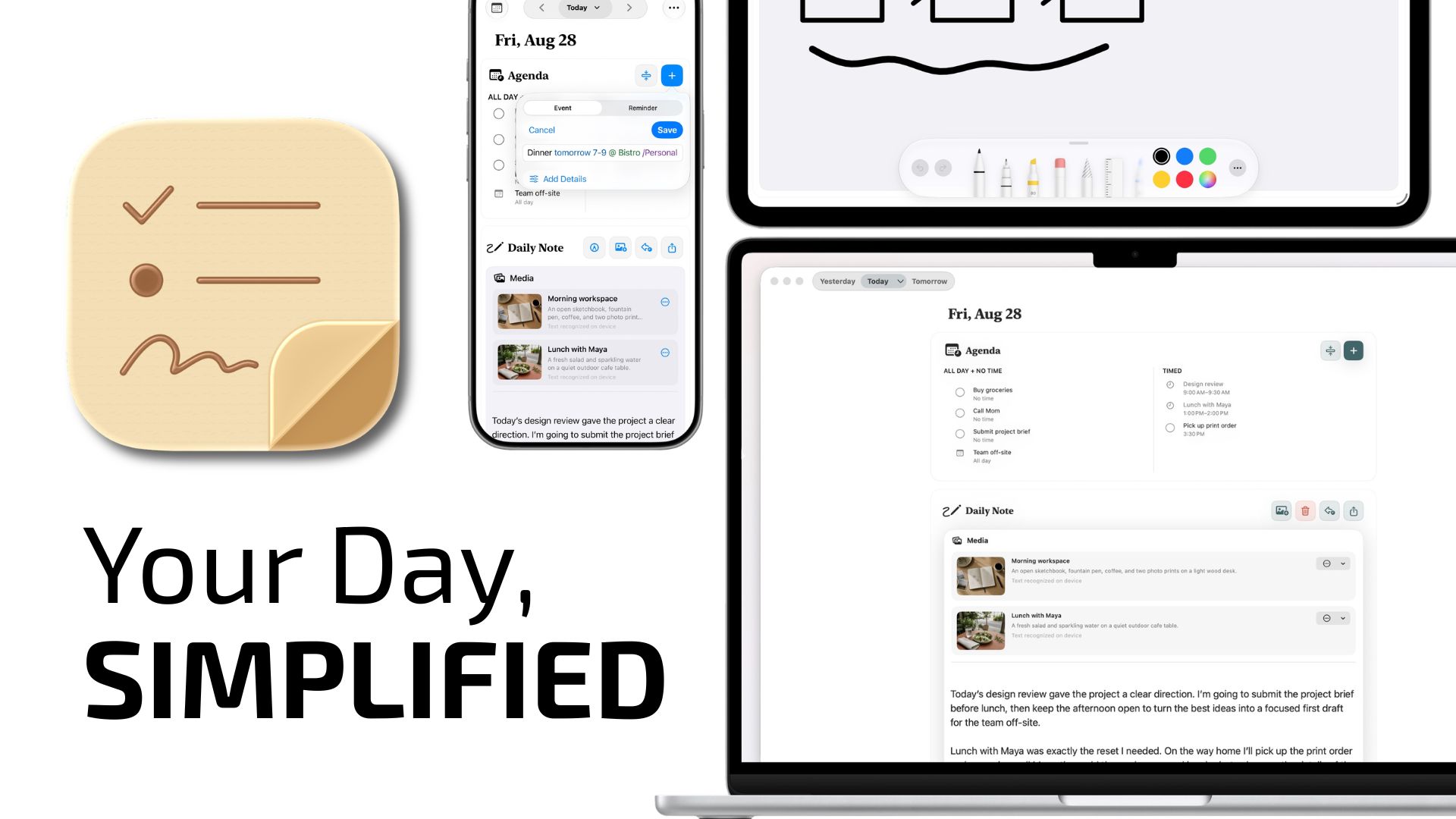
Calendar, Journal, and Reminders are great standalone Apple applications. But what if you could bring the data from these individual apps into one convenient place? That’s exactly the premise behind Christopher Lawley’s app Parchment.
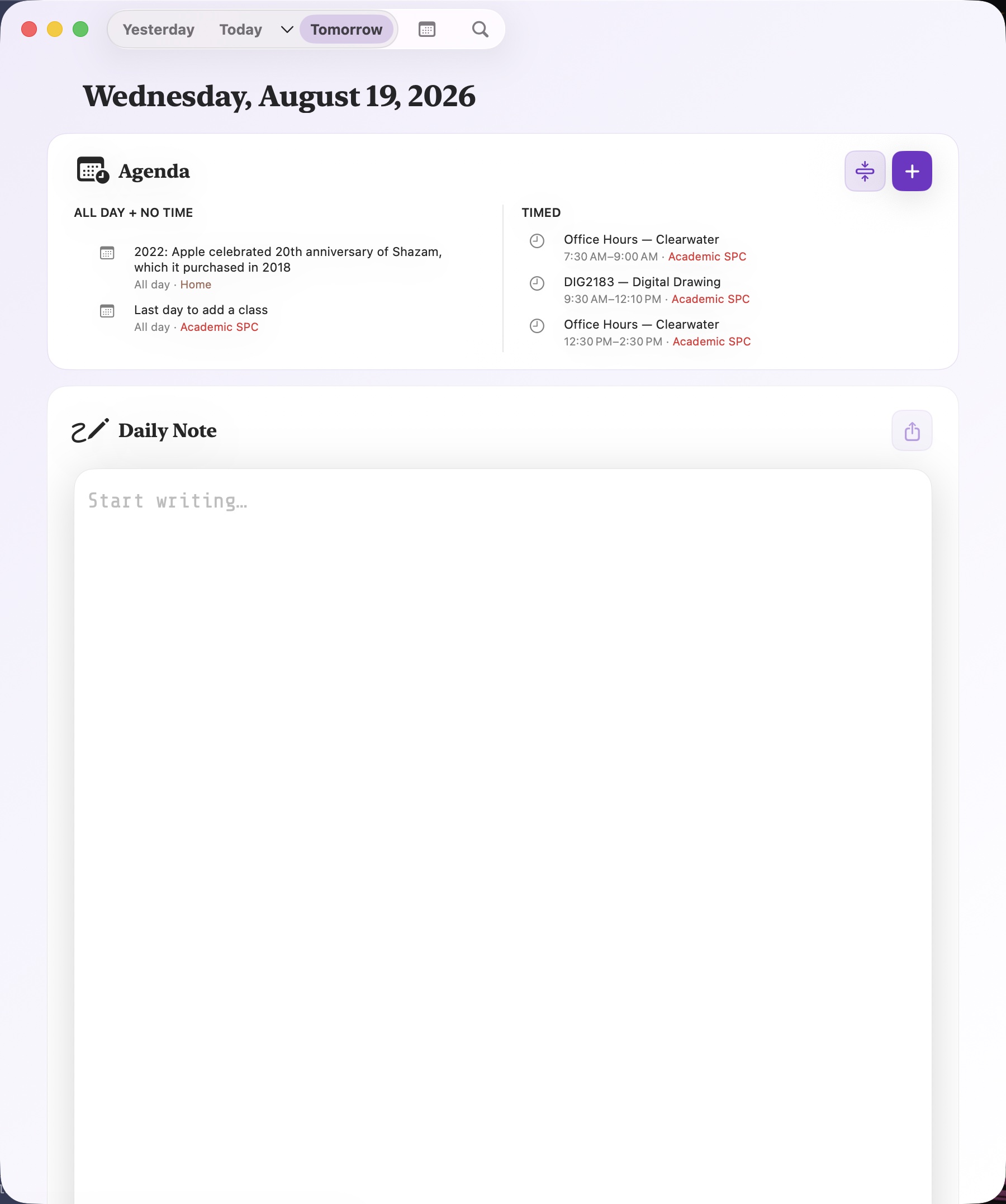
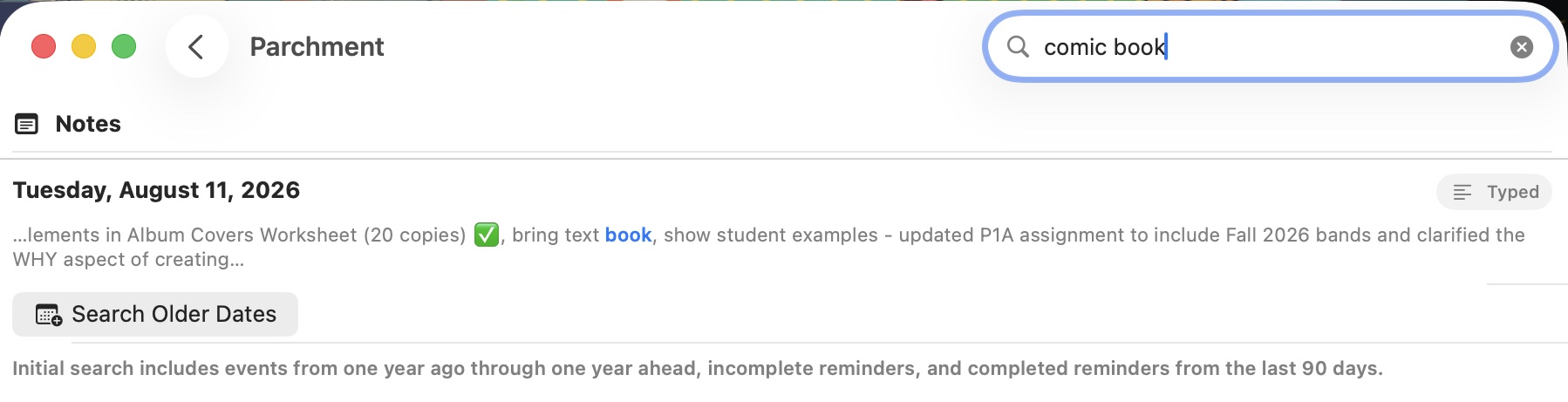
Parchment’s interface is refreshingly simple and straightforward. Across the top of its main window are tabs that list entries for Yesterday, Today, and Tomorrow. Next to the tabs are a quick monthly calendar view and a handy search field.
Immediately below this section is the Agenda area, which displays your To-Do reminders and calendar events for the day. At the bottom of the main Parchment window lives “Daily Notes”, used for quick note-taking / capture.
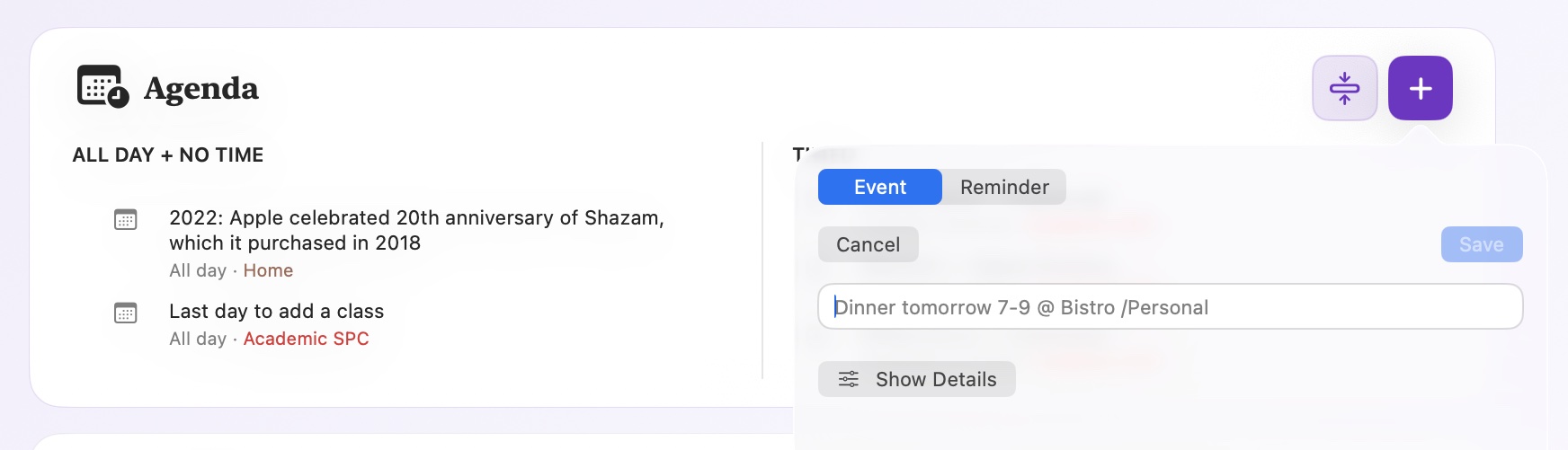
Parchment not only displays your agenda items, it also lets you quickly add and edit new Calendar and To-Do items. Hit the plus button in the Agenda section and you can add a new event or reminder. Any reminder created in Parchment will also appear in the Reminders.app. The same holds true for calendar events.
Parchment leverages iCloud sync to keep your data current across all of your Apple devices. In my testing, this aspect of the app still needs more attention. I expect sync to be nearly instantaneous, but this is not the case with Parchment. I have had a few issues where my Parchment data did not propagate from my Mac over to my iPhone (and vice versa). It’s a bit annoying and I hope it gets fixed soon.
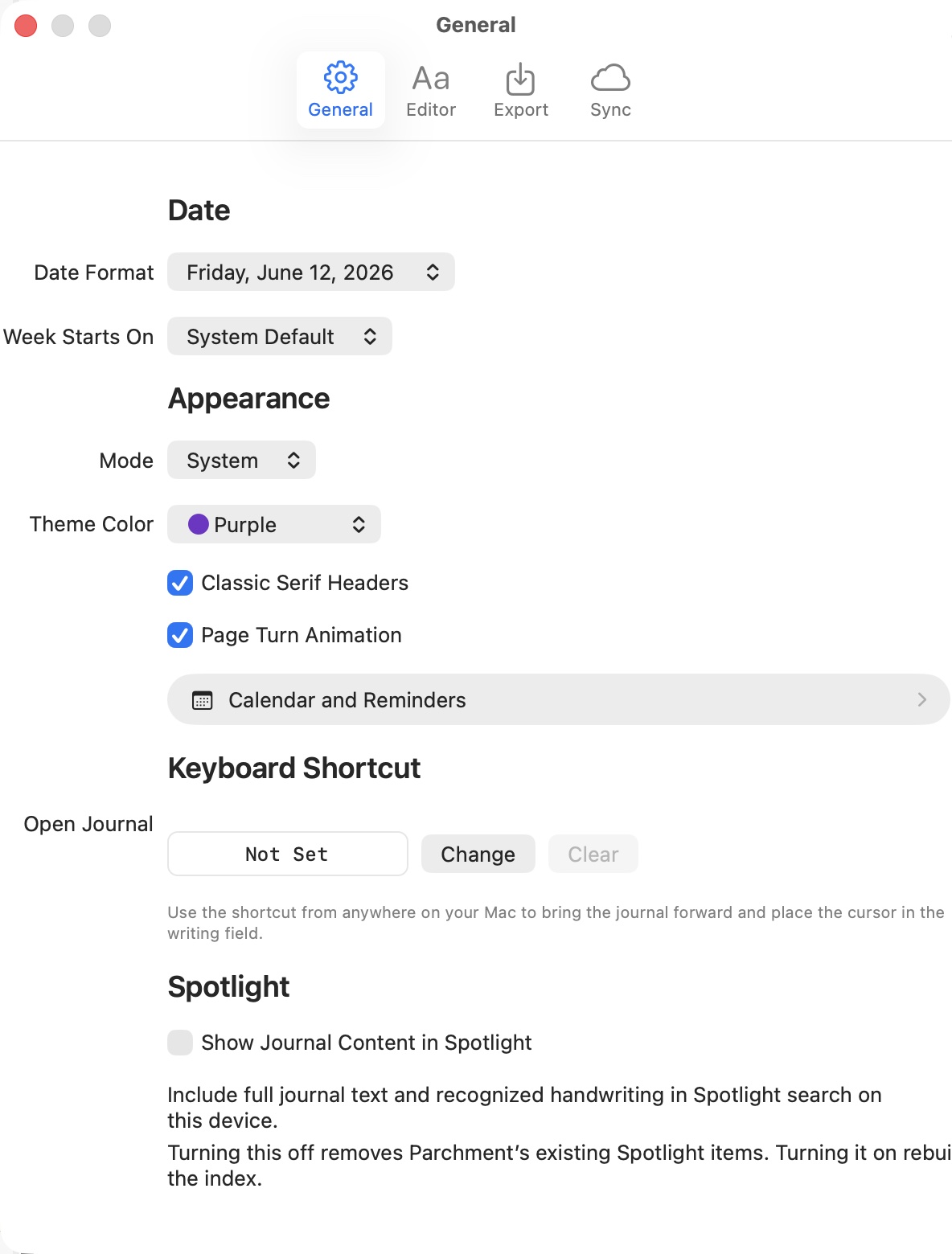
Parchment’s settings allow for modifying items such as Date Format, Appearance and more. While these features are useful, there are a few annoying fit and finish issues that need to be addressed. Settings > General features text and dialogs that run right up to the edge of the window.
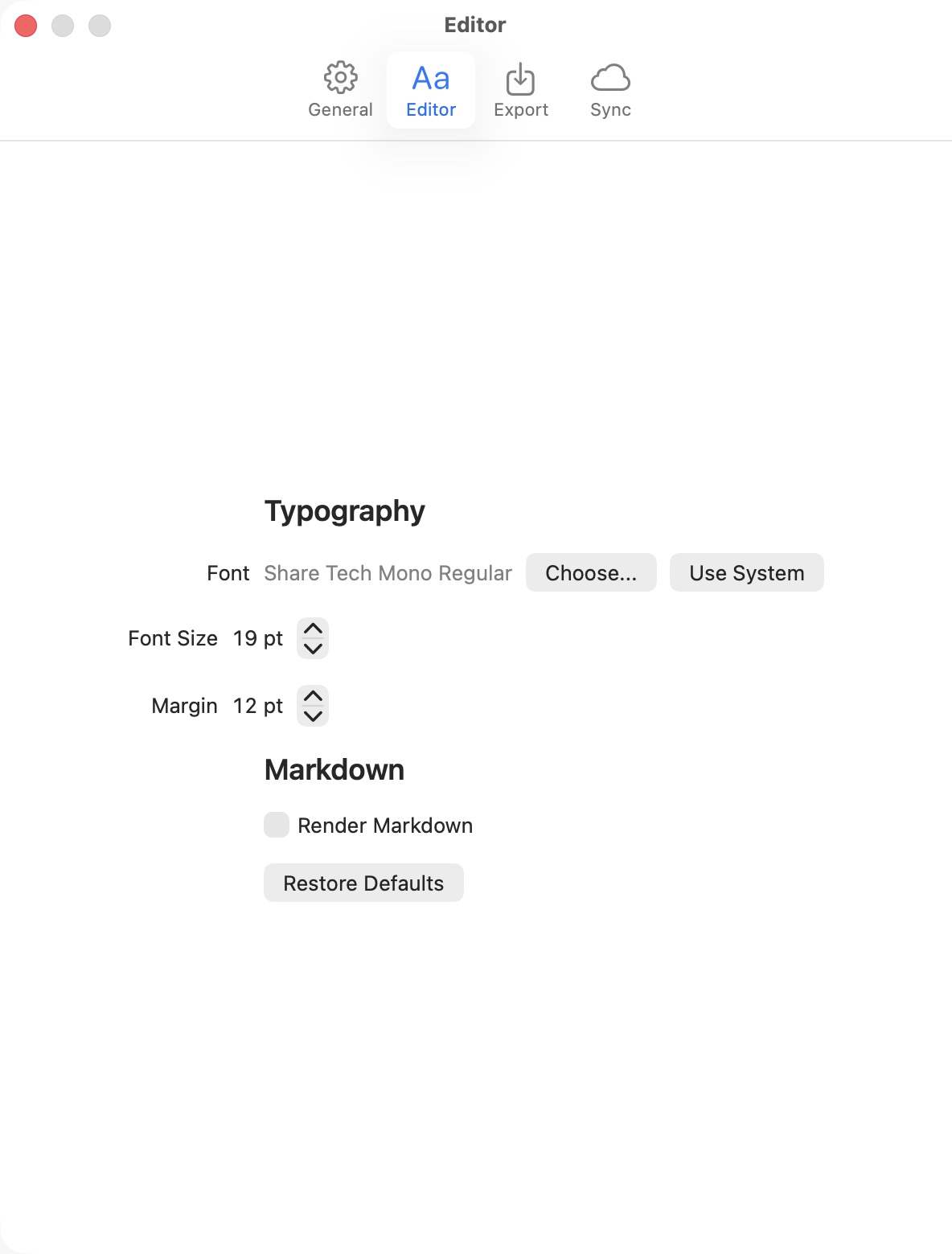
Settings > Editor and Settings > Export have one or two simple settings with a lot of wasted space above and below the content.
Also worth noting: Parchment’s Daily Notes only supports text; you can’t drag an image or an attachment. Furthermore, Daily Notes does not sync with Apple’s Journal app.
Despite a few quibbles and the syncing issues, I will continue to use Parchment. As a productivity tool, I find it to be a huge time saver. I no longer need to move back and forth between Fantastical, Reminders and the Journal app. With Parchment, I also find myself capturing more of my quick notes digitally, instead of writing them down in my Field Notes book. Parchment is a great idea with a lot of potential. I’m hopeful that the bugs and interface issues will get addressed soon.
Parchment is available for Mac, iPad and iPhone. It’s a veritable bargain at $5 (one time purchase).