



How to Manage Safari Downloads on a Mac
In macOS Safari, you can change where downloaded files are stored, have them deleted after a defined period of time, and open automatically. Here's how!


Tech tips and how to’s. All the great, timeless reference articles we have.
In macOS Safari, you can change where downloaded files are stored, have them deleted after a defined period of time, and open automatically. Here's how!
The Apple Card is amazing! Each transaction generates from 1 to 3% cashback, the card is both virtual (on your Apple devices) and real in the form of a titanium credit card with no number or magstripe, and you can...

Spring is traditionally the time to clean out the cobwebs, dust, and dirt that have collected after you’ve been closed up in the house all winter. As long as you’re in a cleaning mode, it’s a good idea to take the time to clean up your Mac and other electronic equipment. Dust, dirt, and even cobwebs have been known to cling to a Mac, and not only mar the look, but also block airflow, or hinder the working of mechanical components. Taking the time to clean your Mac can help extend its useful life. As long as you’re doing a bit of cleaning, you may as well do a little Mac maintenance as well, to ensure your Mac not only looks good, but also continues to perform at its best.
Catalina Quick Tip iCloud Keychain is a convenient, time-saving feature. One useful thing it does is keep website login information and credit card information you use with AutoFill in Safari on macOS and iOS. iCloud Keychain also stores account settings,...
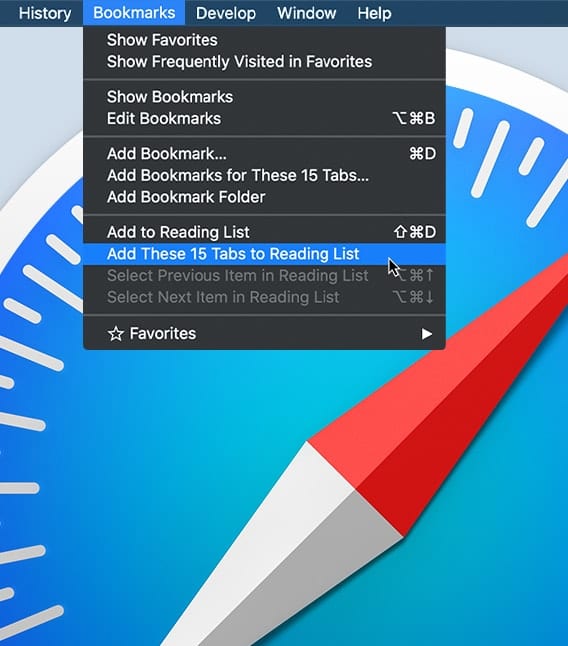
In macOS’s web browser, Safari, you can create and open multiple tabbed windows. You can rearrange how they’re ordered, close them, or save a group of tabs as a bookmark that you can reopen all at once. Here's how to: • Add a Safari Tab • Close a Safari Tab • Navigate Safari Tabs • Save Safari Tabs

Recently I've noticed a number of software developers taking advantage of macOS Catalina users who previously used iTunes to back up their iPhones and iPads. How are they taking advantage of these folks? By charging up to $100 for apps that essentially perform a function that is built into Catalina. In this article, I'll show you just how easy it is to use the Finder in macOS Catalina to back up an iPhone.

