X

Send us a Topic or Tip

Have a suggestion for the blog? Perhaps a topic you'd like us to write about? If so, we'd love to hear from you! Fancy yourself a writer and have a tech tip, handy computer trick, or "how to" to share? Let us know what you'd like to contribute!

Thanks for reaching out!

Year Archives: 2020

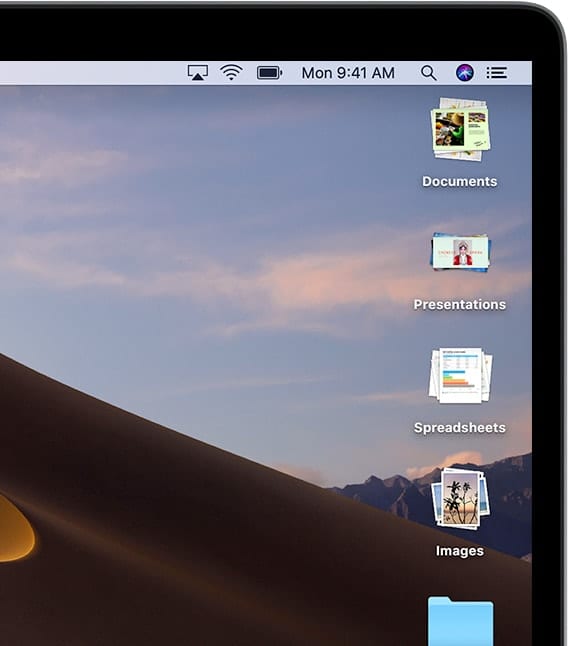
Screenshot of Mac Desktop with the word "Stacks"

How to Use Desktop Stacks in macOS Leopard Through Catalina

"Stacks" is a feature introduced in macOS Leopard (although the official name at the time was Mac OS X Leopard). It was available in the Dock, but nowhere else. The feature "Stacked" files into a small organized folder on the...

Picture of Computer Build by Matt Bach of Puget Systems with OWC RADiO Logo

OWC RADiO: Matt Bach – How to Build an Awesome PC

Puget Systems is based in Seattle and specializes in building high quality, custom-built desktops, workstations, and servers. OWC Radio Host, Cirina Catania, talks to Matt Bach, Senior Labs Technician, for an in-depth conversation about the latest trends in computing and...

CES 2020 logo over hotel picture

CES 2020: OWC Highlights From the Week

OWC finished up a week of showcasing several new products, meeting with hundreds of customers and vendors, and participating in press junkets galore at CES 2020 in Las Vegas. CES is the world's gathering place for all those who thrive on...

Picxture of damaged macbook pro screen woth apple service page loaded

Water and MacBooks Don’t Mix: A Cautionary Tale

December of 2019 marks 35 years since I purchased my first Mac. In all that time, I’ve never had an accident with any of them…but this past Saturday, all it took was a simple bump of a glass of water on my desk, and now my new 16-inch MacBook Pro is “not so new.” I want to share my tale of woe and provide readers of The Rocket Yard with a few tips on what to do to minimize the chances of something like this happening to them.

Qi Logo

Wireless Charging May Not Be the Answer

We have many great conveniences today, so is it necessary or beneficial for wireless power to be one of them? Outside of sealed, low power devices where a physical connection would be a detriment, I would personally say no. The little things add up, and wireless charging could be an unneeded step back for a world trying to address its carbon footprint.

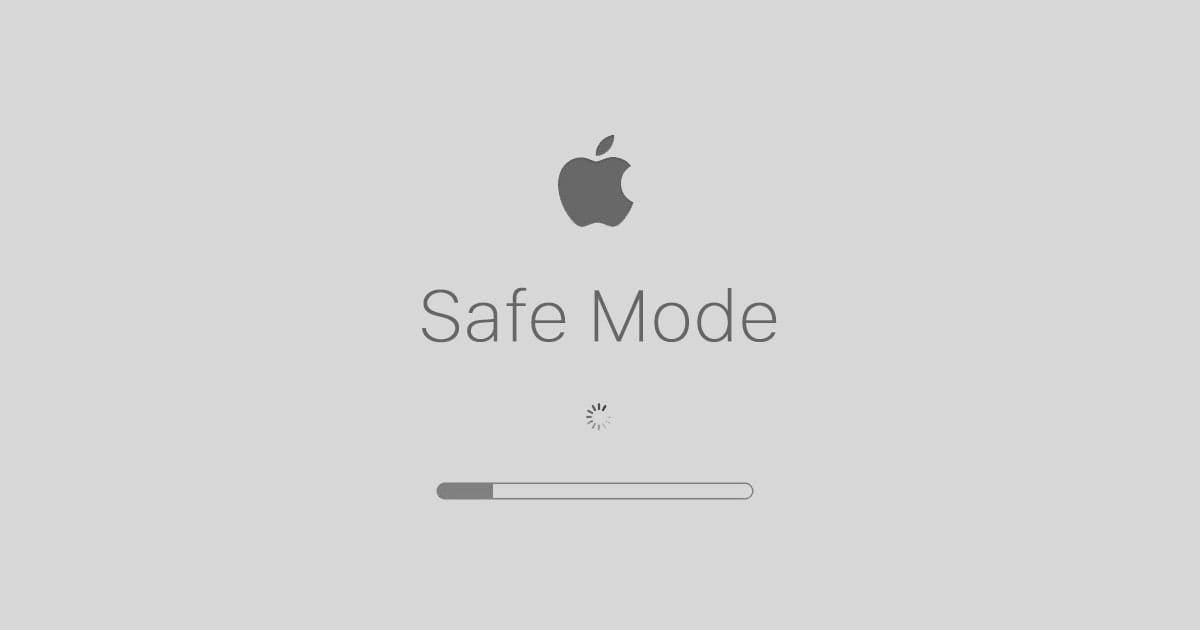
Mac Safe Mode Startup Screen with text saying "Safe Mode"

How to Use Safe Mode in macOS Catalina

Your Mac has a "Safe Mode" designed to help when you run into trouble with your computer. It's a diagnostic mode of macOS that boots up your desktop or laptop without any other apps running. Here's how it works.

1 75 76 77 78
Page 76 of 78