



Mac Tutorial: Shutter Encoder
Shutter Encoder is a free tool that makes video conversion easy. Take snippets from long videos, convert files, and more.


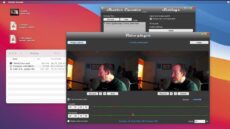
Shutter Encoder is a free tool that makes video conversion easy. Take snippets from long videos, convert files, and more.
On the 5th day of backups my true love gave to me... a Mac mini with an OWC miniStack STX to back up all my data. The perfect couple!
There's more to backups than Time Machine. On Day 2 of our 12 Days of Backups, we take a look at five top third party Mac backup apps.
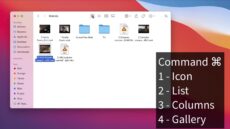
List View may be the best way to view folders in the Finder. Here's a quick tutorial video about how to best use it.

Our 12 Days of Backups series teaches you how to back up your Apple devices. Day 1 highlights using Time Machine for the Mac
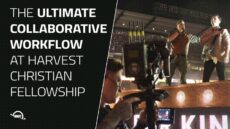
The Harvest Christian Fellowship video team deploys the OWC Jellyfish NAS. Here's look at their work on Greg Laurie's Harvest SoCal event.

Apple's December 2021 OS Updates did more than just fix bugs. Find out what the updates contain and how to install them in this helpful post.
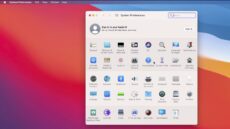
The Macintosh System Preferences are based on categories - but we think Alphabetically. What if you could change it to a list?

iPhone 13 Cinematic mode captures pro-looking video withshallow depth of field and smooth focus transitions. Learn how to use it!

