Search Results for: Tech 101

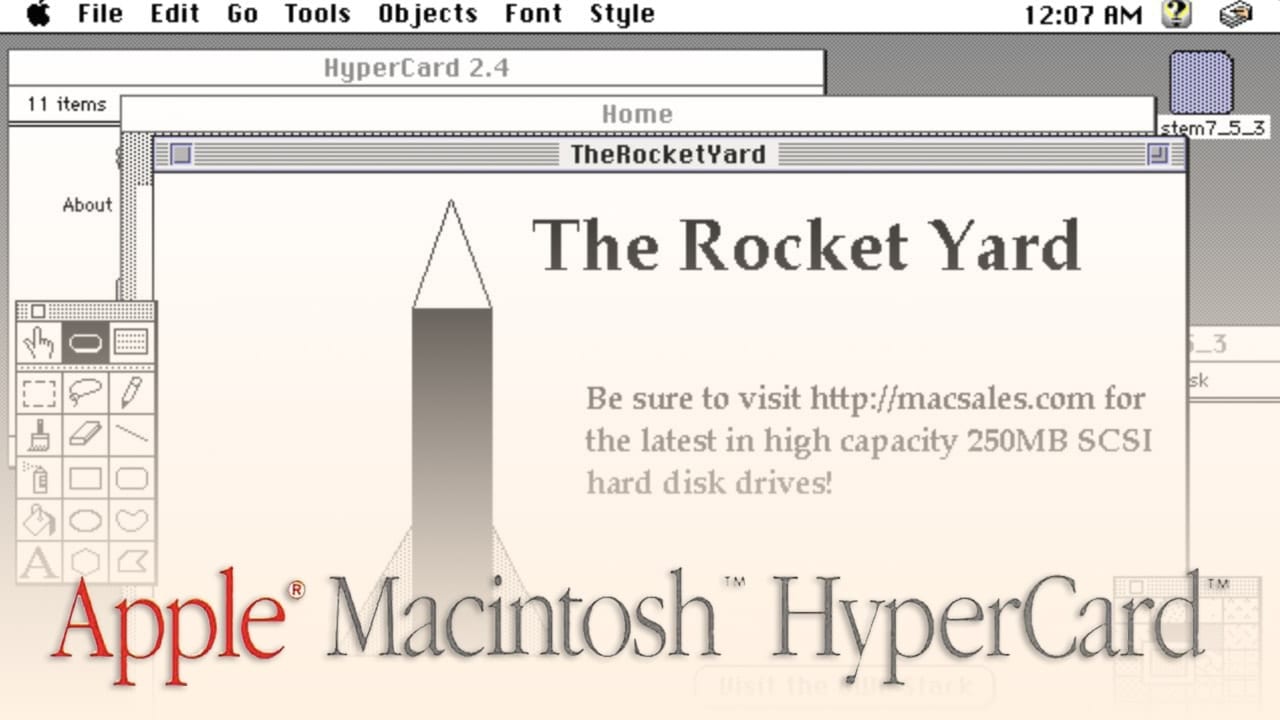
Retro Apple: How HyperCard Changed the World One Stack at a Time

HyperCard was a powerful, yet extremely easy to use tool for creating “stacks” — essentially flat-file databases that used hyperlinks as a way of navigating a stack of “cards”. You have to understand that at the time HyperCard was first released in 1987, there was no World Wide Web, so the concept of hyperlinks was completely new. HyperCard not only got a lot of Mac fans started in programming, but it also inspired some of the tools that we take for granted today.

Why Is My Mac Hanging When Copying Files After Upgrading to macOS Catalina 10.15.4?

Are you working on a movie set, transferring hundreds of gigabytes from a camera card to a RAID array? Are you a photographer trying to copy a large project from one volume to another? If so, you may have already encountered hangs copying files after you upgraded to macOS 10.15.4. When you encounter the hang we are discussing, you can still move your mouse but are no longer able to copy files.

world backup day logo

World Backup Day 2020

It’s March 31, which means it is World Backup Day. This observance is held each year to spotlight the importance of backups and remind people to make backups a habit. Backups are the only way to make sure that your important data is copied to at least one other location so that it is still accessible if your Mac, iPhone or iPad is damaged or lost. Every year, we celebrate World Backup Day here at The Rocket Yard by showing our readers just how easy it is to make backups on all of their Apple devices. If you’re not making regular backups, today’s the day that you should begin. Check out this informative video first, then follow our instructions to start making your backups.

Data that is loved tends to survive

The Benefits of NAS in a Pro Workflow

I'm Luke. Tech fan, engineer, history buff, developer, and closet Sim Racer. I work for Other World Computing as a Product Manager for our networked line of solutions. More specifically, the OWC Jupiter system. Sneakernet “Sneakernet” is a term that...

Activity Monitor - Energy, Disk & Network

Using Activity Monitor Part 2: Energy, Disk, and Network

The Activity Monitor app can be used to troubleshoot your Mac, as well as evaluate how well your Mac is performing overall or with specific running processes (apps). In Using Activity Monitor Part 2, we’ll take a look at using this utility to explore your Mac's energy use, disk performance, and network performance.

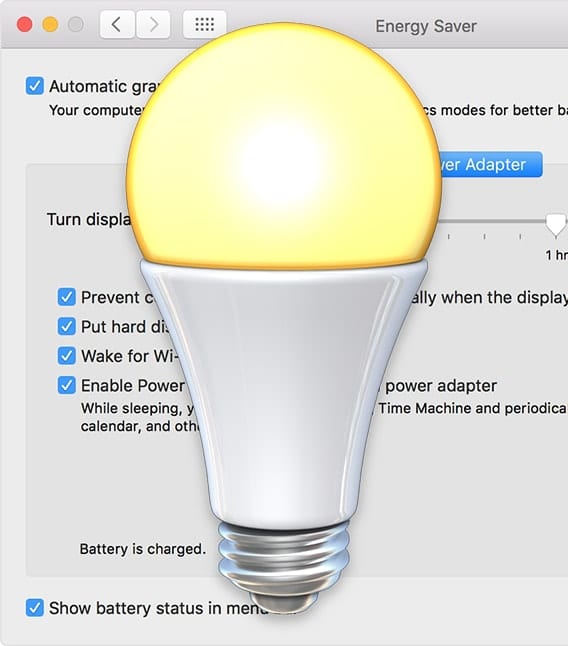
Mac Energy Saver lightbulb icon on top of Energy Saver Preferance Pane

Use the Mac’s Energy Saver Preference Pane

By making some adjustments in the Energy Saver preference pane, you can better tune your Mac to run at peak performance, save energy, reduce potential data loss when power fails, and extend the runtime and battery life of portable Macs. In this Rocket Yard guide, we will explore the Energy Saver preference pane and see how you can customize energy performance.

Top 10 Rocket Yard Posts of 2019

A Year in Review: The 10 Most Popular Rocket Yard Posts of 2019

As many are wont to do, we here at Rocket Yard like to take some time to reflect at the beginning of each new year. We look back at what went well and what hurdles we encountered. We celebrate the victories and learn from the challenges. In 2019, we saw our readership grow by 29% – that’s a fantastic increase that we can only attribute to you. And for that, we thank you!

How to Restore Data From Time Machine Backups

Time Machine is certainly an easy-to-use app for backing up your data. It's free, and comes installed and ready to use with the Mac OS. In many of our Rocket Yard guides, we’ve often suggested that you perform a backup...

1 19 20 21 33
Page 20 of 33