Search Results for: backup

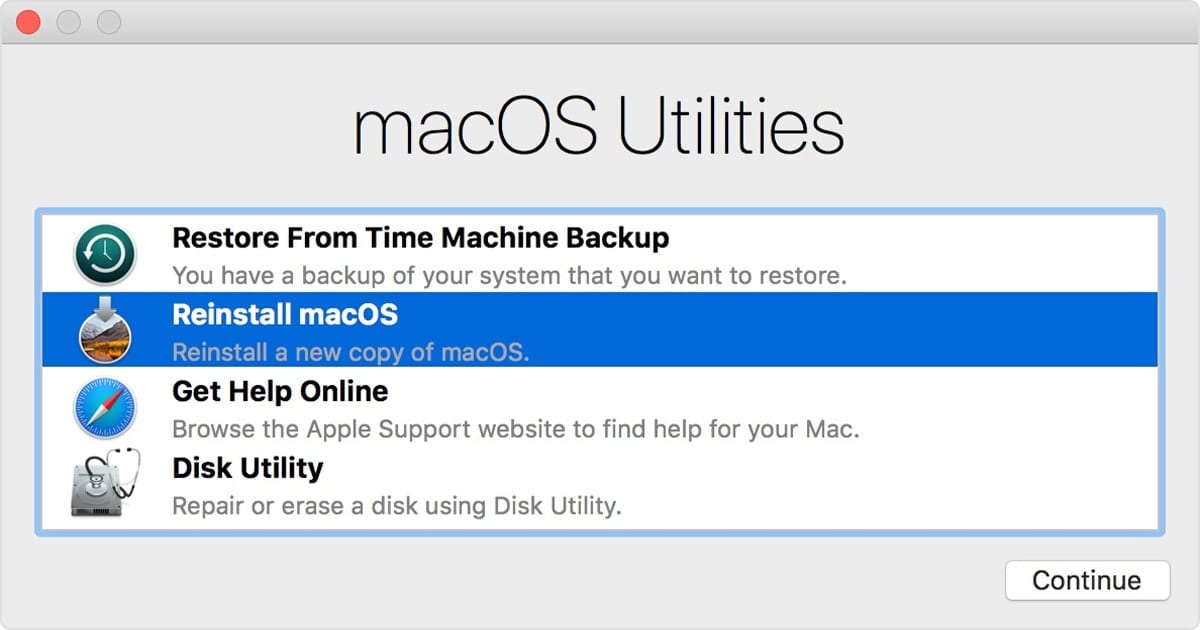
macOS Utilities Window

How to Use macOS Recovery in macOS Catalina

macOS Recovery is part of the built-in recovery system of your Mac. It can help you restore data from Time Machine, reinstall the operating system, get online help online, repair or erase a hard disk, and much more. You can start up from macOS Recovery and use its utilities to recover from many types of software issues or take other actions on your Mac such as...

CES 2020 logo over hotel picture

CES 2020: A Sneak Peek at New and Upcoming Products from OWC

CES 2020 kicks off January 7th in Las Vegas and runs through the 10th. But if you think the coolest thing you'll see is the Charmin RollBot, you'll be wrong because OWC is exhibiting a lineup of new hardware and software products. Here is a preview of several new and exciting things currently in the OWC pipeline and a few other choice pieces of gear to be showcased this week at CES that are already available at MacSales.com!

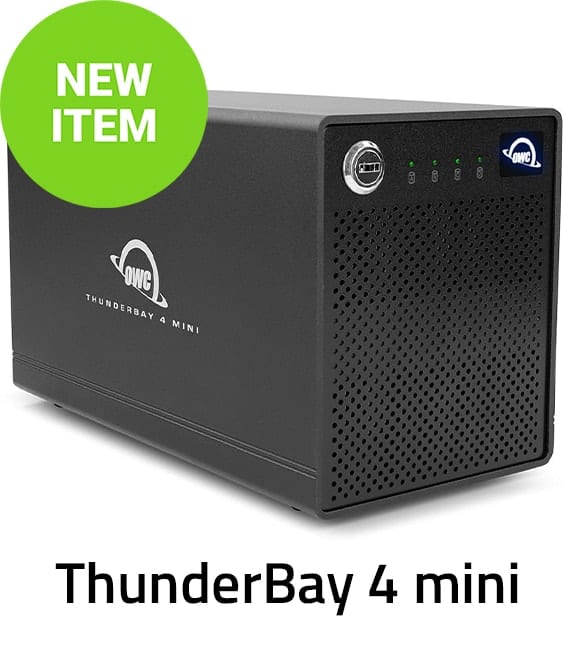
Introducing the ThunderBay 4 mini

Professional-Grade Data Storage for Everyone that Delivers the Perfect Combination of Speed, Size and Redundancy Four 2.5-inch drive bays, up to 16TB capacity, SoftRAID setup, and management software, and real-world speeds up to 1556MB/s in a pro-grade, super-compact Thunderbolt 3...

macOS Snapshots

Working with macOS Snapshots

Snapshots are a feature of APFS (Apple File System) that has been part of the macOS since High Sierra. A snapshot captures the state of an APFS formatted drive, and preserves all the files on the drive, as they appeared when the snapshot was taken. If you ever need to, you can roll back the drive to its previous state. In this Rocket Yard guide, we're going to take a look at APFS snapshots, how they’re created, managed, and deleted, as well as the advantages and disadvantages of snapshots.

Pre-Black Friday Sales Event is on Now!

DIY OWC Memory Upgrades for iMac 5K Nothing makes that 5K iMac perform like a pro then loading it up with more memory. Free install video. PRICES JUST REDUCED 16GB from $77.98 $46.76 32GB from $155.96 $115.04 64GB from $347.52...

Using an External Drive as Your Startup Drive: Part 2

Using an external device as your Mac’s primary startup device can offer a number of advantages, as we outlined in Using an External Drive as Your Startup Drive: Part 1. This can include having increased storage space, faster performance, the ability...

Move or Manage the Music, Apple TV, and Podcasts Libraries

macOS Catalina’s new media apps - Music, Apple TV, and Podcasts - are the replacement for the older iTunes app, which handled most of these media types in a single application. And while iTunes may have a reputation with some users as being a poor performer, the Music, Apple TV, and Podcasts apps may not be off to a stellar beginning, either, at least as indicated by the comments received on our various articles.

Transparent icon of an iMac and a Rocket

Speed Up macOS Catalina with These Tips

Did you recently upgrade to macOS Catalina? After the initial thrill of seeing a new desktop and exploring new features, did you notice that your Mac isn’t as fast as it used to be? While it isn't normal for the Mac to slow down after a system upgrade, it has been known to happen.

1 34 35 36 89
Page 35 of 89