Search Results for: password

Touch ID with Fingerprint

How to Set Up Touch ID and Add Fingerprints on Mac Laptops

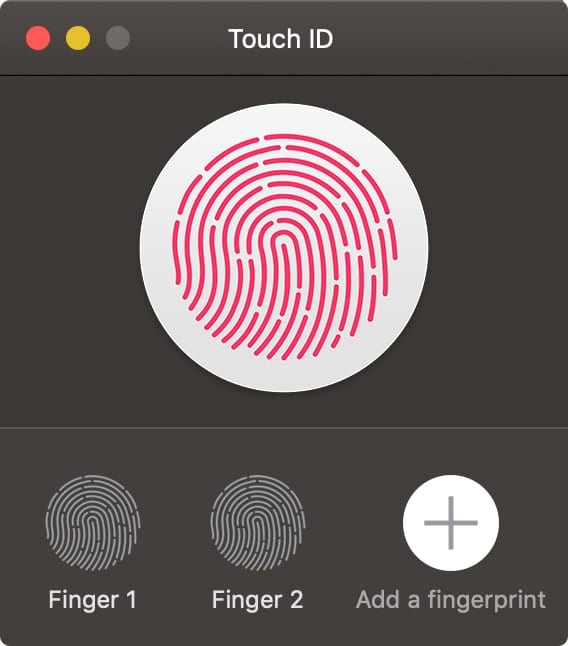
I recently purchased a 16-inch MacBook and immediately enabled Touch ID, which is available on most MacBook Pros and the latest MacBook Air. It lets you quickly unlock your Mac and make purchases using your Apple ID and Apple Pay with your fingerprint.


Mac Gatekeeper icon with Apple logo

How to Work With and Around Gatekeeper

Gatekeeper, part of the Mac's security system for ensuring files you download or install on your Mac are safe to use, has been around in one form or another for quite a while. Primarily intended to prevent various forms of malware from...

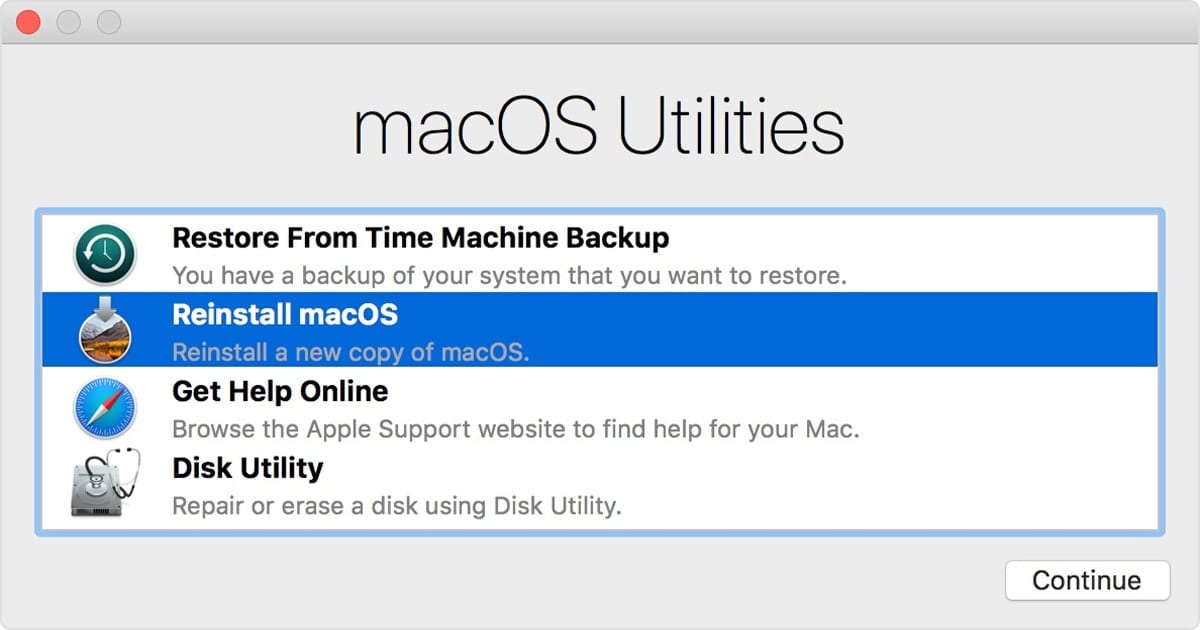
macOS Utilities Window

How to Use macOS Recovery in macOS Catalina

macOS Recovery is part of the built-in recovery system of your Mac. It can help you restore data from Time Machine, reinstall the operating system, get online help online, repair or erase a hard disk, and much more. You can start up from macOS Recovery and use its utilities to recover from many types of software issues or take other actions on your Mac such as...

Mac Family Sharing Icon - A Rocket Yard Guide

Guide to Family Sharing: How to Set It Up

Family Sharing is one of the many perks of owning an Apple product: the ability to allow up to six family members to share purchases made in the iTunes/Music Store, App Store, and Books Store, as well as share subscriptions to Apple Music, Apple News+, Apple TV, and Apple Arcade. You can also share the storage space provided by an iCloud storage plan. In this Rocket Yard guide, we’ll explore how to set up Family Sharing on your Mac. Family Sharing works across all Apple devices, allowing you to use a Mac or iOS device to set up and manage Family Sharing, but this guide will concentrate on the process for a Mac.

macOS bash to zsh shell change

Moving From Bash to Zsh: Terminal Changes in macOS Catalina

macOS Catalina has a number of new features and capabilities, but one change that’s often overlooked is the new shell used in Terminal to interact with the Mac via the command line. The quick take away is Apple is moving from the Bash (Bourne Again Shell) to a newer Zsh. In this Rocket Yard guide we’ll look at how this change to Terminal and the command line affects you.

iOS Files App icon with ConnectToIcon icon

How to Connect Your iPad to a Mac or File Server

With iPadOS, you can now connect your iPad to a local server. This allows you to mount your Mac or PC and access files from that device.  To do so, open the Files app on your iPad. Tap the circle...

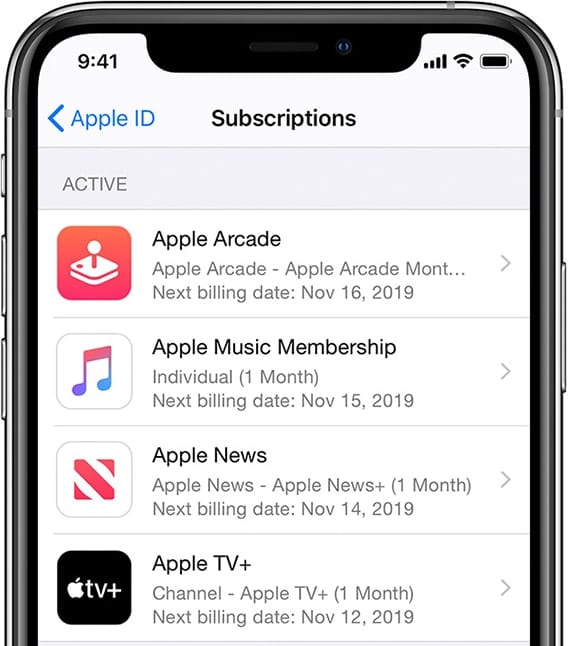
iPhone manage subscriptions screen

Master Your Apple Subscriptions

One of the biggest changes to Apple over the past ten years has been the move to subscription services. Whether you're a subscriber to Apple Music, iCloud Drive, Apple News+, Apple TV+, Apple Arcade, or have subscriptions that are related to individual apps, we'll show you where to go to keep those subscriptions under control from any of your devices.

How to Restore Data From Time Machine Backups

Time Machine is certainly an easy-to-use app for backing up your data. It's free, and comes installed and ready to use with the Mac OS. In many of our Rocket Yard guides, we’ve often suggested that you perform a backup...

1 21 22 23 45
Page 22 of 45