Search Results for: password

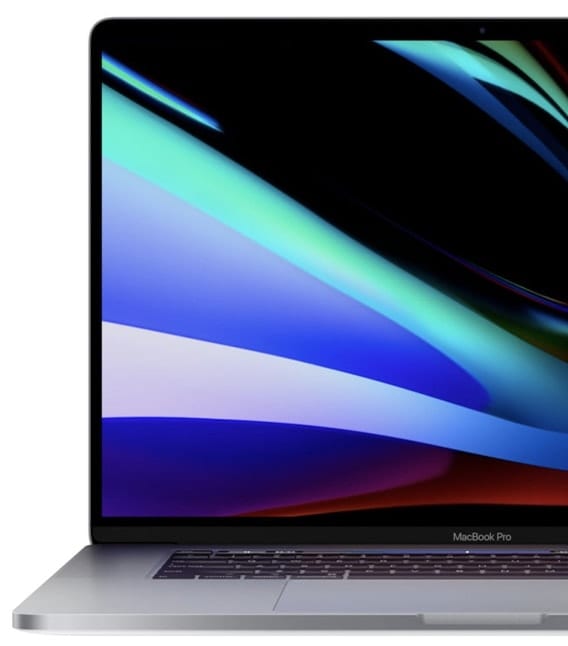
2019 16-inch MacBook Pro: First Impressions and Benchmarks

After years of trying to make an iPad or iPad Pro work as a viable MacBook substitute, I finally decided this year that my next work computer would be a MacBook Pro rather than an iMac. Knowing about the keyboard issues with previous MacBook Pros, I also decided that I'd wait until the 16-inch MacBook Pro was released before making the switch from desktop to laptop. I had my order in to Apple for a "fairly loaded" MacBook Pro within minutes after hearing that it was available, and now I've been using the computer for about a week. In this First Impressions post, I'll provide my opinions on the newest MacBook Pro and also provide a few benchmarks showing just how powerful this portable workstation is.

Using an External Drive as Your Startup Drive: Part 2

Using an external device as your Mac’s primary startup device can offer a number of advantages, as we outlined in Using an External Drive as Your Startup Drive: Part 1. This can include having increased storage space, faster performance, the ability...

How to Implement Assistive Access in macOS

I recently purchased a new Mac. I used Migration Assistant to move over apps, preferences, etc. to it. However, whenever I tried to launch an AppleScript, it said I couldn’t because the utility didn’t have permission for assistive access on my Mac. You may run across this occasionally. Sometimes you have to control apps by manipulating their user interfaces with special AppleScript scripts that mimic an active user via the system’s accessibility frameworks. Make sure you trust any app or tool that asks you to do this. If you do have that trust, here's how.

Mac Security Preferences Icon with Catalina backdrop

How macOS Catalina Improves Mac Security

Mac owners who have upgraded to macOS Catalina have probably noticed a lot of new features and changes to existing functionality. But they may not have really been aware of how much Apple has improved Mac security. Today we’ll look at some of the changes and how they keep your Mac safe from intrusion.

Transparent icon of an iMac and a Rocket

Speed Up macOS Catalina with These Tips

Did you recently upgrade to macOS Catalina? After the initial thrill of seeing a new desktop and exploring new features, did you notice that your Mac isn’t as fast as it used to be? While it isn't normal for the Mac to slow down after a system upgrade, it has been known to happen.

Mac Migration Assistant

How to Use Migration Assistant with macOS Catalina

If you just upgraded to a new Mac, or used the clean install method to upgrade to macOS Catalina, chances are you’re going to need to copy information from your old Mac, or older Mac OS, to your upgraded Mac. There...

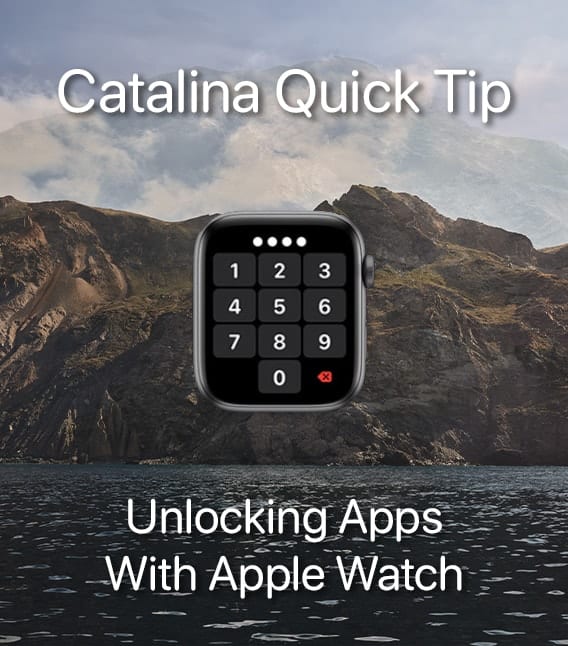
Apple watch face showing passcode entry with catalina Quick Tip

Catalina Quick Tip: How to Unlock Apps Using Apple Watch

With  macOS Catalina, you can use your Apple Watch  to authenticate passwords or approve app installations when you double tap on the Side button. This is especially handy on Macs that don't have Touch ID, which is all desktop Macs,...

Screenshot of halloween mac desktop saying "customize your desktop"

Customizing Catalina’s Desktop

You made it through the macOS Catalina installation, perhaps without any of the issues being reported by some users. Or if you did experience a few hiccups, you were able to resolve the issues and now Catalina is installed and working...

Cyber Security Month, October 2019

October is Cyber Security Awareness Month

In 2004, the Department of Homeland Security, in collaboration with the National Cyber Security Alliance, began promoting October as National Cyber Security Awareness Month. It seems like nowadays everything has an official month or day we are supposed to observe....

1 22 23 24 45
Page 23 of 45