When I think back to the 80s, several things come to mind: MTV, big hair, tube tops, arcades, Walkmans and (who can forget) the Rubik’s Cube.
The 80’s were notable for another cultural shift: home computing.
My earliest memories of using a home computer involved staring at a tiny 12 inch cathode ray tube (CRT) and typing arcane commands. Displays such as these could only display green or amber colors, and would often flicker (or occasionally jitter).
As imperfect as that experience might seem now, in light of modern 4K, 5K and even 6K displays, I have a lot of fond memories attached to my first few years of computing.
If, like me, you wax nostalgic about the “good old days” of computing, where text-based interfaces ruled supreme, you might take some delight with this week’s software pick: CoolRetroTerm.
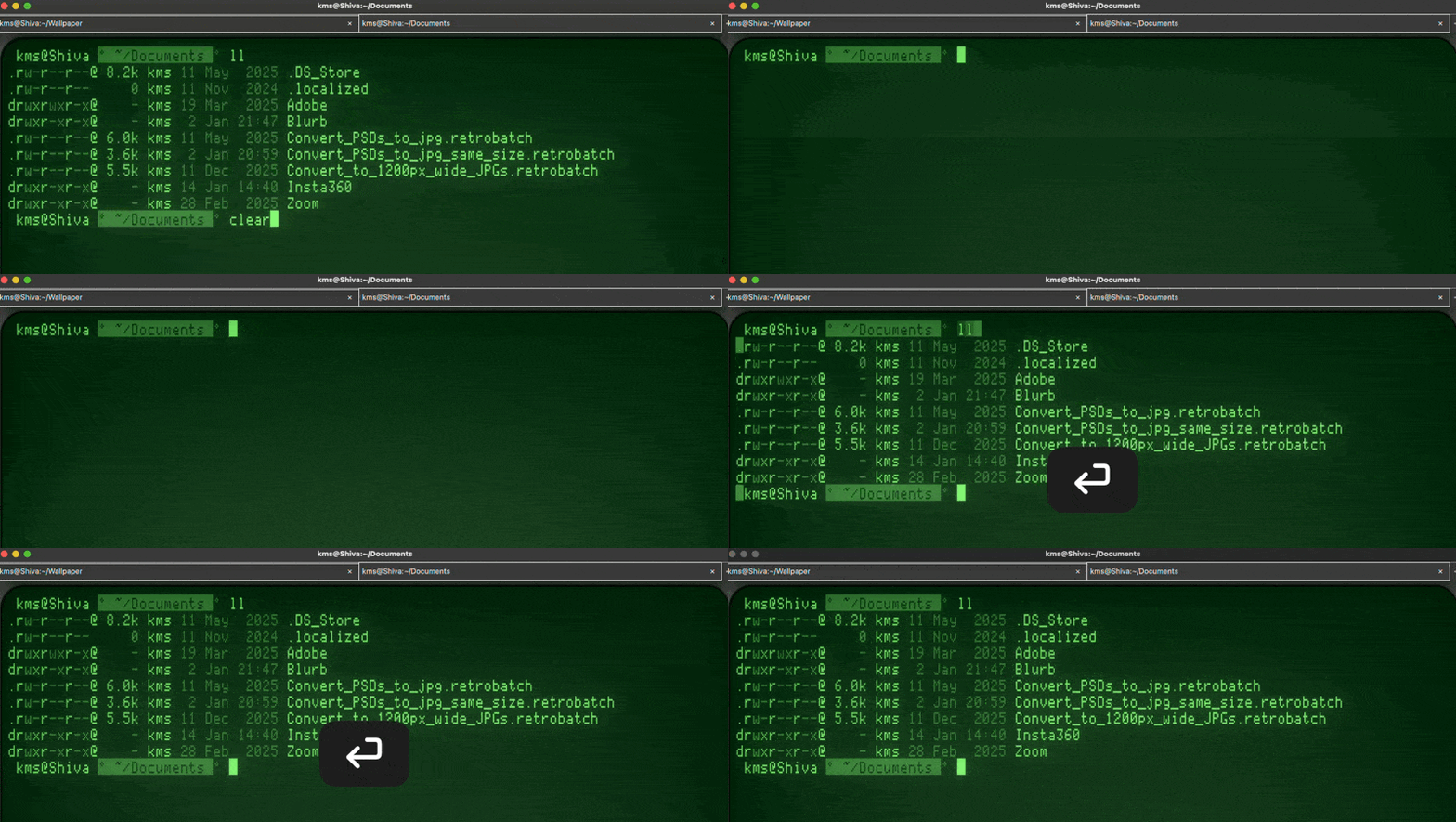
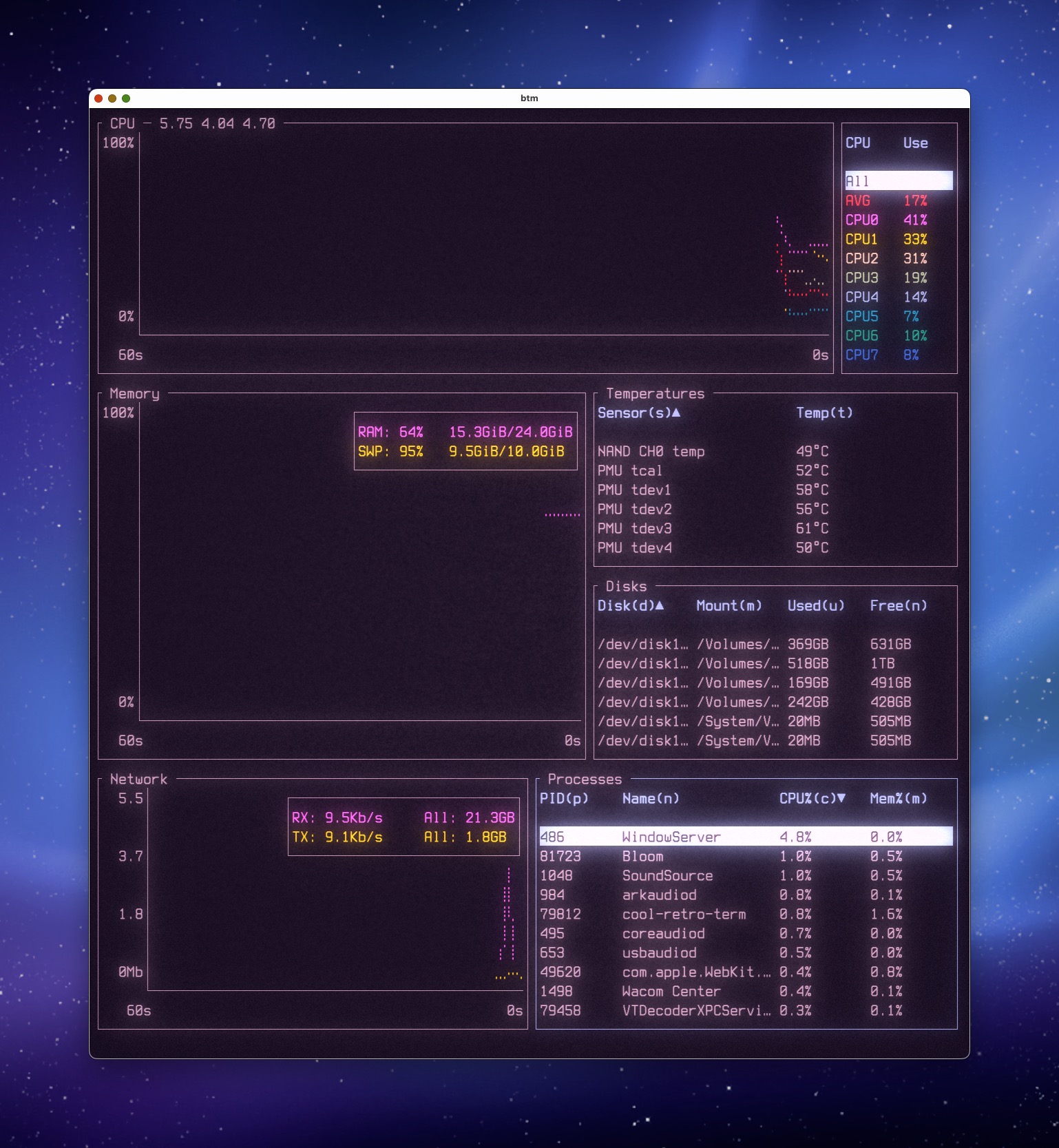
CoolRetroTerm is a terminal emulator that mimics the look and feel of the text-based systems of yore, such as those found in early IBM, Apple II, Commodore, and Atari systems.
As a user of many of those computers from that era, CoolRetroTerm’s terminal emulation is downright uncanny. When you first launch it, you’re presented with a terminal window that looks like you’ve been transported right back to 1984.
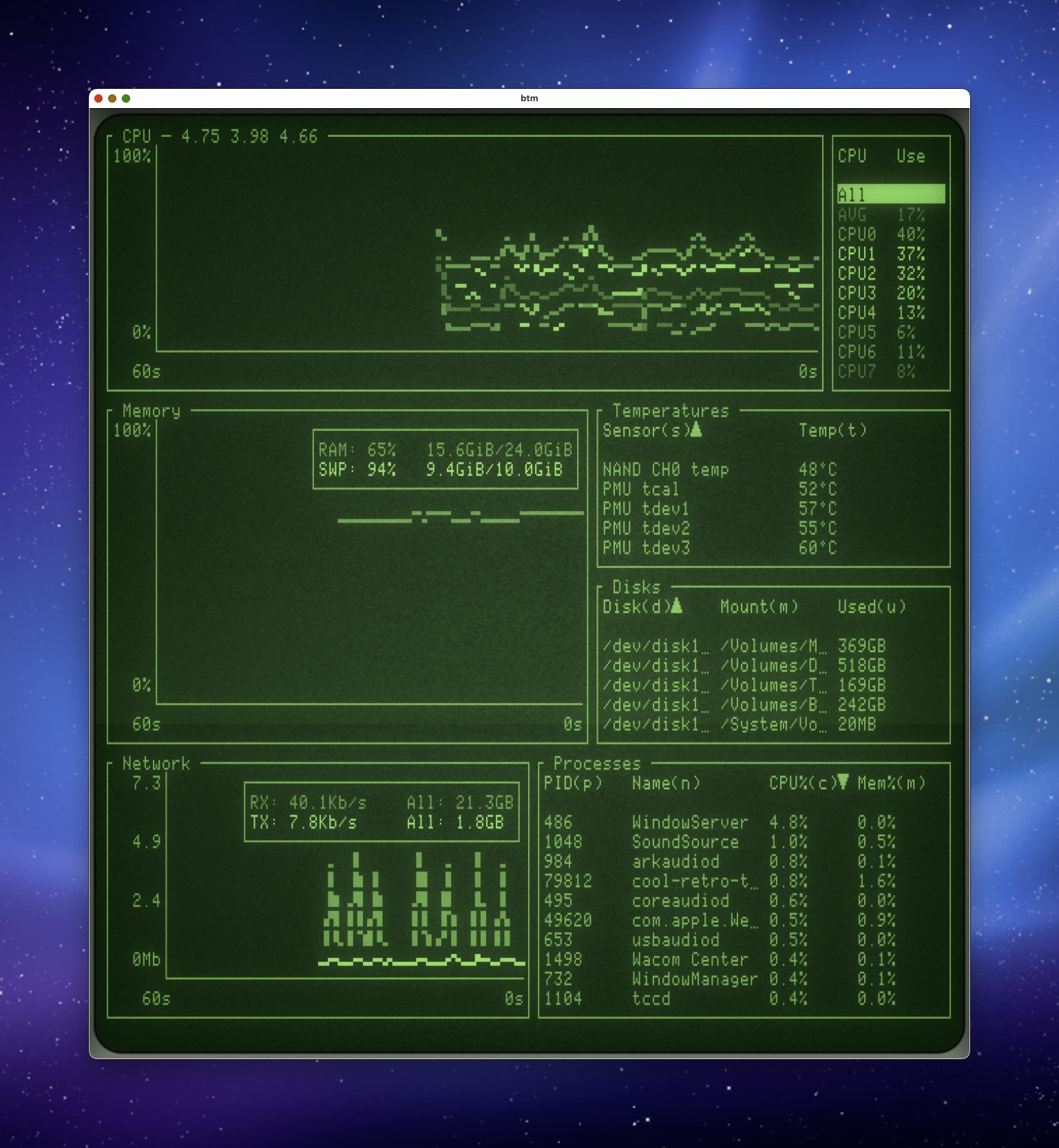
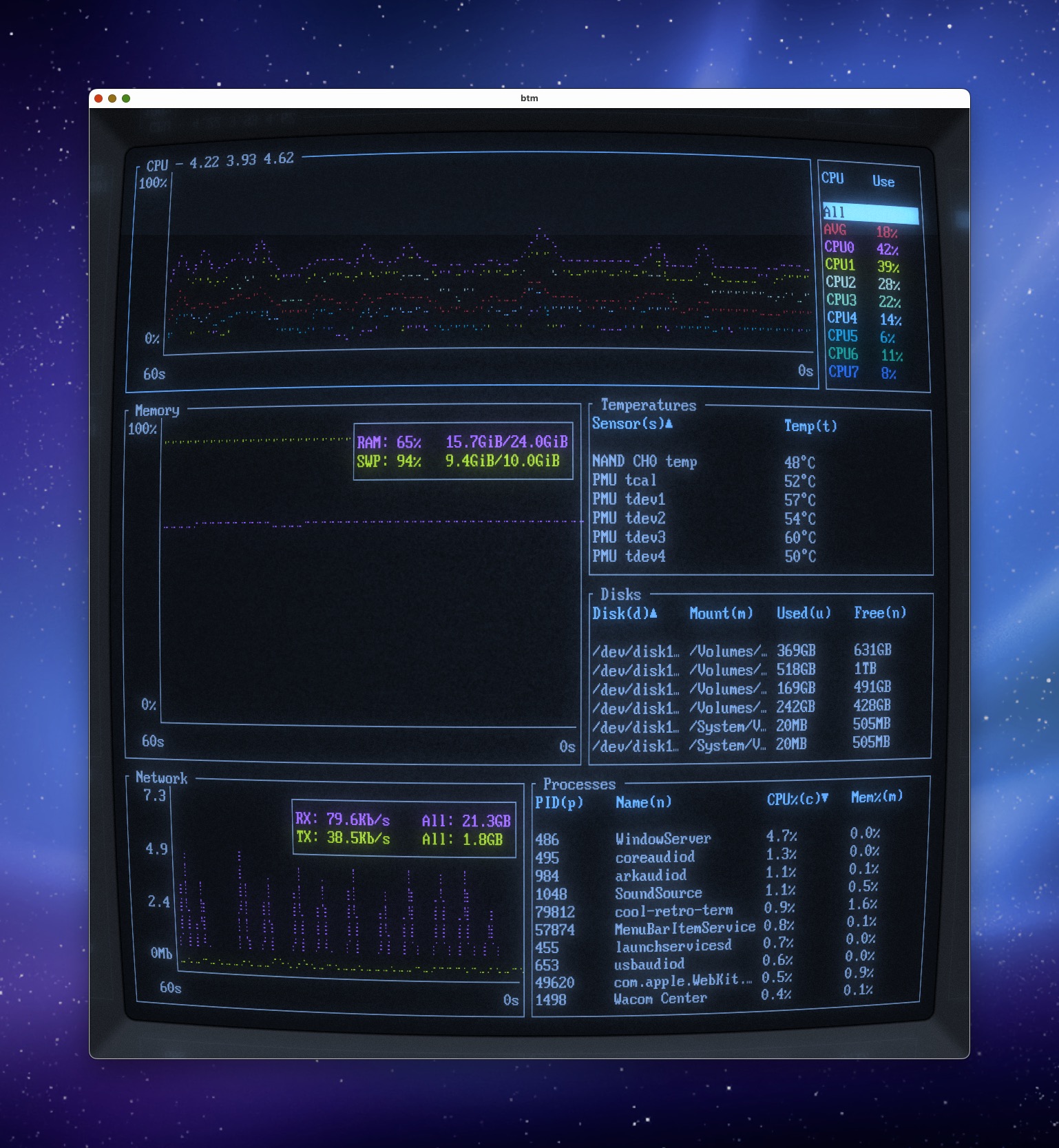
CoolRetroTerm will show you a terminal prompt, complete with periodic scan lines and slight visual distortion, with a bordered edge that accurately resembles its physical analog counterpart.
CoolRetroTerm does a fantastic job of emulating early text-based systems, right down to the slight shimmer of undulating text. But unlike an actual CRT, where your adjustments are limited to twirling a few rotary knobs, each aspect of the CoolRetroTerm’s visuals can be fully customized — for a truly bespoke look.
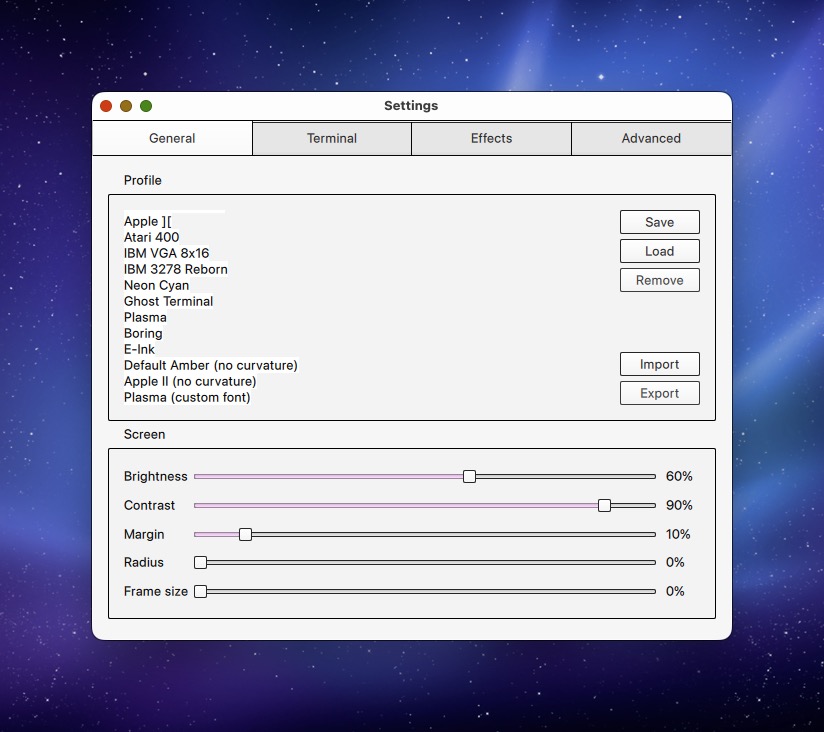
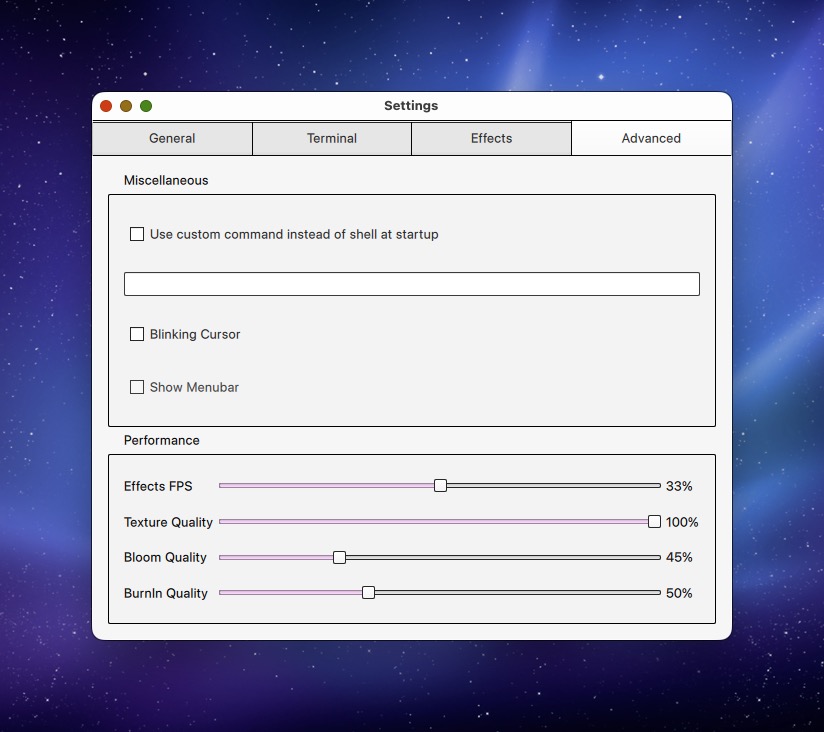
And speaking of customization, CoolRetroTerm offers 14 terminal “profiles” to choose from, each which offers a different terminal emulation style. Customizations to an existing profile can be saved, so if you want your Apple II emulation to have red text instead of the supplied green, for example, you can make that happen. Users can even customize the degree of curvature for any of CoolRetroTerm’s profiles. While I like the bulbous look of the CRT, I find myself preferring the flat look, for aesthetics.
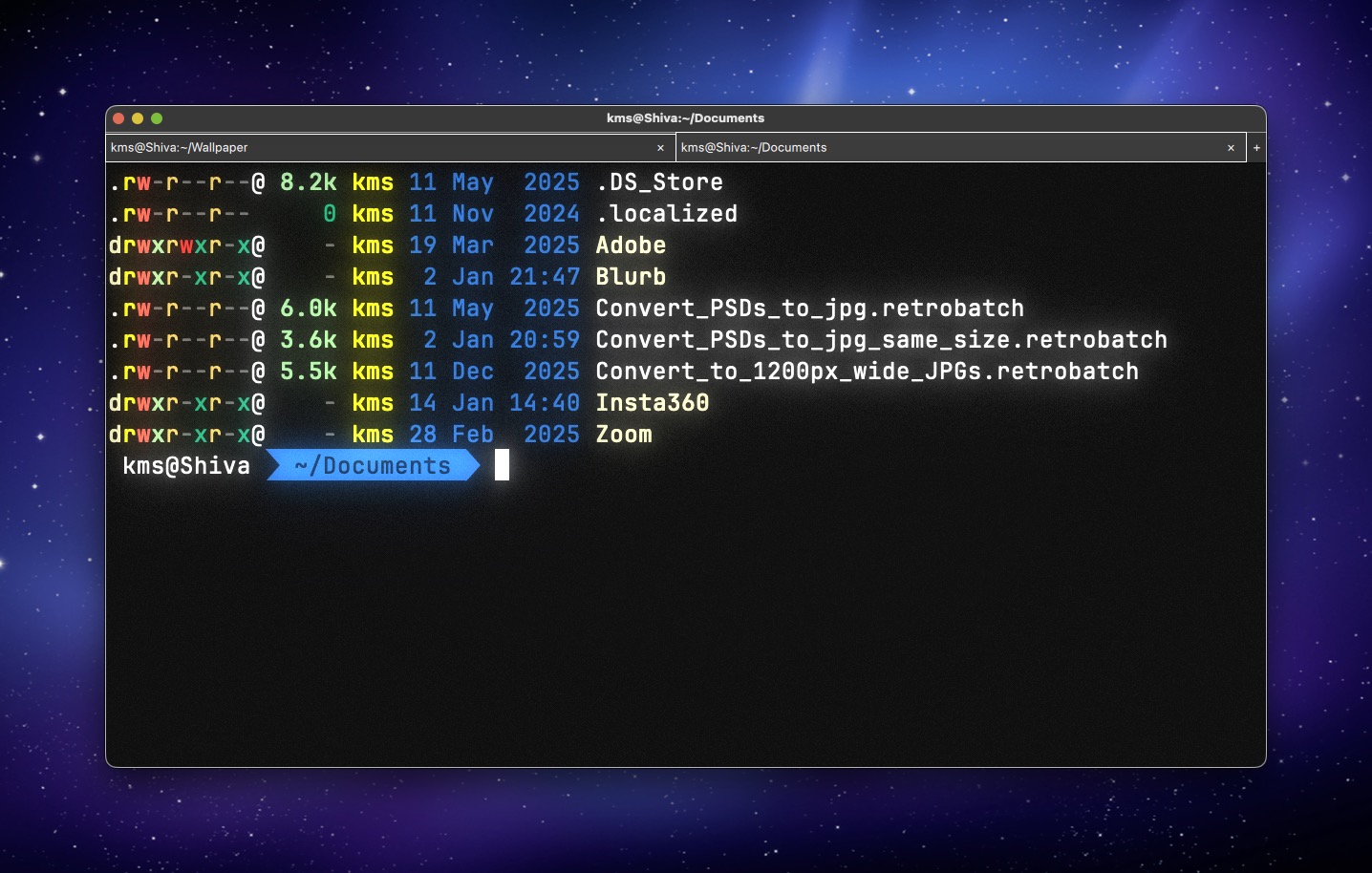
With version 2.0 (beta), CoolRetroTerm also supports tabs. Each tab can have a different emulated look, so you can rock an Atari-based terminal emulator in one window, and an Apple II terminal emulator in the other.
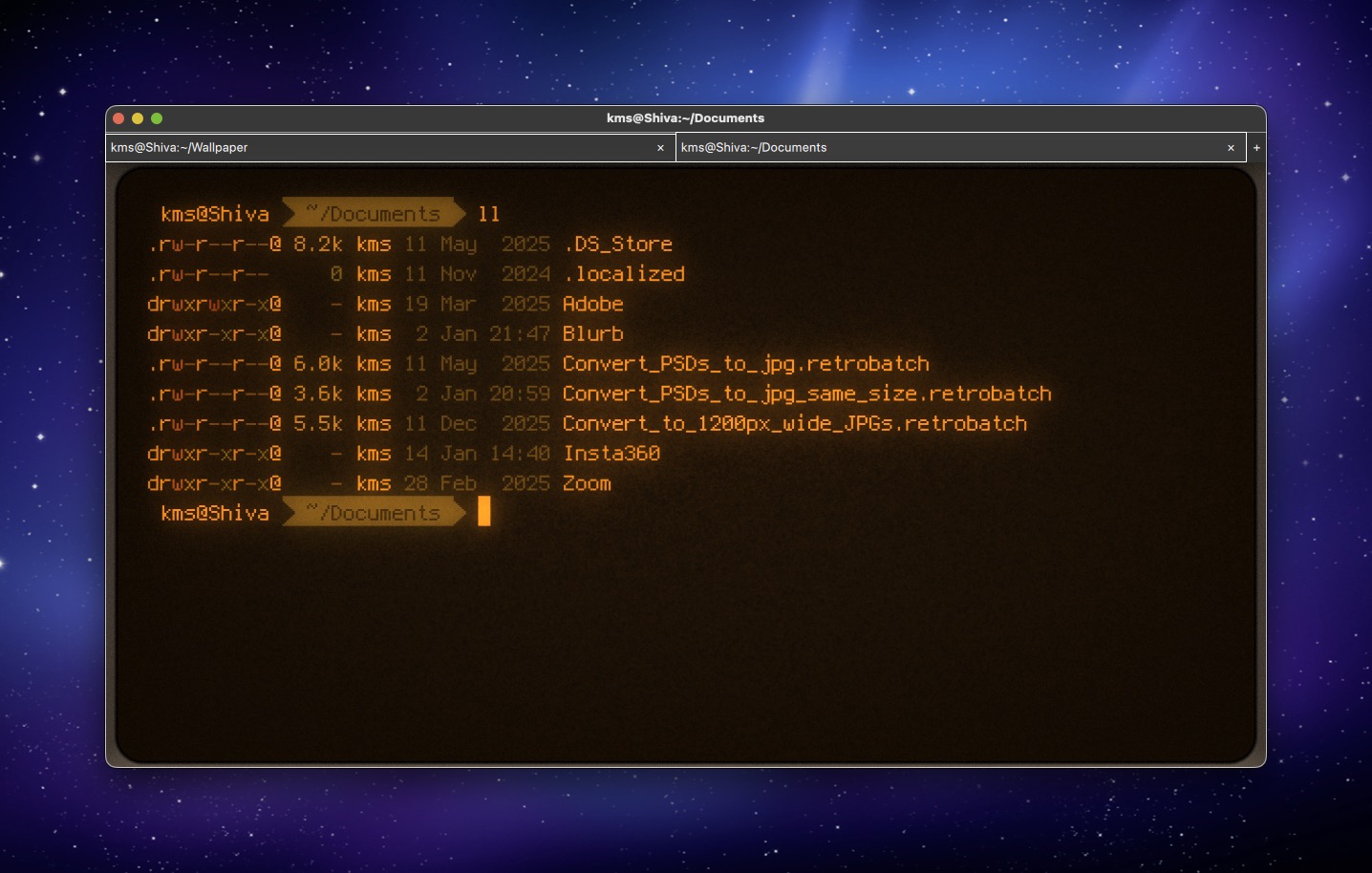
CoolRetroTerm is not for everyone. If you despise using the Terminal in macOS, this application is not for you. But if you find yourself inside the Terminal daily, and you also wistfully reminisce about your old computer from the 80’s, there’s a lot to love here. For me, CoolRetroTerm isn’t so much about what it does, but how I feel when I use it.
CoolRetroTerm is free (donations are welcomed) and available for both Mac and Linux operating systems. Now if you’ll excuse me, I’m off to play some Zork.