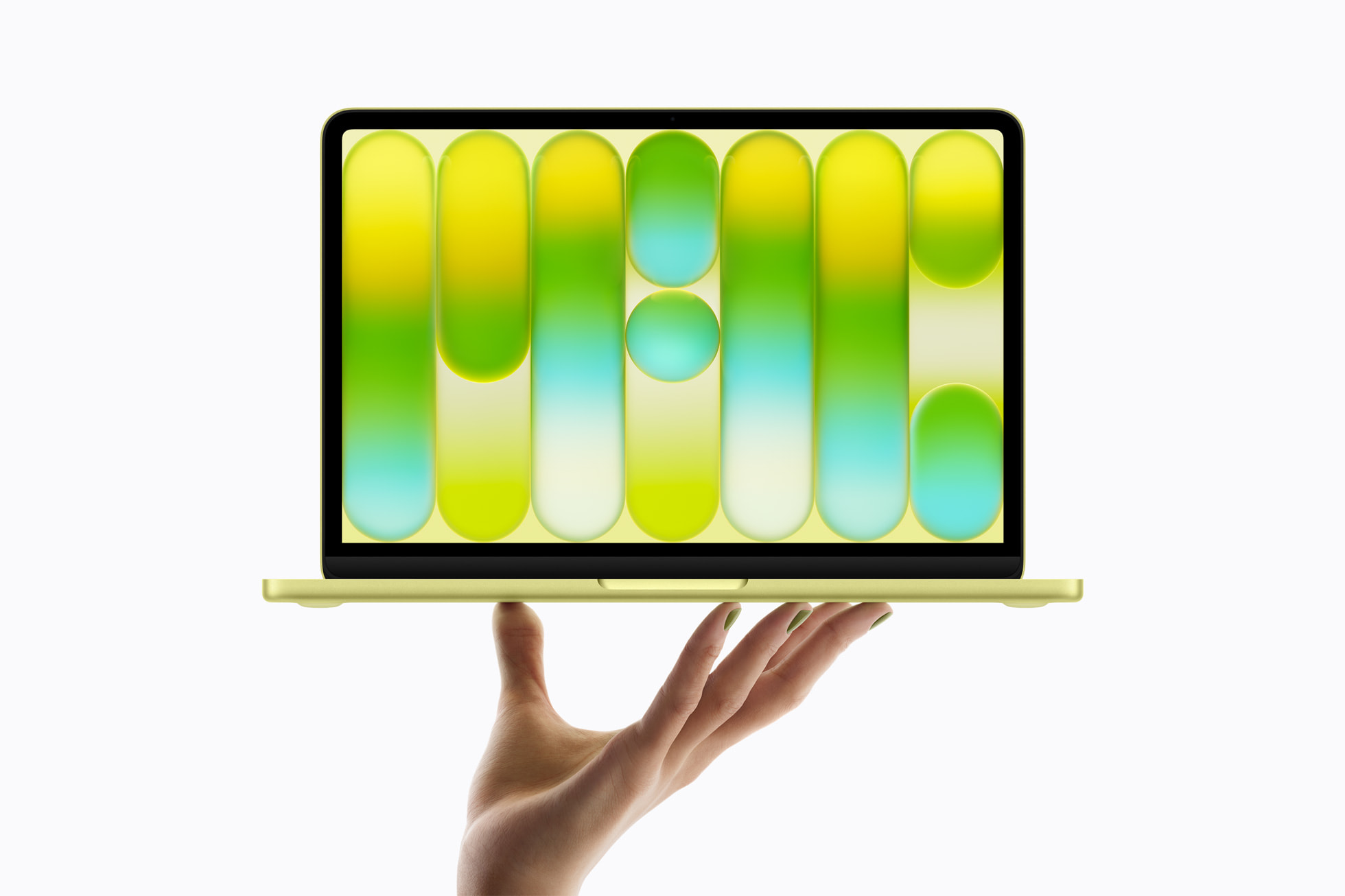
The MacBook Neo is an impressive machine for one that only costs $599. It’s a fast, beautiful, durable, and fanless design that brings the full Mac experience to a price point Apple has yet to offer in a new laptop. We covered all of that when it launched.
But, let’s be honest. In order to hit that $599 price point, Apple had to make some trade-offs with the design of the Neo and, as a result, it has real limitations. And if you’re buying one, you should know exactly where those limitations live and what you can do about them.
The good news is that most of the Neo’s hardware constraints are totally addressable with the right accessories. Here’s an honest look at what Apple traded away to hit $599, and the perfect OWC gear to fill the gaps.
The Port Problem
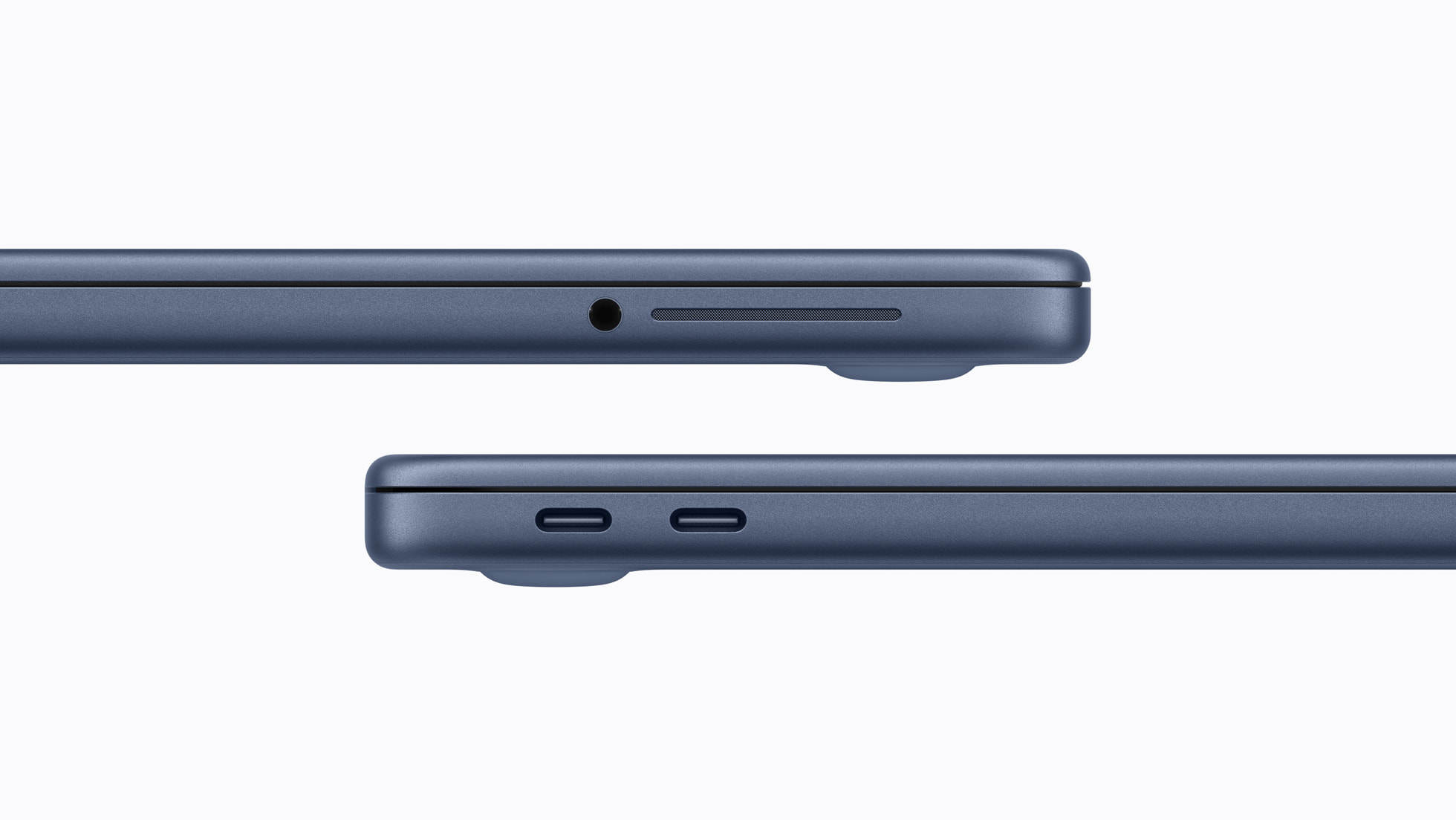
The MacBook Neo’s biggest compromise isn’t the display or the (lack of) RAM. It’s the ports. Specifically, the fact that the two USB-C ports it ships with are not equal, and neither supports Thunderbolt.
This is a direct consequence of the chip. The A18 Pro is an iPhone chip, brilliantly capable in many ways, never designed to drive the Thunderbolt/USB4 ecosystem that now underpins every other Mac laptop Apple sells. What you get instead is two USB-C ports that look identical on the outside but behave very differently: the left port is USB 3.2 Gen 2, capable of up to 10Gb/s data transfer. The right port is USB 2 capable of 480Mb/s, which is roughly twenty times slower than the left side.
That asymmetry matters in practice. Plug a fast external SSD into the wrong port and you’ll get a fraction of the performance you paid for. Plug a display adapter into the right port and you may run into compatibility issues. And because there’s no MagSafe on the Neo, charging always consumes one of those two ports—leaving you, in many scenarios, working with a single port for everything else.
The practical ceiling of this setup, even using only the left port, is USB 3.2 speeds. And while it’s not the Thunderbolt speeds we’ve gotten used to on other Macs, it’s still quite capable: up to 1GB/s in real-world use with the right drive.
For most Neo buyers, none of this is disqualifying. But it’s good info to have because it shapes what accessories actually make sense for the machine.
Start Here: OWC USB-C Travel Dock and Travel Dock e
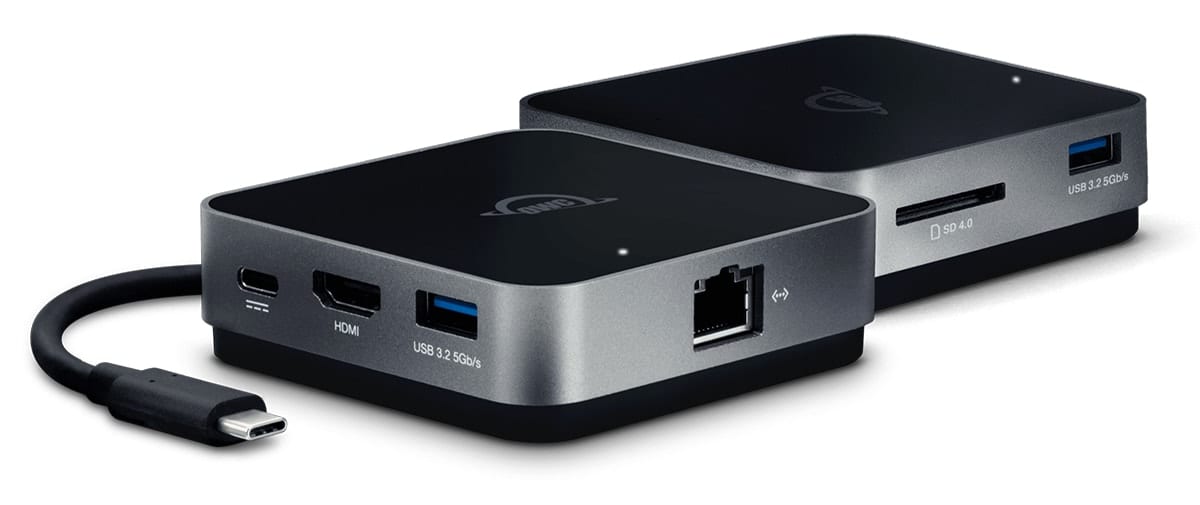
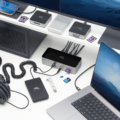
If you’re buying a MacBook Neo, the single most useful accessory you can pair with it is a hub or dock and the OWC USB-C Travel Dock is the one we’d recommend first. (And if you need Ethernet, then the Travel Dock e adds an Ethernet port!)
The core problem the Travel Dock solves is simple: the Neo ships with two ports, charging consumes one of them, and the remaining port has to handle everything else. The Travel Dock connects through that single USB-C port and expands it into five: two USB-A 3.1 ports, an HDMI output for up to 4K display connections, an SD card reader, and a USB-C pass-through for up to 100W of charging power.
And this pass-through charging capability is key. When you plug in a charger to the dock’s pass-through port, the dock handles charging while allowing you to make use of each of its ports all the while keeping the Neo’s second port available.
The dock is palm-sized, weighs six ounces, and can operate entirely on bus power without a wall outlet (though you do need to plug it up through the pass-through port if you want to keep your MacBook Neo charged up). It’s designed specifically for on-the-go use which aligns precisely with the MacBook Neo’s audience. It’s the accessory that turns the Neo’s port situation from a liability into a non-issue.
Expand Your Storage: Three OWC SSDs for Different Needs
The MacBook Neo configuration that most people will likely opt for—the model at $599 (or $499 if you buy through Apple’s education site)—ships with 256GB of internal storage and is locked to 8GB of RAM. For most of the Neo’s target audience—students, first-time Mac buyers, everyday users—256GB is workable, but it fills up faster than people expect once photos, videos, music libraries, and project files accumulate.
At this internal storage level, external storage is a necessity for keeping internal space free for urgent projects or having a drive for making backups. And no matter how you use your Mac, you should definitely be making backups to protect your data.
Here are the three OWC SSD options that make the most sense for Neo users.
OWC Envoy: The Everyday Choice

The OWC Envoy is the most natural match for MacBook Neo owners. Envoy is a USB-C NVMe SSD that delivers real-world speeds over 1,000MB/s when connected to a 10Gb/s USB 3.2 port—exactly what the Neo’s left port supports. You’re not leaving performance on the table, and you’re not paying for Thunderbolt speeds that the Neo can’t use anyway.
Available in 1TB and 2TB capacities, the Envoy ships pre-formatted in APFS, so it’s plug-and-play with macOS from the moment you open the box. It’s compact, bus-powered, and built in an aircraft-grade aluminum housing that prevents the thermal throttling that cheaper portable SSDs suffer during sustained transfers. For a Neo owner who wants to expand storage for projects, Time Machine backups, or media libraries, the Envoy is the right call at the right price.
OWC Envoy Pro Mini: Pocket Rocket
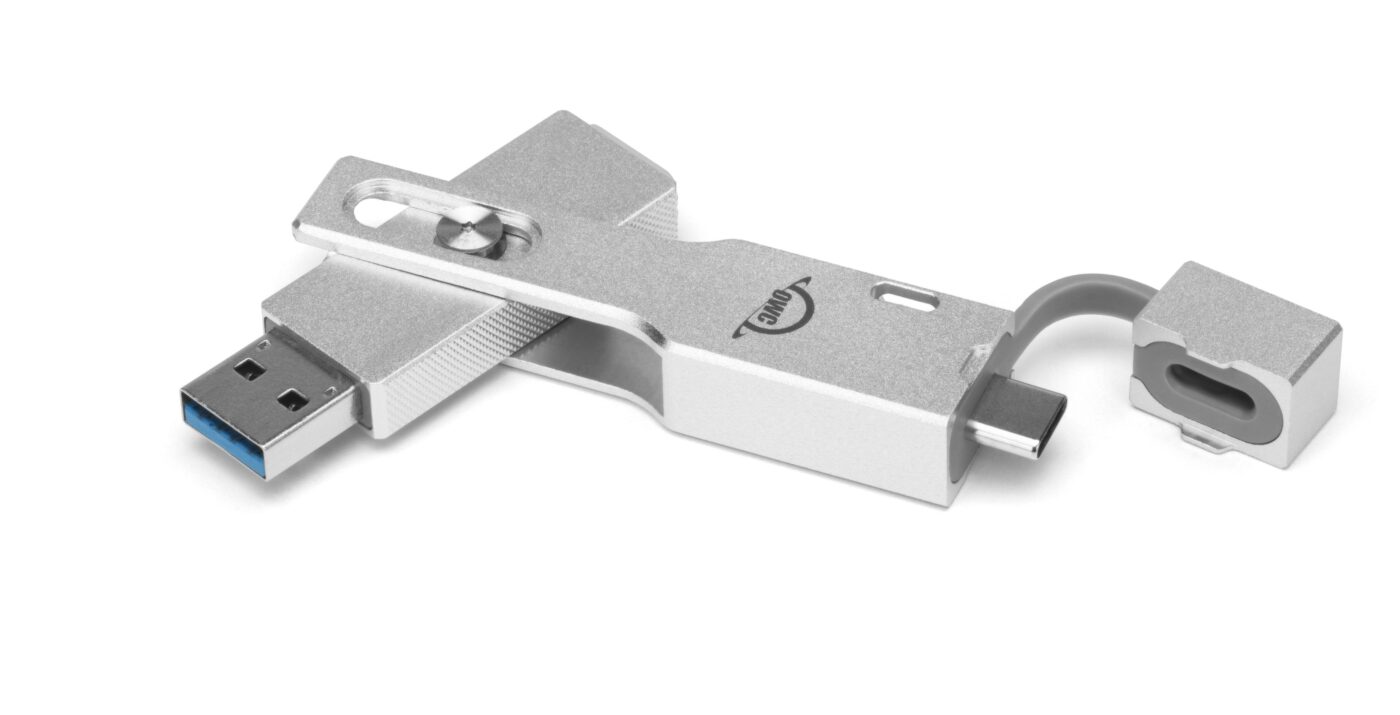
If portability is the priority, the OWC Envoy Pro Mini is worth a close look. It’s the smallest full-performance SSD OWC makes—lighter than a pack of gum, with a machined aluminum housing that slips into a jeans pocket. Plus, built into its durable, compact design is a flippable USB-C and a USB-A connector making it compatible with just about every device you’d want to plug it into. That flippable connector also means it makes a great match for use with one of the OWC Travel Dock’s USB-A ports.
Real-world performance tops out around 946MB/s, which again pairs well with the Neo’s left port capability. But the real appeal here is the dual-connector design and the form factor. For a student carrying a MacBook Neo in a backpack, the Envoy Pro Mini is the kind of drive that actually travels with the machine rather than staying home on a desk. It’s also an ideal shuttle drive: hand it off between a Mac and a PC, or between a Neo and a lab computer, without needing any adapters.
Envoy Pro Mini capacities run up to 2TB, and like the Envoy, it’s universally compatible across Mac, PC, iPad, Chromebook, and anything else with a USB-C or USB-A port.
OWC Envoy Pro Elektron: When Conditions Get Tough
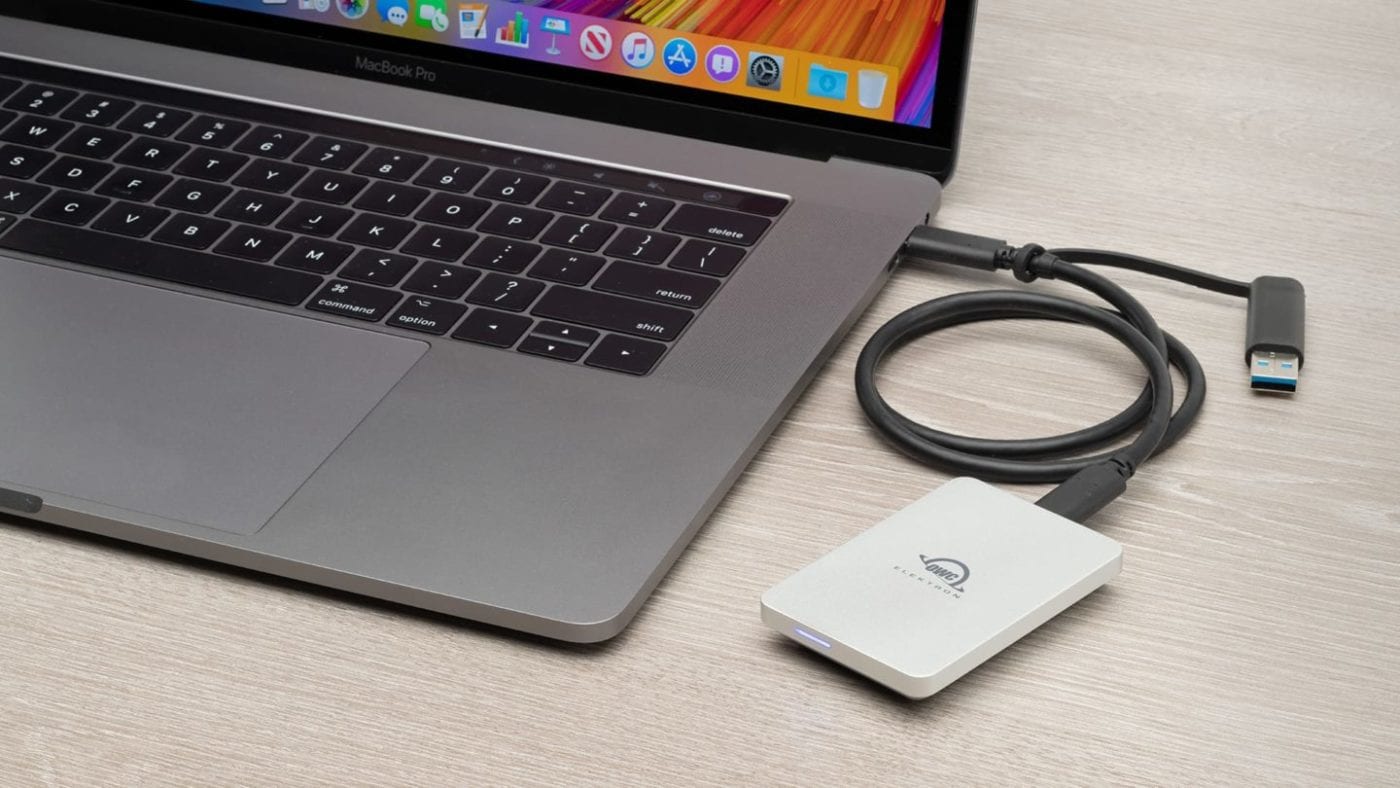
For Neo owners who work in demanding environments—photographers, videographers, or anyone whose laptop ends up in a bag that gets thrown around—the OWC Envoy Pro Elektron is the SSD to consider.
It’s IP67-rated: crushproof, dustproof, and waterproof to one meter for up to thirty minutes. WIRED named it one of the best consumer products in the world, and it’s earned CES Innovation Awards and an Editor’s Choice from Gamesradar+. Real-world transfer speeds hit up to 1,011MB/s over USB-C, which means it extracts essentially everything the Neo’s left port can deliver.
The Elektron is also directly compatible with Blackmagic, Fujifilm, and Panasonic cameras for direct recording — which makes it a natural companion for a Neo being used on a shoot, in the field, or anywhere the environment isn’t clean and controlled. It’s available in capacities up to 4TB, though the 1TB and 2TB models are the most likely fit for Neo buyers.
For Backup and Long-Term Storage: OWC Mercury Elite Pro Mini
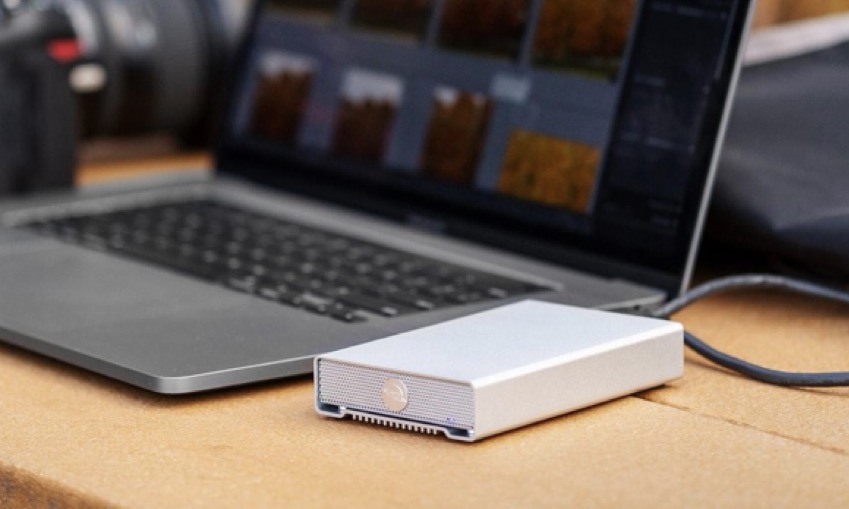
Not every external drive needs to be a pocket SSD. For Neo owners who want a dedicated home backup solution—something that sits on a desk, holds multiple terabytes, and reliably runs Time Machine—the OWC Mercury Elite Pro Mini deserves consideration.
Available in both hard drive and SSD configurations, the Mercury Elite Pro Mini connects over USB-C at up to 10Gb/s and delivers up to 542MB/s in the SSD configuration which is more than enough for backup workloads. Its aircraft-grade aluminum fanless enclosure runs nearly silently and handles heat dissipation passively, making it at home in a bedroom, dorm room, or home office. Capacities run up to 4TB in the hard drive version, which gives Neo owners a meaningful long-term archive option at a price point that fits the budget profile of this machine.
For a student or first-time Mac owner whose primary concern is “I don’t want to lose my files,” the Mercury Elite Pro Mini is a reliable, no-drama backup drive that pairs well with Time Machine and requires no complicated setup.